

Your Browsing History

Meet Your Seller

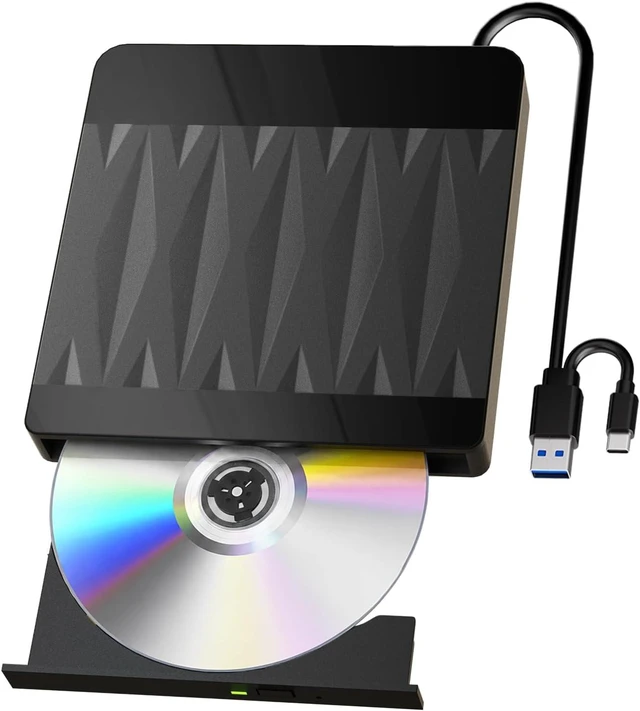


External Blu-ray Drive & Blu-ray Burner with 3D Playback Support
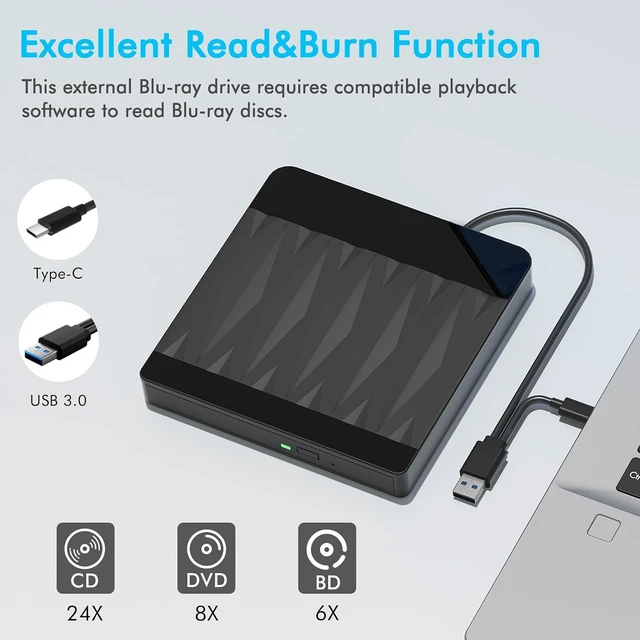
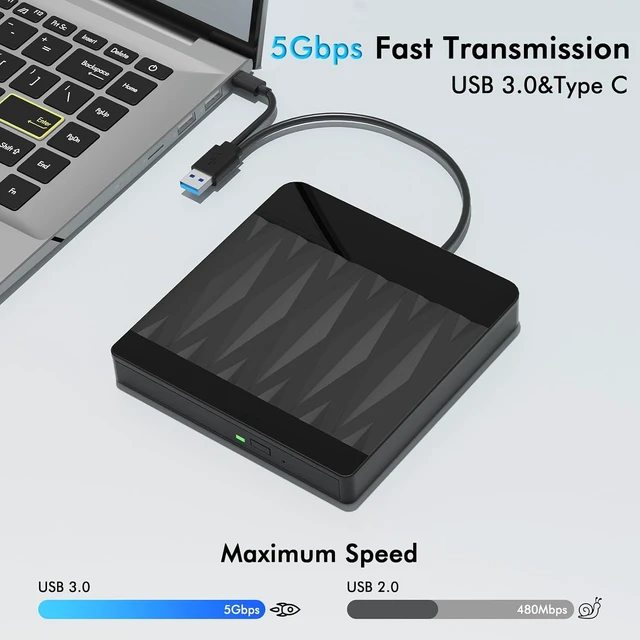
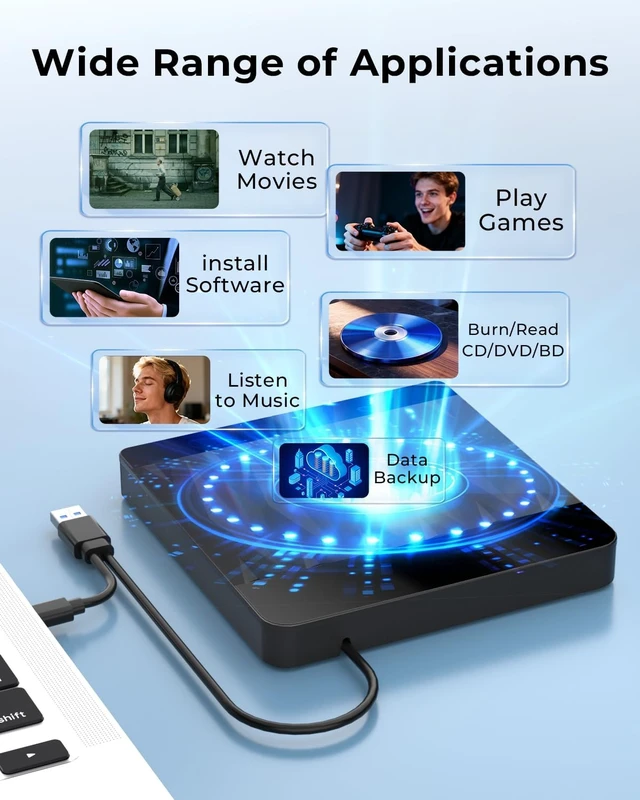
- [High-Speed Read & Burn Function] Since there is a 2-in-1 cable (USB 3.0 & Type-C) embedded in the back of the blu ray burner, whether the port of your laptop/desktop belongs to USB A or USB C, you can use this external bluray drive without limitation. Moreover, with this external blueray/dvd drive for pc, you can enjoy maximum write/read speeds of 6x for Blu-ray, 8x for DVDs, and 24x for CDs, and enjoy the data transfer rates of up to 5Gbps.
- [Support 50G Disc Read/Write] If you want an external blu ray player to install software, data backup, watch movies, play games, listen to music, burn/read CD/DVD/BD, this usb c blueray/dvd/cd burner which supports 50G capacity will satisfy your need to achieve that. It also works as a blu ray drive external for everyday tasks.
+
+
Overview
Specs
Reviews

Any questions? Our AI mode will help you find out quickly.
Try me now
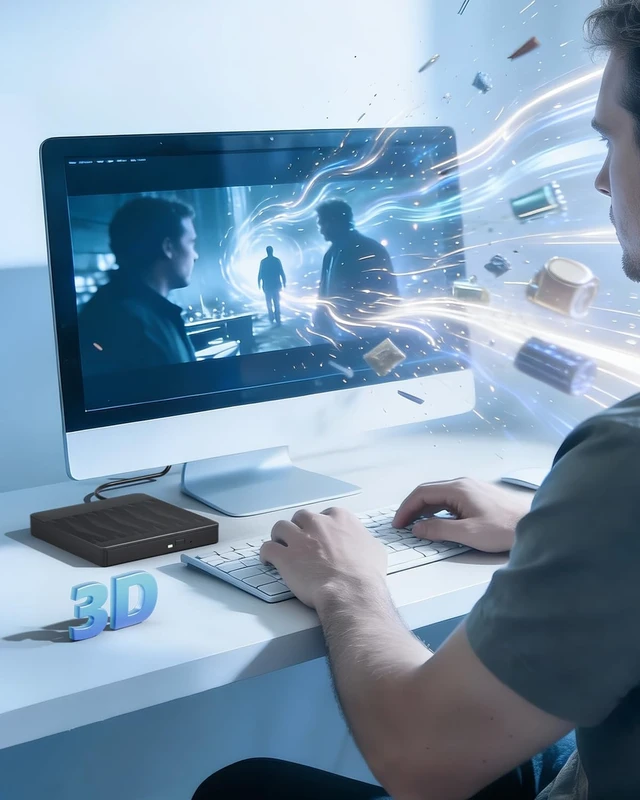
[Enjoy Your Time in 3D Playback] Immerse yourself in the world of high-definition entertainment with this external blu ray drive for pc, which can offer 3D playback at near 1080p resolution. As one of the external blu-ray drives, it delivers crisp visuals. Please note that blu ray reader does not support 4K Ultra HD discs.
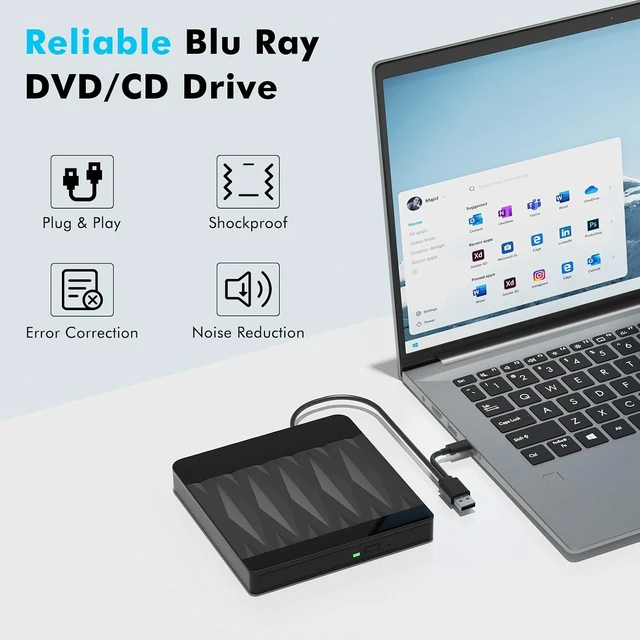
[Plug and Play & Portable] You can simply plug the external m-disc blu-ray burner into your computer's USB port, press the eject button on the drive, insert your disc, and start playing. In that way, this bluray drive external is incredibly easy to use. Plus, its slim design makes it nice for travel or business trips.
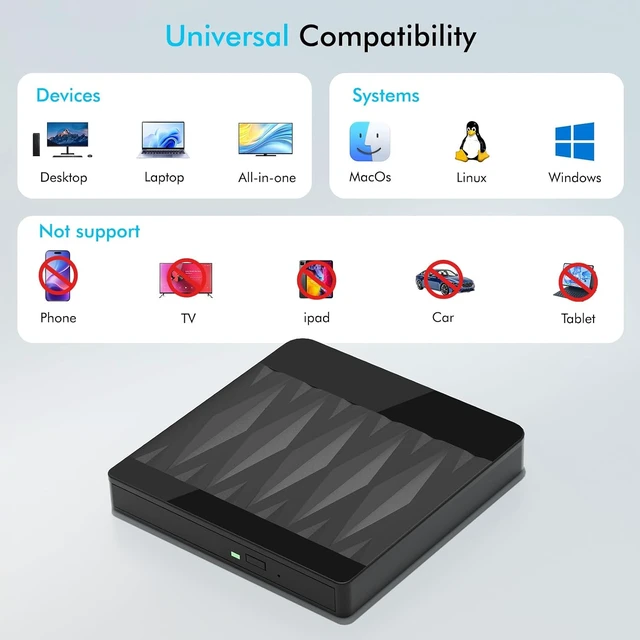
[Wide Compatibility & Tips] The computer devices that are compatible with this blu-ray burner are: MacBook, Laptop, Desktop, All-in-one and PC. It works seamlessly with Windows OS (11/10/8/7/XP) as well as MacOS, Vista and Linux, so that you can enjoy 3D playback to the fullest. Please note that the portable blu ray drive does not support Chromebooks, smartphones, tablets (iPads), TVs and cars.
[Tips] - This Blu-ray burner does not include playback software. Additional software is required for Blu-ray playback and burning. Recommended: PowerDVD, Leawo, Macgo or VLC.
[Plug and Play & Portable] You can simply plug the external m-disc blu-ray burner into your computer's USB port, press the eject button on the drive, insert your disc, and start playing. In that way, this bluray drive external is incredibly easy to use. Plus, its slim design makes it nice for travel or business trips.
[Wide Compatibility & Tips] The computer devices that are compatible with this blu-ray burner are: MacBook, Laptop, Desktop, All-in-one and PC. It works seamlessly with Windows OS (11/10/8/7/XP) as well as MacOS, Vista and Linux, so that you can enjoy 3D playback to the fullest. Please note that the portable blu ray drive does not support Chromebooks, smartphones, tablets (iPads), TVs and cars.
[Tips] - This Blu-ray burner does not include playback software. Additional software is required for Blu-ray playback and burning. Recommended: PowerDVD, Leawo, Macgo or VLC.


Warranty & Returns
Warranty, Returns, And Additional Information
Warranty
- Please contact the Seller directly for warranty information. Warranty information may also be found on the Manufacturer's website.
- CONTACT
Return Policies
- Return for refund within: 30 days
- Return for replacement within: 30 days
- This item is covered by Faro Global Electronics Return Policy
Manufacturer Contact Info
- For a directory of all our manufacturers, please click below.
- Manufacturers Directory
LOADING...