• $129.99
  • Free 30-day Returns
  • Price alert
    Shop it at NeweggBusiness.

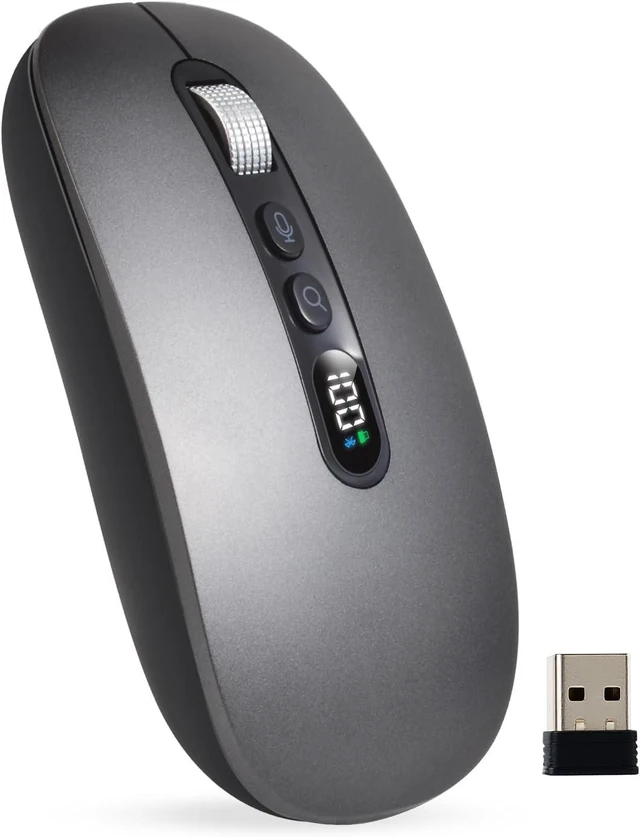
    AI Wireless Mouse with Voice-to-Text & 200+ Language Translator Bluetooth 5.0 Silent Mouse, USB-C Rechargeable, Smart AI Writing for Office & Meetings

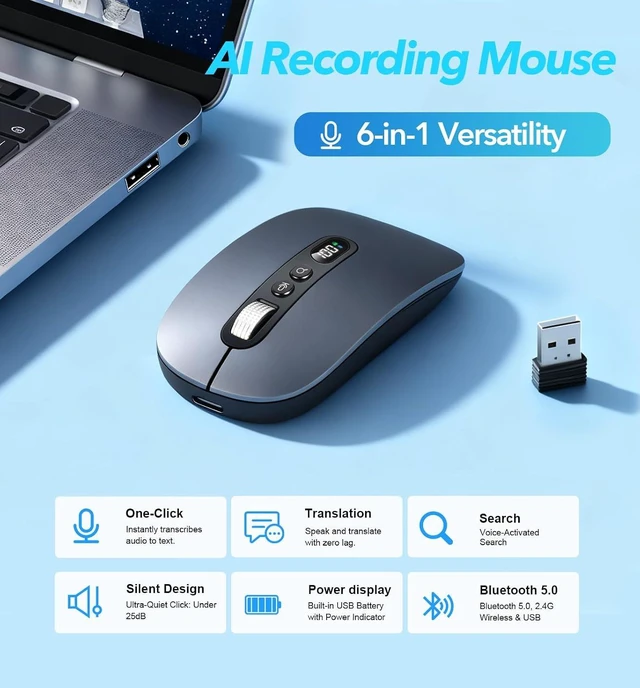
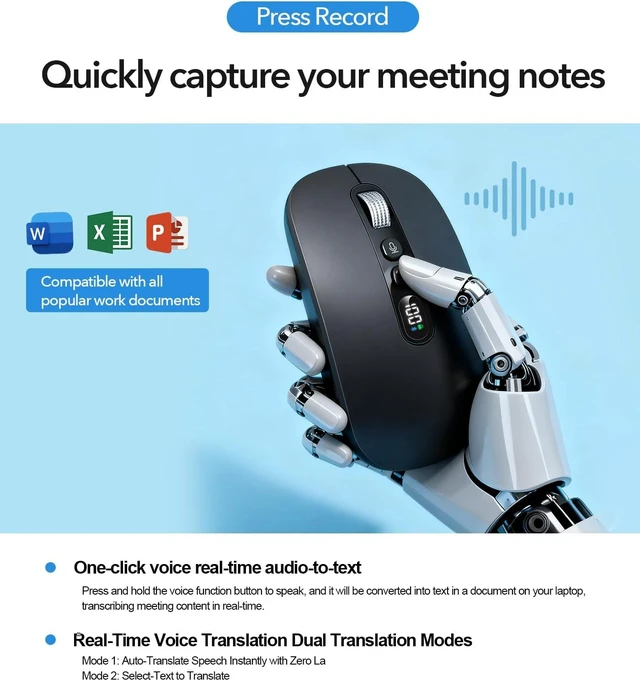
    • AI Voice Typing : AI Wireless Mouse for Laptops with Real-Time Voice-to-Text. Dictate notes on the fly in desktop mode and watch your speech convert into text instantly. It even uses AI to generate smart summaries. One powerful AI mouse handles all your work needs
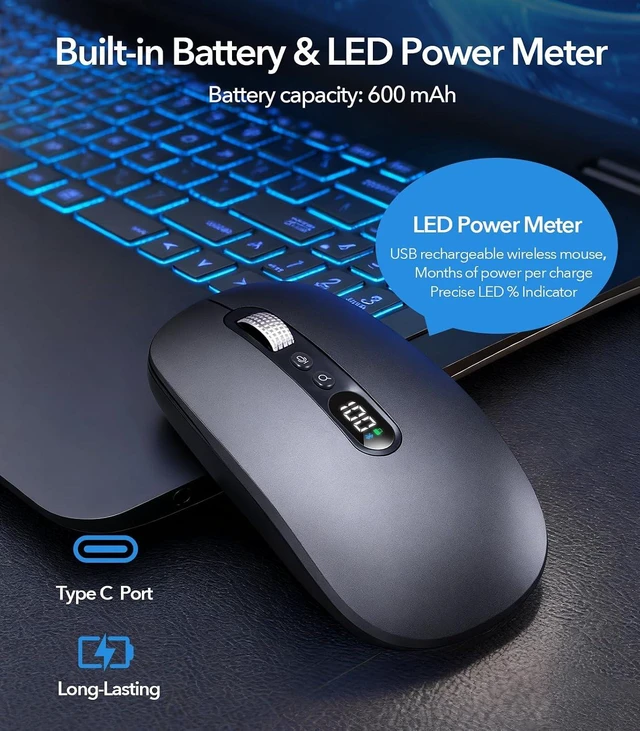
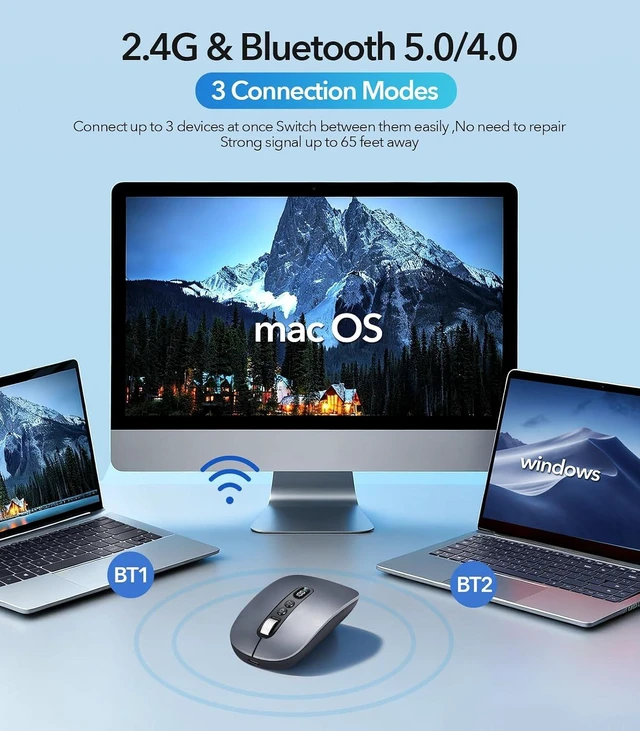
    • Bluetooth 5.0 & 600-Hour Battery: The AI Wireless Mouse features dual-mode connectivity via Bluetooth 5.0 or USB 2.4G receiver. It can pair with up to 3 devices simultaneously, allowing you to switch seamlessly between them. Once paired, it reconnects automatically for effortless control. Portable AI Mouse battery powered, Stays for 26 days on standby. It with Type-C fast charging (1.5h full charge) and LED power display for business travel and all-day meetings
    +
    +
    Overview
    Reviews
    avatar

    Any questions? Our AI mode will help you find out quickly.

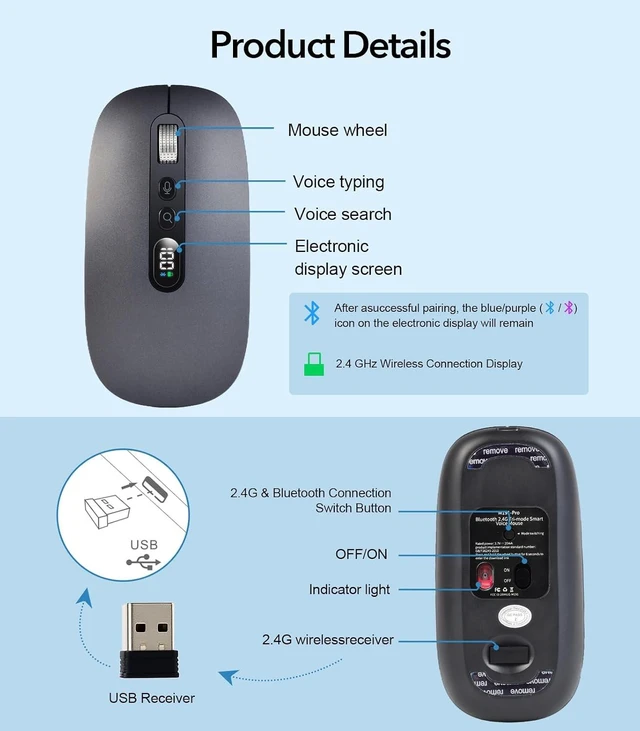
    200+ Language AI Translator: The Work Mouse enables real-time voice and text translation with near-zero latency. Speak and instantly see translations appear on screen in multiple languages. Built-in USB receiver storage. This PC mouse supports multilingual meetings, studying, and work
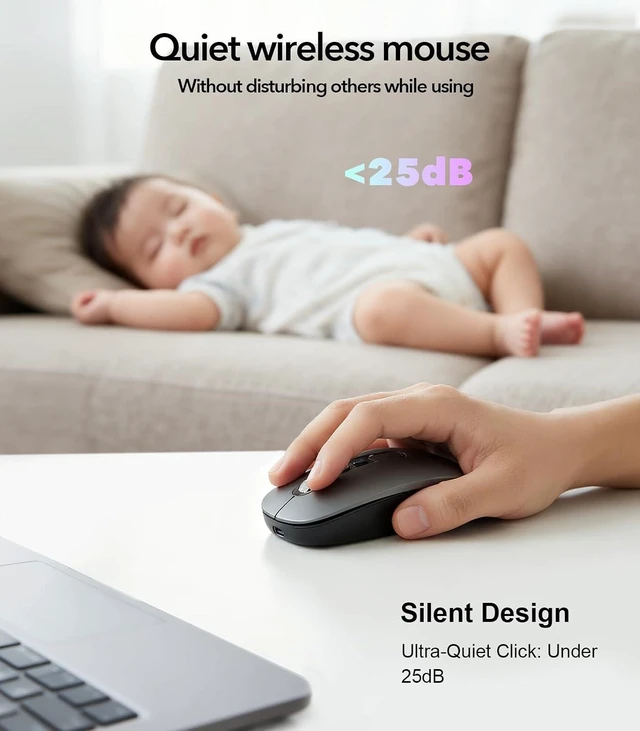
    Ultra-Thin & Silent Design: Engineered for quiet, comfortable use. Silent wireless mouse features less than 25dB silent clicks for libraries or offices and a lightweight
    Wide Compatibility with Local-Processing Privacy: Wireless Mouse Bluetooth works with Windows 7/8/10/11, MacOS 10/11, Plug-and-play setup for desktop PC, laptop and tablet. All AI voice and translation data is processed locally on your device, not in the cloud, ensuring your conversations and data remain completely private and secure
    4-Step Local AI Setup: (1) Plug in the 2.4G receiver and slide the mouse power switch.(2) Download MicLink AI software and install it.(3) Restart your computer and Reinsert the USB receiver (4) Then press the Mode Switching button for 2.4G or Bluetooth connection and auto-pairing



    Warranty & Returns

    Warranty, Returns, And Additional Information

    Warranty

    • Please contact the Seller directly for warranty information. Warranty information may also be found on the Manufacturer's website.
    • CONTACT

    Return Policies

    Manufacturer Contact Info

    LOADING...