• $122.99
  • Free 30-day Returns
  • Price alert
    Shop it at NeweggBusiness.

    Meet Your Seller

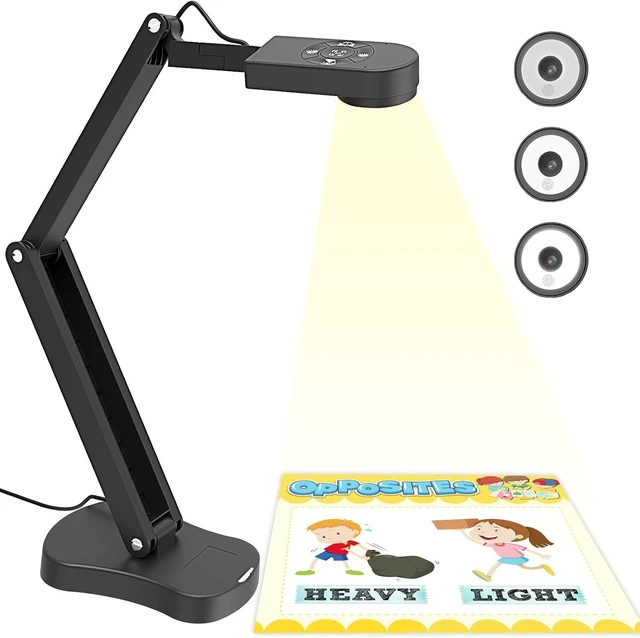
    8MP USB Document Camera for Teachers & Classroom A3/A4 Size with Dual Mic, 3-Level LED Light & Up/Down/Left/Right Image Inversion for Distance Teaching

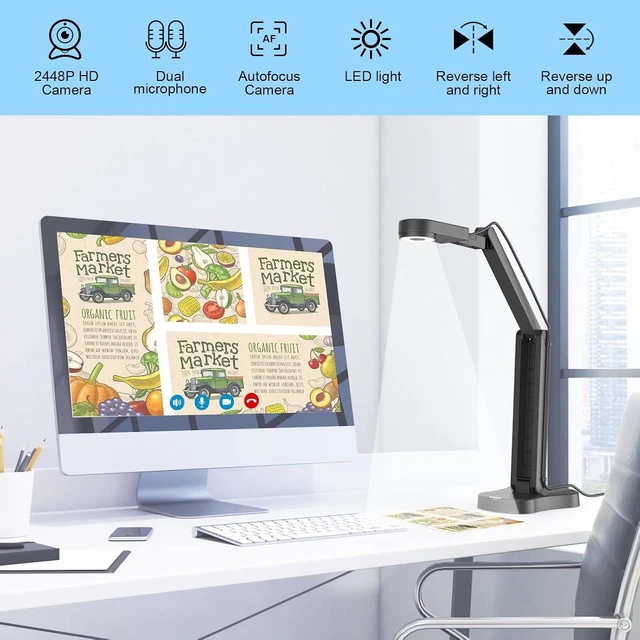
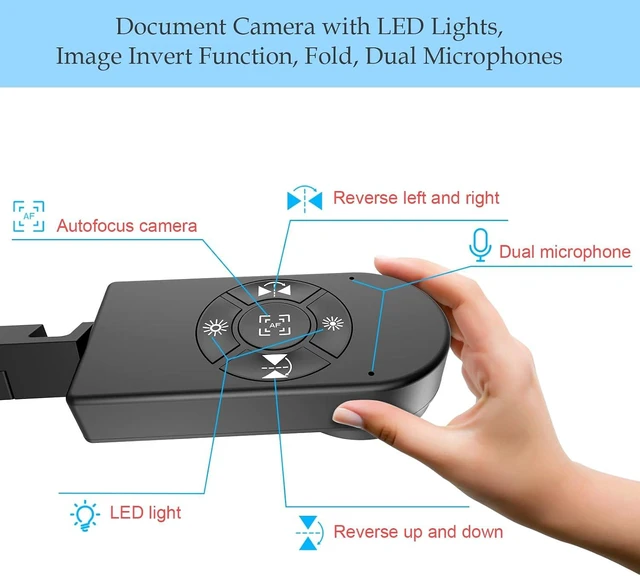
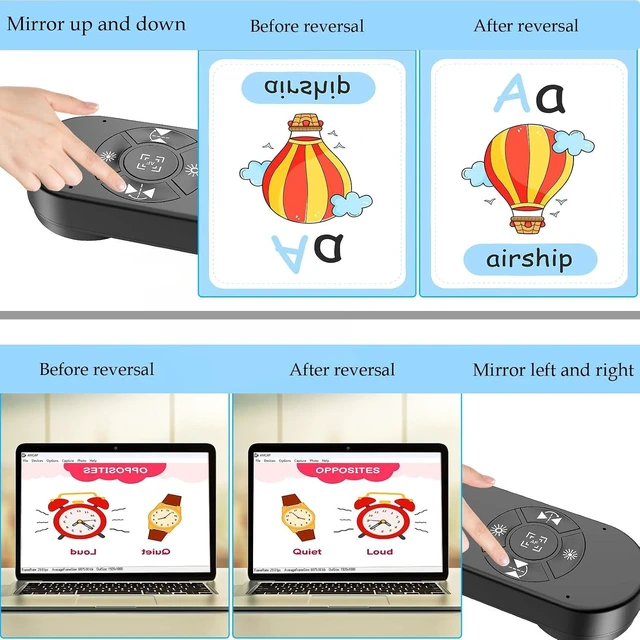
    • Document camera with Image reversal function: The image reversal function can be realized through the button (no need to pass the software). When video chatting or picture output, the picture can be freely reversed left and right, up and down; The document camera connects the computer via USB 2.0 cable, it does not support zoom and HDMI features, nor it does compatible with iPad.
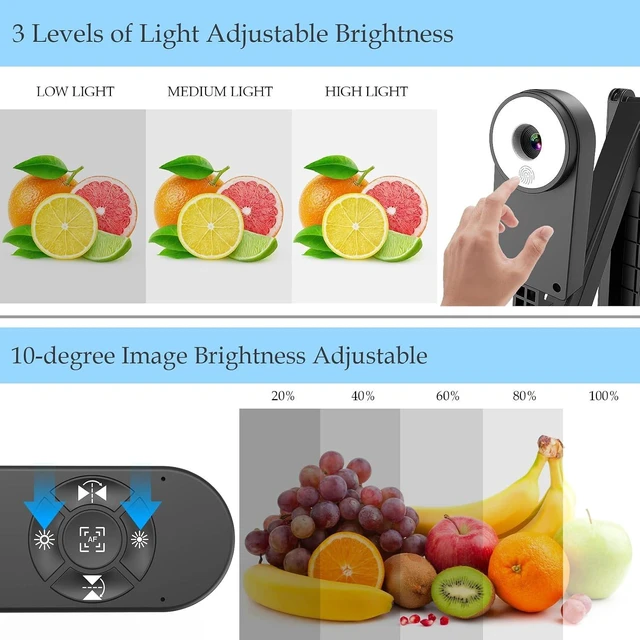
    • Document camera for teachers with 3 levels of brightness adjustment and 10 levels of exposure adjustment: The brightness function can be realized by buttons to ensure that you can get clearer images. It can also realize the Selfie fill light function in dark and bright environments
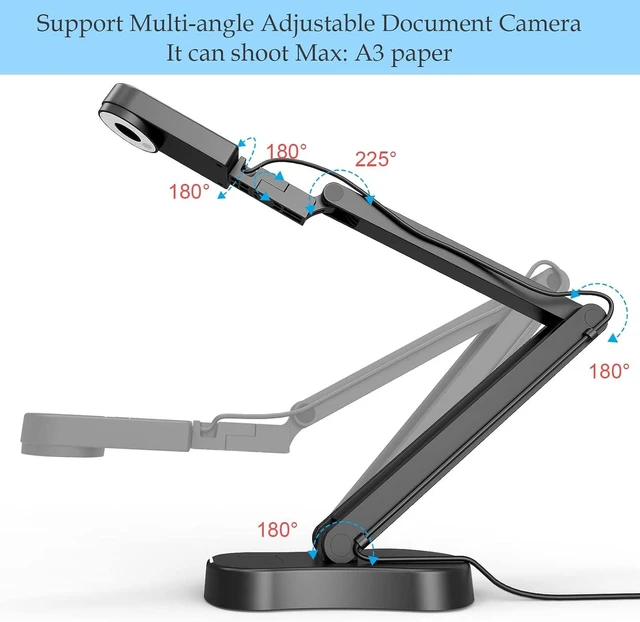
    • Document camera for classroom with Foldable: Embedded design, takes up little space after folding, and is easy to carry; multi-joint supports multi-angle free rotation, which can better capture 2D and 3D objects. Maximum coverage area: 16.5" x 11.6" in (A3 paper)
    +
    +
    Overview
    Specs
    Reviews
    avatar

    Any questions? Our AI mode will help you find out quickly.

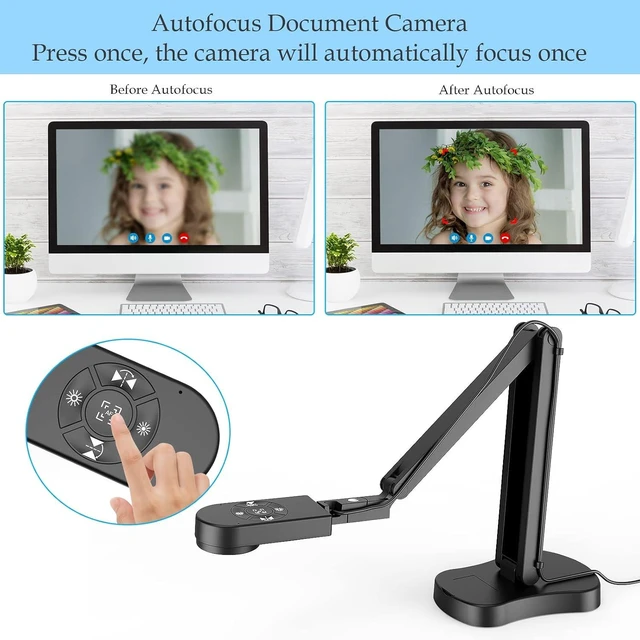
    USB document camera with autofocus: 2448P high-definition document cameras, press the focus (AF) button once, and the document camera will automatically focus once. Move the object under the lens, the image will not be blurred. Macro captures objects as small as 3.94"
    Important: Document camera is not plug and play. You need to select "USB Camera" in the system that comes with your computer. The document camera is equipped with a USB-C cable, which can be directly used with devices with USB-C interface such as MacBook. Compatible with Windows PCS, Macs and Chromebooks, works with Tiktok, Google Meet, Skyp- Teams, Zoom; If you encounter any problems during the use of the product, or the computer does not recognize the camera, please be sure to contact our friendly support team for a quick solution.



    Warranty & Returns

    Warranty, Returns, And Additional Information

    Warranty

    • Please contact the Seller directly for warranty information. Warranty information may also be found on the Manufacturer's website.
    • CONTACT

    Return Policies

    Manufacturer Contact Info

    LOADING...