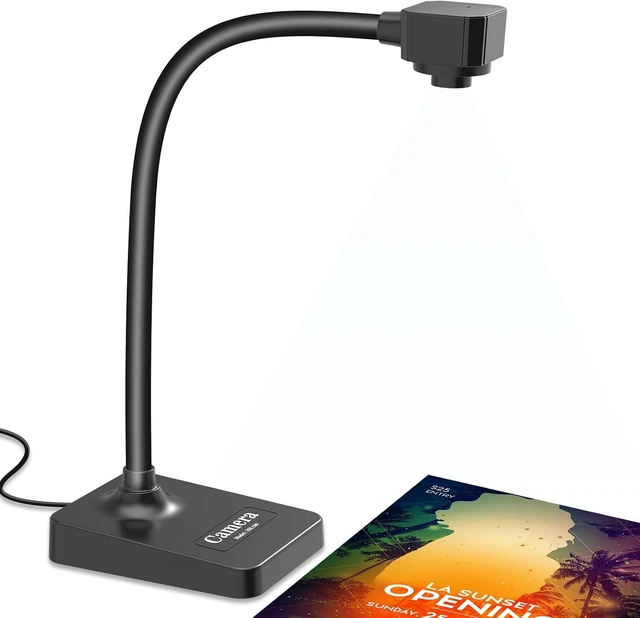
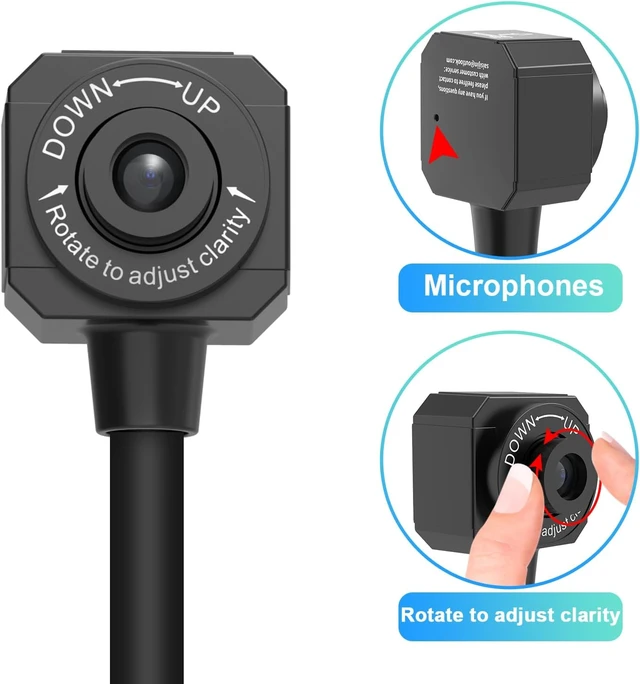
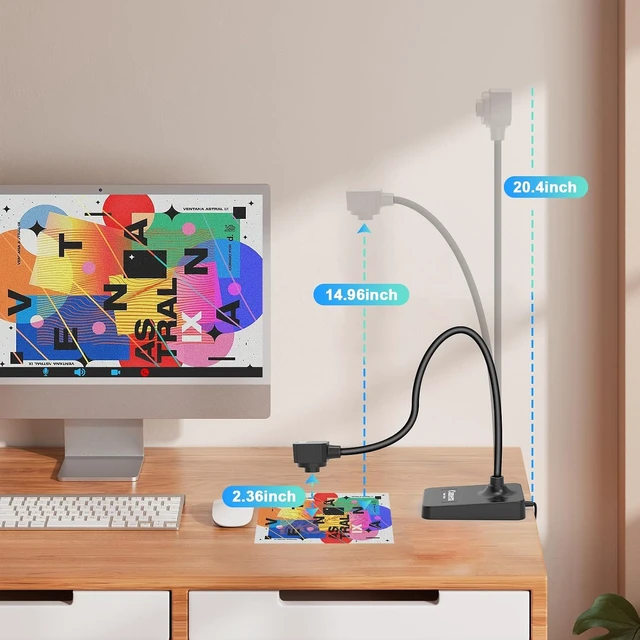
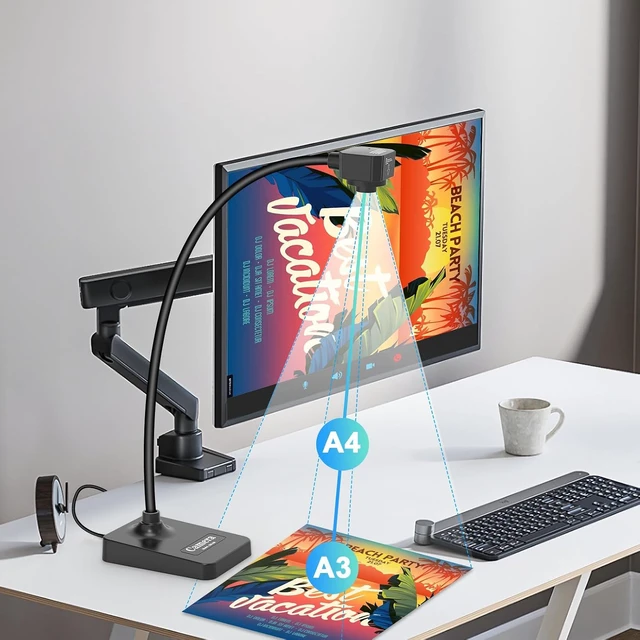
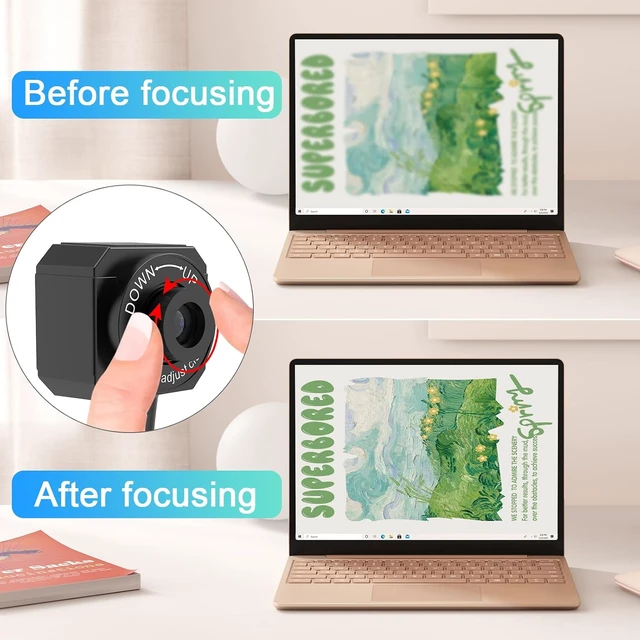
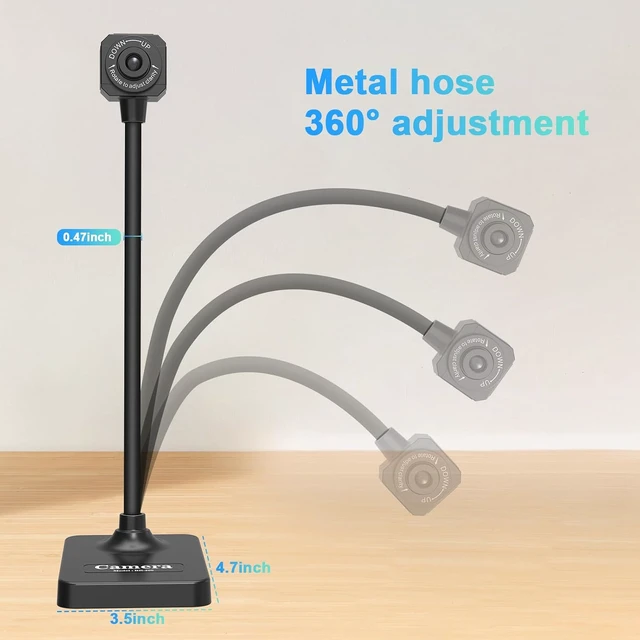
Manual focus document camera: The Webcam can adjust the focus more accurately to ensure the clarity of the picture. There will be no repeated focus blur, and the real object blur shooting effect can be achieved. It has up to 1080P pixels and a resolution of up to 30 frames per second (fps). Manual focus helps capture more accurate and realistic real-life presentation
Versatile document camera: Suitable for education, home and office (video conferencing, home schooling, online tutoring, working from home, making instructional videos, animation, gaming and live presentations), equipped with CMOS image sensor, built-in sealed silicon microphone reduces noise and improves sound quality, achieving excellent noise reduction and color reproduction.
Highly Compatible: Works with all major webinar software applications (Zoom, Google Meet, etc.). The document camera comes with a USB-C cable, allowing direct use with devices that have USB-C ports, such as MacBooks. Compatible with Windows PCs, Macs, and Chromebooks, it can be used with TikTok, Google Meet, Skype, and more.
Important Notice: This device must be connected to a computer for normal operation. It is not compatible with iPad, mobile phones, or other portable devices. Mac: Please use "QuickTime Player" and "Photo Booth." If the document camera cannot be connected after launching the software, try using another USB-C data cable. Windows 10/11: Please use the system's "Camera" app. On a laptop, you need to click "Change camera" and switch to "USB Camera."







 here!
here!