

Your Browsing History

Meet Your Seller

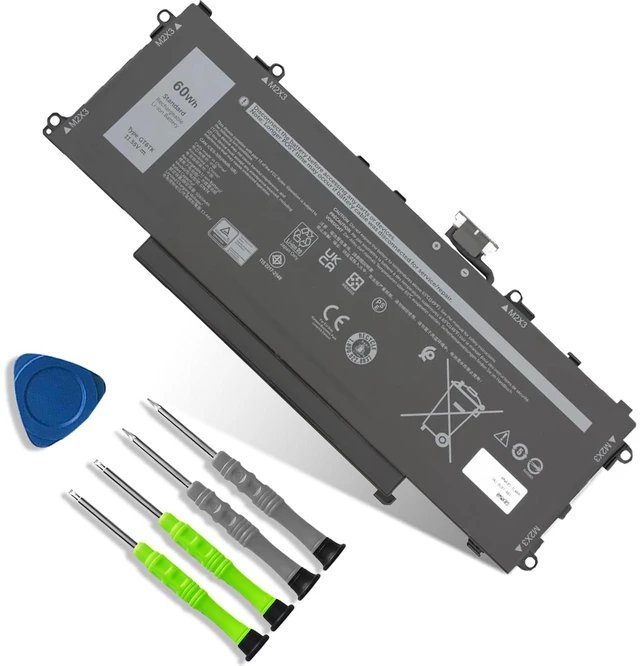
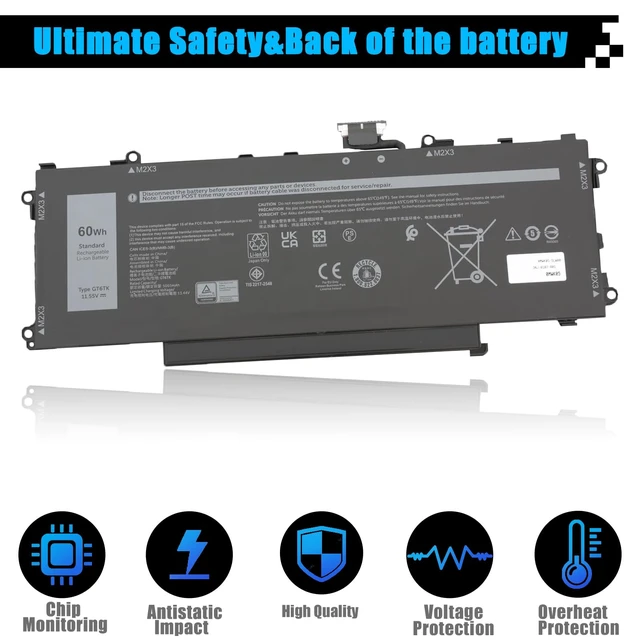
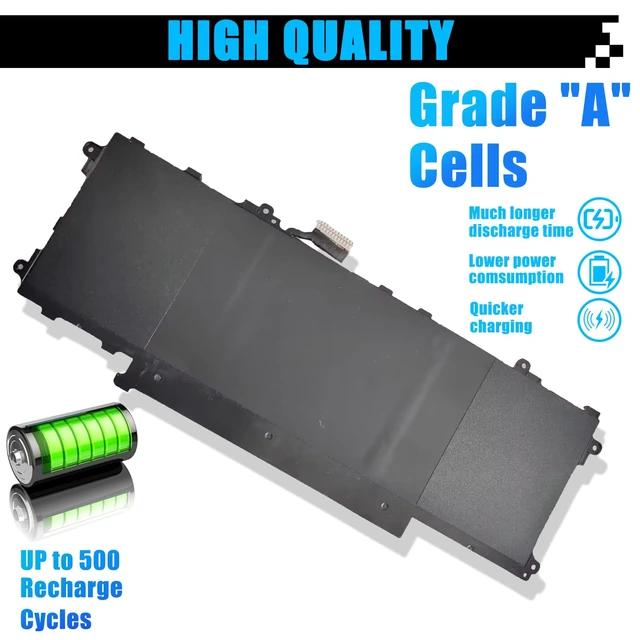



60Wh GT6TK Laptop Battery Replacement for Dell Latitude 9440 2-in-1 Latitude 9450 2-in-1 Series 0MWK05 MWK05 0K2CPY K2CPY 11.55V 5065mAh
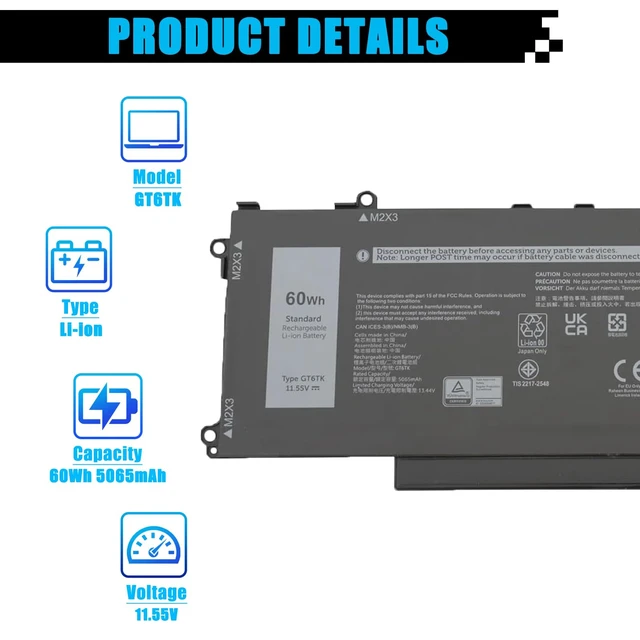
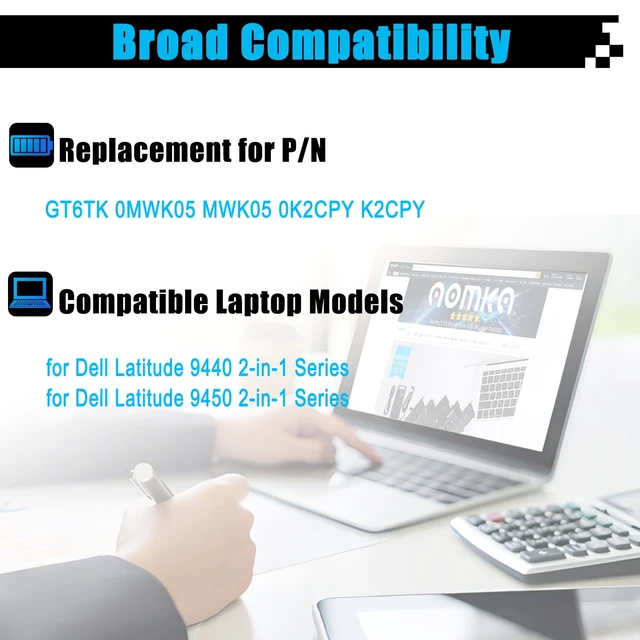
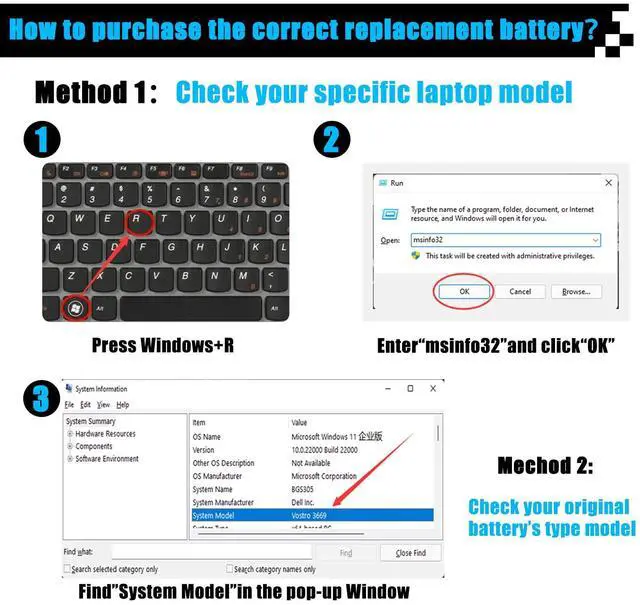
- SpecificationsItem Model: GT6TK; Battery Type: Li-ion; Voltage: 11.55V; Capacity: 60Wh 5065mAh; Battery Condition: Brand New. Replacement for P/NGT6TK 0MWK05 MWK05 0K2CPY K2CPY Compatible Laptop Modelsfor Dell Latitude 9440 2-in-1 Series; for Dell Latitude 9450 2-in-1 Series. NotePlease open the back cover of the laptop before ordering and make sure that the original battery model is consistent with the listing. After getting the battery, please install the battery correctly, make sure that the battery connector is firmly connected to the laptop motherboard, and use the original charger to charge the laptop. Discharge the new battery to 5% (not 0%), then charge and cycle 3-4 times to wake up the new battery
+
+
Overview
Specs
Reviews

Any questions? Our AI mode will help you find out quickly.
Try me now
SpecificationsItem Model: GT6TK;
Battery Type: Li-ion;
Voltage: 11.55V;
Capacity: 60Wh 5065mAh;
Battery Condition: Brand New. Replacement for P/NGT6TK 0MWK05 MWK05 0K2CPY K2CPY Compatible Laptop Modelsfor Dell Latitude 9440 2-in-1 Series; for Dell Latitude 9450 2-in-1 Series. NotePlease open the back cover of the laptop before ordering and make sure that the original battery model is consistent with the listing. After getting the battery, please install the battery correctly, make sure that the battery connector is firmly connected to the laptop motherboard, and use the original charger to charge the laptop. Discharge the new battery to 5% (not 0%), then charge and cycle 3-4 times to wake up the new battery
Battery Type: Li-ion;
Voltage: 11.55V;
Capacity: 60Wh 5065mAh;
Battery Condition: Brand New. Replacement for P/NGT6TK 0MWK05 MWK05 0K2CPY K2CPY Compatible Laptop Modelsfor Dell Latitude 9440 2-in-1 Series; for Dell Latitude 9450 2-in-1 Series. NotePlease open the back cover of the laptop before ordering and make sure that the original battery model is consistent with the listing. After getting the battery, please install the battery correctly, make sure that the battery connector is firmly connected to the laptop motherboard, and use the original charger to charge the laptop. Discharge the new battery to 5% (not 0%), then charge and cycle 3-4 times to wake up the new battery
Warranty & Returns
Warranty, Returns, And Additional Information
Warranty
- Please contact the Seller directly for warranty information. Warranty information may also be found on the Manufacturer's website.
- CONTACT
Return Policies
- Return for refund within: 30 days
- Return for replacement within: 30 days
- This item is covered by Brightflag Electronics Return Policy
Manufacturer Contact Info
- For a directory of all our manufacturers, please click below.
- Manufacturers Directory
LOADING...