

Your Browsing History

Meet Your Seller

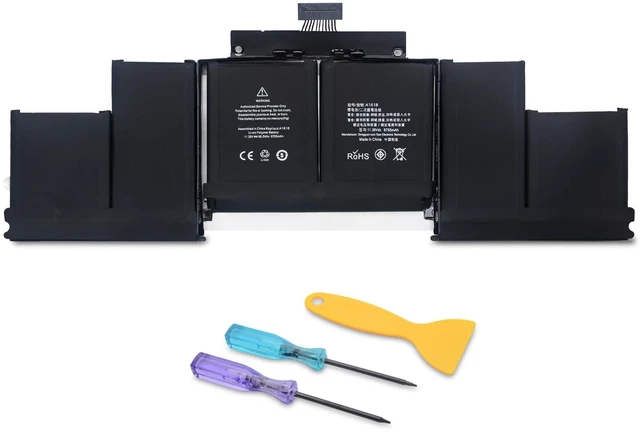
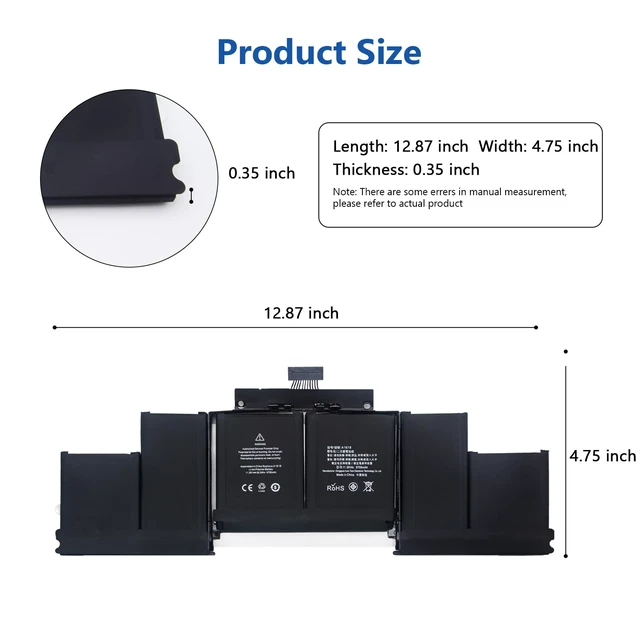


A1618 Laptop Battery Replacement for Mac Book Pro Retina 15 inch A1398 (Late 2013, Mid 2014, Early 2015)
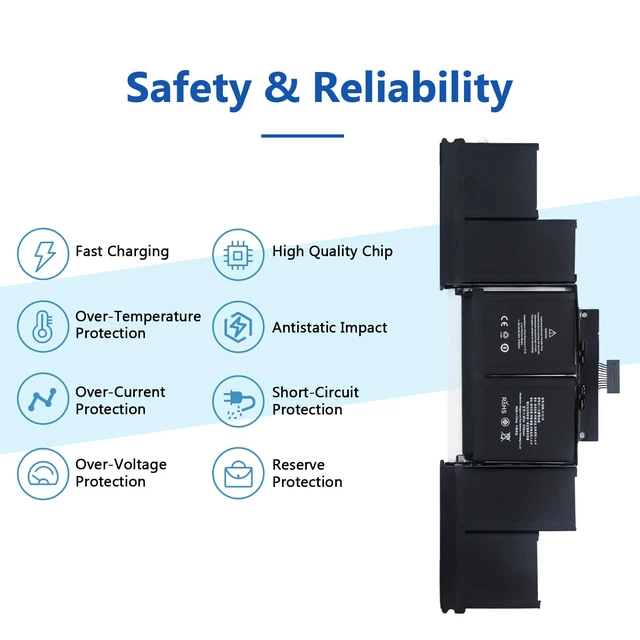
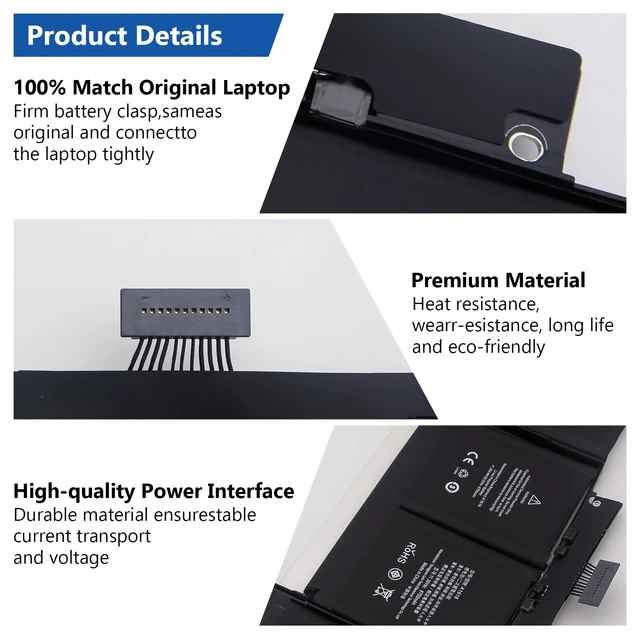
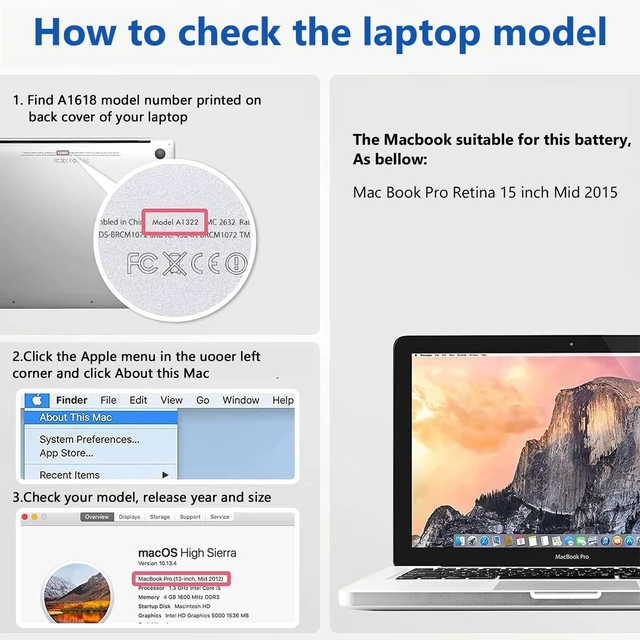
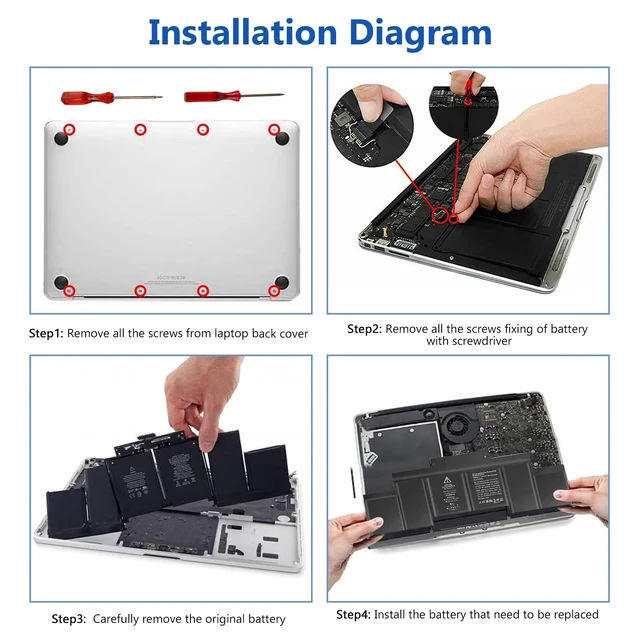
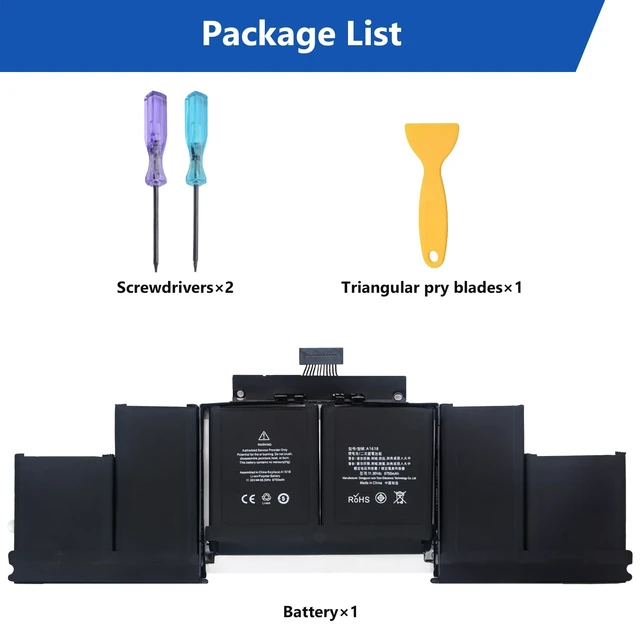
- Specifications of Battery Battery type: Li-ion Color: Black Voltage: 11.36 Volt Capacity: 99.5 Wh Cell count: 1 Package includes: A1618 battery x1, screwdrivers x2, and triangular pry blades x2. Compatibility The A1618 battery is designed for the Mac Book Pro Retina 15 inch A1398, including Late 2013, Mid 2014, and Early 2015 models. Compatible model numbers include ME293, ME294, MGXA2, MGXC2, MJLQ2, MJLT2, and MJLU2. Please confirm that these model details match your laptop before installation. Safety and Reliability The A1618 laptop battery uses high-quality materials with anti-aging and corrosion-resistant properties, enabling it to maintain a stable working state in various complex environmental conditions. In addition, significant effort has been invested in the safety testing and development process, and the battery is equipped with a series of safety function systems. Installation Process Step 1: Remove all screws from the laptop back cover. Step 2: Locate and remove the battery fixing screw, then carefully disconnect the battery interface. Step 3: Carefully remove the original battery. Step 4: Install the replacement battery
+
+
Overview
Specs
Reviews

Any questions? Our AI mode will help you find out quickly.
Try me now
Specifications
of BatteryBattery type: Li-ion
Color: Black
Voltage: 11.36
Volt Capacity: 99.5
Wh Cell count: 1
Package includes: A1618 battery x1, screwdrivers x2, and triangular pry blades x2. Compatibility The A1618 battery is designed for the Mac Book Pro Retina 15 inch A1398, including Late 2013, Mid 2014, and Early 2015 models. Compatible model numbers include ME293, ME294, MGXA2, MGXC2, MJLQ2, MJLT2, and MJLU2. Please confirm that these model details match your laptop before installation. Safety and Reliability The A1618 laptop battery uses high-quality materials with anti-aging and corrosion-resistant properties, enabling it to maintain a stable working state in various complex environmental conditions. In addition, significant effort has been invested in the safety testing and development process, and the battery is equipped with a series of safety function systems.
Installation Process Step 1: Remove all screws from the laptop back cover.
Step 2: Locate and remove the battery fixing screw, then carefully disconnect the battery interface.
Step 3: Carefully remove the original battery.
Step 4: Install the replacement battery
Warranty & Returns
Warranty, Returns, And Additional Information
Warranty
- Please contact the Seller directly for warranty information. Warranty information may also be found on the Manufacturer's website.
- CONTACT
Return Policies
- Return for refund within: 30 days
- Return for replacement within: 30 days
- This item is covered by Anunirny Return Policy
Manufacturer Contact Info
- For a directory of all our manufacturers, please click below.
- Manufacturers Directory
LOADING...