

Your Browsing History

Meet Your Seller
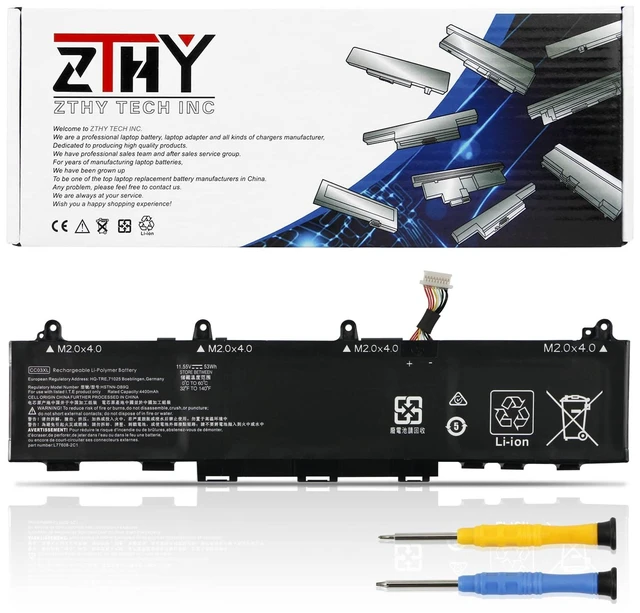
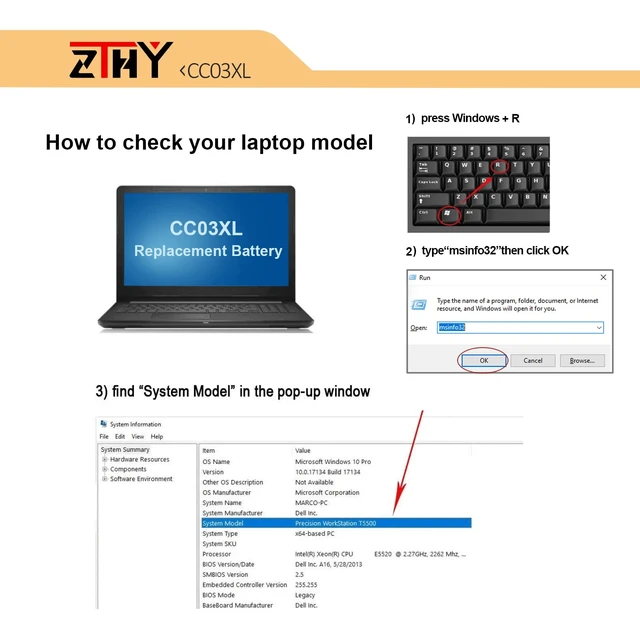
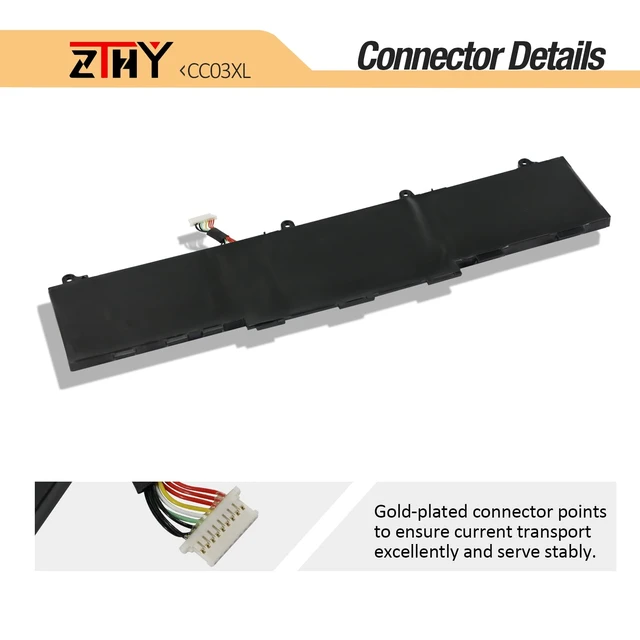
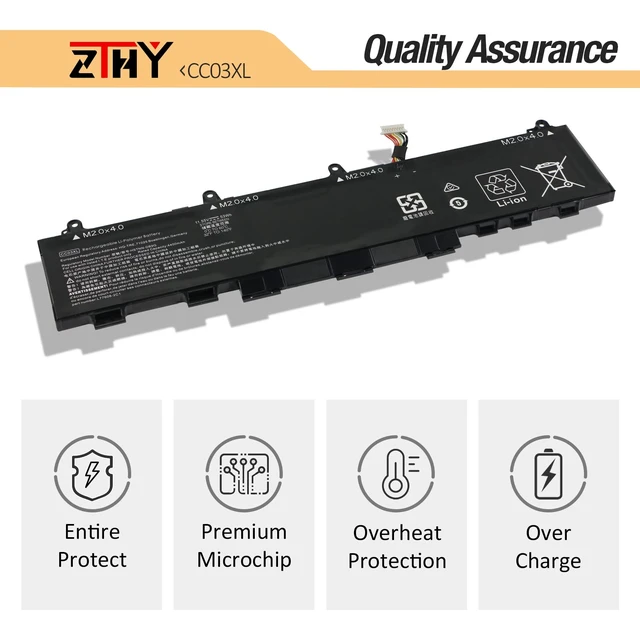
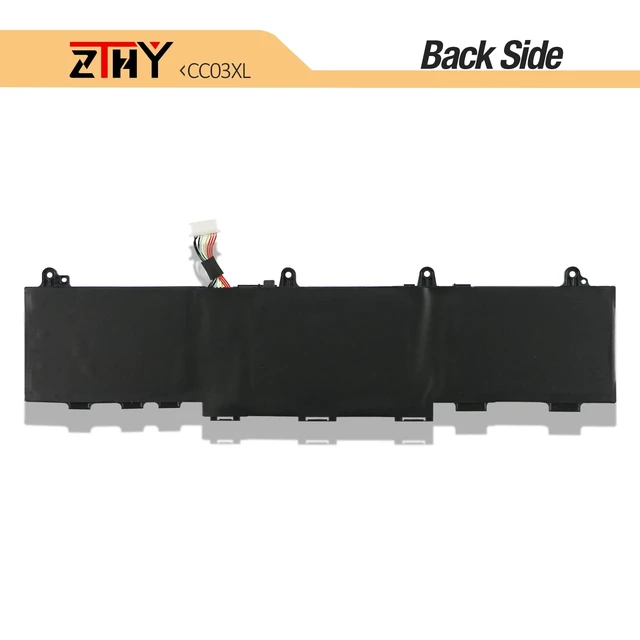
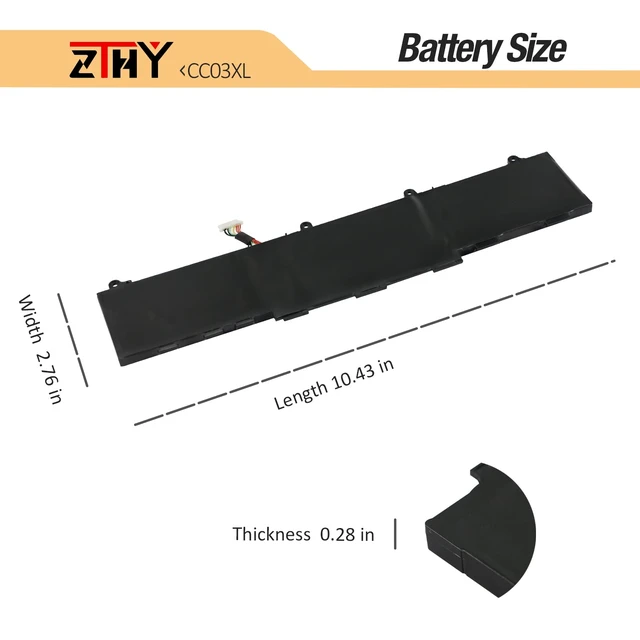


53Wh CC03XL Battery for HP EliteBook 830 835 840 845 G7 G8 Probook 635 Aero G7 G8 ZBook Firefly 14 G7 G8 Laptop Battery Replacement L77608-2C1 L77608-421 L78555-005 CC03053XL 11.55V 3-Cell
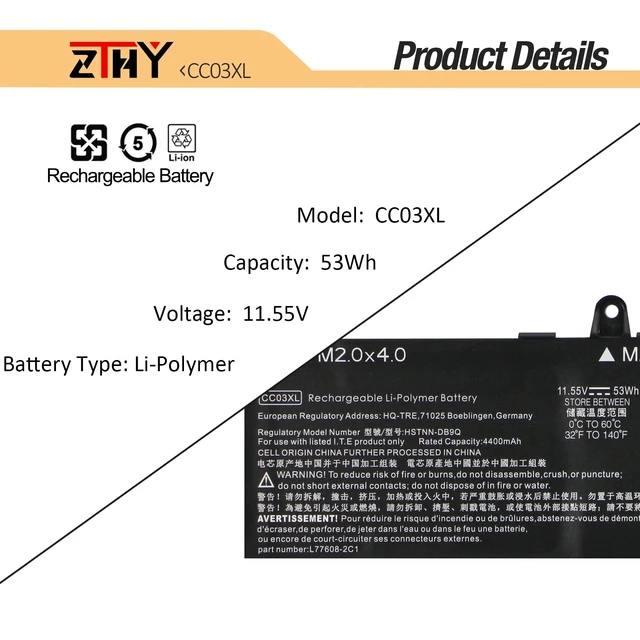
- Specification: Battery type: Li-polymer. Color: Black. Voltage: 11.55V. Capacity: 53Wh/4400mAh. New from Manufacturer Replace Part Number: CC03XL CC03053XL HSTNN-DB9Q HSTNN-IB9F HSTNN-LB8Q L77608-1B2 L77608-1C1 L77608-2C1 L77608-2C2 L77608-421 L77608-422 L78555-005 Compatible Models: Replacement for HP Probook 635 Aero G7 G8 Series; Replacement for HP ZBook Firefly 14 G7 G8 Series; Replacement for HP EliteBook 830 G7 G8 835 G7 G8 840 G7 G8 845 G7 G8 Series Need Attention: There are two CC03XL batteries, and they are not compatible with each other. They have different capacities and different locations of screw holes. Please choose which one you are going to replace according to your laptop's original battery. Note: If the new battery is not recognized during the initial installation, please reinstall it and check whether the interface is fully connected. Discharge the new battery to 10-20% (not 0%), then charge and cycle 3-4 times to wake up the new battery
+
+
Overview
Specs
Reviews

Any questions? Our AI mode will help you find out quickly.
Try me now
Specification: Battery
type: Li-polymer.
Color: Black.
Voltage: 11.55V.
Capacity: 53Wh/4400mAh. New from Manufacturer Replace
Part Number: CC03XL CC03053XL HSTNN-DB9Q HSTNN-IB9F HSTNN-LB8Q L77608-1B2 L77608-1C1 L77608-2C1 L77608-2C2 L77608-421 L77608-422 L78555-005
Compatible Models: Replacement for HP Probook 635 Aero G7 G8 Series; Replacement for HP ZBook Firefly 14 G7 G8 Series; Replacement for HP EliteBook 830 G7 G8 835 G7 G8 840 G7 G8 845 G7 G8
Series Need Attention: There are two CC03XL batteries, and they are not compatible with each other. They have different capacities and different locations of screw holes. Please choose which one you are going to replace according to your laptop's original battery.
Note: If the new battery is not recognized during the initial installation, please reinstall it and check whether the interface is fully connected. Discharge the new battery to 10-20% (not 0%), then charge and cycle 3-4 times to wake up the new battery
type: Li-polymer.
Color: Black.
Voltage: 11.55V.
Capacity: 53Wh/4400mAh. New from Manufacturer Replace
Part Number: CC03XL CC03053XL HSTNN-DB9Q HSTNN-IB9F HSTNN-LB8Q L77608-1B2 L77608-1C1 L77608-2C1 L77608-2C2 L77608-421 L77608-422 L78555-005
Compatible Models: Replacement for HP Probook 635 Aero G7 G8 Series; Replacement for HP ZBook Firefly 14 G7 G8 Series; Replacement for HP EliteBook 830 G7 G8 835 G7 G8 840 G7 G8 845 G7 G8
Series Need Attention: There are two CC03XL batteries, and they are not compatible with each other. They have different capacities and different locations of screw holes. Please choose which one you are going to replace according to your laptop's original battery.
Note: If the new battery is not recognized during the initial installation, please reinstall it and check whether the interface is fully connected. Discharge the new battery to 10-20% (not 0%), then charge and cycle 3-4 times to wake up the new battery
Warranty & Returns
Warranty, Returns, And Additional Information
Warranty
- Please contact the Seller directly for warranty information. Warranty information may also be found on the Manufacturer's website.
- CONTACT
Return Policies
- Return for refund within: 30 days
- Return for replacement within: 30 days
- This item is covered by Anunirny Return Policy
Manufacturer Contact Info
- For a directory of all our manufacturers, please click below.
- Manufacturers Directory
LOADING...