• $32.99
  • Free 30-day Returns
  • Price alert
    Shop it at NeweggBusiness.

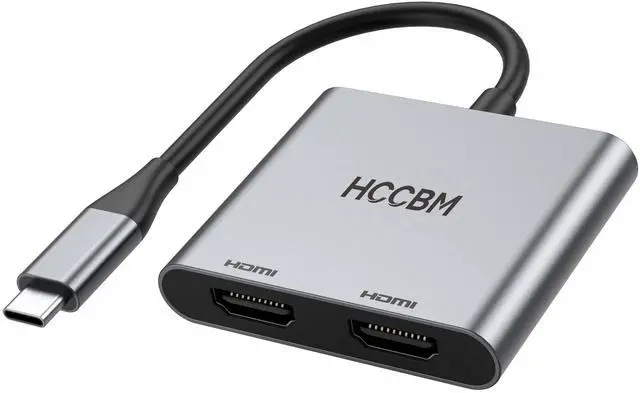
    USB C to Dual HDMI Adapter, Dual Monitors Adapter USB C Hub with 2 HDMI HDMI Splitter for Dual Monitors 4K@60Hz for MacBook Pro Air HP Dell Surface Thinkpad

    Limited time offer, ends 10/15 By QiPing Global Store

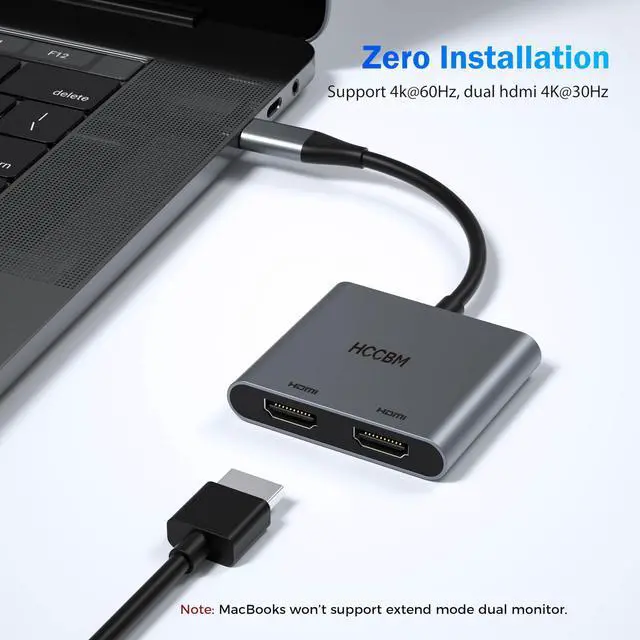
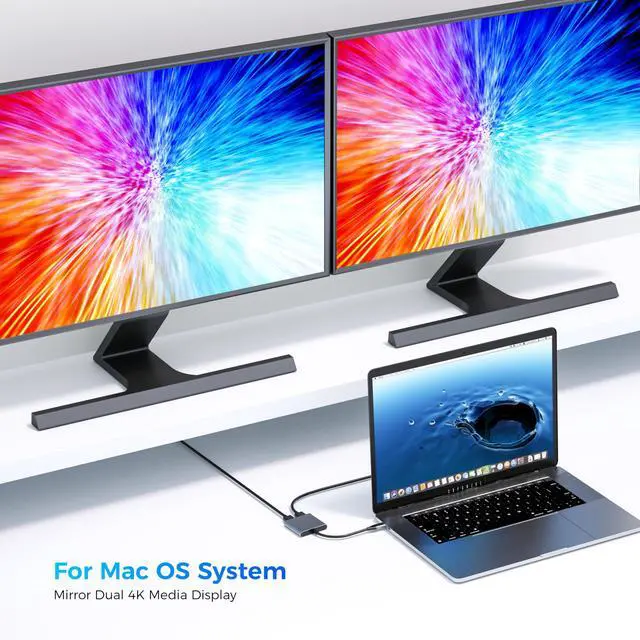
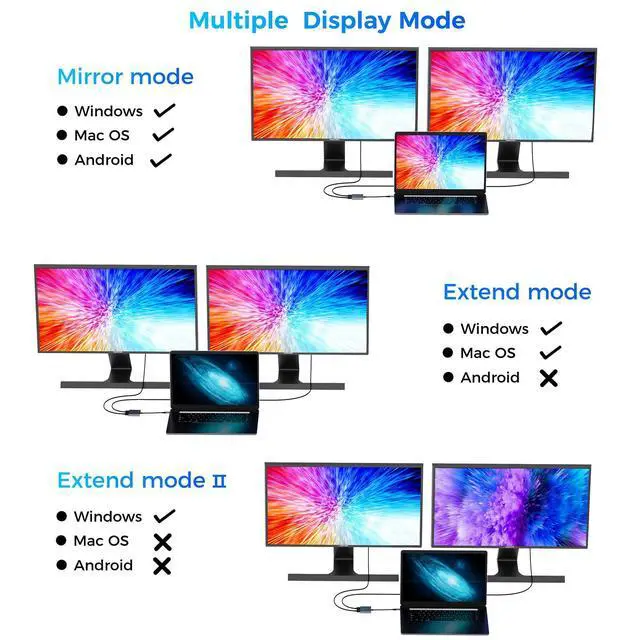
    • USB-C to Dual HDMI Monitor Adapter (2 IN 1): This dual monitor adapter expands your laptop's USB-C port into 2 HDMI ports at 4K@60Hz. Use this USB-C dual HDMI dongle to extend your 1 monitor to two external multiple monitors (supports different images at 2*4K 30Hz on your monitors), and it allows you to work on different projects on different monitors. Boost your work productivity and efficiency. It is an ideal USB-C accessory for photography, programming, data analysis, etc. Wide Compatible: This USB-C HDMI adapter almost supports all USB-C laptops, such as MacBook/MacBook Pro 2025-2017, MacBook Air 2025-2018 [Please note: for Mac OS, only Mirror Mode is supported; it cannot extend two different screens because of Mac OS limitation], Dell XPS12(9250)/Dell XPS13(9350)/Dell XPS15(9550), Dell Latitude 13 7000/Latitude 13 E7370/HP Spectre x2 x360/HP Probook 450 G5/6/7, HP Chromebook 14, etc. Enjoy Crystal-Clear 4K UHD Image: Our dual HDMI USB-C adapter's single HDMI port supports max resolution up to 4K@60Hz. When using dual HDMI ports simultaneously, it supports max resolution up to 4K@30Hz. Supports extend mode and mirror mode. Supports MST and SST for Windows laptops. NOTE: Mac OS doesn't support MST. In extend mode, 2 monitors will show the same content (A-AA or A-BB). Easy Setting: This multiple HDMI monitors adapter USB-C is just plug and play, no need to install any driver/software. With an advanced chip, this HDMI adapter supports all new USB-C/Type-C/Thunderbolt 3
    +
    +
    Overview
    Specs
    Reviews
    avatar

    Any questions? Our AI mode will help you find out quickly.

    USB-C to Dual HDMI Monitor Adapter (2
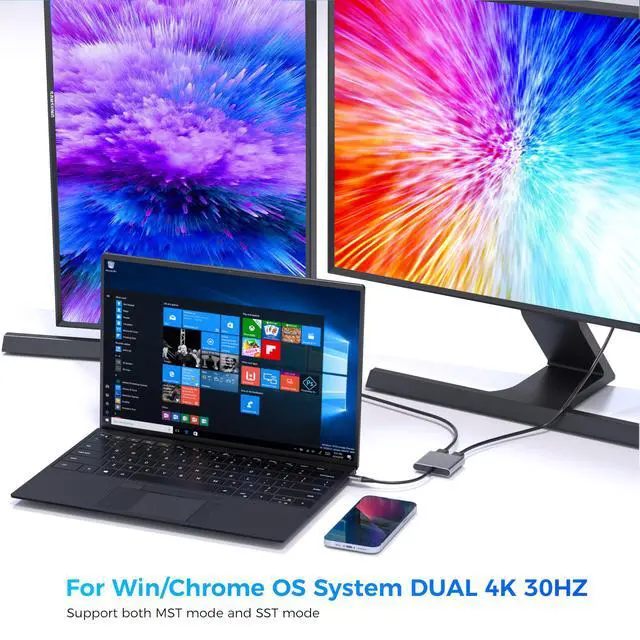
    IN 1): This dual monitor adapter expands your laptop's USB-C port into 2 HDMI ports at 4K@60Hz. Use this USB-C dual HDMI dongle to extend your 1 monitor to two external multiple monitors (supports different images at 2*4K 30Hz on your monitors), and it allows you to work on different projects on different monitors. Boost your work productivity and efficiency. It is an ideal USB-C accessory for photography, programming, data analysis, etc.
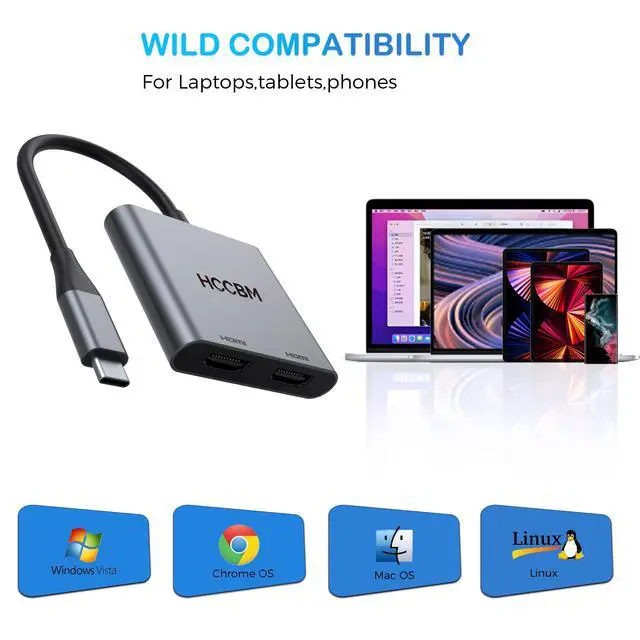
    Wide Compatible: This USB-C HDMI adapter almost supports all USB-C laptops, such as MacBook/MacBook Pro 2025-2017, MacBook
    Air 2025-2018 [Please note: for Mac OS, only Mirror Mode is supported; it cannot extend two different screens because of Mac OS limitation], Dell XPS12 (9250) /Dell XPS13 (9350) /Dell XPS15 (9550), Dell Latitude 13 7000/Latitude 13 E7370/HP Spectre x2 x360/HP Probook 450 G5/6/7, HP Chromebook 14, etc. Enjoy Crystal-Clear 4K
    UHD Image: Our dual HDMI USB-C adapter's single HDMI port supports max resolution up to 4K@60Hz. When using dual HDMI ports simultaneously, it supports max resolution up to 4K@30Hz. Supports extend mode and mirror mode. Supports MST and SST for Windows laptops.
    NOTE: Mac OS doesn't support MST. In extend mode, 2 monitors will show the same content (A-AA or A-BB).
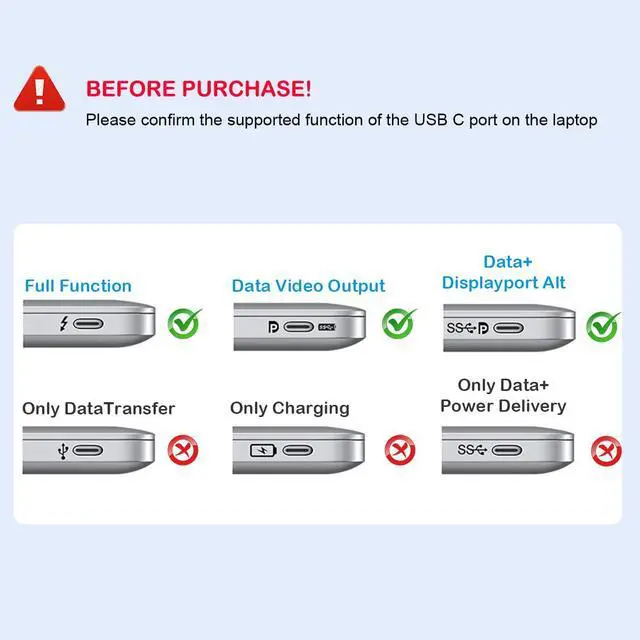
    Easy Setting: This multiple HDMI monitors adapter USB-C is just plug and play, no need to install any driver/software. With an advanced chip, this HDMI adapter supports all new USB-C/Type-C/Thunderbolt 3 Windows laptops with DP Alt Mode on the USB-C port, performing more stably.
    NOTE: if your USB-C port does NOT support video output or DP Alt Mode, then this adapter won't support your laptop. If the monitor of your laptop is not enough to complete the work, then this USB-C dual HDMI will be an ideal choice! It is suitable to connect multiple devices. You can do more projects on different monitors. You can use it in work, home, school. Aluminum plate for strong antioxidant capacity. Safety wire core for high quality insulation outer layer

    Warranty & Returns

    Warranty, Returns, And Additional Information

    Warranty

    • Please contact the Seller directly for warranty information. Warranty information may also be found on the Manufacturer's website.
    • CONTACT

    Return Policies

    Manufacturer Contact Info

    LOADING...