Your Browsing History
Meet Your Seller
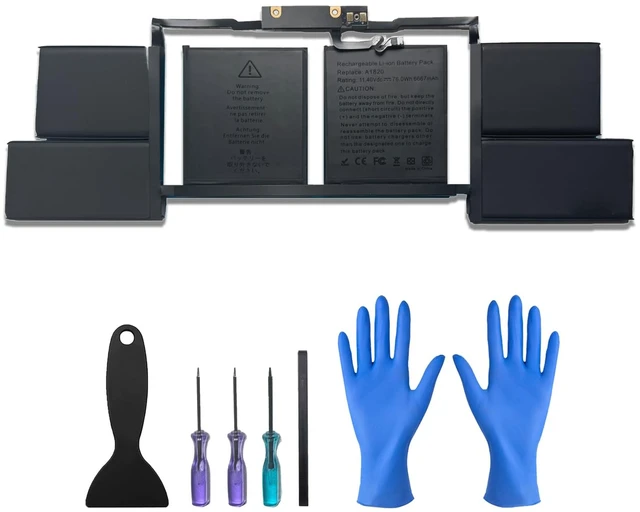
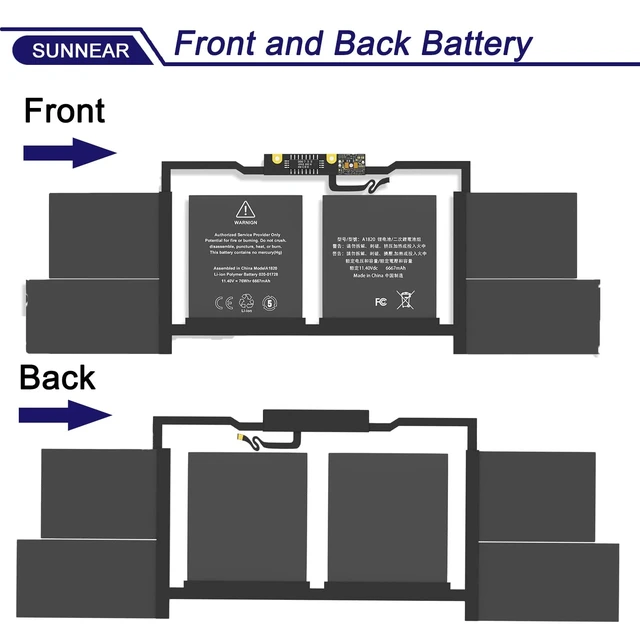
A1820 Laptop Battery for MacBook Pro 15-Inch (Late 2016) & (Mid 2017) Model A1707 with Touch bar MLH32LL/A MLH42LL/A MLH52LL/A MLW72LL/A Series A1820 A1707 A1707(EMC 3072) 76Wh
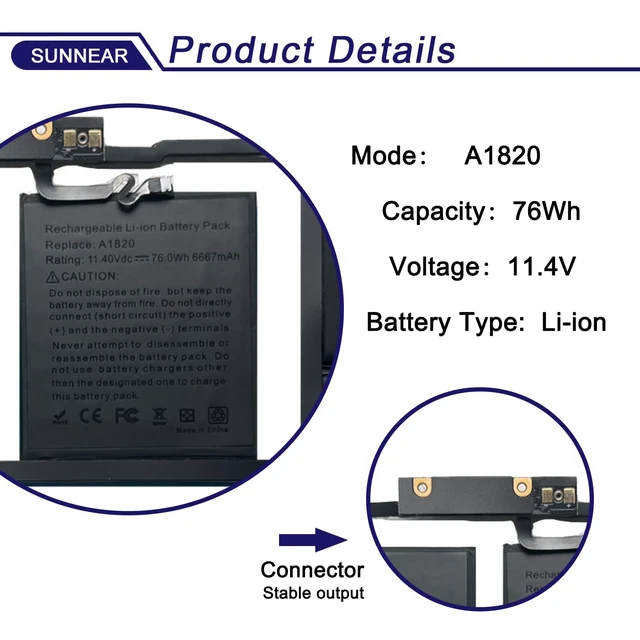
- Specifications: 1) Model: A1820; 2) Voltage: 11.4V; 3) Capacity: 76Wh/6667mAh; 4) Battery type: Li-ion. (Grade A battery cells that deliver up to 500 power cycles over the life of the battery. Comes with screwdrivers.) Compatible Laptop/Notebook Models: for MacBook Pro 15-Inch (Late 2016) & (Mid 2017) Model A1707 with touch bar MLH32LL/A MLH42LL/A MLH52LL/A MLW72LL/A MLW82LL/A MLW92LL/A MPTR2LL/A MPTT2LL/A MPTU2LL/A MPTV2LL/A MPTW2LL/A MPTX2LL/A Series Laptop. Compatible Part Number: A1820 A1707 A1707(EMC 3072) A1707(EMC 3162) 020-01728. Purchasing Note: Due to the complexity of laptop battery models, you may not be able to accurately determine the model you need to purchase. Please open the back cover of the laptop to confirm the original battery model number. Tips: If the new battery is not recognized during the initial installation, please reinstall and check if the interface is fully connected. Allow the new battery's power level to drop to 5% (not 0%), then restore to full capacity and cycle 3-4 times to activate the new battery

+
+
Overview
Specs
Reviews
Any questions? Our AI mode will help you find out quickly.
Try me now
Specifications
: 1)Model: A1820; 2)
Voltage: 11.4V; 3)
Capacity: 76Wh/6667mAh; 4)
Battery type: Li-ion. (Grade A battery cells that deliver up to 500 power cycles over the life of the battery. Comes with screwdrivers. )
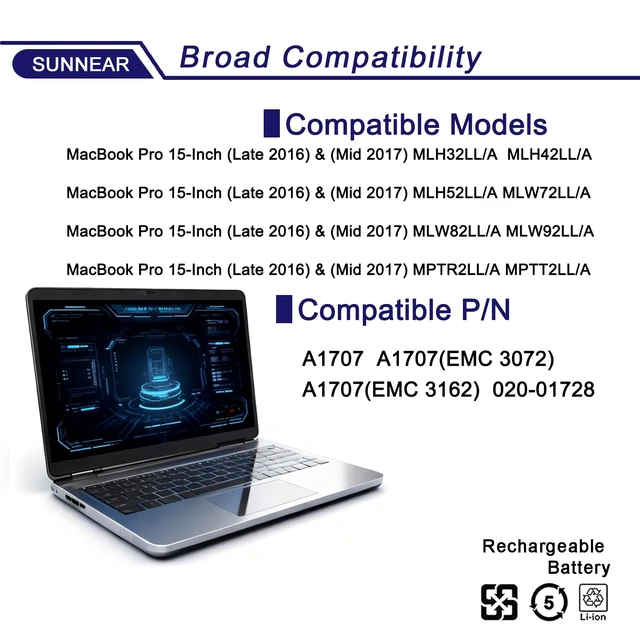
Compatible Laptop/Notebook Models: for MacBook Pro 15-Inch (Late 2016) & (Mid 2017) Model A1707 with touch bar MLH32LL/A MLH42LL/A MLH52LL/A MLW72LL/A MLW82LL/A MLW92LL/A MPTR2LL/A MPTT2LL/A MPTU2LL/A MPTV2LL/A MPTW2LL/A MPTX2LL/A Series Laptop.
Compatible Part Number: A1820 A1707 A1707 (EMC 3072) A1707 (EMC 3162) 020-01728.
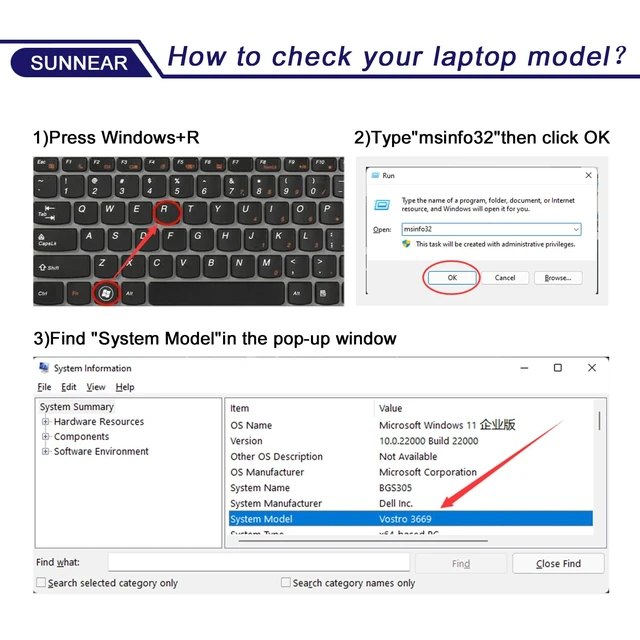
Purchasing Note: Due to the complexity of laptop battery models, you may not be able to accurately determine the model you need to purchase. Please open the back cover of the laptop to confirm the original battery model number.
Tips: If the new battery is not recognized during the initial installation, please reinstall and check if the interface is fully connected. Allow the new battery's power level to drop to 5% (not 0%), then restore to full capacity and cycle 3-4 times to activate the new battery
Warranty & Returns
Warranty, Returns, And Additional Information
Warranty
- Please contact the Seller directly for warranty information. Warranty information may also be found on the Manufacturer's website.
- CONTACT
Return Policies
- Return for refund within: 30 days
- Return for replacement within: 30 days
- This item is covered by QiPing Global Store Return Policy
Manufacturer Contact Info
- For a directory of all our manufacturers, please click below.
- Manufacturers Directory
LOADING...