• $35.99
  • Free 30-day Returns
  • Price alert
    Shop it at NeweggBusiness.

    Meet Your Seller

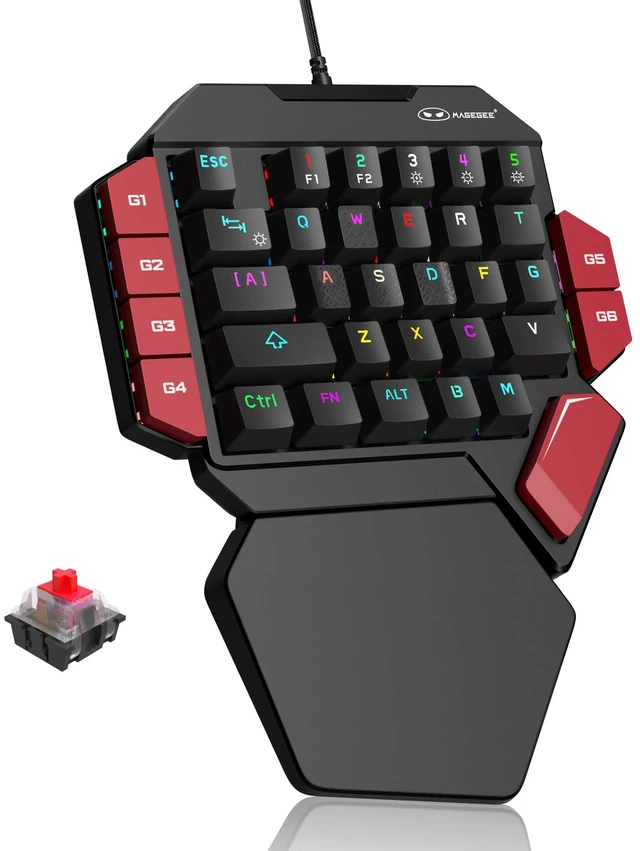
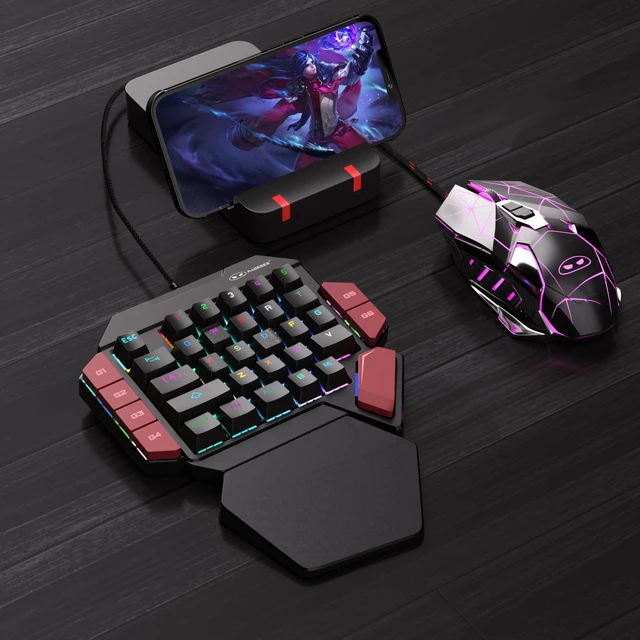
    One Handed Professional Gaming Keyboard, RGB Backlit 35 Keys Mini Wired Mechanical Keyboard with Red Switch for PC Gamer, Support 6 Macro Keys - Black/Red

    Limited time offer, ends 11/24 By Vast Sun Tech

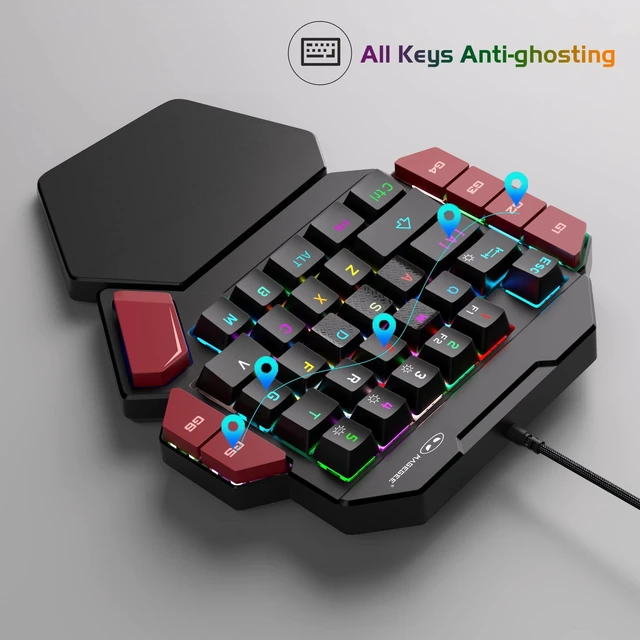
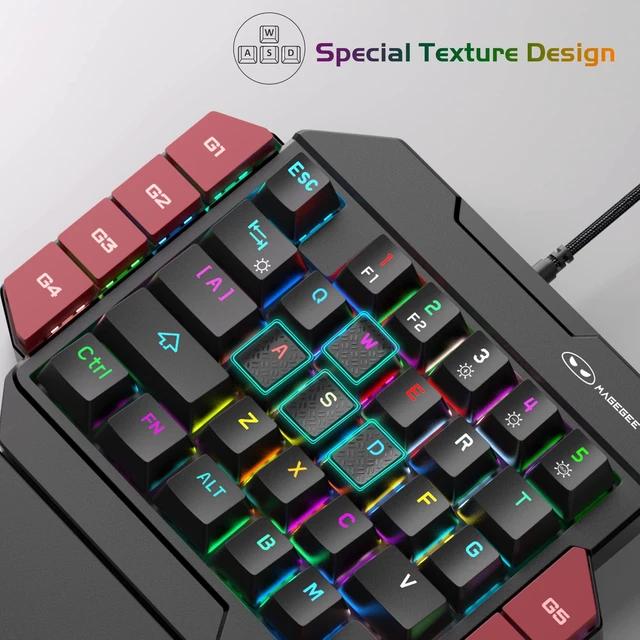
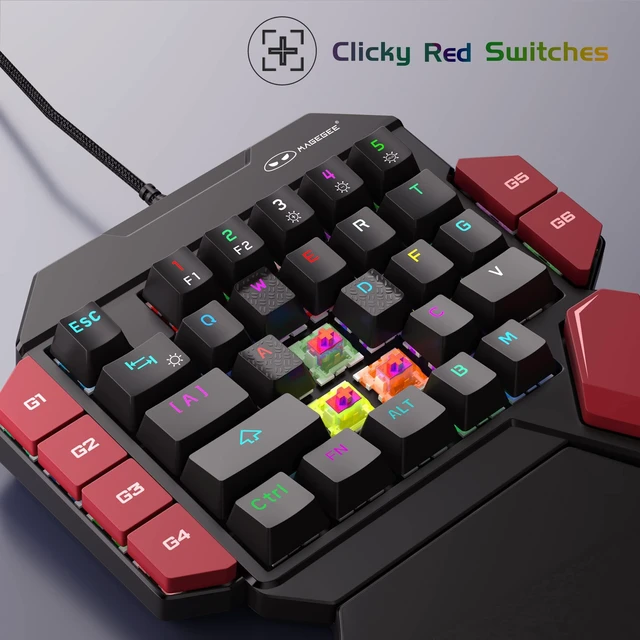
    • RED SWITCHES GAMING KEYBOARD: all 35 keys are non-conflict keys, pressing the switch slight key sound has no paragraph sense with minimal resistance, but fast action without a tactile bump feel which makes it easier to tap the keyboard. COOL RGB BACKLIT MODES: customize multiple light effects with static and dynamic can choose will bring you more fun for game, FN+3: brightness up, FN+3: brightness down, FN+5: color switch, FN+TAB: lighting effect switch. 6 MACRO RECORDING KEYS: Press FN+G1/G2/G3/G4/G5/G5 make macro recording, Steps 1.enter what needs to be recorded (FN+G1), G1 lights flicker; Steps 2. press FN+G1 again to finish recording, G1 light back to normal; G2-G6 macro record same as G1. CLEAR MACROS: Press Fn+G1/G2/G3/G4/G5/G6 or Press Fn+Esc, then press 1-3-5 to clear macros and restore default functions. ERGONOMIC DESIGN ONE HAND KEYBOARD: big palm rest for better wrist support, can effectively reduce hand fatigue, provide you with a relaxing gaming experience. COMPATIBLE SYSTEM: USB connect directly, no driver required, plug and play, fully compatible with Win10/8/7/Vista/ME/XP/Linux/Mac etc
    +
    +
    Overview
    Specs
    Reviews

    Any questions? Ask CelesteSM will help you find out quickly.

    RED SWITCHES GAMING KEYBOARD: all 35 keys are non-conflict keys, pressing the switch slight key sound has no paragraph sense with minimal resistance, but fast action without a tactile bump feel which makes it easier to tap the keyboard.
    COOL RGB BACKLIT MODES: customize multiple light effects with static and dynamic can choose will bring you more fun for game, FN+3: brightness up, FN+3: brightness down, FN+5: color switch, FN+TAB: lighting effect switch.
    6 MACRO RECORDING KEYS: Press FN+G1/G2/G3/G4/G5/G5 make macro recording, Steps 1. enter what needs to be recorded (FN+G1), G1 lights flicker; Steps 2. press FN+G1 again to finish recording, G1 light back to normal; G2-G6 macro record same as G1.
    CLEAR MACROS: Press Fn+G1/G2/G3/G4/G5/G6 or Press Fn+Esc, then press 1-3-5 to clear macros and restore default functions.
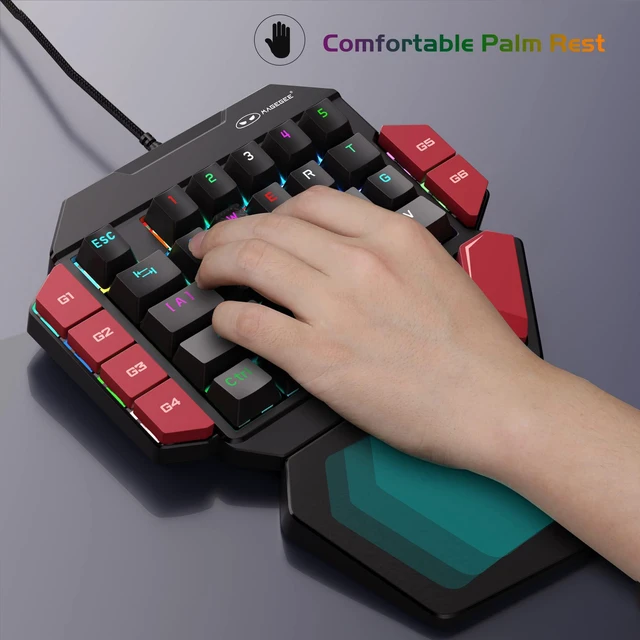
    ERGONOMIC DESIGN ONE HAND KEYBOARD: big palm rest for better wrist support, can effectively reduce hand fatigue, provide you with a relaxing gaming experience.
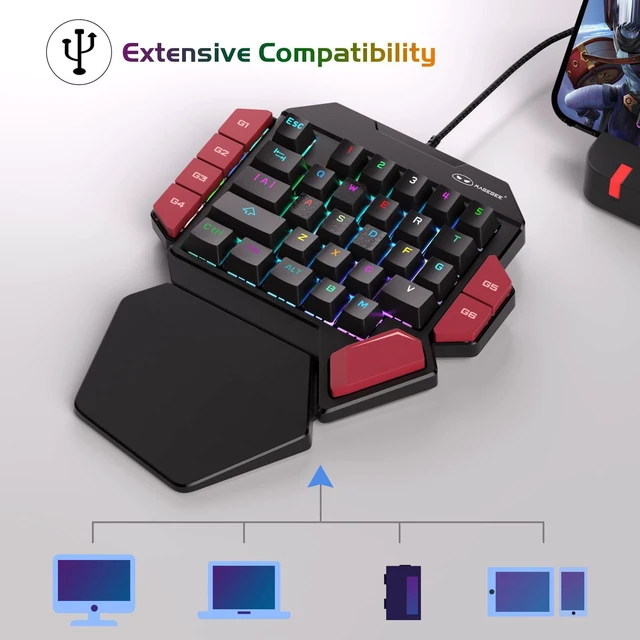
    COMPATIBLE SYSTEM: USB connect directly, no driver required, plug and play, fully compatible with Win10/8/7/Vista/ME/XP/Linux/Mac etc

    Warranty & Returns

    Warranty, Returns, And Additional Information

    Warranty

    • Please contact the Seller directly for warranty information. Warranty information may also be found on the Manufacturer's website.
    • CONTACT

    Return Policies

    Manufacturer Contact Info

    LOADING...