Out of stock
  • $57.99
  • Free 30-day Returns

Shipped by EpicTransTrade

Price alert
Shop it at NeweggBusiness.

Meet Your Seller

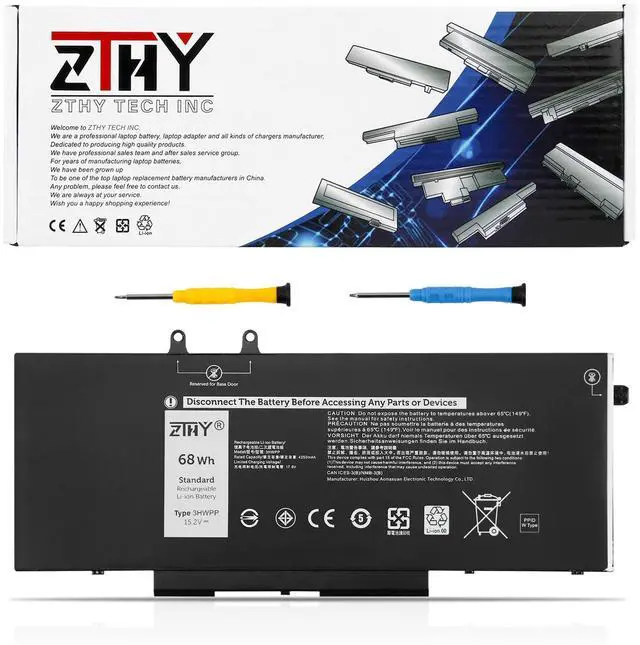
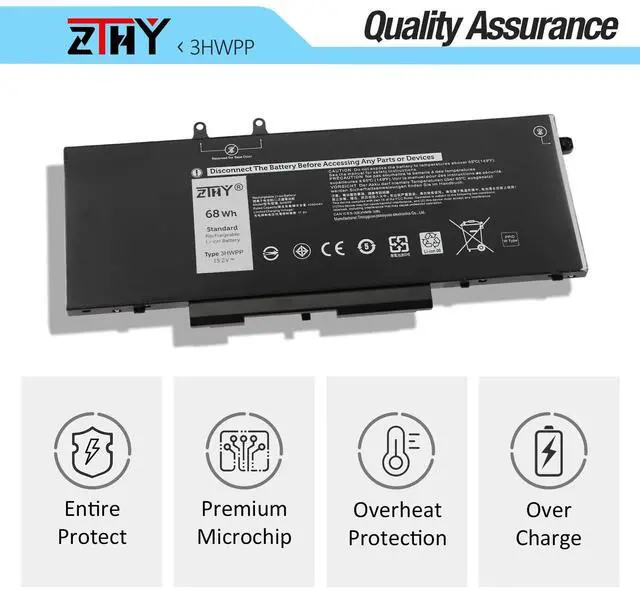
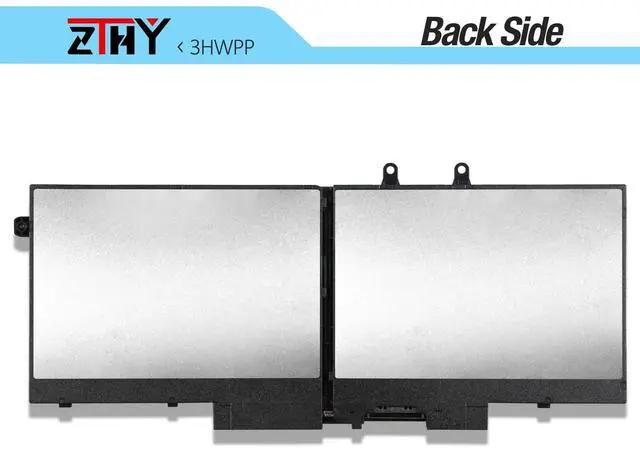
3HWPP Battery Replacement for Dell Latitude 5401 5410 5411 5501 5510 5511 Precision 3541 3550 3551 Inspiron 7706 2-in-1 Inspiron 17 7500 7506 2-in-1 Black Laptop 03HWPP 451-BCMN 15.2V 68Wh 4Cell

  • Specification: Battery Color: Black. Voltage: 15.2V. Capacity: 68Wh/4250mAh/4-Cell Replace Part Number: 3HWPP 03HWPP 10X1J N2NLL 1VY7F 01VY7F 451-BCMN Compatible Model: Replacement for Dell Latitude 14 5401 5410 5411 Series; Replacement for Latitude 15 5501 5510 5511 Series; Replacement for Precision 3541 3551 Series; Replacement for Inspiron 17 7706 2-in-1 Series; Replacement for Inspiron 17 7500 7506 2-in-1 Black Edition Series. Note: NOT fit for Inspiron 17 7500/7506 2-in-1 Silver Edition. Security: Certified by CE, UL for safety. Strict guidelines for compatibility, and standards compliance for environment safety Note: If the new battery is not recognized during the initial installation, please reinstall and check if the interface is fully connected. Discharge the new battery to 10-20% (not 0%), then charge and cycle 3-4 times to wake up the new battery

+
+
Overview
Specs
Reviews
avatar

Any questions? Our AI mode will help you find out quickly.

Specification: Battery
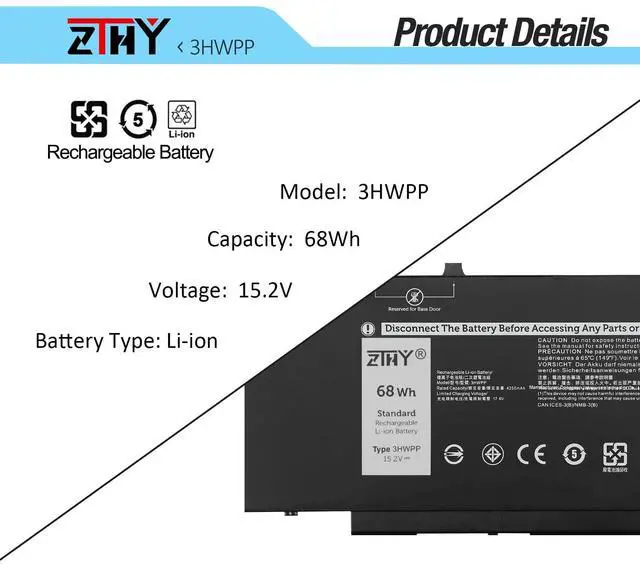
Color: Black.
Voltage: 15.2V.
Capacity: 68Wh/4250mAh/4-Cell Replace
Part Number: 3HWPP 03HWPP 10X1J N2NLL 1VY7F 01VY7F 451-BCMN
Compatible Model: Replacement for Dell Latitude 14 5401 5410 5411 Series; Replacement for Latitude 15 5501 5510 5511 Series; Replacement for Precision 3541 3551 Series; Replacement for Inspiron 17 7706 2-in-1 Series; Replacement for Inspiron 17 7500 7506 2-in-1 Black Edition Series.
Note: NOT fit for Inspiron 17 7500/7506 2-in-1 Silver Edition.
Security: Certified by CE, UL for safety. Strict guidelines for compatibility, and standards compliance for environment safety
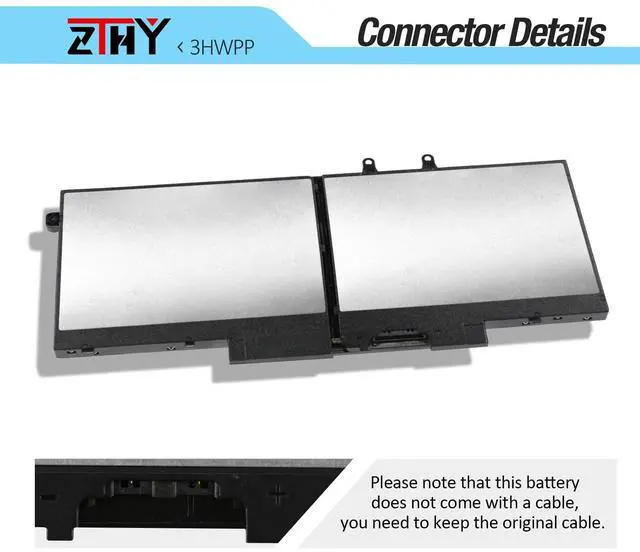
Note: If the new battery is not recognized during the initial installation, please reinstall and check if the interface is fully connected. Discharge the new battery to 10-20% (not 0%), then charge and cycle 3-4 times to wake up the new battery

Warranty & Returns

Warranty, Returns, And Additional Information

Warranty

  • Please contact the Seller directly for warranty information. Warranty information may also be found on the Manufacturer's website.
  • CONTACT

Return Policies

Manufacturer Contact Info

LOADING...