

Your Browsing History

Meet Your Seller


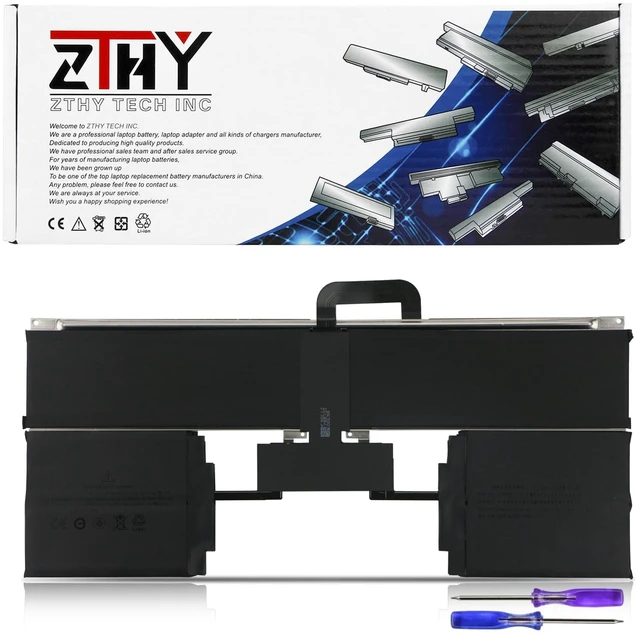
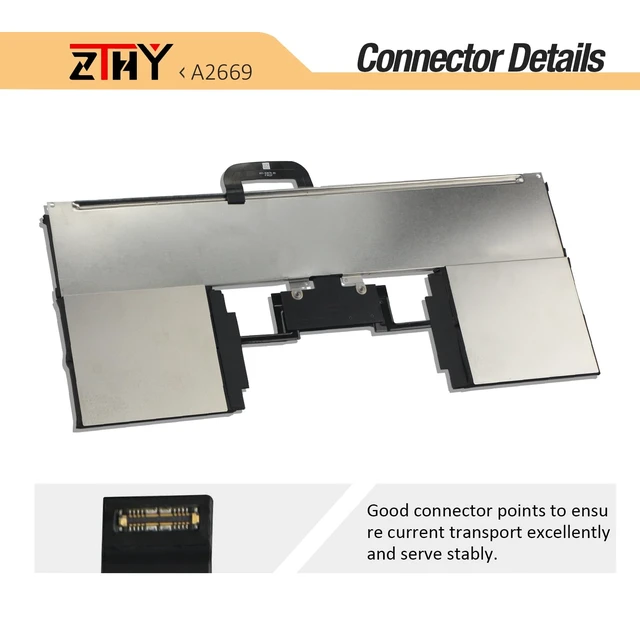
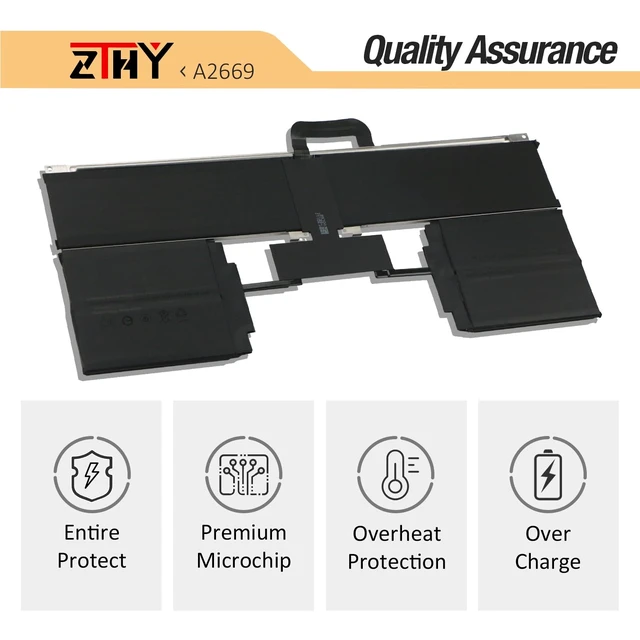
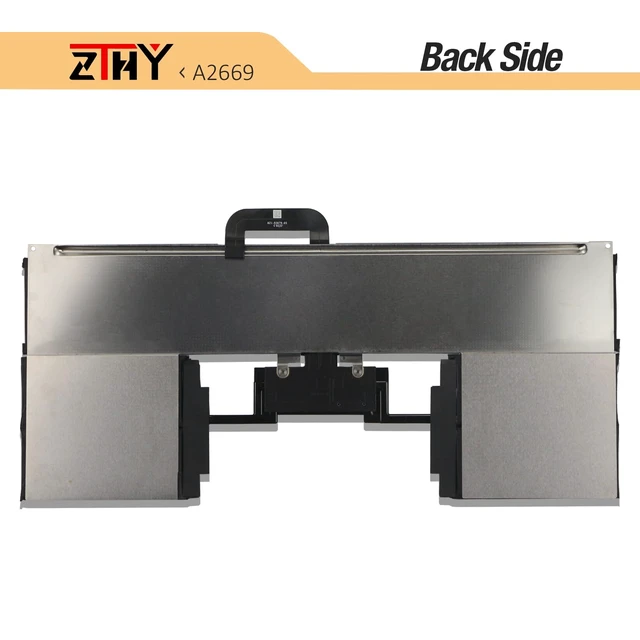
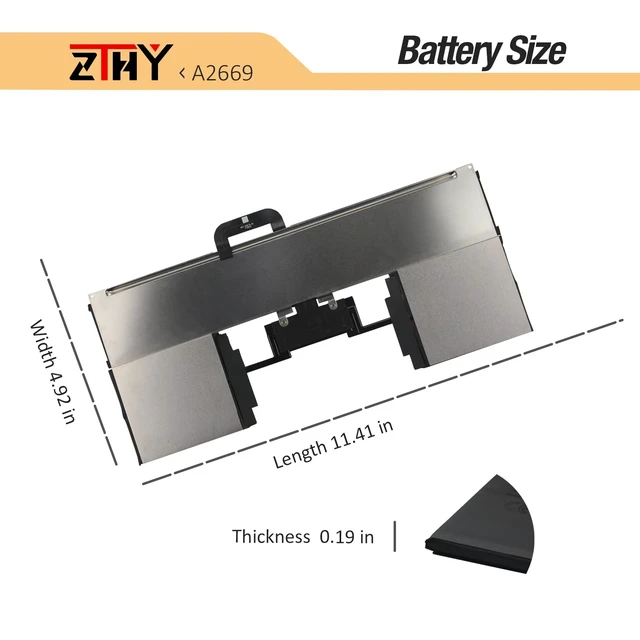


A2669 A2681 Laptop Battery Replacement for MacBook AIR 13" M2 2022 A2681 661-26150 MLY23LL/A MLXX3LL/A MLXW3LL/A MLXY3LL/A MLY03LL/A MLY43LL/A MLY33LL/A MLY13LL/A Series 11.54V 52.6Wh
Limited time offer, ends 10/19 By EpicTransTrade
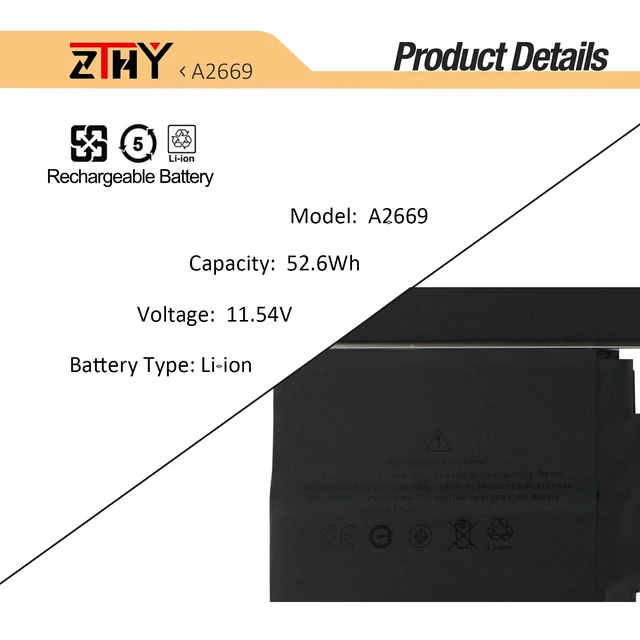
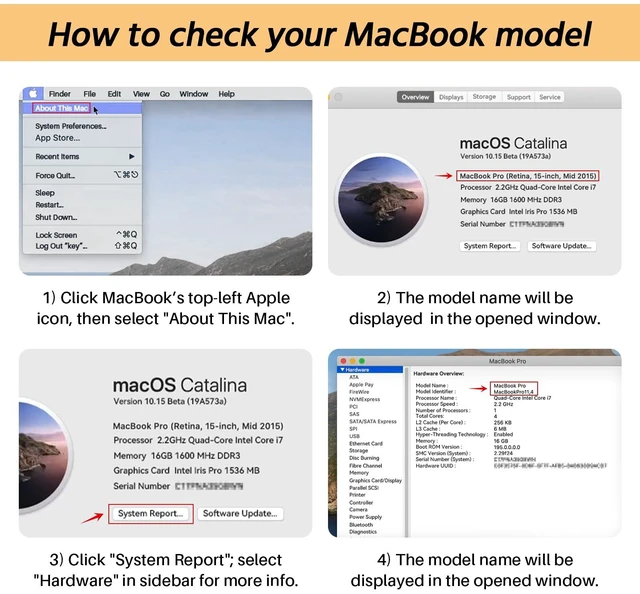
- Specification: Battery Type: Li-ion. Voltage: 11.54V. Capacity: 52.6Wh Replace Part Number: A2669 A2681 661-26150 Compatible Models: Replacement for MacBook AIR 13" M2 2022 A2681, A2681 (EMC 4074), MLY43LL/A, MLY33LL/A, MLY13LL/A, MLY23LL/A, MLXX3LL/A, MLXW3LL/A, MLXY3LL/A, MLY03LL/A Attention: The battery disassembly of this MacBook is a bit complicated, especially removing the glued battery from the MacBook Pro. We recommend that you search for related battery replacement videos on the Internet in advance, or seek the help of professional technicians when installing the battery. Note: If the new battery is not recognized during the initial installation, please reinstall and check if the interface is fully connected. Discharge the new battery to 10-20% (not 0%), then charge and cycle 3-4 times to wake up the new battery
+
+
Overview
Specs
Reviews

Any questions? Our AI mode will help you find out quickly.
Try me now
Specification: Battery
Type: Li-ion.
Voltage: 11.54V.
Capacity: 52.6W h Replace
Part Number: A2669 A2681 661-26150
Compatible Models: Replacement for MacBook AIR 13" M2 2022 A2681, A2681 (EMC 4074), MLY43LL/A, MLY33LL/A, MLY13LL/A, MLY23LL/A, MLXX3LL/A, MLXW3LL/A, MLXY3LL/A, MLY03LL/A
Attention: The battery disassembly of this MacBook is a bit complicated, especially removing the glued battery from the MacBook Pro. We recommend that you search for related battery replacement videos on the Internet in advance, or seek the help of professional technicians when installing the battery.
Note: If the new battery is not recognized during the initial installation, please reinstall and check if the interface is fully connected. Discharge the new battery to 10-20% (not 0%), then charge and cycle 3-4 times to wake up the new battery
Type: Li-ion.
Voltage: 11.54V.
Capacity: 52.6W h Replace
Part Number: A2669 A2681 661-26150
Compatible Models: Replacement for MacBook AIR 13" M2 2022 A2681, A2681 (EMC 4074), MLY43LL/A, MLY33LL/A, MLY13LL/A, MLY23LL/A, MLXX3LL/A, MLXW3LL/A, MLXY3LL/A, MLY03LL/A
Attention: The battery disassembly of this MacBook is a bit complicated, especially removing the glued battery from the MacBook Pro. We recommend that you search for related battery replacement videos on the Internet in advance, or seek the help of professional technicians when installing the battery.
Note: If the new battery is not recognized during the initial installation, please reinstall and check if the interface is fully connected. Discharge the new battery to 10-20% (not 0%), then charge and cycle 3-4 times to wake up the new battery
Warranty & Returns
Warranty, Returns, And Additional Information
Warranty
- Please contact the Seller directly for warranty information. Warranty information may also be found on the Manufacturer's website.
- CONTACT
Return Policies
- Return for refund within: 30 days
- Return for replacement within: 30 days
- This item is covered by EpicTransTrade Return Policy
Manufacturer Contact Info
- For a directory of all our manufacturers, please click below.
- Manufacturers Directory
LOADING...