• $49.99
  • Free 30-day Returns
  • Shipped by EpicTransTrade

    Price alert
    Shop it at NeweggBusiness.

    Meet Your Seller

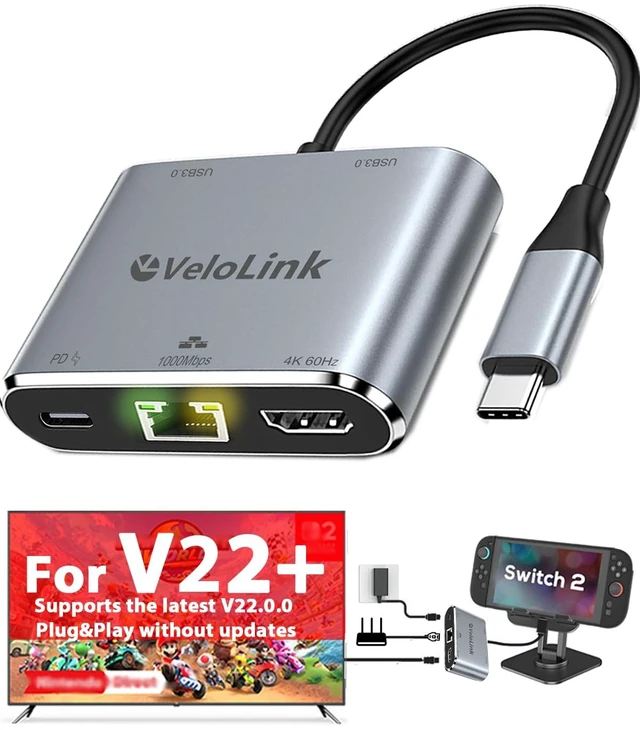
    Switch 2 Dock with ethernet Plug & Play for Nintendo Switch 2 Compatible with the Latest firmware Usbc to HDMI Adapter with LAN 1000mbps for MacBook/Ipad/Laptop (HDMI+ LAN+USBA+PD Charger)

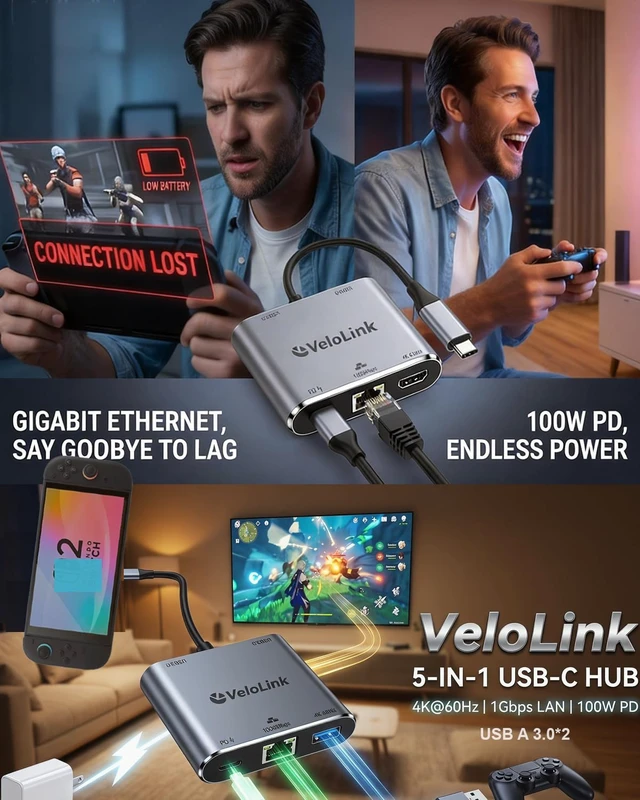
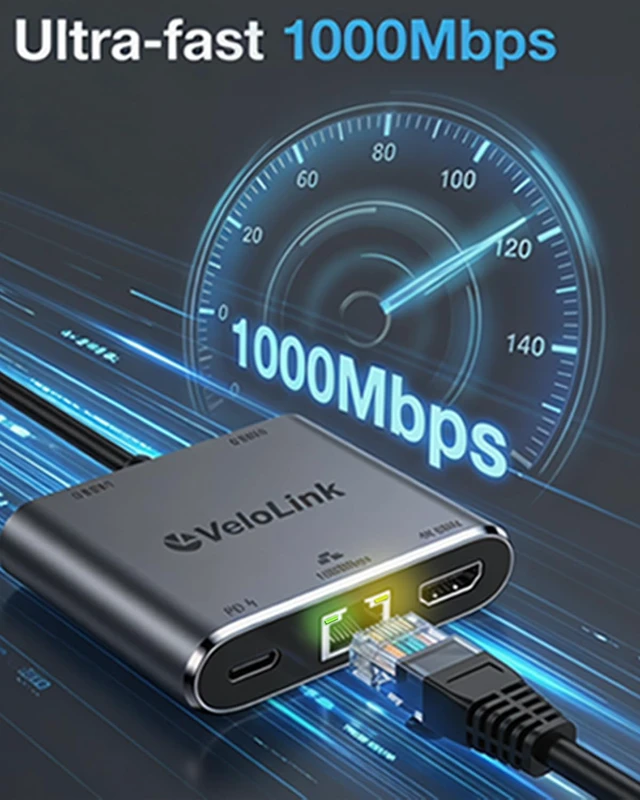
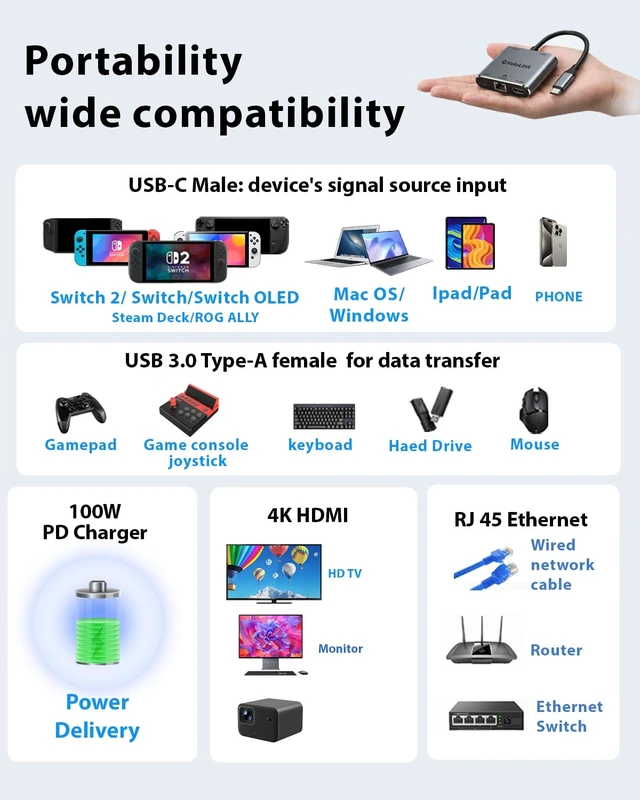
    • Switch 2 Dock with Ethernet, upgraded for Nintendo Switch 2 Docking Station, featuring an HDMI and Gigabit LAN port, compatible with the latest official firmware. No manual updates required. Plug-and-play support for V22+ simply use it on your newest console. Designed as a portable travel dock, it replaces bulky official docks. Whether at work or on the go, carry it anywhere and enjoy gaming anytime. 4K HDMI Port: The Switch 2 dock/HDMI adapter supports up to HDMI 4K60 for Nintendo Switch 2 and HDMI adapter for MacBook/iPad, while also backward compatible with lower resolutions like 4K30, 1080P, and 720P. This product works with the Apple USB-C Digital AV Multiport Adapter and MacBook Air HDMI Adapter, allowing you to enjoy big-screen gaming anytime during travel or business trips. USB-A 3.2 Data Port: The USB-C to USB adapter supports super-fast data transfer up to 10Gbps 20X faster than USB 2.0 (480 Mbps). Backward compatible with USB 2.0/3.0. Easily connect the mouse, keyboard, USB disk, and other USB devices to your USB-C phones and tablets/laptop. 1 PD charging port: it is required when working with Switch 2 to display. The HDMI adapter for MacBook Air supports PD fast charging up to 100W (20V/5A). You can charge the laptop or phone and support work simultaneously. TIPS: 1. Please use a power adapter that supports PD 3.0; 2. PD Port without data transmission function. This Switch 2 dock is compatible with both the Nintendo Switch 2 (2025 model 21.2.0) and Swi
    +
    +
    Overview
    Specs
    Reviews
    avatar

    Any questions? Our AI mode will help you find out quickly.

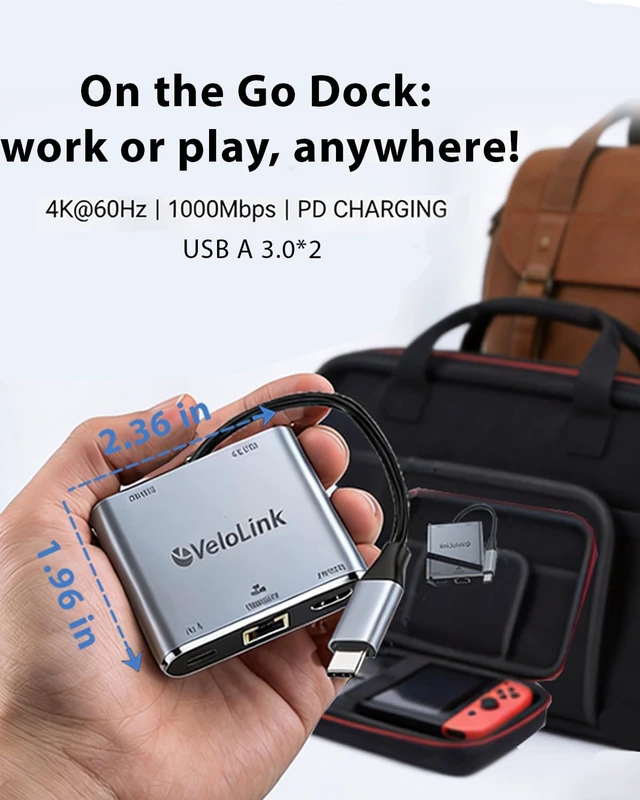
    Switch 2 Dock with Ethernet, upgraded for Nintendo Switch 2 Docking Station, featuring an HDMI and Gigabit LAN port, compatible with the latest official firmware. No manual updates required. Plug-and-play support for V22+ simply use it on your newest console. Designed as a portable travel dock, it replaces bulky official docks. Whether at work or on the go, carry it anywhere and enjoy gaming anytime.
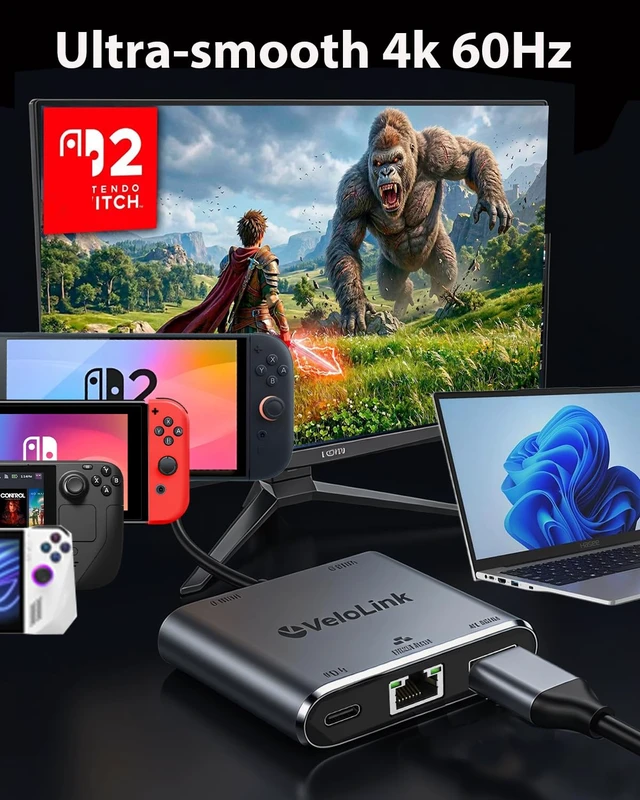
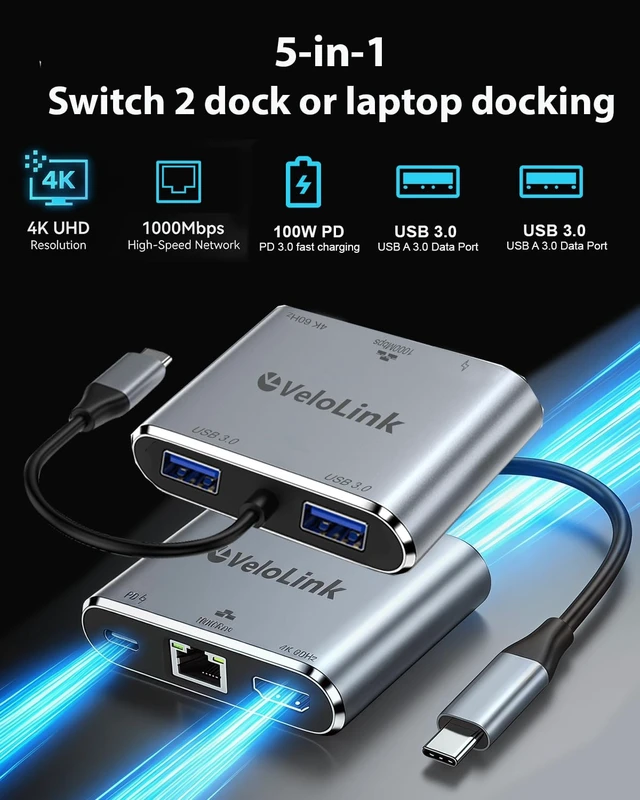
    4K HDMI Port: The Switch 2 dock/HDMI adapter supports up to HDMI 4K60 for Nintendo Switch 2 and HDMI adapter for MacBook/iPad, while also backward compatible with lower resolutions like 4K30, 1080P, and 720P. This product works with the Apple USB-C Digital AV Multiport Adapter and MacBook Air HDMI Adapter, allowing you to enjoy big-screen gaming anytime during travel or business trips.
    USB-A 3.2 Data Port: The USB-C to USB adapter supports super-fast data transfer up to 10Gbps 20X faster than USB 2.0 (480 Mbps). Backward compatible with USB 2.0 / 3.0. Easily connect the mouse, keyboard, USB disk, and other USB devices to your USB-C phones and tablets/laptop.
    1 PD charging port: it is required when working with Switch 2 to display. The HDMI adapter for MacBook Air supports PD fast charging up to 100W (20V/5A). You can charge the laptop or phone and support work simultaneously.
    TIPS: 1. Please use a power adapter that supports PD 3.0; 2. PD Port without data transmission function. This Switch 2 dock is compatible with both the Nintendo Switch 2 (2025 model 21.2. 0) and Switch 1. As a Switch 2 travel dock it offers superior portability and lightweight design compared to the official Switch 2 dock. It features an HDMI output port and a 100W PD charging port (requires use with Switch 2, supports charging only); USB-A 3.2 port. Beyond serving as a Switch 2 dock, it doubles as an HDMI adapter compatible with Mac/laptops/phones, replacing Apple's USB-C Digital AV Multiport Adapter and MacBook Air-specific HDMI adapters. This portable Switch 2 dock delivers immersive big-screen gaming on the go during travel or business trips

    Warranty & Returns

    Warranty, Returns, And Additional Information

    Warranty

    • Please contact the Seller directly for warranty information. Warranty information may also be found on the Manufacturer's website.
    • CONTACT

    Return Policies

    Manufacturer Contact Info

    LOADING...