• $56.99
  • Free 30-day Returns
  • Price alert
    Shop it at NeweggBusiness.

    Meet Your Seller

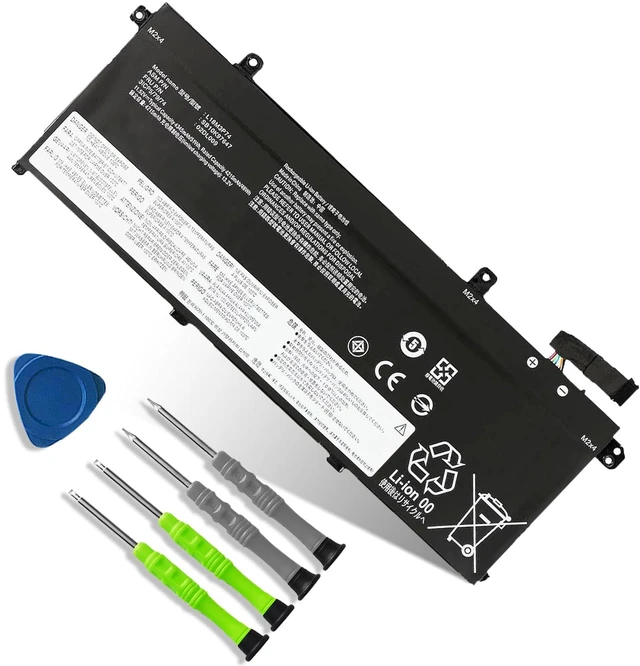
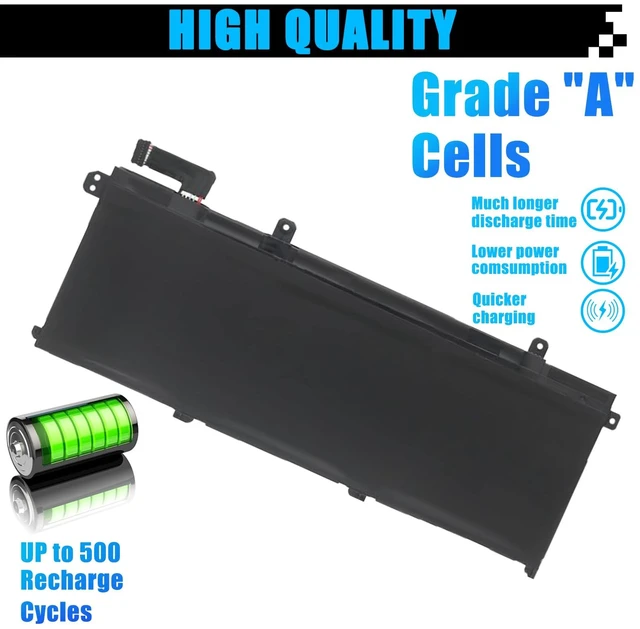
    L18M3P74 L18M3P73 L18L3P73 Battery Replacement for Lenovo ThinkPad T490 T495 T14 P43S P14S Series SB10K97646 02DL009 L18M4P74 SB10K97647 02DL010 L18C3P71 SB10K97648 02DL007 02DL008 51Wh 4345mAh

    Limited time offer, ends 11/02 By HeYuan Shop

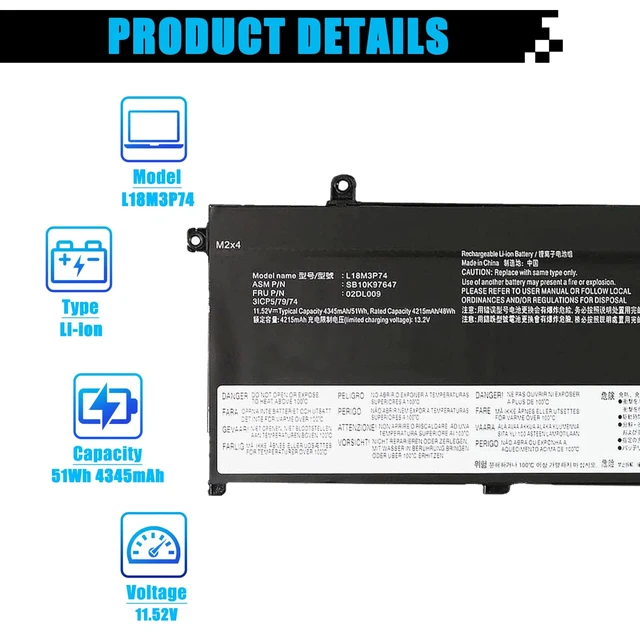
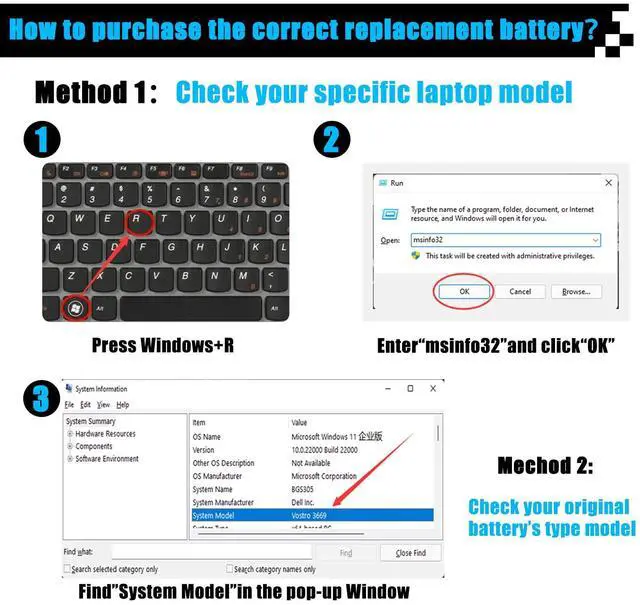
    • Specifications Item Model: L18M3P74 Battery Type: Li-ion Voltage: 11.52V Capacity: 51Wh 4345mAh Battery Condition: Brand New. Replacement for P/N: L18M3P74, SB10K97647, 02DL009, L18M3P73, SB10K97646, L18C3P72, SB10T83122, 5B10W13877, 02DL007, L18L3P73, SB10K97645, 02DL010, L18C3P71, SB10K97648, 02DL008, L18M4P74, 5B10W13905, 5B10W13906, 5B10W13907, 5B10W13908, 5B10W13954, L18M4P73. Compatible Laptop Models: Compatible with Lenovo ThinkPad T490-20Q9, 20QH, 20RY, 20RX; Lenovo ThinkPad T495-20NJ, 20NK; Lenovo ThinkPad P43S-20RH; Lenovo ThinkPad P14S Gen 1/ Gen 2; Lenovo ThinkPad T14 Gen 1-20S2, 20S3, 20UD; and Lenovo ThinkPad T14 Gen 2 Series. Note: Open the back cover of the laptop before ordering and make sure that the original battery model matches the product specifications. Install the battery correctly. Make sure that the battery connector is firmly connected to the laptop motherboard, and use the original charger to charge the laptop. Discharge the new battery to 5% (not 0%), then charge and cycle it 3-4 times to activate the new battery

    +
    +
    Overview
    Specs
    Reviews

    Any questions? Ask CelesteSM will help you find out quickly.

    Specifications Item Model: L18M3P74
    Battery Type: Li-ion
    Voltage: 11.52V
    Capacity: 51Wh 4345mAh
    Battery Condition: Brand New.
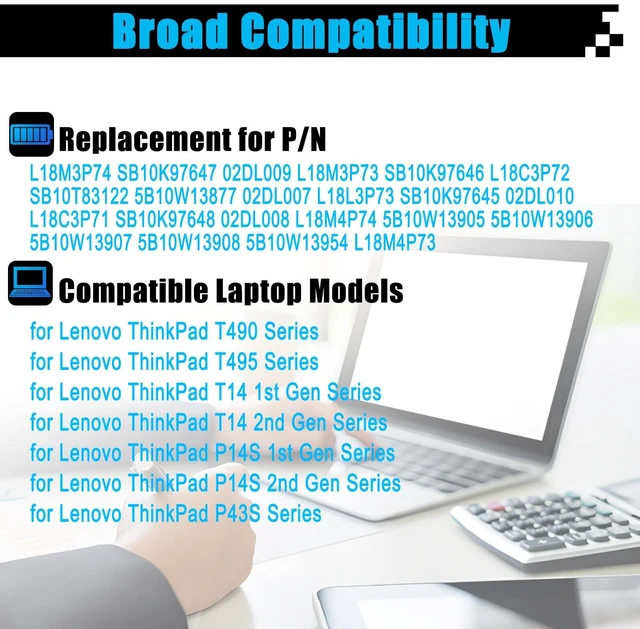
    Replacement for P/N: L18M3P74, SB10K97647, 02DL009, L18M3P73, SB10K97646, L18C3P72, SB10T83122, 5B10W13877, 02DL007, L18L3P73, SB10K97645, 02DL010, L18C3P71, SB10K97648, 02DL008, L18M4P74, 5B10W13905, 5B10W13906, 5B10W13907, 5B10W13908, 5B10W13954, L18M4P73.
    Compatible Laptop Models: Compatible with Lenovo ThinkPad T490-20Q9, 20QH, 20RY, 20RX; Lenovo ThinkPad T495-20NJ, 20NK; Lenovo ThinkPad P43S-20RH; Lenovo ThinkPad P14S Gen 1/ Gen 2; Lenovo ThinkPad T14 Gen 1-20S2, 20S3, 20UD; and Lenovo ThinkPad T14 Gen 2 Series.
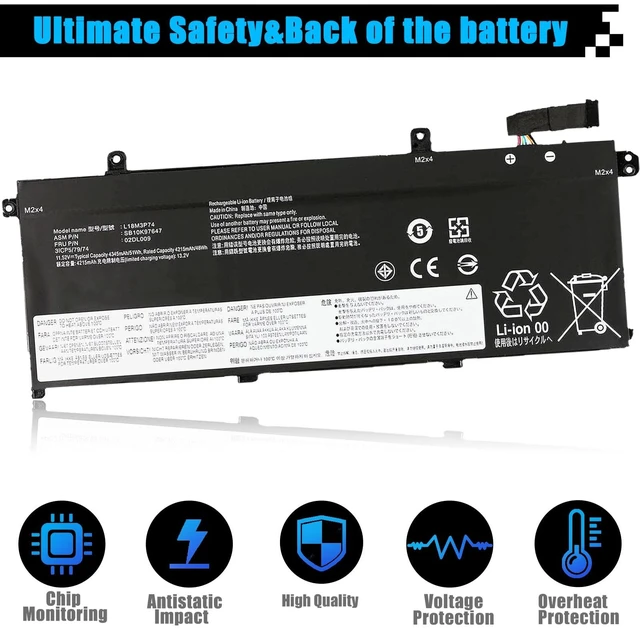
    Note: Open the back cover of the laptop before ordering and make sure that the original battery model matches the product specifications. Install the battery correctly. Make sure that the battery connector is firmly connected to the laptop motherboard, and use the original charger to charge the laptop. Discharge the new battery to 5% (not 0%), then charge and cycle it 3-4 times to activate the new battery

    Warranty & Returns

    Warranty, Returns, And Additional Information

    Warranty

    • Please contact the Seller directly for warranty information. Warranty information may also be found on the Manufacturer's website.
    • CONTACT

    Return Policies

    Manufacturer Contact Info

    LOADING...