

Your Browsing History

Meet Your Seller


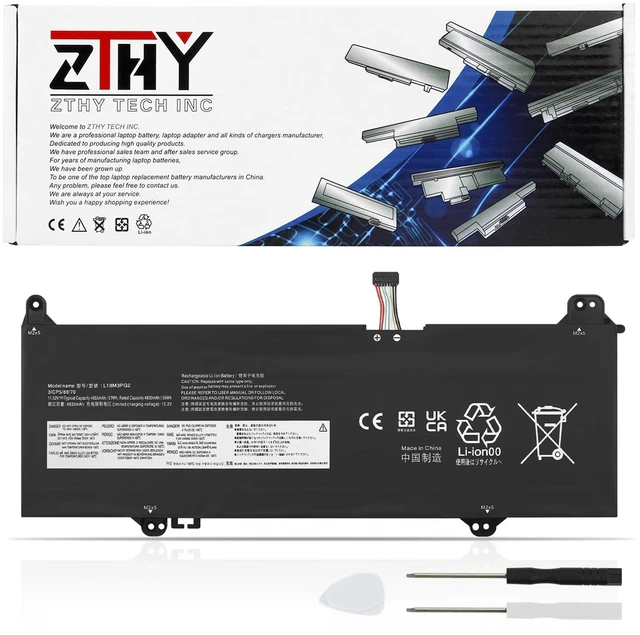
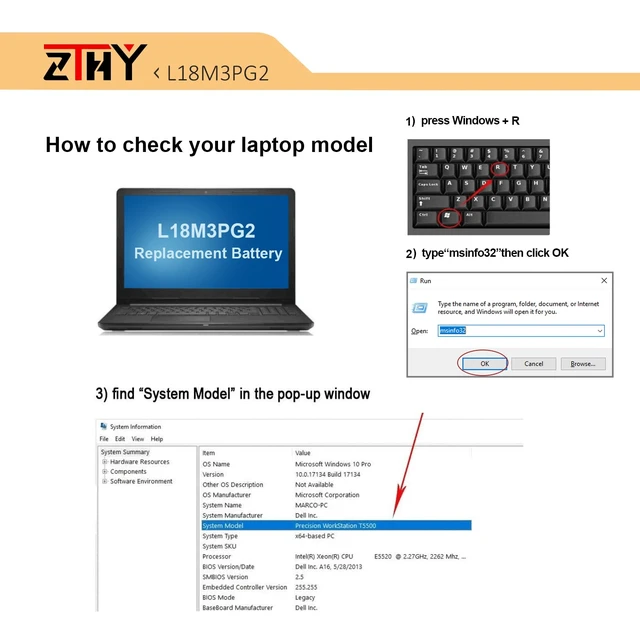
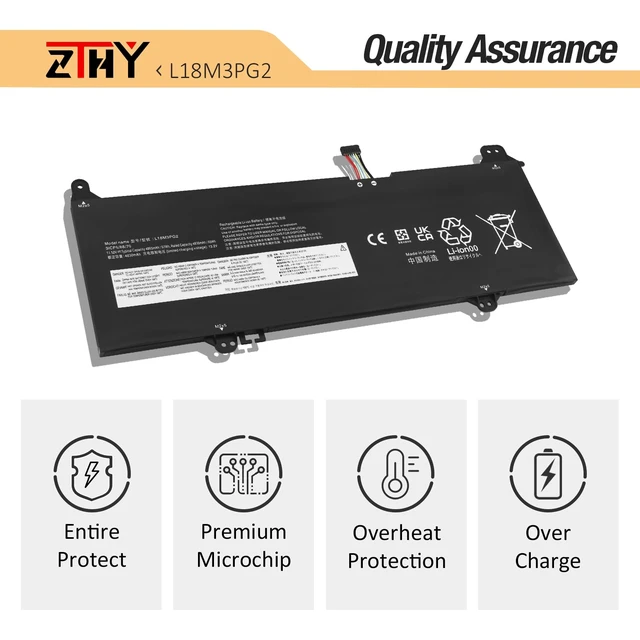
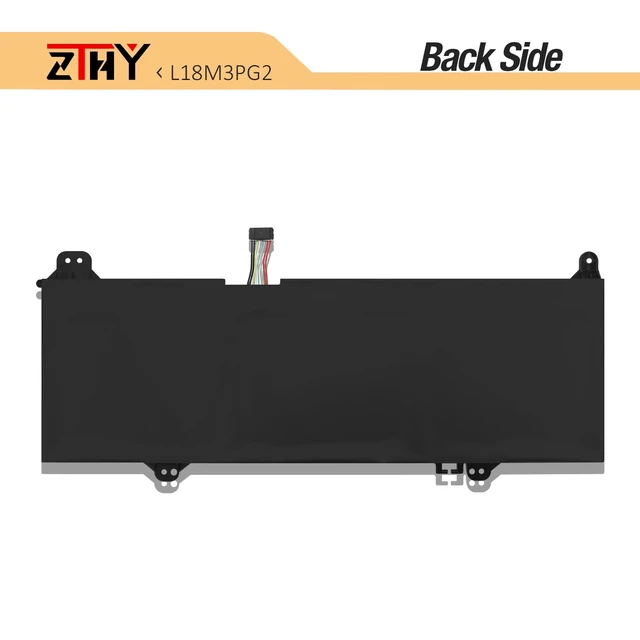
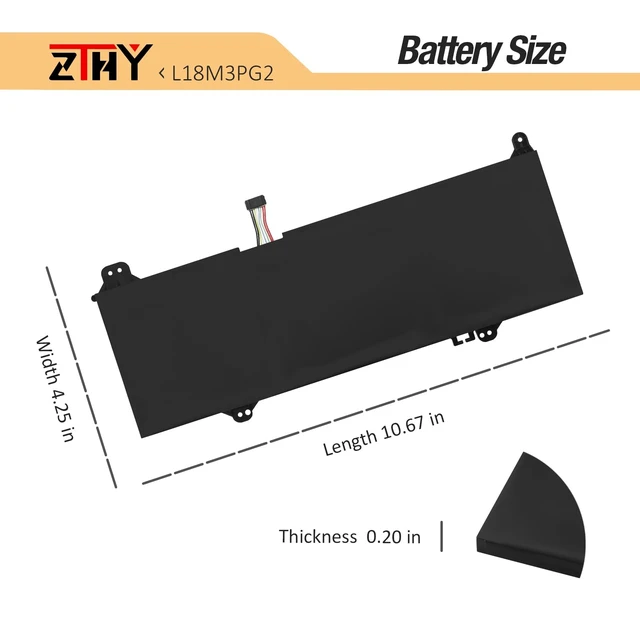


L18L3PG2 L18M3PG2 L18D3PG2 Laptop Battery for Lenovo 14E 14W Chromebook S345-14AST Series Laptop 5B10W13939 5B10W13940 5B10W13941 5B10T04978 5B10T04979 5B10T04980 11.52V 57Wh (Long Cable)
Limited time offer, ends 10/19 By Eristy shop
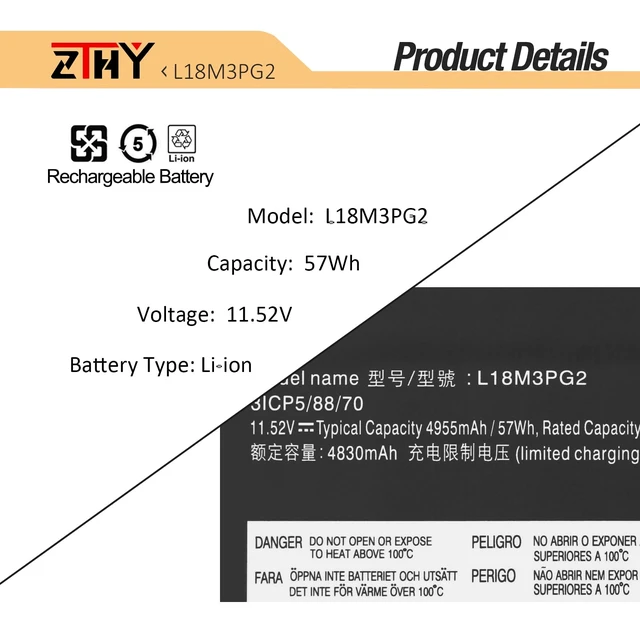
- Specifications: Battery type: Li-ion. Color: Black. Voltage: 11.52V. Capacity: 57Wh/4955mAh. New from Manufacturer Compatible Part Number: L18D3PG2 5B10W13941 5B10T04980 L18M3PG2 5B10W13940 5B10T04979 L18L3PG2 5B10W13939 5B10T04978 31CP5/87/69. Note: The cable length of this battery is a long wire. Compatible with Laptop Models: Replacement for Lenovo 14W Chromebook Series; Replacement for Lenovo 14E Chromebook Series; Replacement for Lenovo Chromebook S345-14AST Series. Security: Certified by CE, FCC for safety. Strict guidelines for compatibility, and standards compliance for environment safety. Note: If the new battery is not recognized during the initial installation, please reinstall and check if the interface is fully connected. Discharge the new battery to 10-20% (not 0%), then charge and cycle 3-4 times to wake up the new battery
+
+
Overview
Specs
Reviews

Any questions? Our AI mode will help you find out quickly.
Try me now
Specifications
: Batterytype: Li-ion.
Color: Black.
Voltage: 11.52V.
Capacity: 57Wh/4955mAh. New from Manufacturer
Compatible Part Number: L18D3PG2 5B10W13941 5B10T04980 L18M3PG2 5B10W13940 5B10T04979 L18L3PG2 5B10W13939 5B10T04978 31CP5/87/69.
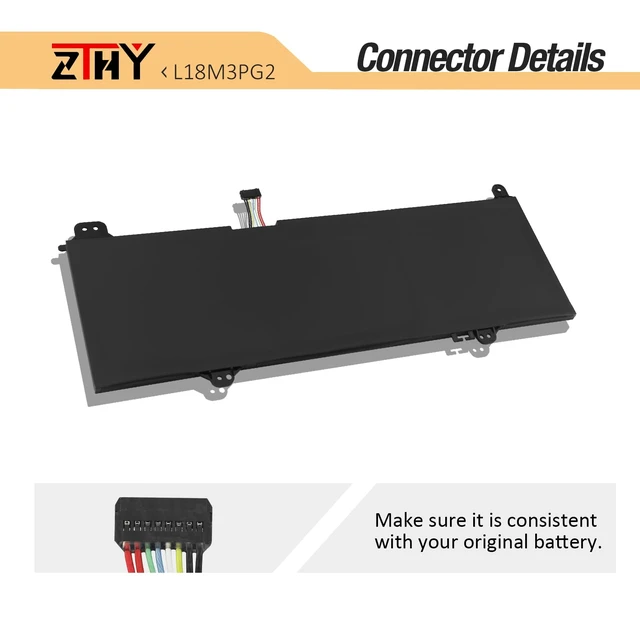
Note: The cable length of this battery is a long wire.
Compatible with Laptop Models: Replacement for Lenovo 14W Chromebook Series; Replacement for Lenovo 14E Chromebook Series; Replacement for Lenovo Chromebook S345-14AST Series.
Security: Certified by CE, FCC for safety. Strict guidelines for compatibility, and standards compliance for environment safety.
Note: If the new battery is not recognized during the initial installation, please reinstall and check if the interface is fully connected. Discharge the new battery to 10-20% (not 0%), then charge and cycle 3-4 times to wake up the new battery
Warranty & Returns
Warranty, Returns, And Additional Information
Warranty
- Please contact the Seller directly for warranty information. Warranty information may also be found on the Manufacturer's website.
- CONTACT
Return Policies
- Return for refund within: 30 days
- Return for replacement within: 30 days
- This item is covered by Eristy shop Return Policy
Manufacturer Contact Info
- For a directory of all our manufacturers, please click below.
- Manufacturers Directory
LOADING...