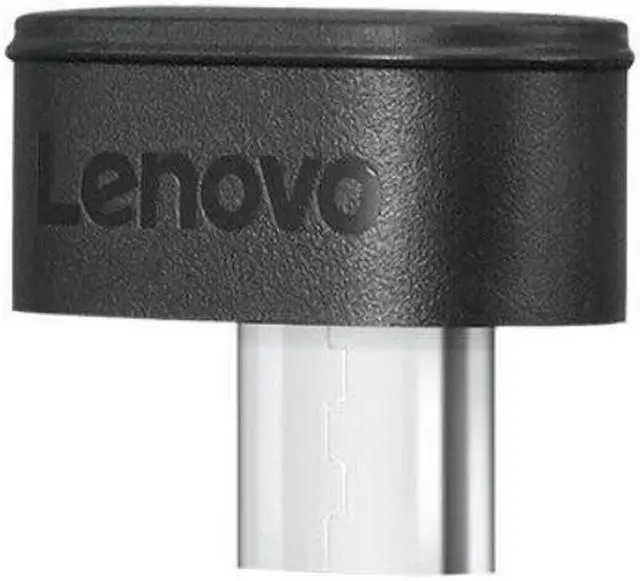
The Lenovo 4XH1D20852 is a wireless pairing receiver for select Lenovo keyboards, mice, and other compatible peripherals, suited to users replacing a lost receiver or connecting supported devices through one receiver.
Recommended For
- People who lost the receiver for a compatible Lenovo Go or ThinkPad mouse, keyboard, or combo and need a replacement receiver.
- Desk users with multiple supported Lenovo peripherals who want to connect them through one receiver; Lenovo says it supports up to eight compatible devices.
- Laptop or desktop users with a USB-C port who want a receiver-based connection for a specifically listed Lenovo wireless mouse, keyboard, or combo.
Real-World Use Scenarios
- If a compatible Lenovo wireless keyboard or mouse has lost its receiver, pair it with this replacement to restore wireless input; compatibility depends on the peripheral supporting Lenovo Unified Pairing.
- For a desk using several compatible Lenovo peripherals, pair them to one receiver instead of keeping a separate receiver for each; Lenovo lists support for up to eight compatible devices.
- When setting up a desktop or laptop with a USB-C port, plug in the receiver and pair a supported Lenovo keyboard or mouse for wireless everyday typing and cursor control.
- For a home-office setup where you want fewer cables across the desk, use the receiver with compatible Lenovo wireless peripherals; it provides a 2.4 GHz connection without a direct cable to the keyboard or mouse.




 here!