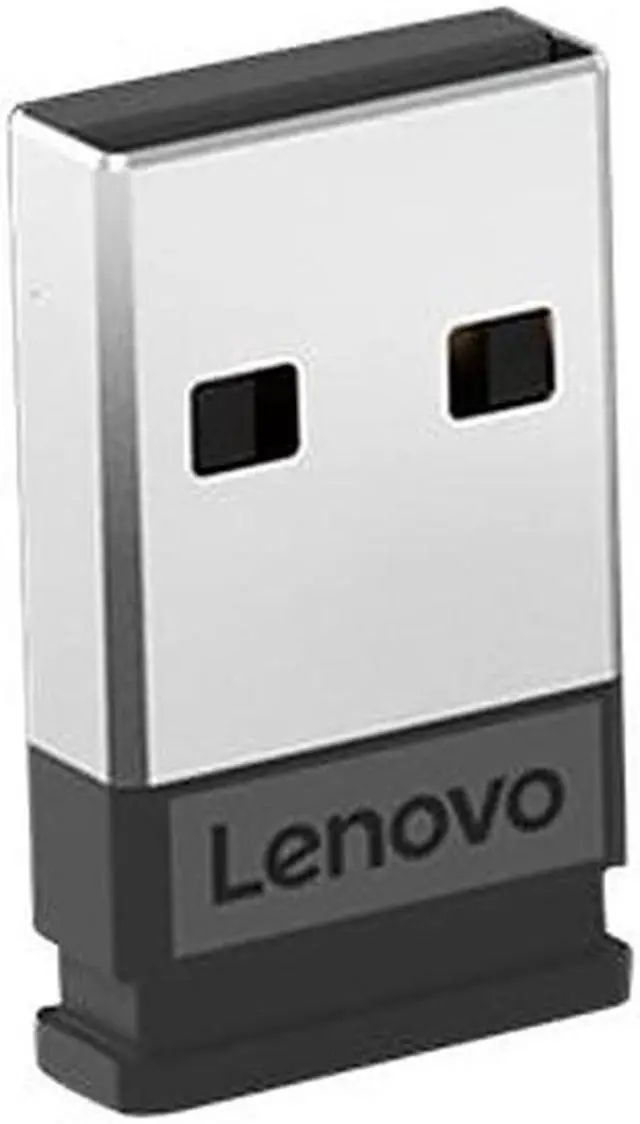
The Lenovo 4XH1D20851 is a USB-A Unified Pairing Receiver for connecting supported Lenovo wireless peripherals to a PC, making it suitable for replacing a lost receiver or using one receiver with several compatible devices.
Recommended For
- Lenovo Unified Pairing mouse or keyboard owners who lost the original receiver and need a replacement; the receiver is intended for supported devices with a Unified Pairing button.
- People using several compatible Lenovo Unified Pairing peripherals at one workstation who want to connect them through one receiver; Lenovo says it supports up to eight compatible devices.
- Desk-based workers with a compatible Lenovo wireless mouse or keyboard who need a USB-A receiver for a desktop or laptop.
- Owners of supported Lenovo Go or ThinkPad wireless input devices who want to keep a spare receiver available for another compatible setup.
Real-World Use Scenarios
- If a compatible Lenovo wireless mouse or keyboard loses its original receiver, use this receiver to pair that device again; it works only with supported Lenovo Unified Pairing products.
- At a desk with several compatible Lenovo peripherals, pair them to one receiver instead of using a separate receiver for each; Lenovo says it supports up to eight compatible devices.
- When setting up a desktop with a USB-A port, plug in the receiver to connect supported Lenovo wireless input devices; it provides a 2.4 GHz wireless connection, not Wi-Fi internet access.
- For a shared workstation, keep compatible Lenovo peripherals paired to the receiver so the setup can use one USB-A receiver for multiple supported devices.




 here!