

• $39.99
  • Price alert
    Shop it at NeweggBusiness.

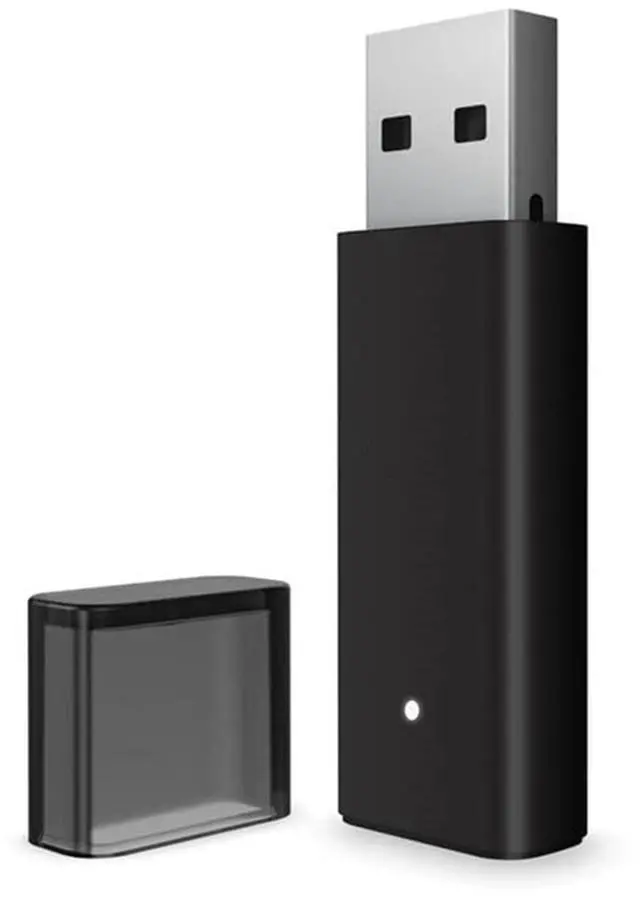
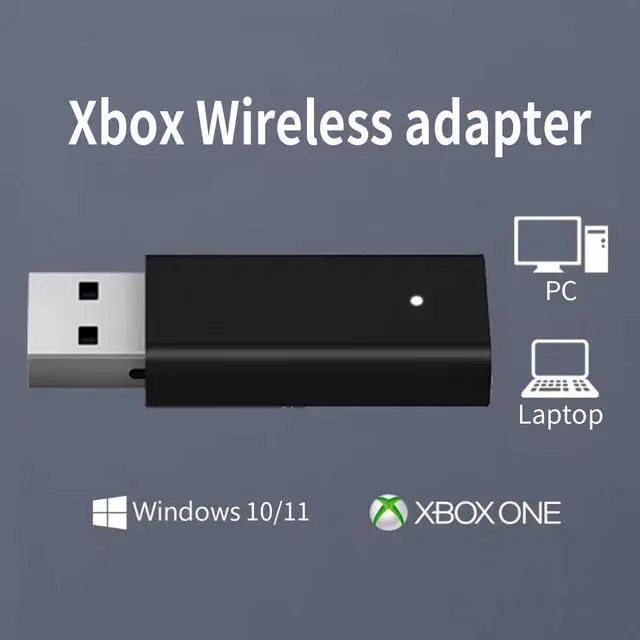
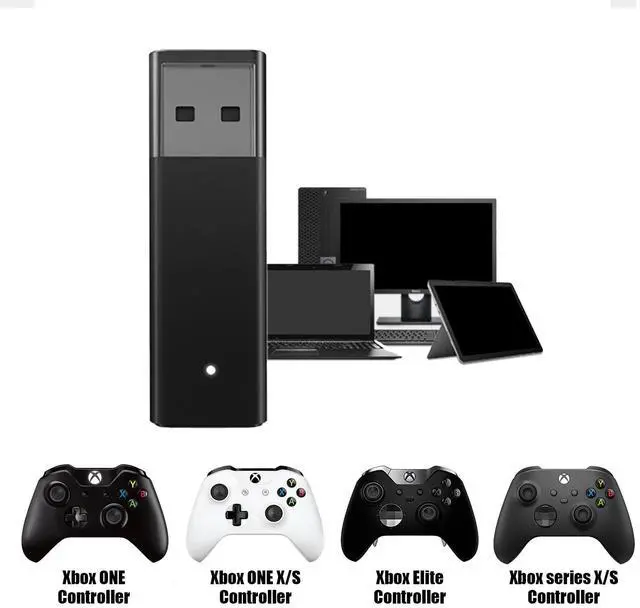
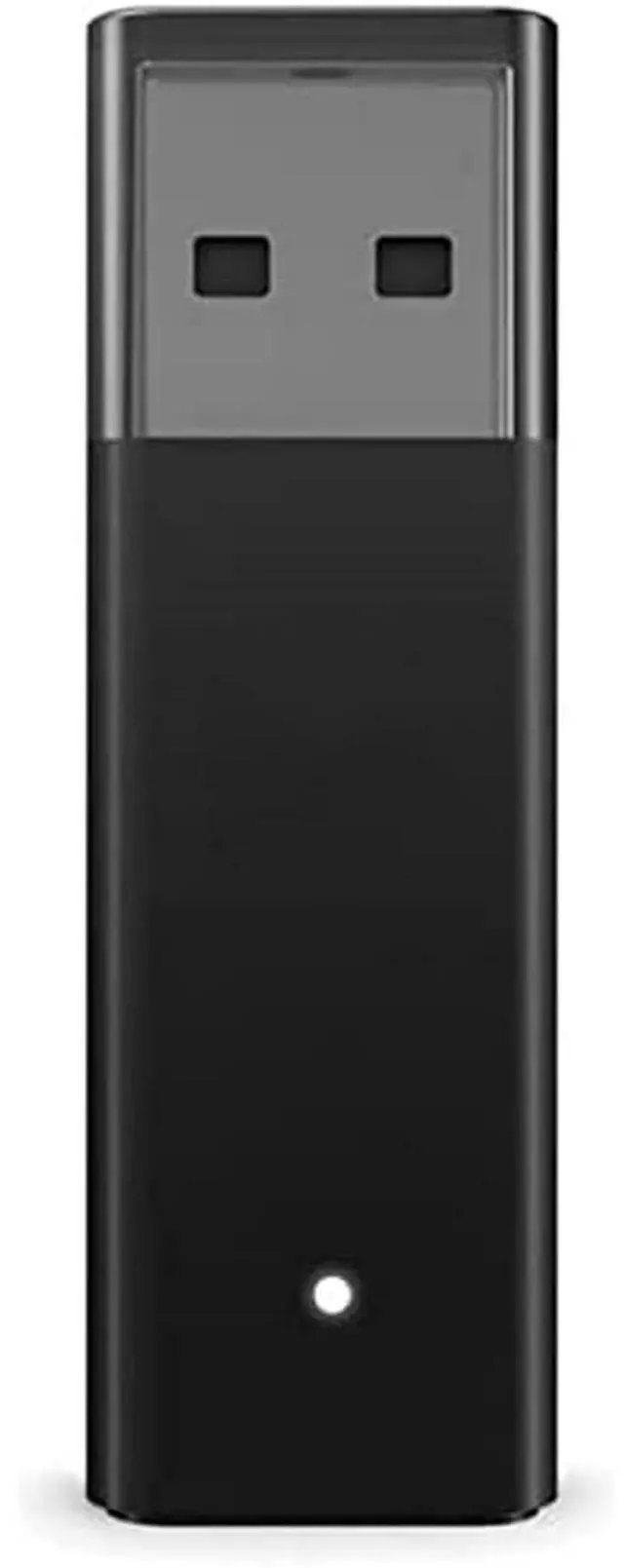
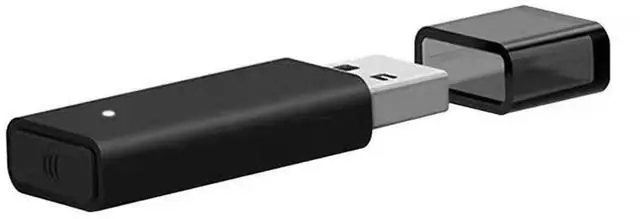
    Wireless Adapter for Controller Xbox, Bluetooth Adapter for Controller Xbox One/Xbox One X S/Xbox Series X S/Elite, Compatible with Windows 10/11/8/8.1/7

    • The product is made of original chips,It can use existing controllers and accessories for Windows 10/11/8/8.1/7. Not compatible with X 360 controllers. (Note: You may need to download a driver for the first time use.When using the Steam platform, some games require enabling the controller connection in the game settings.)
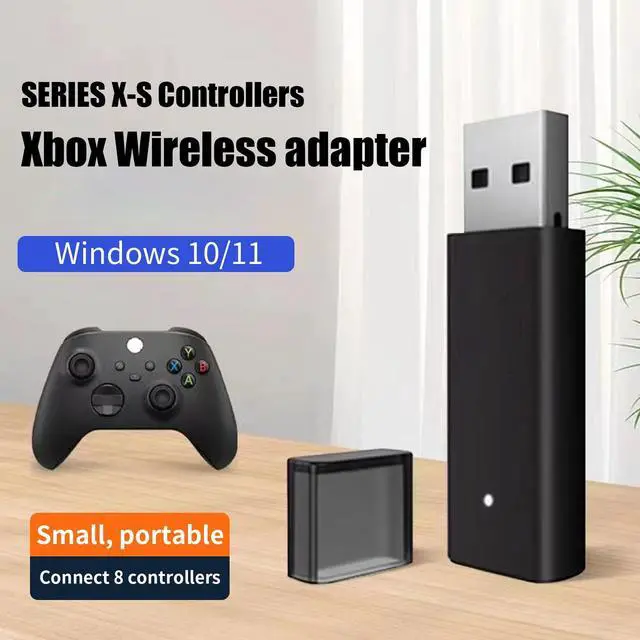
    • You can use up to 8 controllers, 4 single-channel headphones or 2 stereo headphones at the same time. Wireless Bluetooth connection, stable transmission, high performance.
    • Play your wireless controller on Windows/Laptops/Tablets. Simply connect the adapter to your wireless controller to deliver the same gaming experience you've come to expect from the X One, including in-game chat and high-quality stereo audio.
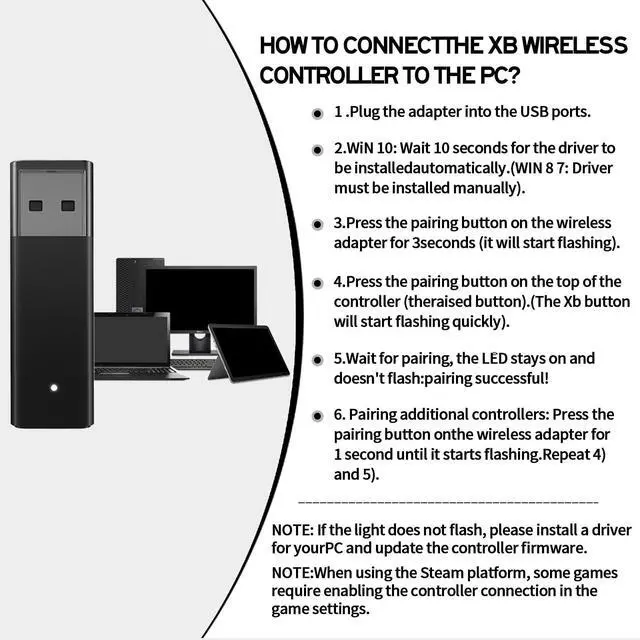
    • Plug and play USB, plug in, pair, use immediately. Plug the Xbox One adapter into the USB port of the PC/laptop, wait 10 seconds to install the Windows 10 driver (Win7/8 needs to install the driver manually), then press the adapter button for 3 seconds and press the controller button, the light flashes and when the light turns on, it means the pairing was successful.
    • Ergonomic design, compact and lightweight. If you encounter issues while using certain games or platforms, please do not hesitate to contact us. We will resolve the problem for you as quickly as possible..
    +
    +
    Overview
    Specs
    Reviews
    avatar

    Any questions? Our AI beta will help you find out quickly.

    Wireless adapter for Xbox, compatible with Windows 11/10/8/7. Shows black adapter and various Xbox controller models.
    adapter xbox
    adapter

    Manually Install the Driver:Try updating the driver and maybe it will fix everything.

    1.Enter the site,search for "Microsoft Update Catalog", look for "Xbox Wireless Adapter" in the search box. Find the version file that matches your Windows (a driver that doesn't match your Windows will prevent the adapter from working), download the file to a memorable folder. The WIN 10 Driver Title: Microsoft - Other Hardware - Xb Wireless Adapter for Windows

    2.Click Start, type Device Manager, and press Enter. Left-click Network Adapters, right-click "Xb Wireless Adapter for Windows" and choose "Update Driver". Select "Browse my computer for driver software." Locate the folder where you extracted the driver in step 1. Then, choose next.

    3.Once the driver update is successful, restart the computer. Press the pairing button on the wireless adapter for 3 seconds, which should now start flashing slowly. Press and hold the button on your XB wireless controller for syncing, and two should connect.

    Note: The light on the adapter did not illuminate after pressing the button for 3 seconds or disconnected randomly. You must:

    1) Download/update the driver

    2) Use a USB extension cable

    3) Restart the controller

    Screenshot of Microsoft update catalog search results for 'Xbox wireless adapter'. Shows multiple driver options with dates and file sizes.
    Wireless adapter for Xbox, compatible with Windows 11/10/8/7. Shows black adapter and various Xbox controller models.
    adapter xbox
    adapter

    Manually Install the Driver:Try updating the driver and maybe it will fix everything.

    1.Enter the site,search for "Microsoft Update Catalog", look for "Xbox Wireless Adapter" in the search box. Find the version file that matches your Windows (a driver that doesn't match your Windows will prevent the adapter from working), download the file to a memorable folder. The WIN 10 Driver Title: Microsoft - Other Hardware - Xb Wireless Adapter for Windows

    2.Click Start, type Device Manager, and press Enter. Left-click Network Adapters, right-click "Xb Wireless Adapter for Windows" and choose "Update Driver". Select "Browse my computer for driver software." Locate the folder where you extracted the driver in step 1. Then, choose next.

    3.Once the driver update is successful, restart the computer. Press the pairing button on the wireless adapter for 3 seconds, which should now start flashing slowly. Press and hold the button on your XB wireless controller for syncing, and two should connect.

    Note: The light on the adapter did not illuminate after pressing the button for 3 seconds or disconnected randomly. You must:

    1) Download/update the driver

    2) Use a USB extension cable

    3) Restart the controller

    Screenshot of Microsoft update catalog search results for 'Xbox wireless adapter'. Shows multiple driver options with dates and file sizes.
    Wireless Adapter for Controller Xbox, Bluetooth Adapter for Controller Xbox One/Xbox One X S/Xbox Series X S/Elite, Compatible with Windows 10/11/8/ 8.1 /7

    Warranty & Returns

    Warranty, Returns, And Additional Information

    Warranty

    • Please contact the Seller directly for warranty information. Warranty information may also be found on the Manufacturer's website.
    • CONTACT

    Return Policies

    Manufacturer Contact Info

    LOADING...