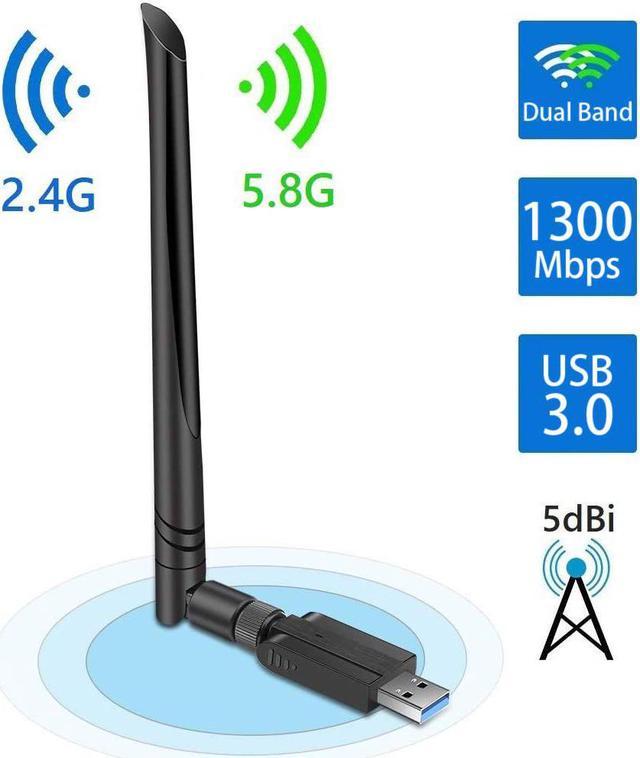
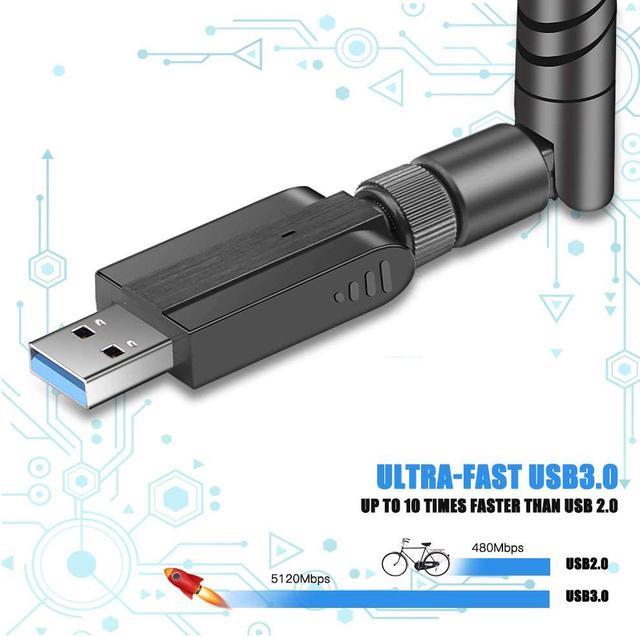
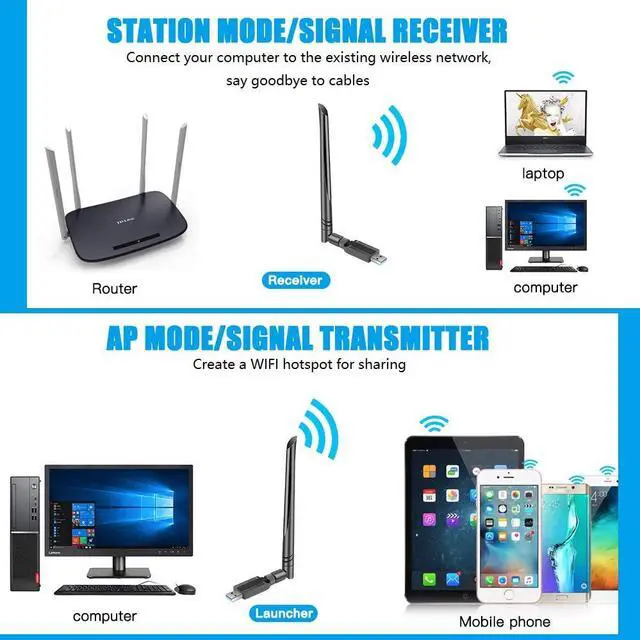
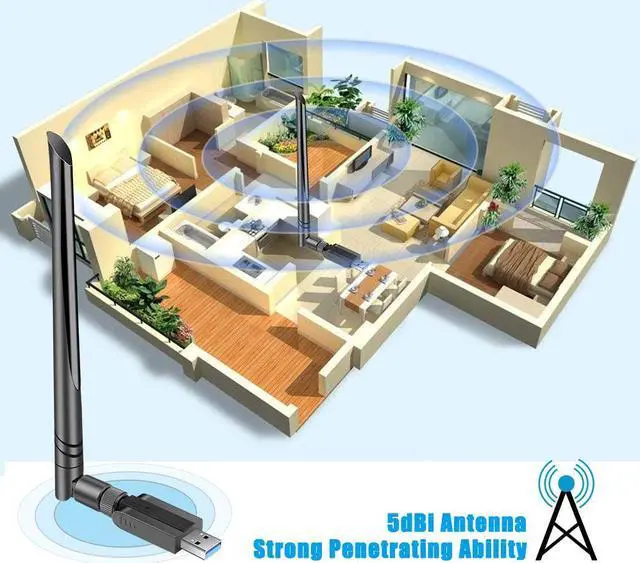
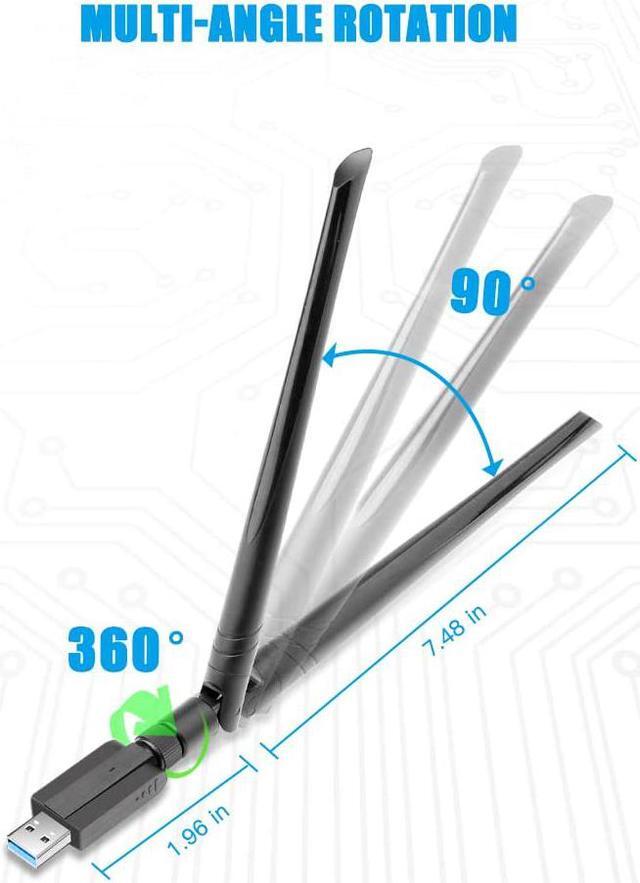
The TROPRO USB Wi-Fi adapter is a dual-band 802.11ac dongle with a USB 3.0 connection, an external 5 dBi antenna, and advertised speeds up to 1300 Mbps, suited to desktop or laptop users who need to add or update wireless connectivity.
Recommended For
- Desktop PC users whose computer lacks Wi‑Fi and who want to add wireless networking through a USB 3.0 port instead of opening the case; the external antenna makes this a better fit for a desk setup than a tiny travel dongle.
- People using a Wi‑Fi 5 router who want a dual-band adapter for everyday browsing, video streaming, or online play, and can connect to 5 GHz when it is available. The listed 1300 Mbps is a theoretical adapter rating, not a promise of internet speed.
- Users of older Windows PCs who need an add-on Wi‑Fi connection: the listing names support for Windows 7, 8, and 10, as well as earlier versions, and provides a driver-download option.
- Stationary users who want to try an external antenna rather than a compact low-profile adapter, particularly when the computer’s built-in Wi‑Fi reception is inconveniently positioned. The listing specifies a 5 dBi antenna, but does not establish a guaranteed range improvement.
Real-World Use Scenarios
- A desktop without built-in Wi-Fi needs to join a home network without running an Ethernet cable; plugging in the adapter provides a wireless connection, with performance dependent on the router and signal conditions.
- A laptop’s built-in Wi-Fi is unreliable or outdated, and the user wants a removable alternative; a compatible USB adapter can provide a separate way to connect, though driver and operating-system support should be checked.
- A desktop is being used for video calls or streaming near the router, and the user wants wireless access without installing an internal card; the adapter can connect the computer to Wi-Fi, but call and playback quality still depend on the internet connection and local signal.
- A user wants to connect over 5 GHz for everyday browsing, streaming, or downloads when the router signal is strong; this band may suit nearby use, while distance and obstacles can affect the connection.
- A desktop is in a room where 5 GHz Wi-Fi is weak, and the user tries 2.4 GHz instead; the adapter supports both bands, so the user can test which gives a more usable connection in that location.
Spec Summary
| Attribute | Value |
|---|
| Best For | Adding dual-band wireless networking to a computer through a USB connection |
|---|
| Wireless Networking | Dual-band Wi-Fi support on 2.4 GHz and 5 GHz bands |
|---|
| Interface And Antenna | USB 3.0 connection with an external antenna |
|---|
| Operating Range | Rated for up to 100 m indoors and 400 m outdoors |
|---|
| Appearance | Black |
|---|





 here!
here!