Your Browsing History
- Free 30-day Returns
$100.99
Meet Your Seller
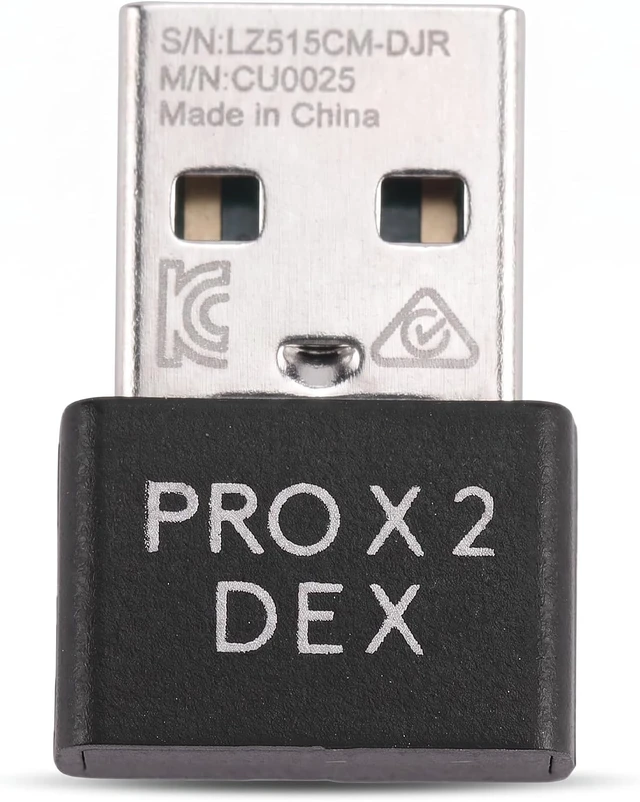
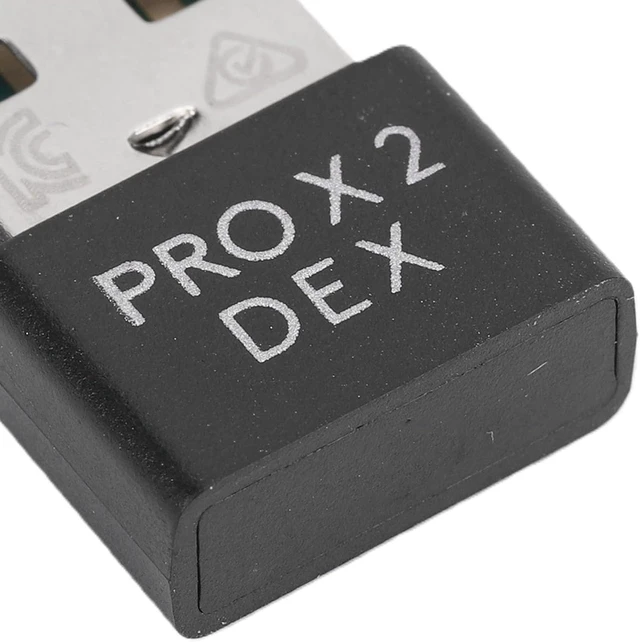
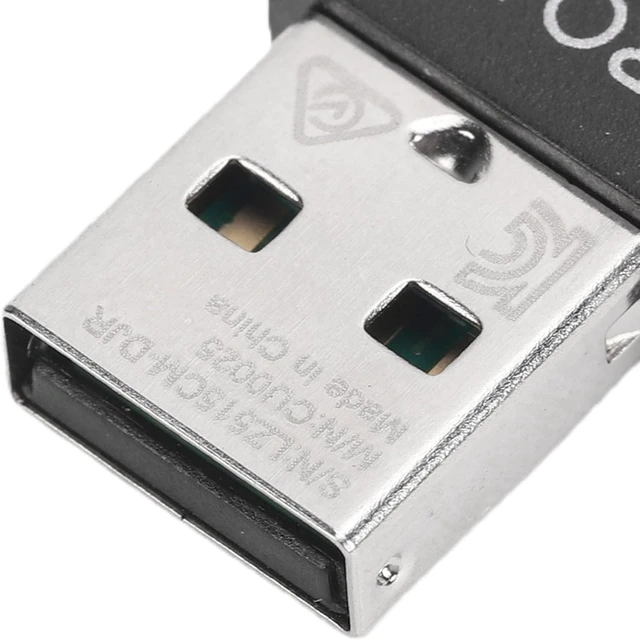
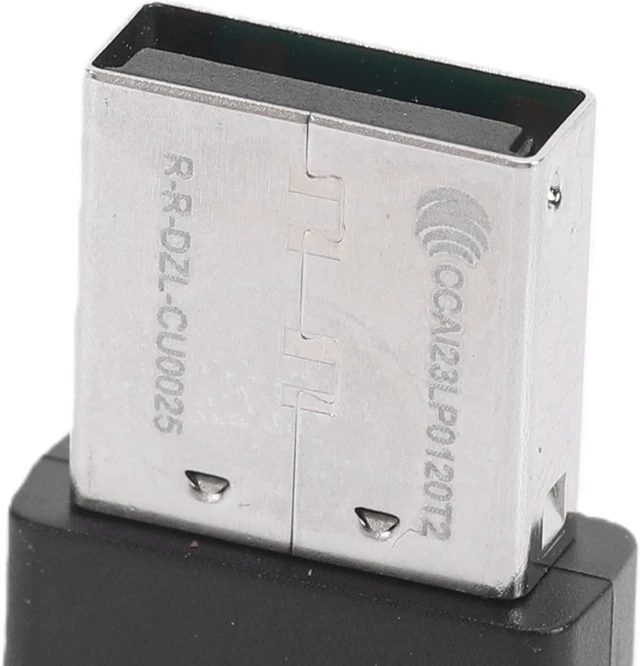
Wireless Mouse Receiver 8000Hz USB Dongle for Pro X
- USB Wireless Adapter, Plug and Play, 8000Hz ultra-high polling rate, for Desktop, Laptop, Keyboard, Mouse
- [MODEL MATCH] Specially designed as a USB wireless mouse receiver compatible with PRO X SUPERLIGHT 2, making it a practical replacement dongle for and users who value precise control.
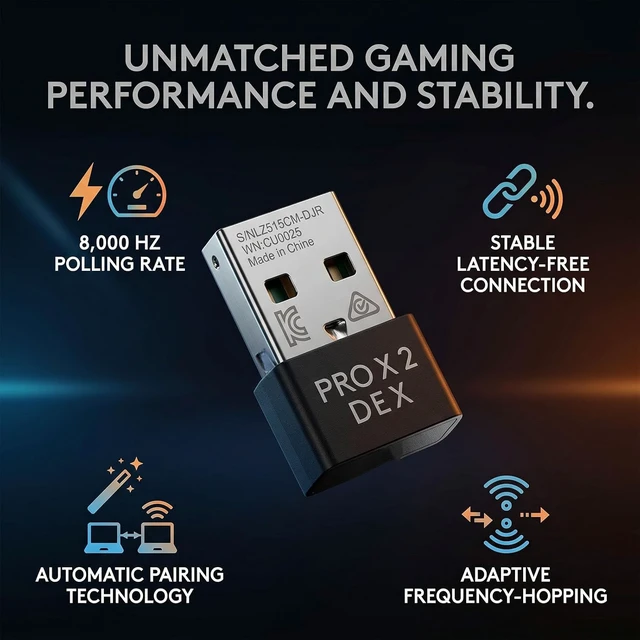
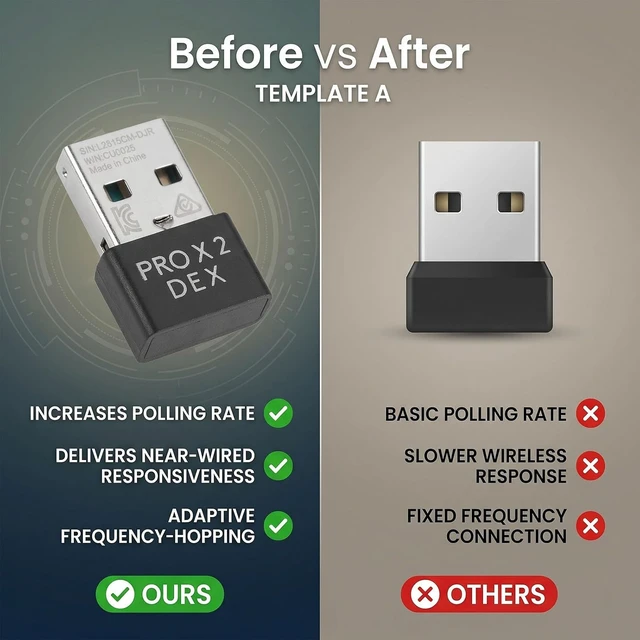
- [8000HZ RESPONSE] Upgrades hyper polling from 1000Hz to 8000Hz with a 0.125ms response rate, helping deliver near wired speed and smoother cursor movement during fast paced gaming sessions.
- [FAST RE PAIRING] Pairs with your mouse in about 1 minute through the software guided process, giving you a quick way to restore control with stable low delay performance for daily use or play.
- [AUTO RECONNECT SUPPORT] Built with automatic pairing technology, allowing a lost receiver to be replaced and re paired through compatible G HUB software for added convenience and less downtime.
- [STABLE SIGNAL] Uses adaptive frequency hopping to channels in crowded wireless environments, improving anti interference per
+
+
Overview
Reviews
Any questions? Ask CelesteSM will help you find out quickly.
Try me now
Spec:
Item Type: Wireless Mouse Receiver
Material: ABS
Application: Fit for PRO X SUPERLIGHT 2 Mouse
How to Use:
Pairing Method:
Download the software on your computer.
After downloading the software:
1. Turn off the wireless mouse and disconnect the wired connection between the wireless mouse and the host. Use another wired mouse to open the software, and plug the receiver into the computer host.
2. Click on frame in the upper left corner that displays the model, and select the corresponding USB option.
3. Once selected, a re pairing key will appear in the lower right corner of frame. Click on re pairing and proceed to the subsequent step.
4. When the system prompts, turn off the mouse power and turn it back on, turn on the wireless mouse power , wait for about 10 seconds, and when the pairing is successful, move the wireless mouse and click confirm.
Package List:
1 x Wireless Mouse Receiver

Item Type: Wireless Mouse Receiver
Material: ABS
Application: Fit for PRO X SUPERLIGHT 2 Mouse
How to Use:
Pairing Method:
Download the software on your computer.
After downloading the software:
1. Turn off the wireless mouse and disconnect the wired connection between the wireless mouse and the host. Use another wired mouse to open the software, and plug the receiver into the computer host.
2. Click on frame in the upper left corner that displays the model, and select the corresponding USB option.
3. Once selected, a re pairing key will appear in the lower right corner of frame. Click on re pairing and proceed to the subsequent step.
4. When the system prompts, turn off the mouse power and turn it back on, turn on the wireless mouse power , wait for about 10 seconds, and when the pairing is successful, move the wireless mouse and click confirm.
Package List:
1 x Wireless Mouse Receiver
Warranty & Returns
Warranty, Returns, And Additional Information
Warranty
- Please contact the Seller directly for warranty information. Warranty information may also be found on the Manufacturer's website.
- CONTACT
Return Policies
- Return for refund within: 30 days
- Return for replacement within: 30 days
- This item is covered by XinjintongLimited Return Policy
Manufacturer Contact Info
- For a directory of all our manufacturers, please click below.
- Manufacturers Directory
LOADING...