• $121.99
  • Free 30-day Returns
  • Shipped by PartsPro Store

    Price alert
    Shop it at NeweggBusiness.

    Meet Your Seller

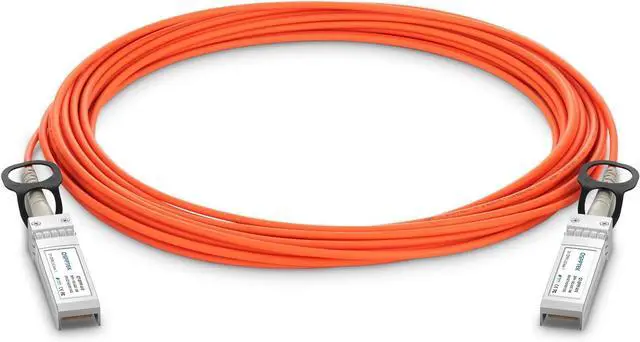
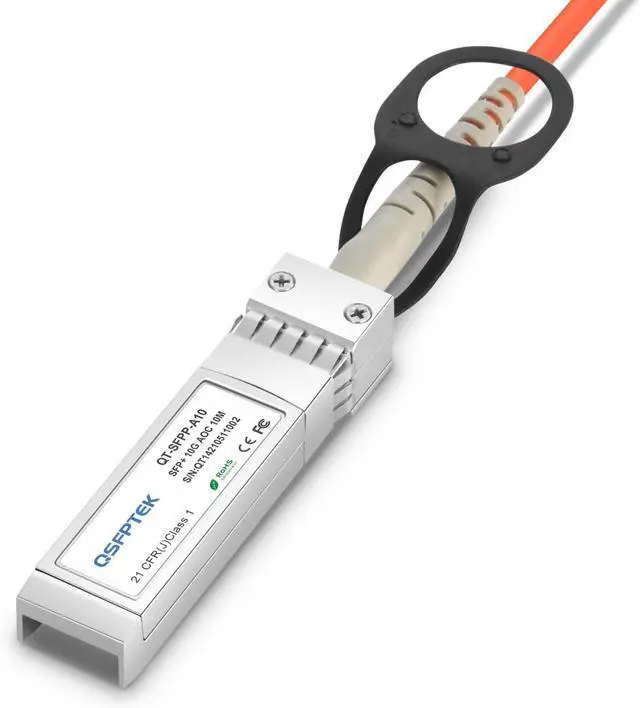
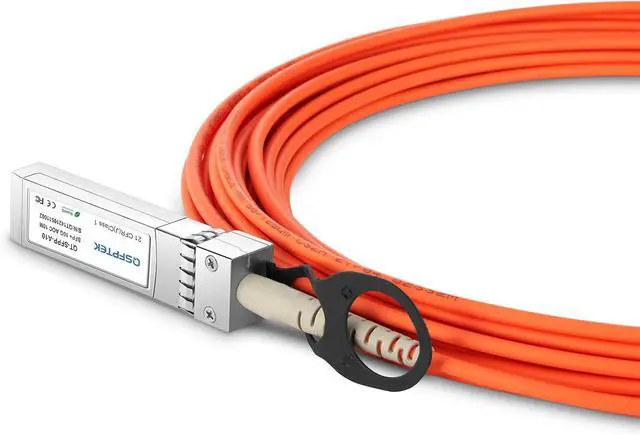
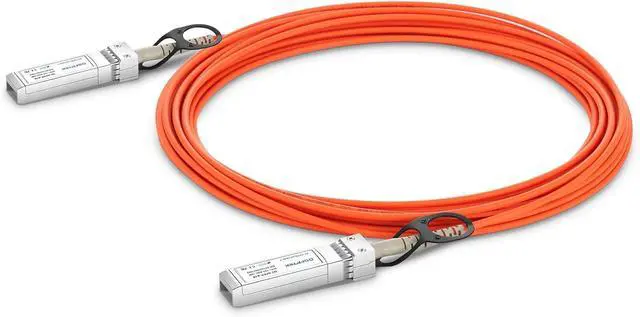
    QSFPTEK 10G SFP+ Active Optical Cable, 10m (33ft) SFP+ to SFP+,10 GBASE OM2 MMF Fiber AOC Cable with Transceiver Module for Arista AOC-S-S-10G-10M, Ubiquiti, D-Link, Netgear, Mikrotik

    • AOC Cable: 10GB SFP+ to SFP+ Optical 10G Ethernet Optical Active cable , Up to 10m by active optical cable with OM2 fiber.
    • Features: Bit rate support from 1G to 11.3Gbps; Pre-terminated twin axial cable / fiber cable; Operating environment temperature 0 ~ 70.
    • Easy to Use: Plug and Play. Hot pluggable. Low power consumption; Single 3.3V power supply; SFP+ housing with enhanced EMI shielding. Programmable EEPROM for serial identification.
    • Applications: 10G Ethernet, 10G Fiber Channel over Ethernet, 1X QDR Infiniband, 1X DDR / 1x SDR Infiniband. High capacity IO with SFP+ interface. Data center and in-rack connection.
    • Quality Compliance & Aftersales Service: SFF-8431 SFP+ Electrical MSA, SFF-8432 SFP+ Mechanical MSA, RoHS complaint. Enjoy 30-day free-returned and 3-year warranty service.
    +
    +
    Overview
    Specs
    Reviews

    Any questions? Ask CelesteSM will help you find out quickly.


    Connector Type: SFP+ to SFP+
    Max Data Rate: 10Gbps
    Cable Length: 10m (33ft)
    Temperature: 0 to 70°C (32 to 158°F)

    Installation:
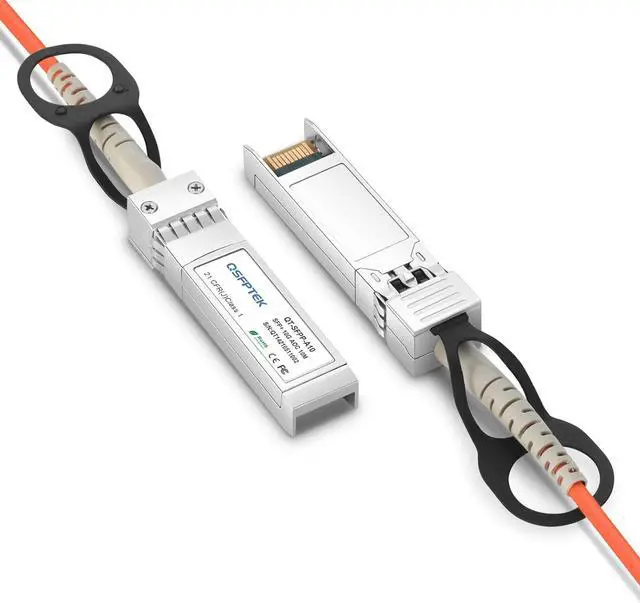
    A. Installing SFP+ Modules
    1. Remove the protective ESD cap from the connector.
    2. Slide the SFP+ cable end into the slot until it locks into position(There is an audible click when the connector is properly seated.)

    B. Removing SFP+ Modules
    1. Pull on the SFP+ latch pull lanyard.
    2. Grasp the SFP+ connector on both sides and remove it from the system.
    3. If possible, replace the ESD protective cap or put the SFP+ into an ESD protected bag.

    Caution :
    The latching mechanism locks the SFP+ connector into place when cables are connected. Do not pull on the cable in an attempt to remove the SFP+ connector.

    Warranty & Returns

    Warranty, Returns, And Additional Information

    Warranty

    • Please contact the Seller directly for warranty information. Warranty information may also be found on the Manufacturer's website.
    • CONTACT

    Return Policies

    Manufacturer Contact Info

    LOADING...