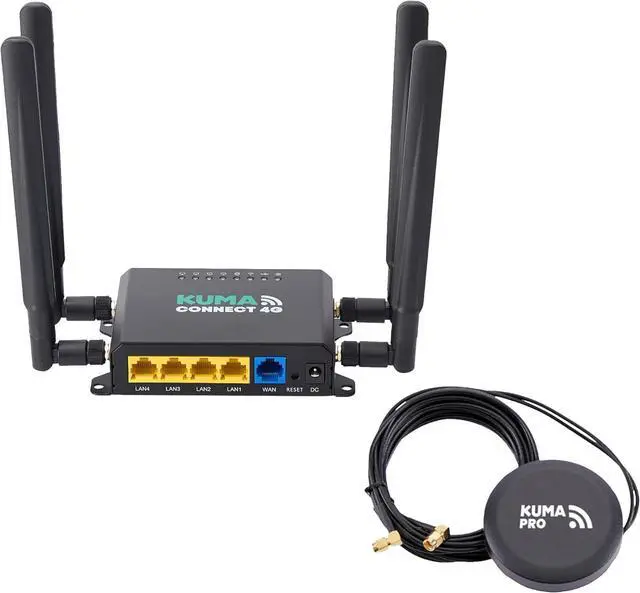
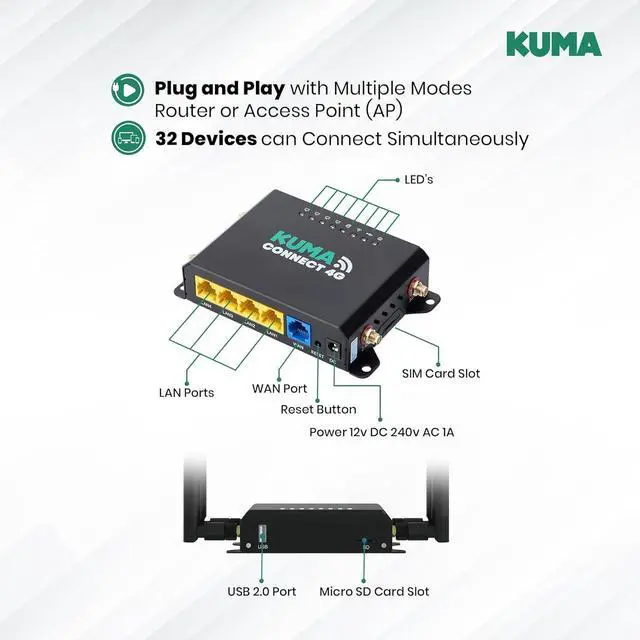
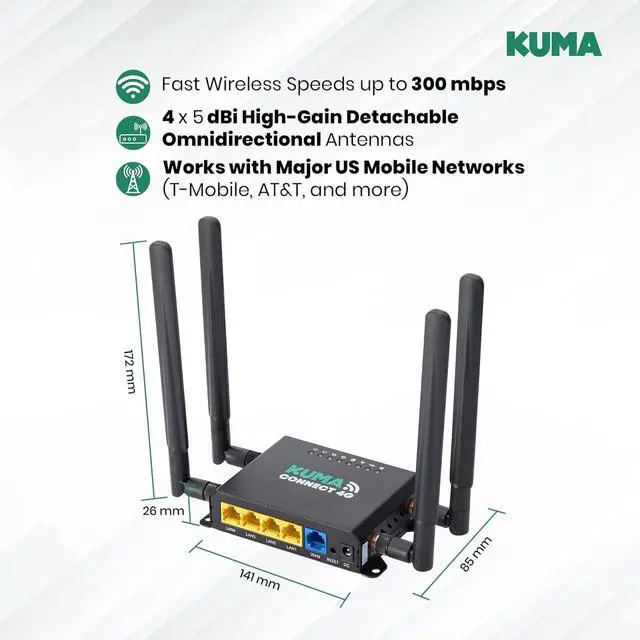
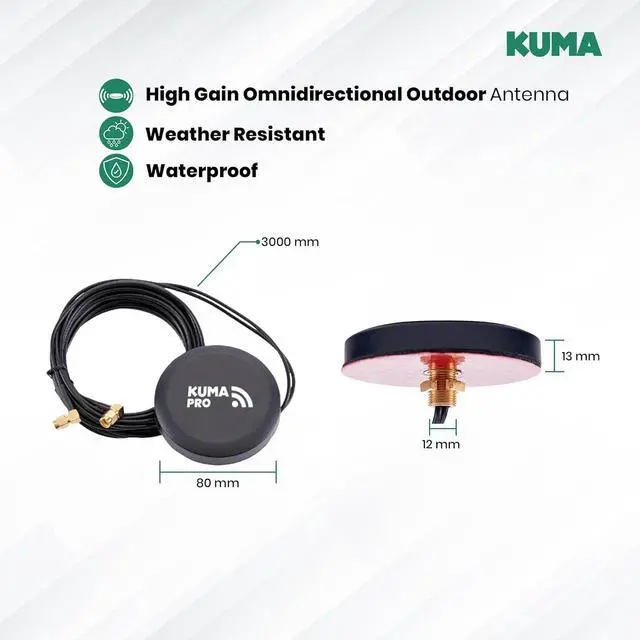
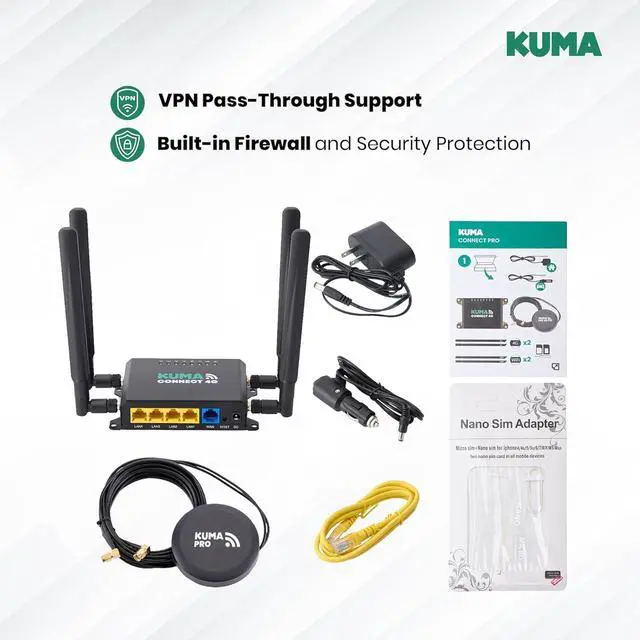
Main ChipsetMT7628ANRAMDDR2 128MB (MAX DDR2 256MB)SPI Flash Memory16MB (MAX 32MB)Work Frequency and Channel2.4GHz | 2.4GHz : 1-13Wireless Rate300MbpsWi-Fi ProtocolIEEE 802.11n | IEEE 802.11g | IEEE 802.11b | IEEE 802.3uTransmitter Power802.11b - 18dBm±2dBm; | 802.11g - 15dBm±2dBm; | 802.11n - 15dBm±2dBm;Wi-Fi Reception Sensitivity802.11b: -83dBm@10% PER | 802.11g: -74dBm@10% PER | 802.11n: -68dBm@10% PERAntennas4 x Detachable 5dBi Antenna + 1 x KUMA PRO 5G Antenna OutdoorInterface1 x PCI-E Slot | 1 x SIM Card Slot | 1 x USB 2.0 port | 1 x Micro SD Card Slot | 1 x 10/100M WAN Port (Auto MDI/MDIX) | 4 x 10/100M LAN Port (Auto MDI/MDIX)LED'sPower | PCIE Mode | 2.4G | WAN | LAN 1 | LAN 2 | LAN 3 | LAN 4Buttons and Power ConsumptionReset | WPS | < 12wDimension (L*W*H)141 x 85 x 26 mmRecommended UsesSmart Homes | Recreational Vehicles | Motorhomes | Campervans | Travel Camper Fifth-Wheel Trailers | Popup Campers | Park Model RVs | Fleet Vehicles | BoatsConnect to Multi-DevicesSmartphones | Laptops | Tablets | Gaming Consoles | Smart TVs and Speakers | Desktop or Personal Computer | Security and Game Cameras | Smart Gadgets and IOT DevicesPerfect for Every SituationPersonal | Backup Internet | Entertainment | Business | Work | Off-Grid | Rural or Remote Areas Possible Causes: No signal or Incorrect APN settings or SIM card issues
Solutions: Check if your SIM card is active and has data or Restart the router and wait a few minutes or Check APN settings and update them to your network provider
Slow Internet Speed?
Possible Causes: Weak signal strength or Network congestion or Background downloads/streaming
Solutions: Restart the router to refresh the connection or Test speeds at different times (network congestion might be an issue)
Router Keeps Disconnecting?
Possible Causes: Overheating or Network instability or Power issues
Solutions: Ensure the router is placed in a well-ventilated area or Update the routers firmware from the manufacturers website
Cannot Access Router Admin Page?
Possible Causes: Wrong IP address - Incorrect login credentials - Browser cache issues
Solutions: Try accessing 192.168.1.1 or 192.168.0.1 in a browser - Use a different browser or clear cache - Reset the router if you forgot the admin password
SIM Card Not Detected?
Possible Causes: Incorrect SIM insertion or SIM card damage
Solutions: Remove and reinsert the SIM card or Check if the SIM card works or Try a different SIM card
DM us if you have any issues and we will reply within 24 hours to offer solutions
KUMA CONNECT PRO 4G Router with Outdoor Antenna Specification No Internet Connection?
Slow Internet Speed?
Router Keeps Disconnecting?
Cannot Access Router Admin Page?
SIM Card Not Detected?