eufy Video Doorbell C31, 2K FHD, Battery or Hardwire Powered, Easy to Install, Quick-Release Battery, Live Video Call, 24/7 Recording, Human & Motion Detection, HomeBase S380 Compatible,No Monthly Fee
  •  
  • $99.99 
  • $126.99
  • Free 30-day Returns
  • Price alert
    Shop it at NeweggBusiness.

    Meet Your Seller

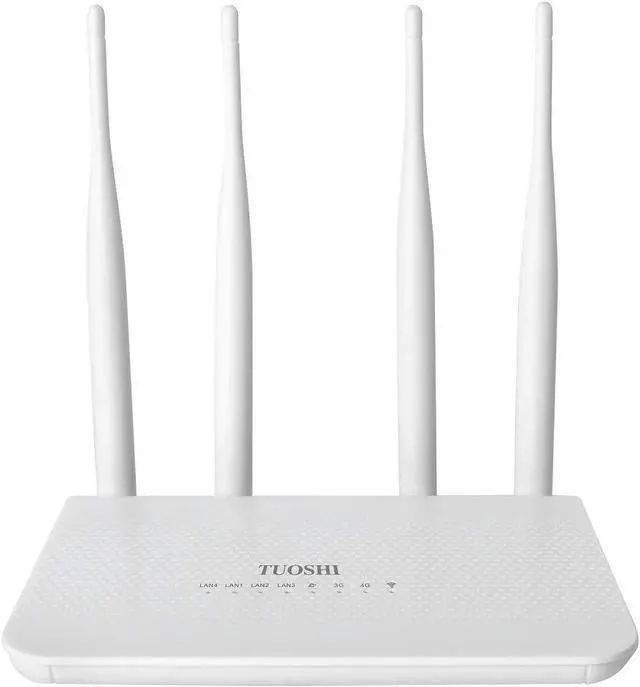
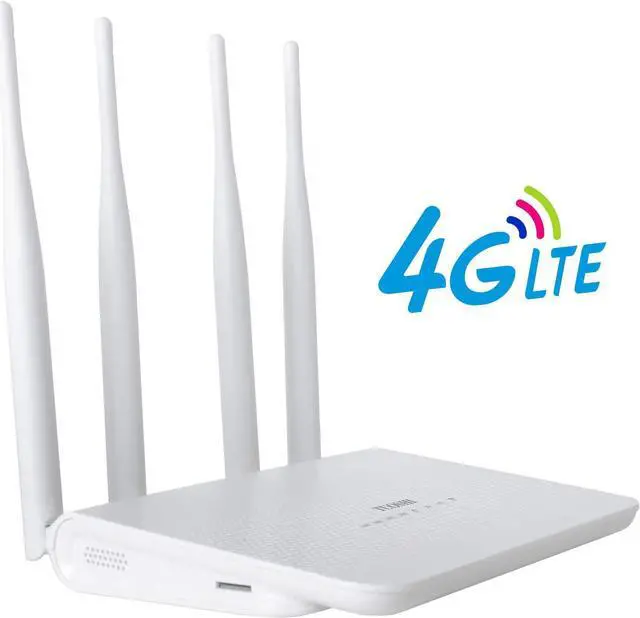
    N300 WiFi Unlocked 4G LTE Modem Router with SIM Card Slot, 300Mbps WiFi, LTE Cat4, EC25-AF Qualcomm Chipset, 5dBi High Gain Antennas, Plug and Play, LT15F

    • Works with Major 4G providers. Insert a SIM card from AT&T, T-Mobile to get download speeds up to 150Mbps. Simply insert a SIM card and get all your Wi-Fi devices connected to the internet, very convenient for places where cable internet is unavailable, such as your holiday cabins or remote cameras. Fully support 4G LTE Frequency Band: B2/B3/B4/B5/B7/B8/B12/B13/B17/B25/B26/B66/B41 WCDMA: B2/B4/B5/B8 (Verizon need set TTL to 64 or 65 base on different data plan)
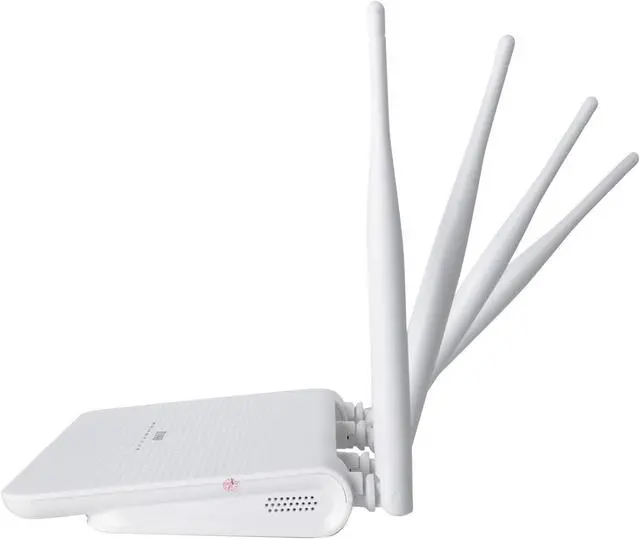
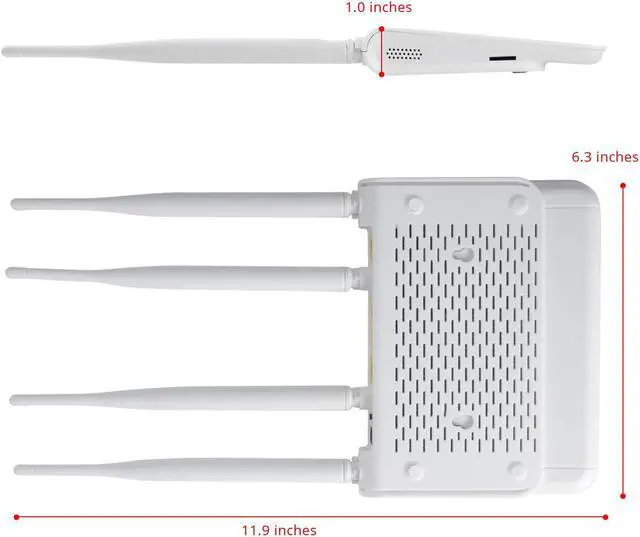
    • High Gain Antennas For Better Performance. The 4 x 5dBi high-gain antennas boost the sensitivity of the router, improve the signal quality of 4G LTE and Wi-Fi, which is conducive to establishing a Wi-Fi connection at a longer distance.
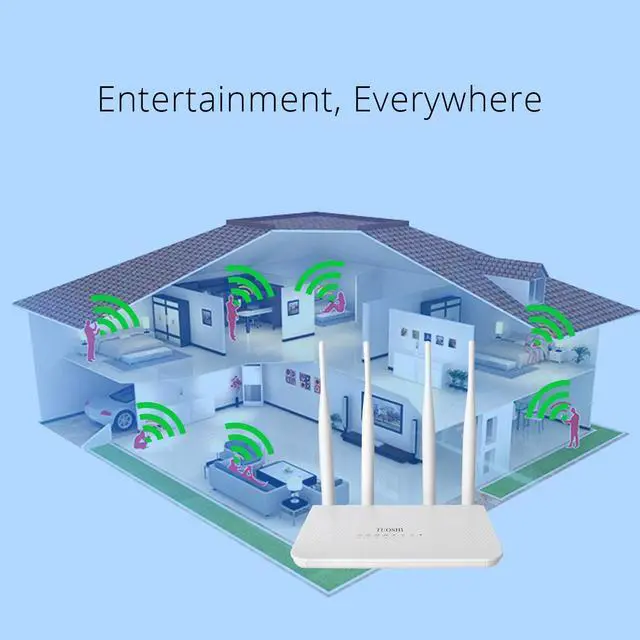
    • Supports 32 Devices: Up to 300 square meters coverage and 32 Devices. Includes phone, tablet and computer. TTL settings and band lock capable.
    • Good Compatibility.Simply insert a BYOD (bring your own device) SIM card and get all your Wi-Fi devices connected to the internet, very con
    +
    +
    Overview
    Specs
    Reviews
    avatar

    Any questions? Our AI beta will help you find out quickly.

    Our machine comes with a speedtak SIM card and uses the promotion code "tuoshi10" to get a 10% discount.
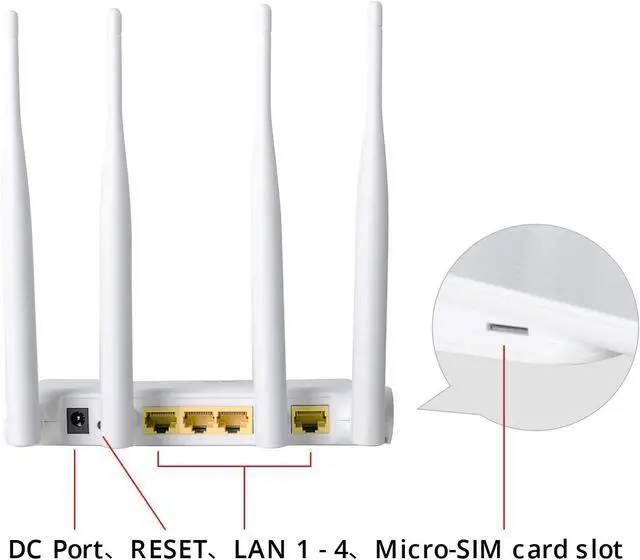
    4G LTE CategoryUp to 150 Mbps Download / 50 Mbps Upload2.4GHz WiFi SpeedUp to 300 Mbps on 2.4GHzAntennas4 x 5 dBi Fixed AntennasSIM SlotStandard SIM (also include with a SIM adapter which could turn Nano SIM to a Standard SIM)ISP compatiblityAT&T, T-Mobile, Verizon (Need manual set TTL to 64)Cellular Frequency Band4G-LTE-FDD:B2/B3/B4/B5/B7/B8/B12/B13/B17/B25/B26/B66/B71; 4G-LTE-TDD: B41; 3G-WCDMA:B2/B4/B5/B84G Band SelectionSupportTTL SettingsAuto/Manual(192 dot 168 dot 188 dot1/devicettl.asp to change)IMEI changeSupport (192 dot 168 dot 188 dot1/deviceimei.asp to change) Note: Different data plan need change different TTL value like 64 65 or 100. When you use some AT&T SIM card like data-only plan router can not lock 4G signal, you just have to know which APN setting you're using, which I suggested grabbing it straight from the sim card provider
    [Verizon]:
    1: Change TTL to 64. (Please download user guide to teach you how to change TTL)
    2: Check if the router connect to the internet, if not, follow below instructions.
    3: Go to Network Settings -> 4G setting to set Network lock as 4G only, set APN profile as Manual and then set APN as vzwinternet ,leave username and password as blank. Set Auth mode as PAP+CHAP.
    Save all the settings and then check.
    [Visible]:
    1:Change TTL to 64.(Please download user guide to teach you how to change TTL)
    2:Go to Network Setting -> 4G setting , Set APN profile as Manual, Set APN as VSBLINTERNET, Leave username and password as blank, Set Auth mode as PAP+CHAP
    3:Save all the settings and then check.
    [T-Mobile & T-Mobile B2B Static IP]:
    1: go to Network setting -> 4G setting
    2: Set Network lock as 4G only, Set APN profile as Manual, Set APN as fast dot t-mobile dot com (Note: for static IP plan, set APN as b2b.static ),
    Leave username and password as blank. Set Auth mode as PAP+CHAP.
    3: Save all the settings and then check.
    Product Specifications

    Warranty & Returns

    Warranty, Returns, And Additional Information

    Warranty

    • Please contact the Seller directly for warranty information. Warranty information may also be found on the Manufacturer's website.
    • CONTACT

    Return Policies

    • Return for refund within: 30 days
    • Return for replacement within: 30 days
    • This item is covered by LEMITE Return Policy

    Manufacturer Contact Info

    LOADING...