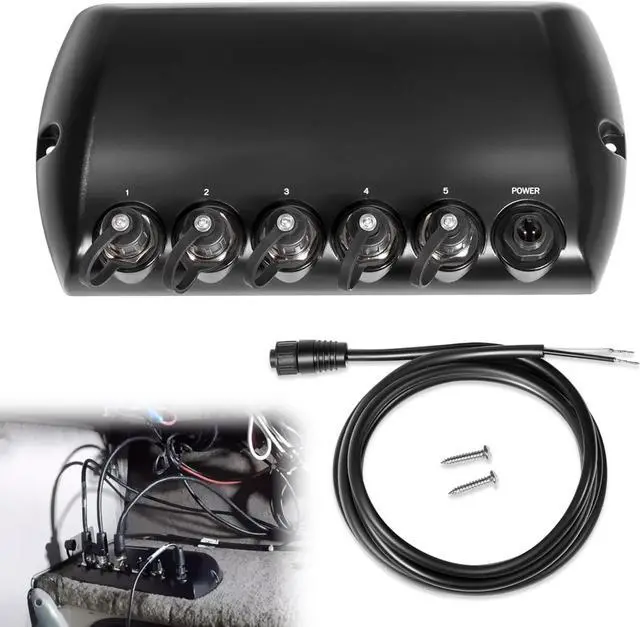
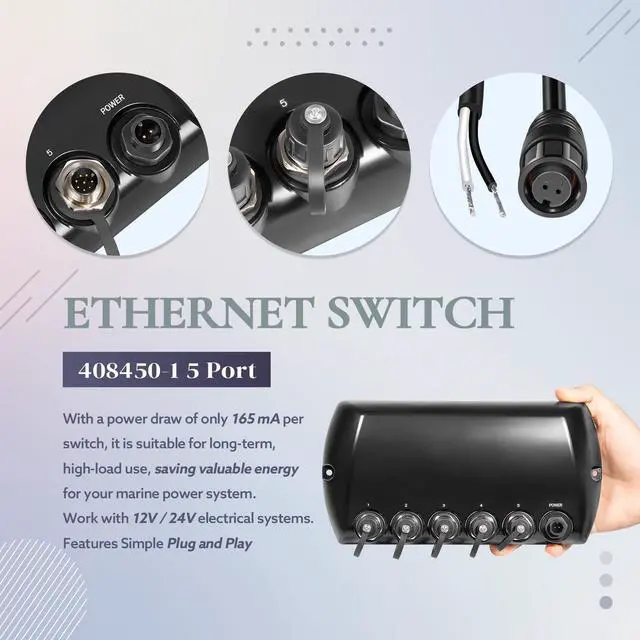
Remove the switch and drill the holes using a 9/64" drill bit.
Align the switch with the holes, insert the included #8 screws, and hand-tighten with a Phillips screwdriver.
Confirm that the Ethernet cable is connected to the control head
Unscrew an Ethernet port cover from the Ethernet Switch. Plug the end of the Ethernet cable into the port
Hand-tighten the screw nut to secure the cable connection
WARNING: The Ethernet Switch power cable (included) can be connected to a main fuse panel or a battery switch with an inline fuse. It is not recommend connecting to a battery without a fuse and a switch.
CAUTION: Make sure that the power cable is disconnected from the Ethernet Switch at the beginning of this procedure.
1a. Fuse Panel: If a fuse terminal is available, use crimp-on type electrical connectors (not included) that match the terminal on the fuse panel. Depending on your control head model, attach the black wire to ground (-) and the white wire to positive (+) 12 VDC power. Install a 3 amp fuse (not included) for the protection of the accessory
1b. Battery Switch: Install the battery switch (not included) using the instructions provided with it. You will also need to obtain and install an inline fuse holder and a 3 amp fuse (not included) for the protection of the accessory. Attach the black wire to ground (-) and the white wire to positive (+)
2. Connect the end of the power cable to the port labeled POWER on the Ethernet Switch. The ports are keyed to prevent reversed installation, so be careful not to force the connector into the connector port
3. Hand-tighten the screw nut to secure the cable connection
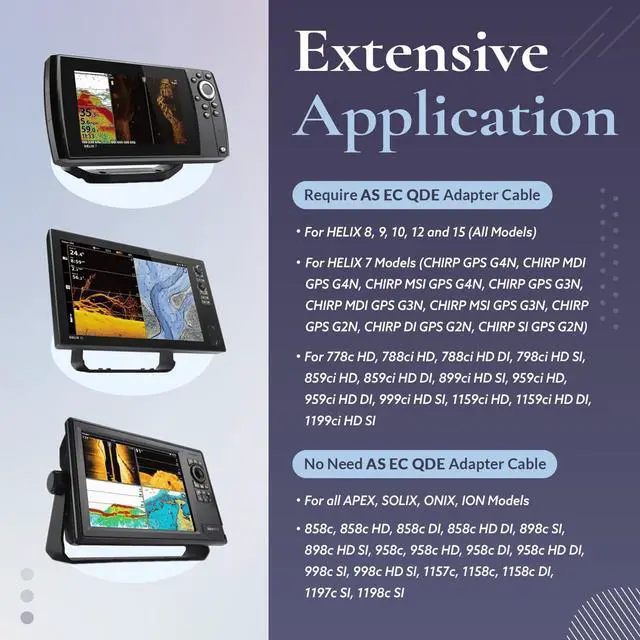
If the port is shaped like an hourglass, you will need additional Ethernet adapter cable for the installation
If the port is round, the Ethernet cable can be connected directly to the control head Ethernet port without an adapter cable
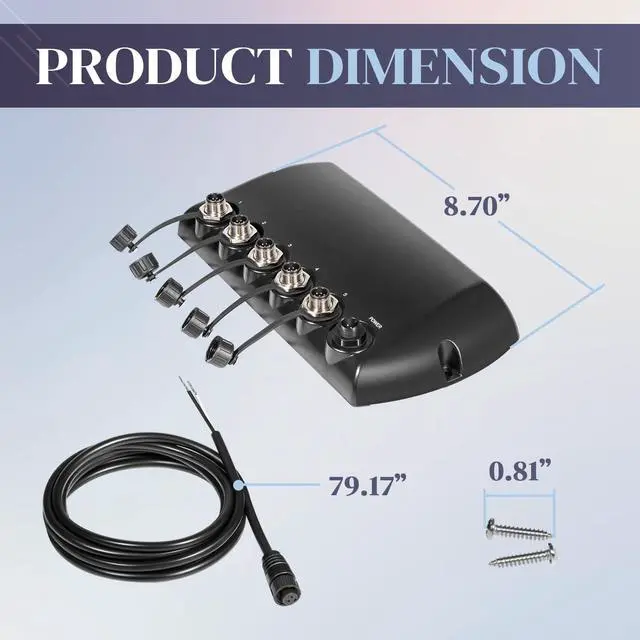
Package includes 2 Screws to fix the Ethernet Switch. The length is about 0.81 in. Need to use a 9/64" drill bit to drill 2 holes
The length of the Power Cable is about 79 in. Black wire is the negative pole (-), while the White wire is the positive pole (+)
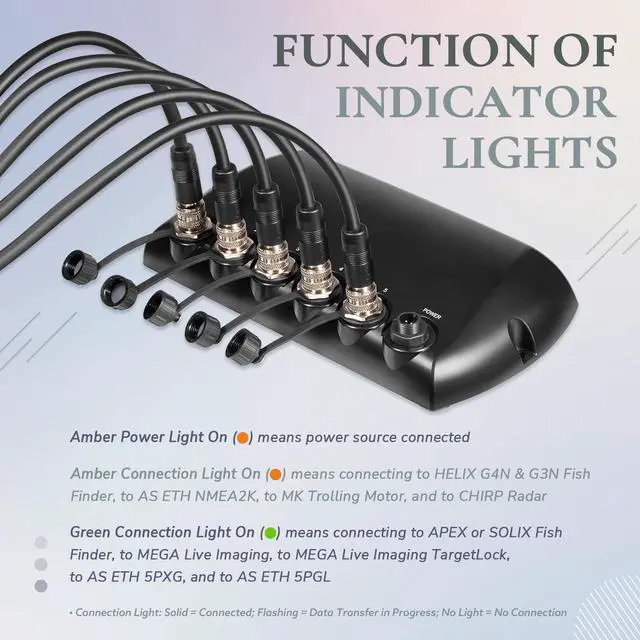
Power LED: Light on = power; Light off = no power
Port LED: Green Light Gigabit connection
Port LED: Amber Light 100 megabit connection
Port LED: Flashing Light Data transfer in progress
Port LED: No Light Not connected
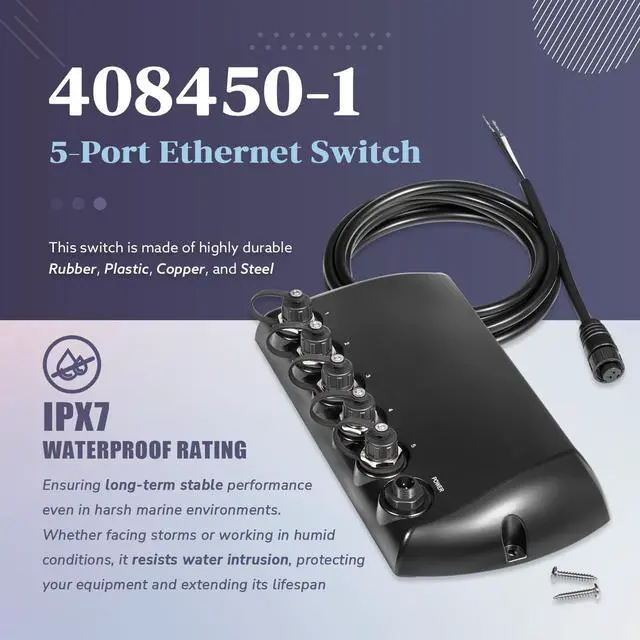
5-Port Ethernet Switch