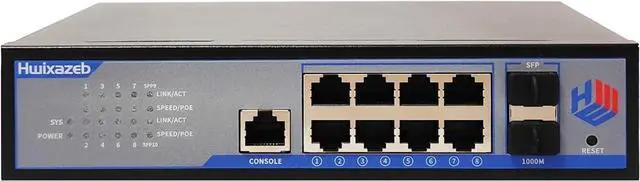
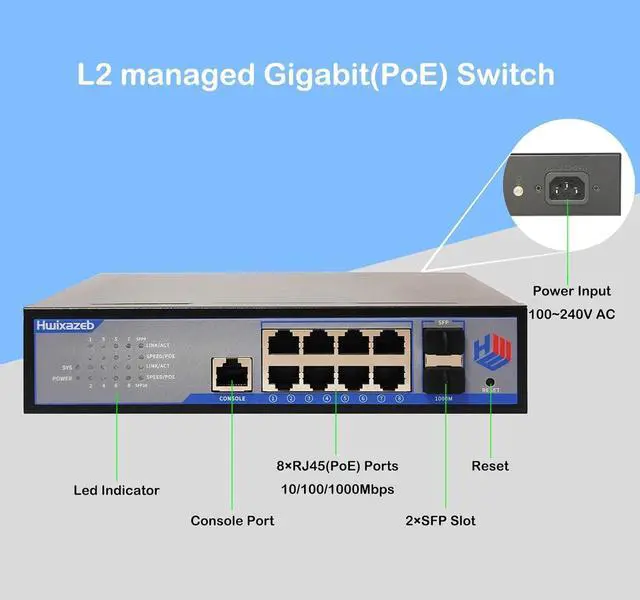
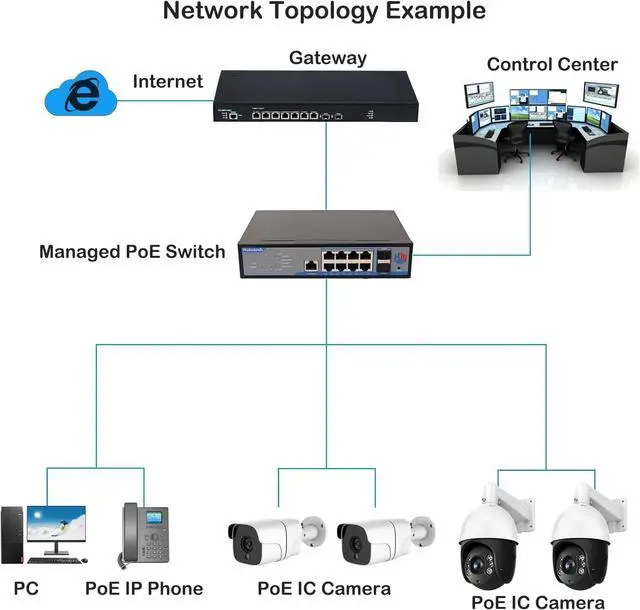
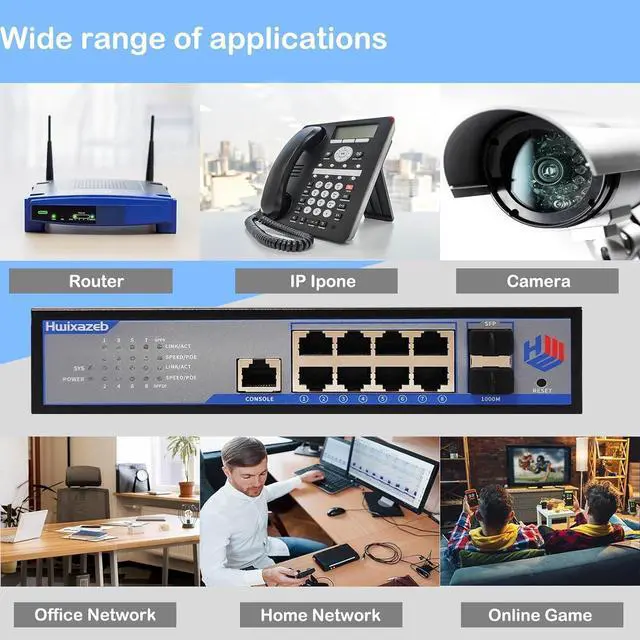
The L2 managed switch is a network device used to connect multiple computers and network devices within a Local Area Network (LAN). It offers more advanced features and control through configuration and management. Unlike an unmanaged switch, a managed switch has remote management capabilities and more complex functions, allowing network administrators to monitor and adjust network traffic, security, and performance.
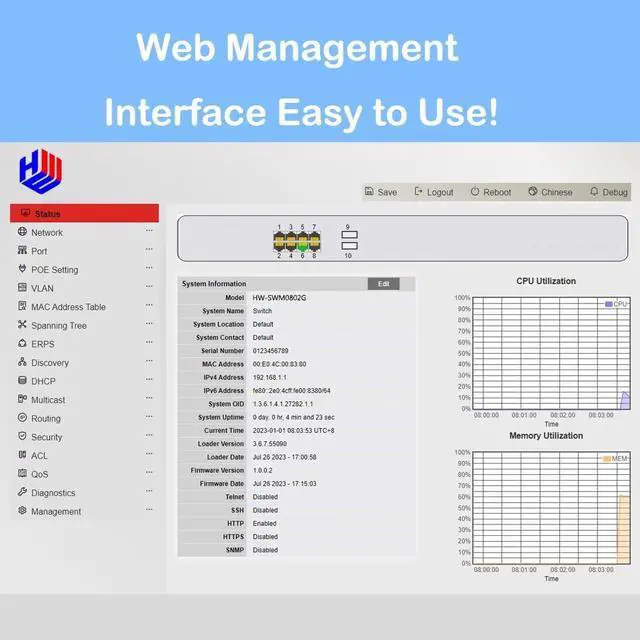
Main Function: Device status monitor, port control, PoE Setting, VLAN, Mac table, Spanning tree, ERPS, DHCP, Multicast, Routing, Security, ACL, QoS, Diagnostics, User management.
Fanless Design
Fast heat dissipation, no noise.
Lightning protection
The industrial switch's 6KV surge protection can adapt to harsh outdoor environment and ensure the reliability of the uninterrupted network system.
Multiple installations
Multiple mounting options for easy installation, saving time and space
Each Ethernet port is indicated by a corresponding LED
L2 managedGigabit(PoE) Switch 1~8 ports will isolated from each other. This function can improve network security and control data flow direction.
StatusUse the Status pages to view system information and status.
NetworkUse the Network pages to configure settings for the switch network interface and how the switch connects to a remote server to get services.
PortUse the Port pages to configure settings for switch port related features.
VlanUse the Vlan pages to configure settings of Vlan.
MAC Address Table:Use the MAC Address Table pages to show dynamic MAC table and configure settings for static MAC entries.
Discovery:Use the LLDP Local Information to view LLDP local device information.
Multicast:Use the General pages to configure settings of IGMP and MLD common function.
Security:Use the Security pages to configure settings for the switch security features.
ACL:Use the ACL pages to configure settings for the switch ACL features.
QoS:Use the QoS pages to configure settings for the switch QoS interface.
Diagnostics:Use the Diagnostics pages to configure settings for the switch diagnostics feature or operatingdiagnostic utilities.
Management:Use the Management pages to configure settings for the switch management features.
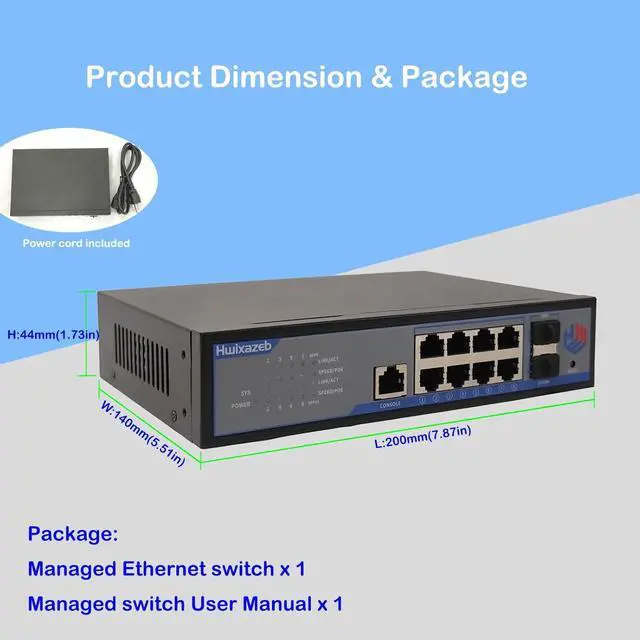
Ethernet Port8xRJ45(POE)Rate10/100/1000MbpsOperating modeStore and forwardUplink2xSFPPower Input 110~220V ACStandardIEEE802.3 10Base-T Ethernet, IEEE802.3u100Base-TX Fast Ethernet, IEEE 802.3x flow control This ItemHwixazeb 10 Port L2 Managed Gigabit PoE Ethernet Switch Layer 2 Managed 8 RJ45 Ethernet PoE+ Switch with 2 SFP Slots IEEE802.3af/at Network Switch Supports IGMP QoS VLAN DHCPRecommendationsTEROW 8-Port PoE Gigabit Switch with 2 Gigabit Uplink, 8 PoE+Port 1000Mbps, 96W, 802.3af/at Vlan, Metal fanless Design, Plug-and-Play, Desktop and Wall-MountEthernet Splitter, Elegant Black Blue TP-Link TL-SG1210MP, 8 Port Gigabit PoE Switch, 8 PoE+ Ports @123W, w/ 2 Uplink Gigabit Ports + 1 Combo SFP Slot, Plug & Play, Extend, Priority & Isolation Mode, MokerLink 11 Port Gigabit PoE Switch with 8 PoE+ Port, 2 Gigabit Uplink, 1 SFP Port, 120W AI Detection, Qos, Fanless Metal Plug & Play Unmanaged Network Switch TRENDnet 10-Port Multi-Gig Web Smart Switch, TEG-3102WS, 8 x 2.5GBASE-T Ports, 2 x 10G SFP+ Slots, Ethernet Splitter, Metal Housing, NDAA & TAA Compliant, Lifetime Protection, Black NETGEAR ProSafe GS110TP Ethernet Switch