Spec:
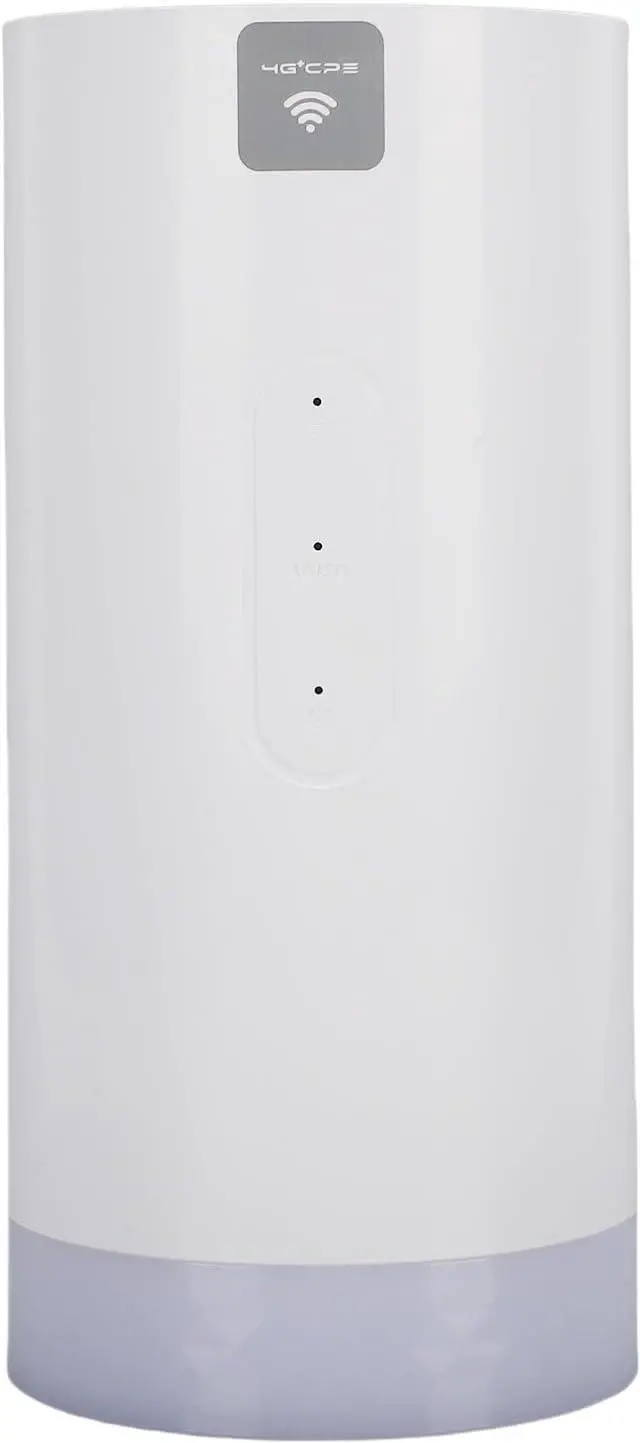
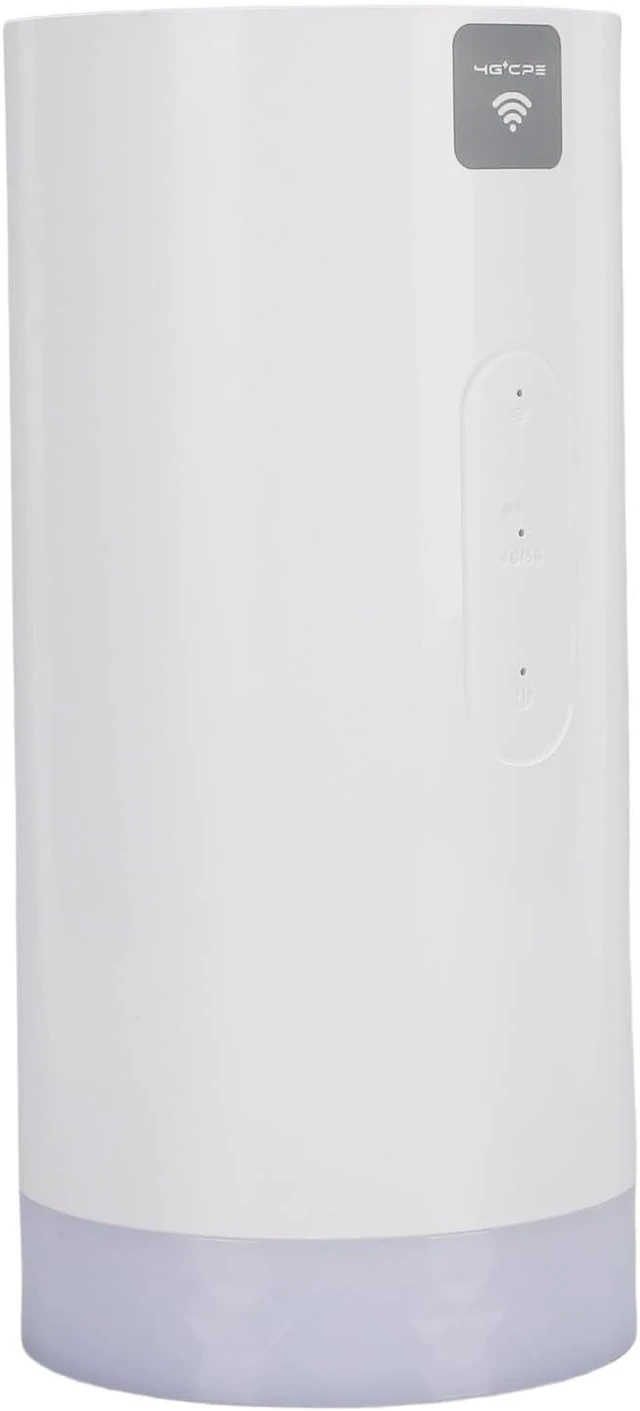
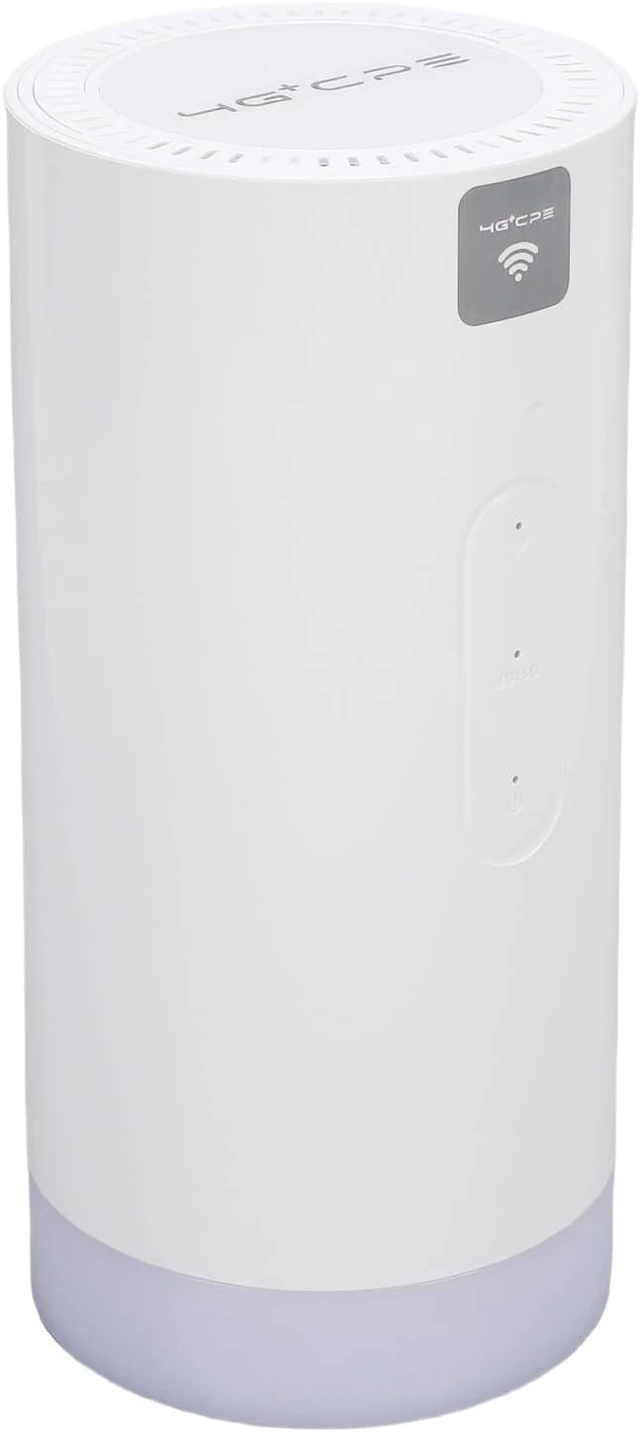
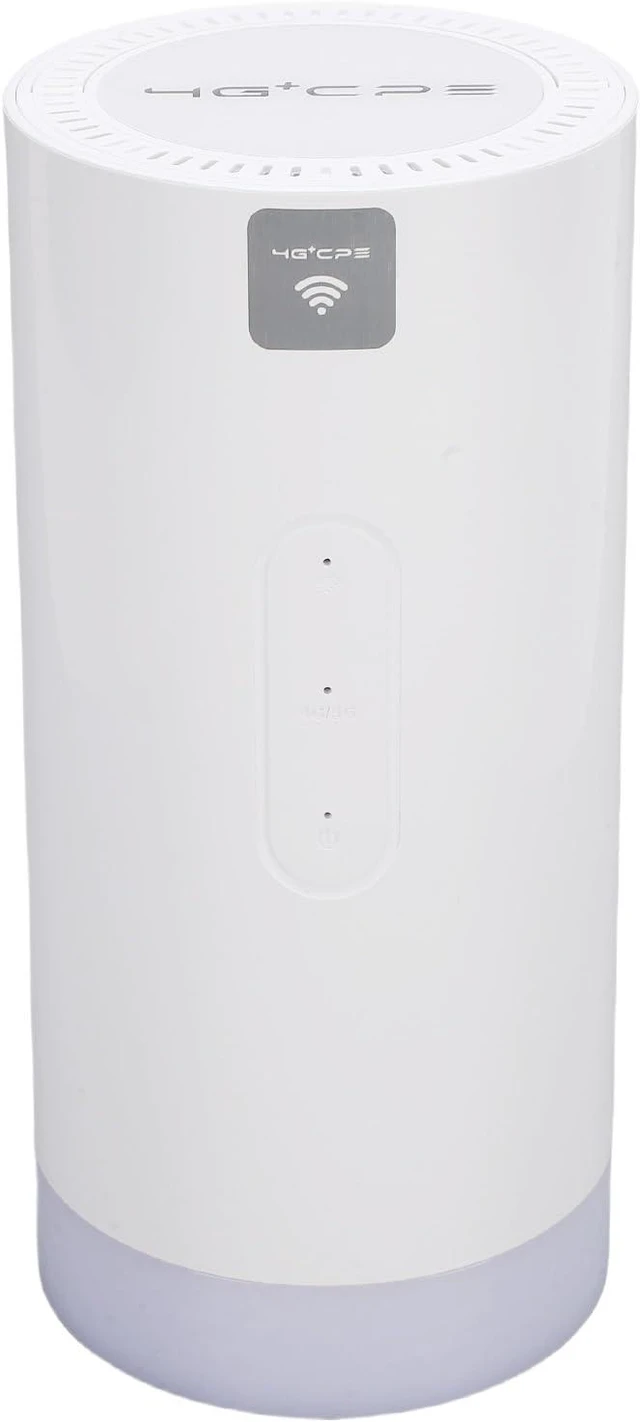
Item Type: 4G CPE router
Material: Plastic
Weight: Approx. 855g / 30.2oz
Product Size: Approx. 200x95x92mm / 7.9x3.7x3.6in
SIM (not included): 1 x small SIM
Battery (built in battery): Lithium ion battery 10000MAH
Frequency Bands:
FDD Bands: B1, B25 (B2), B3, B66 (B4), B26 (B5, B18, B19), B7, B8, B12 (B17), B13, B20, B28, B71
TDD Bands: B34, B38, B39, B40, B41
WCDMA Bands: B1, B2, B4, B5, B8
EDGE Bands: 850, 900, 1800, 1900
CA (carrier aggregation) Band Support:
B1 + B3, B26 (B5, B18, B19), B7, B8, B20, B28
B2 + B2, B5, B12 (B17), B13, B28, B71
B3 + B3, B5, B7, B8, B19, B20, B28
B4 + B4, B5, B12 (B17), B13, B28, B71
B5 + B5, B7, B40, B66
B7 + B7, B8, B20, B28
B8 + B38, B40, B41
B12 + B66
B13 + B66
B25 + B25, B26
B26 + B41
B40 + B40
B41 + B41
B66 + B66, B71
Chipset: for MT6631
: 802.11 b/g/n/AC, 2.4G, 300Mbps; 5.8G, 866Mbps
Encryption: Protected Access (WPA, WPA2)
Parameters:
LTE FDD TDD: Release 9, Category 7, up to 300Mbps DL and 86Mbps UL at 20MHz bandwidth
DC HSPA+: Release 9, up to 84.4Mbps DL, Category 28; up to 11.5Mbps UL, Category 7
HSPA+: Release 10, up to 63.3Mbps DL, Category 29; up to 11.5Mbps UL, Category 7
HSPA: Release 6, up to 7.2Mbps DL, Category 7/8; up to 5.76Mbps UL, Category 6
UMTS: Release 4, up to 384Kbps DL and UL
EDGE: Release 4, Multislot class 12, up to 237Kbps and 118Kbps UL
GPRS: Release 4, Multislot class 10, up to 85.6Kbps and 42.8Kbps UL
Suitable: Europe, Asia, Africa, South America, Latin America, Australia, Middle
LED Indicator Lights: LED indicators visually display the device's operational status.
Battery Level Indicator (White Light): Work state
Battery 100%: White light flashes, steady white light on
Battery 75%: White light flashes, steady white light on
Battery 50%: White light flashes, steady white light on
Battery 25%: White light flashes, steady white light on
Description:
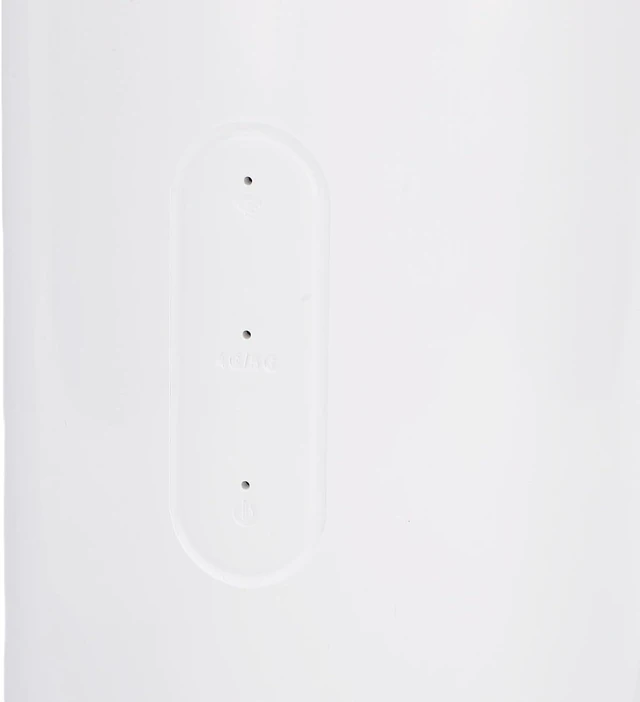
1 indicator displays current connection status
2 Network signal indicator displays current network connection status (as described)
3 Power indicator displays current power status (On or Off)
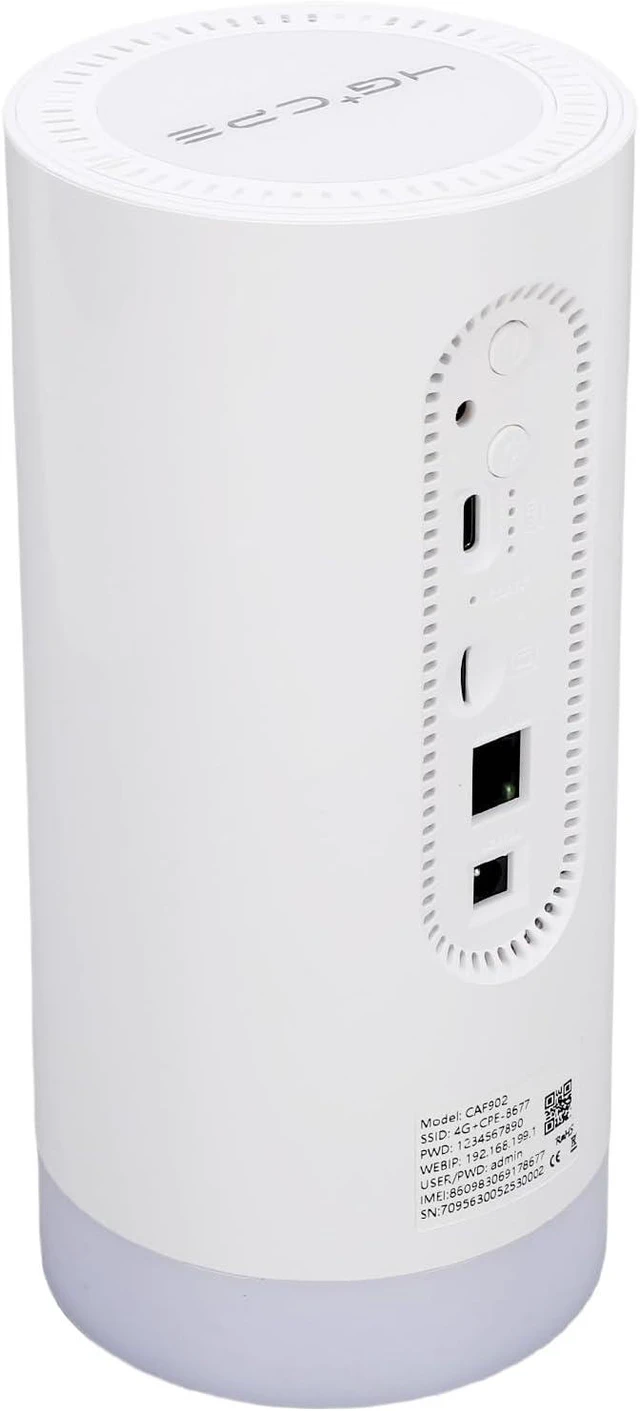
4 Power on off button, long press to turn on/off or wake the device (double click to switch between 2.4G, 5.8G )
5 Lighting button turns on off the light and colored ambient light
6 Power on off, for charging the battery or connecting to a computer
7 External antenna port (TS9) expandable external antenna for enhanced signal reception
8 Battery level indicator displays current battery level
9 Reset button long press for 5 seconds to factory settings
10 SIM card slot please use a small SIM card
11 RJ45 ethernet port connects to the internet via a LAN cable
12 DC port, DC power or charging (or USB Type C power), 12V 1A
How to Use:
To configure the backend, log in to the WEB management interface following these steps:
1. Make sure the connection between your computer's and the device is working properly.
2. Open a web browser and enter the address in the address bar. If the IP address conflicts with other IPs in the network, the device will automatically update the IP address.
3. Enter the login password to access the management interface. The default user name and password are for admin.
packing list:
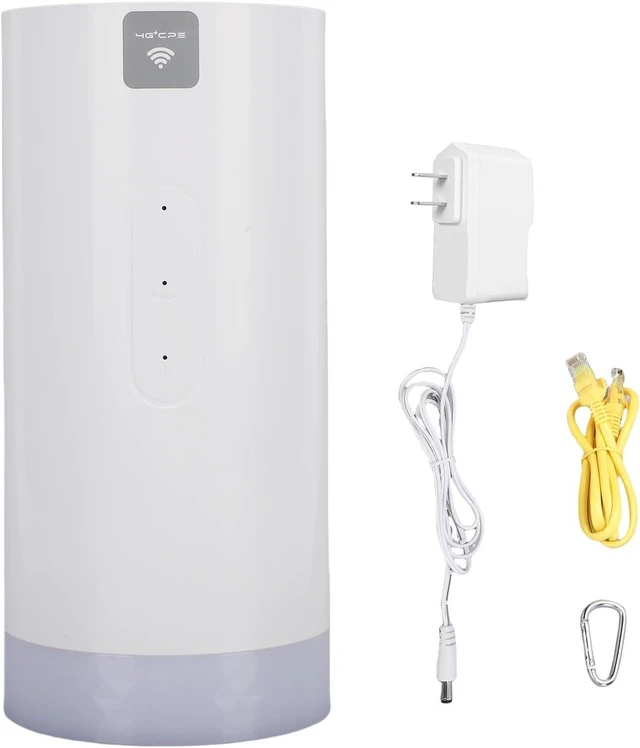
1 x Adapter
1 x User Manual
1 x Hook
1 x Ethernet Cable
1 x 4G CPE Router





 here!
here!