Your Browsing History
Meet Your Seller
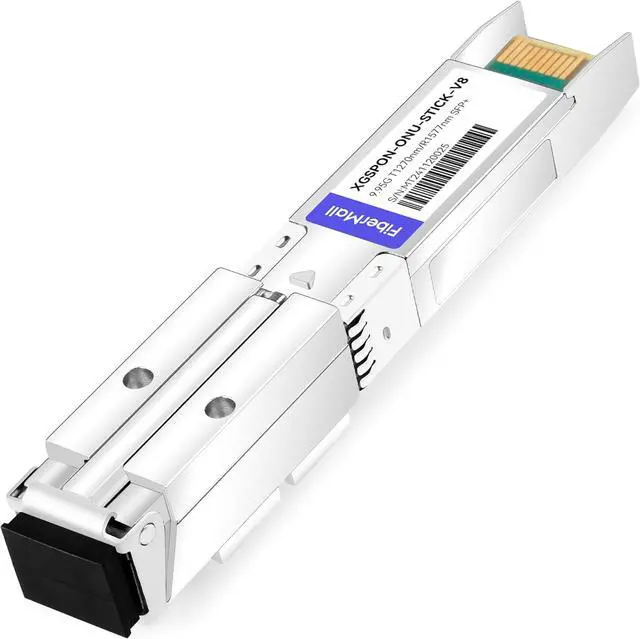
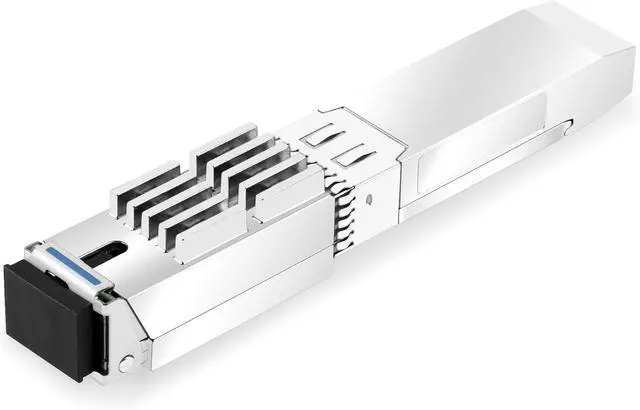
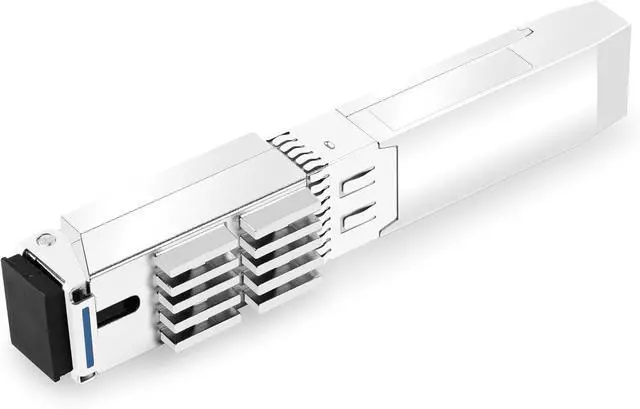
XGSPON ONU Stick SFP+ Optical Transceiver Compatible with HP Aruba 6300 10G Switches,8311 Firmware Version
- This product is applicable to the Series HP 10G switch models: Aruba 6300, Should you intend to use it with any other equipment models, please contact customer service first to confirm its compatibility
- Firmware Compatibility: Supports 8311 community firmware.Streamlined device configuration with one-click web setup! Access the interface at 192.168.11.1 using username root (no password required).
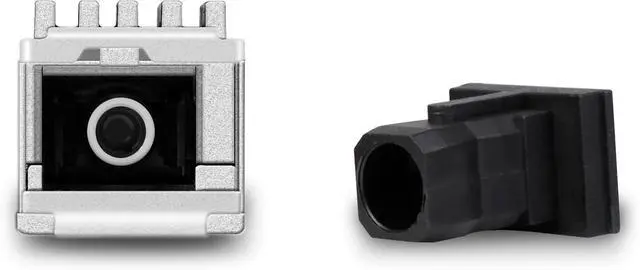
- SFP package with SC /APC receptacle High power 1270 nm DML DFB LD and high sensitivity 1577 nm APD,Support 20km transmission distance with SMF,CML-compatible data input/output interface.
- Hot-pluggable capability Low power dissipation < 3W,Case temperature range: -40 °C to 85 °C Low EMI and excellent ESD protection
- Support of GPON/XGS-PON/NGPON2 standards256 GEM/XGEM ports, 64 T-CONTs or 16 LLIDs
- Allows configuration of parameters such as PON serial number (ONT ID), Vendor ID, Equipment ID, Logical ONU ID, Logical password, and MAC address.
- Applications: Residential home gatewayNetw
+
+
Overview
Specs
Reviews
Any questions? Ask CelesteSM will help you find out quickly.
Try me now
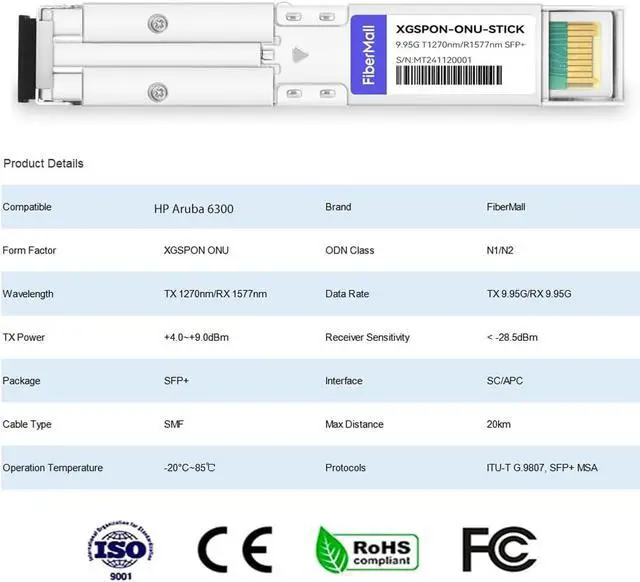
Ubiquiti Compatible XGSPON-ONU-STICK Vendor Name FiberMall Application XGSPON ONU ODN Class N1/N2 Wavelength TX 1270nm/RX 1577nm Data Rate TX 9.95G/RX 9.95G TX Power +4.0~+9.0dBm Receiver Sensitivity < -28.5dBm Package SFP+ Interface SC/APC Cable Type SMF Max Distance 20km Operation Temperature -40°C~85 Protocols ITU-T G.9807, SFP+ MSA The 10G XGSPON ONU Stick SFP+ is inserted into the 10G SFP+ port of the switch or router to communicate with the 10G XGSPON OLT
Insert the XGSPON ONU stick into the optical port of the device, and set the computer's IP address to be on the same network segment as the ONU stick, for example, set it to 192.168.11.2.
Enter the ONU stick's IP address in a WEB browser: 192.168.11.1.
The browser may prompt you to switch to an HTTPS connection. Please follow the prompts.
Standard versions require no password click the Login button to access the web management interface. For the WAS-110 version, use the password: Aa123456.
To set the password for the XGSPON ONU Stick SFP+,
navigate through the following menu path: 8311 System Administration Router Password
XGSPON ONU Stick XGSPON ONU Stick SFP+ Product Details XGSPON ONU Stick With MAC SFP+

Insert the XGSPON ONU stick into the optical port of the device, and set the computer's IP address to be on the same network segment as the ONU stick, for example, set it to 192.168.11.2.
Enter the ONU stick's IP address in a WEB browser: 192.168.11.1.
The browser may prompt you to switch to an HTTPS connection. Please follow the prompts.
Standard versions require no password click the Login button to access the web management interface. For the WAS-110 version, use the password: Aa123456.
To set the password for the XGSPON ONU Stick SFP+,
navigate through the following menu path: 8311 System Administration Router Password
XGSPON ONU Stick XGSPON ONU Stick SFP+ Product Details XGSPON ONU Stick With MAC SFP+
Warranty & Returns
Warranty, Returns, And Additional Information
Warranty
- Please contact the Seller directly for warranty information. Warranty information may also be found on the Manufacturer's website.
- CONTACT
Return Policies
- Return for refund within: 30 days
- Return for replacement within: 30 days
- This item is covered by PartsPro Store Return Policy
Manufacturer Contact Info
- For a directory of all our manufacturers, please click below.
- Manufacturers Directory
LOADING...