Your Browsing History
Meet Your Seller
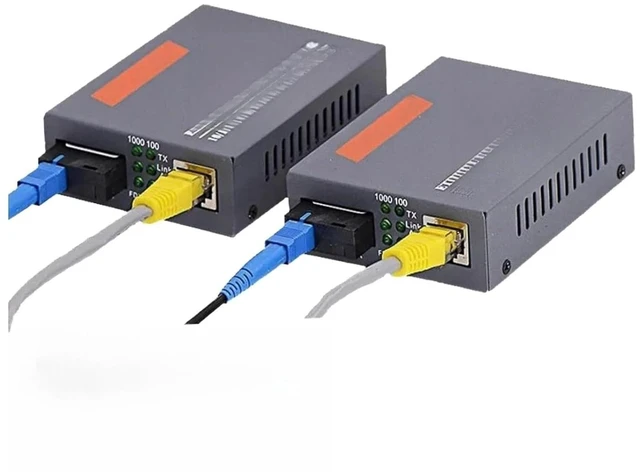
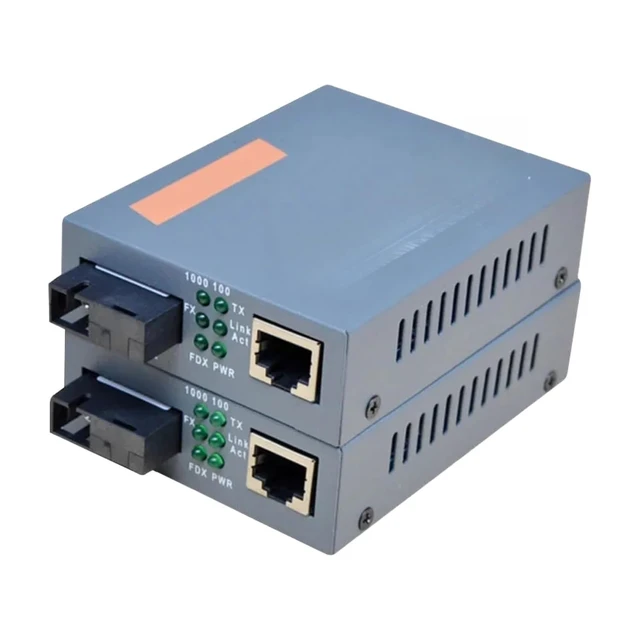
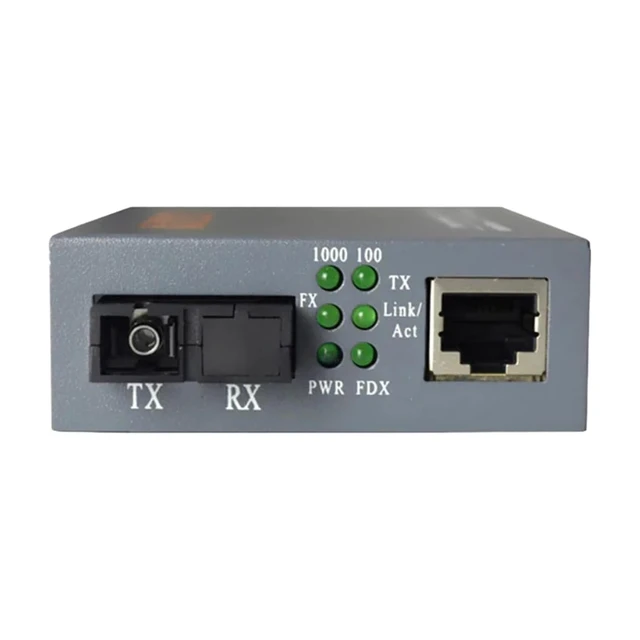
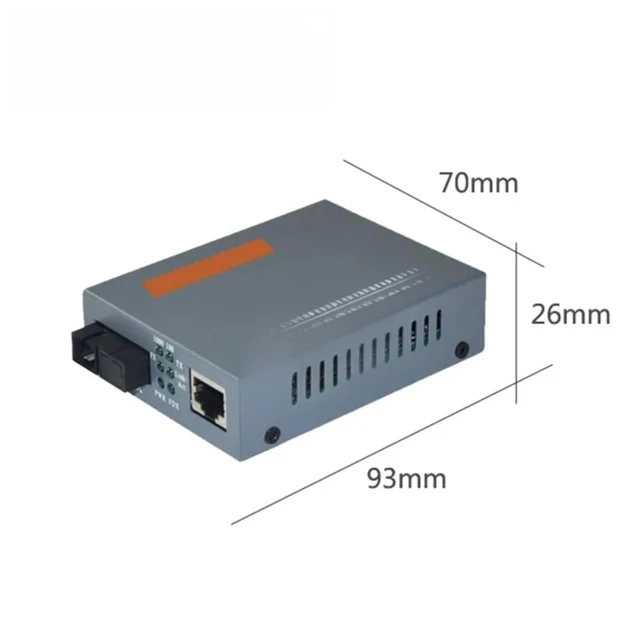
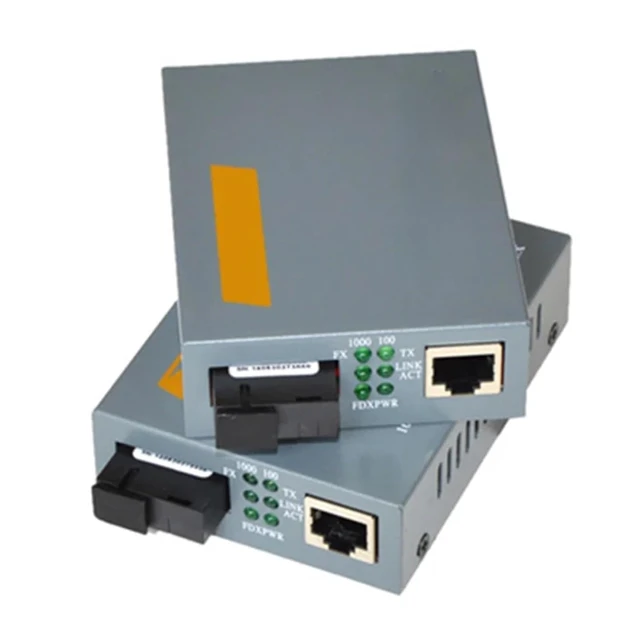
1 Pair HTB-GS-03 Gigabit Fiber Media Converter Single Mode SC 3KM WDM
- 1 Factory specification HTB-GS-03 gigabit fiber optic media converter pair
- 2 Exact equipment fitting designed for single mode single fiber WDM SC connections up to 3KM
- 3 Features durable metal housing and includes paired A and B units for complete network bridge
- 4 Severe eye hazard never look directly into the active SC optical port laser
- 5 Keep protective dust caps installed until exact moment of fiber connection to prevent signal loss
+
+
Overview
Specs
Reviews
Any questions? Ask CelesteSM will help you find out quickly.
Try me now
Troubleshooting and Installation Guide
Q1 I connected both converters with a brand new fiber patch cable but the optical link light will not turn on and there is no network connection
A You have likely installed two identical units on the same line These are WDM Wavelength Division Multiplexing converters and must be used as a matched A and B pair Unit A transmits at 1310nm and receives at 1550nm while Unit B does the exact opposite If you connect A to A or B to B no communication can occur Verify you have installed the correct paired units at each end
Q2 The network connects but the speed is incredibly slow and the camera feed keeps dropping frames
A This is a critical optical signal degradation issue usually caused by dust contamination or severe fiber bending Never remove the dust caps from the SC ports until the exact second you plug in the cable Microscopic dust on the optical lens causes massive signal attenuation Additionally ensure your fiber patch cable is not bent past its minimum bend radius which fractures the light path
Q3 Is it safe to look into the port to see if the laser is transmitting
A No absolutely not This is an extreme safety hazard Fiber optic transmitters use invisible infrared lasers Because you cannot see the beam your blink reflex will not protect you Looking directly into an active optical port will cause instant and permanent thermal damage to your retina Always use an optical power meter to verify signal never your eyes

Q1 I connected both converters with a brand new fiber patch cable but the optical link light will not turn on and there is no network connection
A You have likely installed two identical units on the same line These are WDM Wavelength Division Multiplexing converters and must be used as a matched A and B pair Unit A transmits at 1310nm and receives at 1550nm while Unit B does the exact opposite If you connect A to A or B to B no communication can occur Verify you have installed the correct paired units at each end
Q2 The network connects but the speed is incredibly slow and the camera feed keeps dropping frames
A This is a critical optical signal degradation issue usually caused by dust contamination or severe fiber bending Never remove the dust caps from the SC ports until the exact second you plug in the cable Microscopic dust on the optical lens causes massive signal attenuation Additionally ensure your fiber patch cable is not bent past its minimum bend radius which fractures the light path
Q3 Is it safe to look into the port to see if the laser is transmitting
A No absolutely not This is an extreme safety hazard Fiber optic transmitters use invisible infrared lasers Because you cannot see the beam your blink reflex will not protect you Looking directly into an active optical port will cause instant and permanent thermal damage to your retina Always use an optical power meter to verify signal never your eyes
Warranty & Returns
Warranty, Returns, And Additional Information
Warranty
- Please contact the Seller directly for warranty information. Warranty information may also be found on the Manufacturer's website.
- CONTACT
Return Policies
- Return for refund within: 30 days
- Return for replacement within: 30 days
- This item is covered by PartsPro Store Return Policy
Manufacturer Contact Info
- For a directory of all our manufacturers, please click below.
- Manufacturers Directory
LOADING...