Your Browsing History
Meet Your Seller
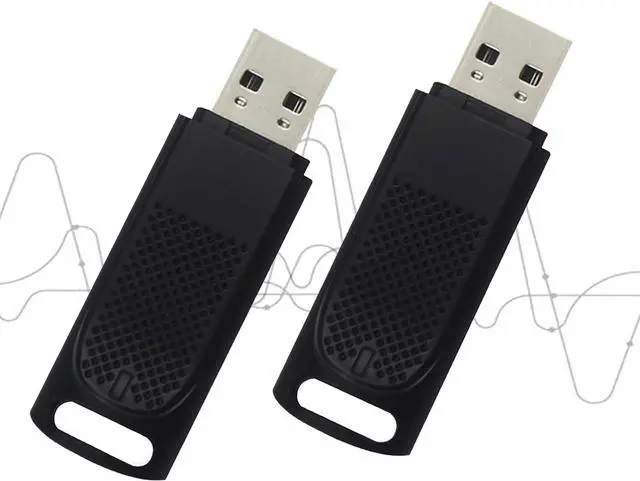
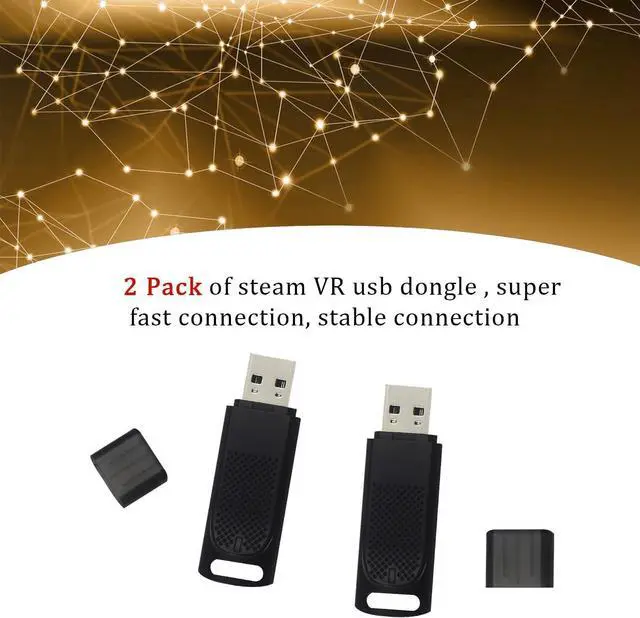
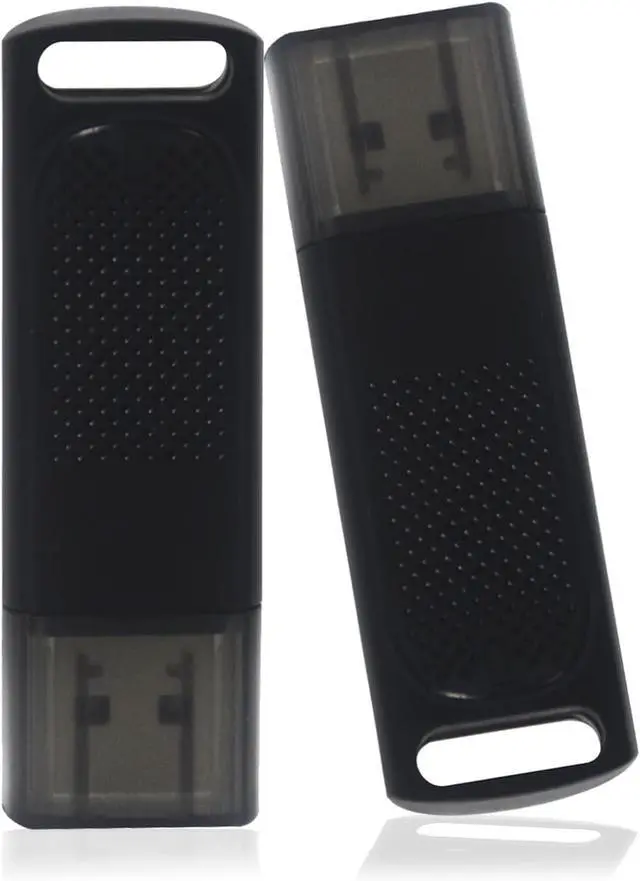
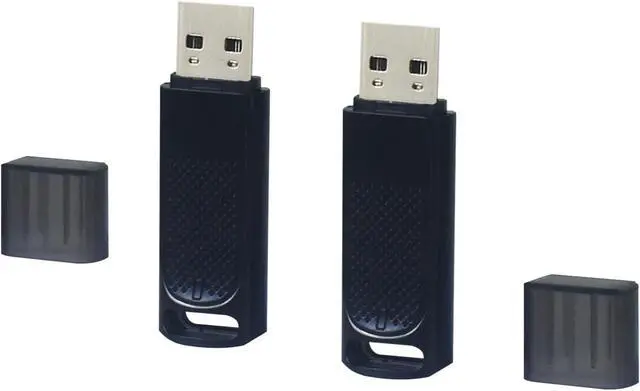
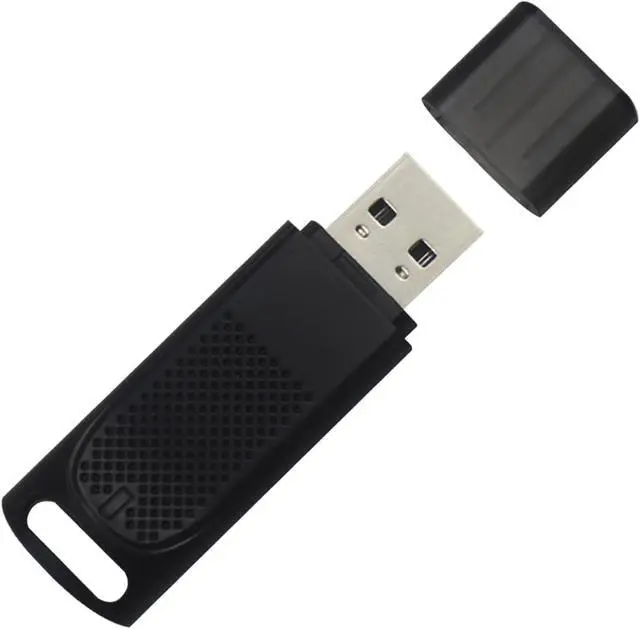
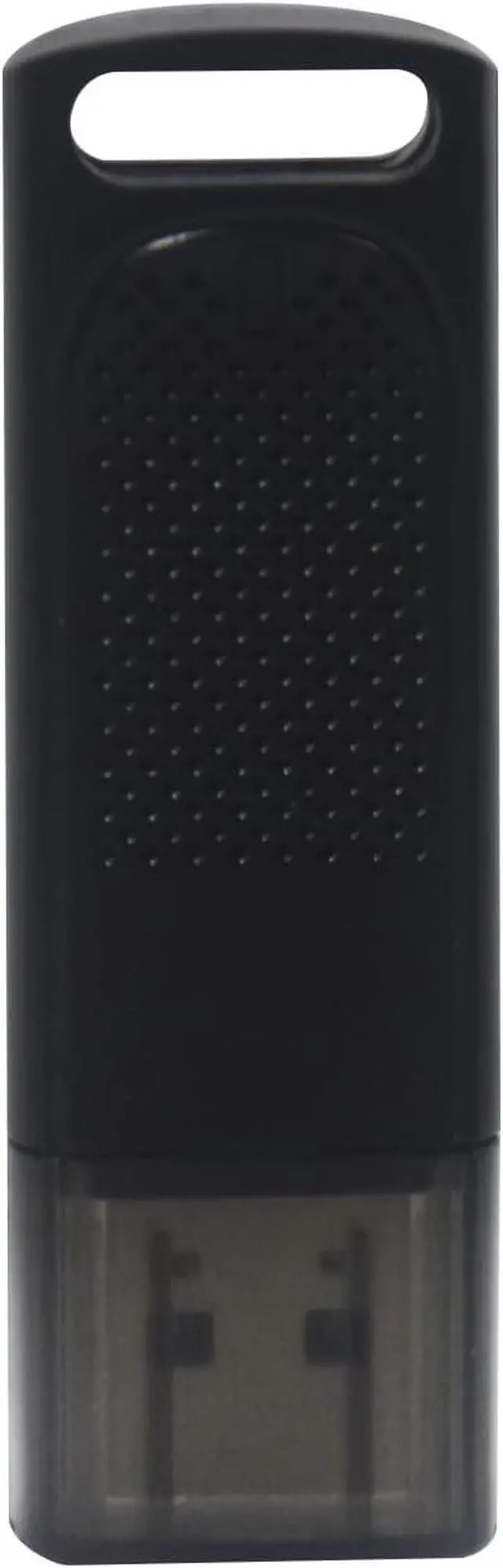
Steam VR USB Dongle Receiver (2 Pack) for Valve Index Controllers for HTC Vive Tracker
- WIDE COMPATIBILITY: The usb adapter used to pair the following devices with your PC VR settings: for Valve Index Controllers, for HTC Vive Tracking Device, for HTC Vive Controllers, for Logitech VR Ink Pilot, for N7R Tracking Device)NOT FOR REVVL 4 PLUS).
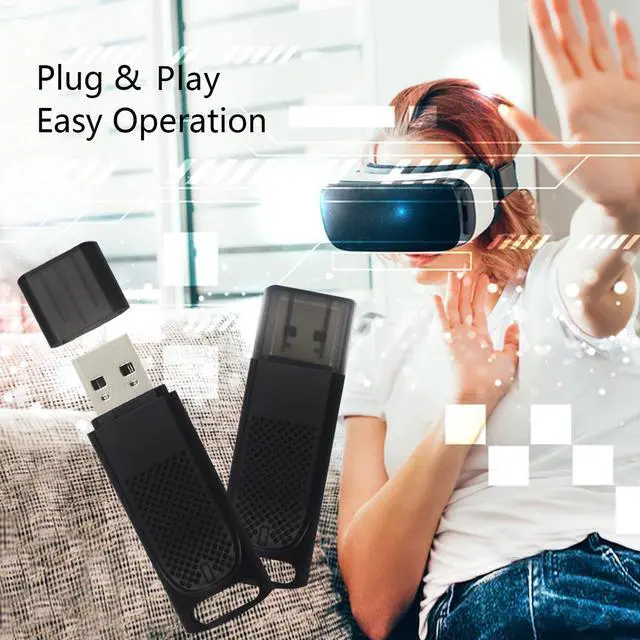
- EASY OPERATION: This USB dongle receiver is compact in size and light in weight, so you can easily carry it with you for outdoor use, plug and play.
- PLUG AND PLAY: Just insert into your computer and the necessary drivers will automatically install so you can pair your controllers using for SteamVR app.
- FIRMWARE: These dongles are pre flashed with for watchman firmware and function similar to for Steam Controller, or for HTC Vive tracking device dongles.
- CUSTOMER SERVICE : Our each dongle is tested before shipment to ensure their function flawlessly, we provide global after-sales service and 24-hour online customer service.
+
+
Overview
Specs
Reviews
Any questions? Ask CelesteSM will help you find out quickly.
Try me now
The Steps of Usage :
Step 1Insert the receiver into the usb port of your computer If there are other wireless devices interfering or metal shielding within two centimeters nearby, it is recommended to use an extension cable to separate the two distances of more than 30 centimeters.
Step 2Launch steamvr game platform, right mouse button steamvr icon in the start taskbar, move the cursor to "device" and select "add controller" that pops up automatically.
Step 3Follow the interface to select the corresponding device for pairing, after the completion of the use, if you need to pair a new device only need to shut down the previously paired device can be paired, a pairing will be permanently maintained before the next pairing of the two links.

Step 1Insert the receiver into the usb port of your computer If there are other wireless devices interfering or metal shielding within two centimeters nearby, it is recommended to use an extension cable to separate the two distances of more than 30 centimeters.
Step 2Launch steamvr game platform, right mouse button steamvr icon in the start taskbar, move the cursor to "device" and select "add controller" that pops up automatically.
Step 3Follow the interface to select the corresponding device for pairing, after the completion of the use, if you need to pair a new device only need to shut down the previously paired device can be paired, a pairing will be permanently maintained before the next pairing of the two links.
Warranty & Returns
Warranty, Returns, And Additional Information
Warranty
- Please contact the Seller directly for warranty information. Warranty information may also be found on the Manufacturer's website.
- CONTACT
Return Policies
- Return for refund within: 30 days
- Return for replacement within: 30 days
- This item is covered by PartsPro Store Return Policy
Manufacturer Contact Info
- For a directory of all our manufacturers, please click below.
- Manufacturers Directory
LOADING...