shipping Holiday Shipping Details & Extended Holiday Returns
  • $162.99
  • Free 30-day Returns
  • Price alert
    Shop it at NeweggBusiness.

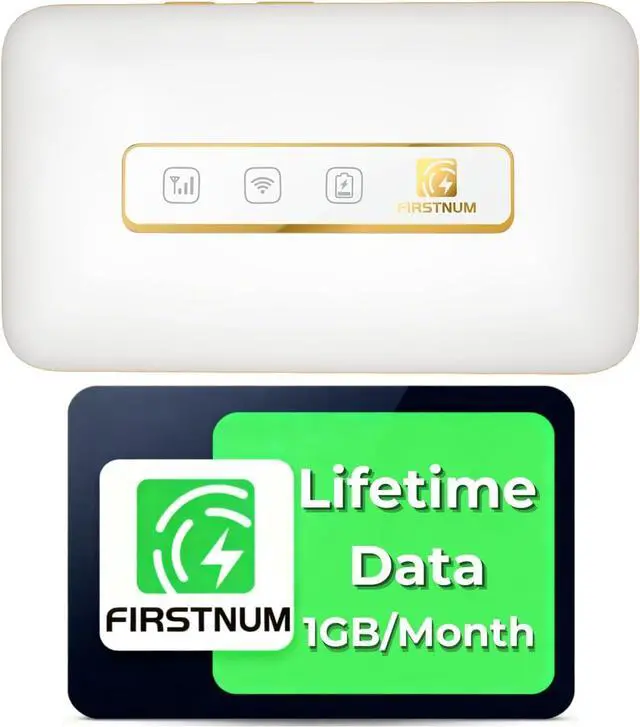
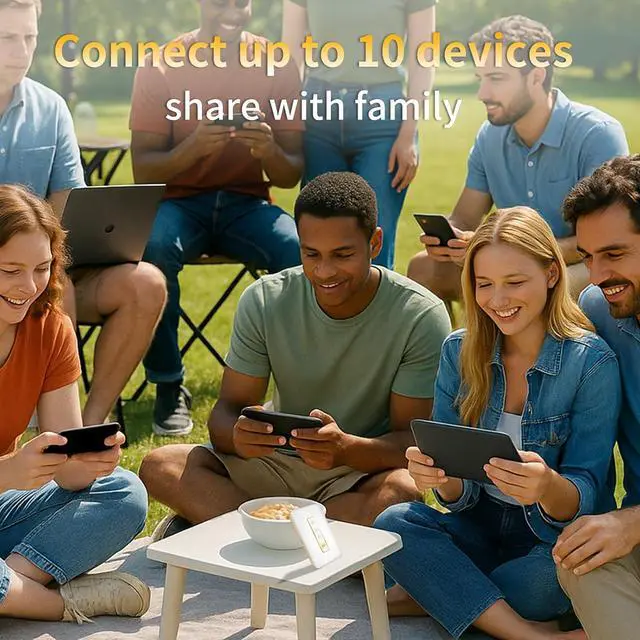
    M5 Mobile Hotspot, Portable WiFi Hotspot for Travel in 160+ Countries, Connect Up to10 Devices, No SIM Card Required and No Contract eSIM Hotspot, Portable Hotspot with 1GB Free Data Monthly

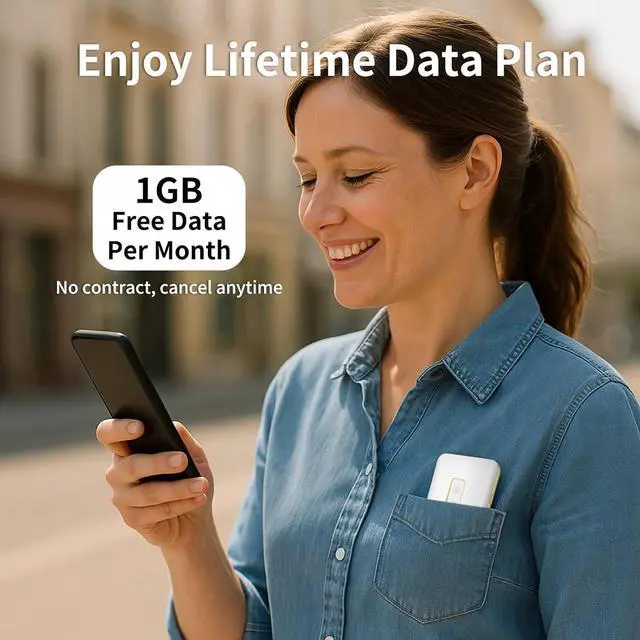
    • Travel Hotspot DeviceExperience seamless connectivity with this hot spot wifi portable deviceyour ideal pocket wifi for travel in 160+ Countries. Its ultra-compact design makes this portable hotspot easy to carry in pockets or bags, perfect for on-the-go use. As a reliable mobile hotspot device, it keeps you connected during vacations or business trips. Enjoy a lifetime data plan with 1GB Global Data/monthly, making this wifi hotspot a must-have travel companion
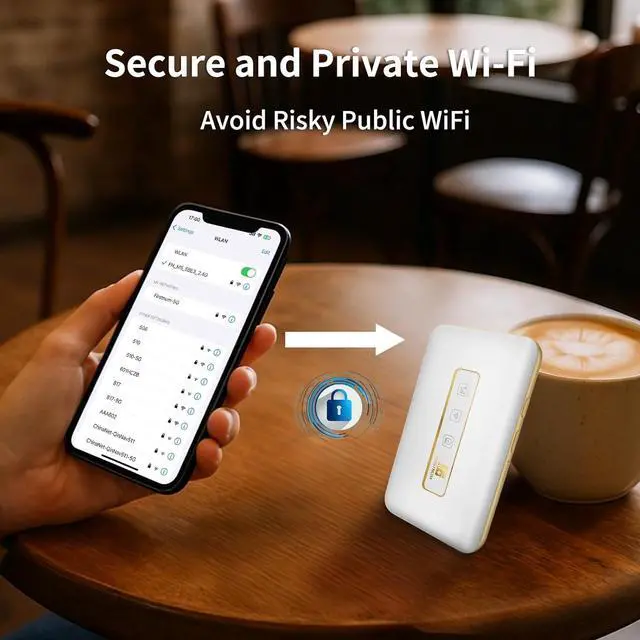
    • Prepaid FlexThis prepaid hotspot eliminates SIM card hasslesimply pick a data package that fits your needs. With no contracts (cancel anytime), it's truly hassle-free. Covering local major carriers networks, this portable wifi intelligently switches to the strongest 4G signal. Stay connected for work, study, or entertainment with this versatile hotspot device.If the local signal is poor, it may cause the product to fail to register on the network.
    • Quick Type-C ChargeEquipped with a 3000mAh battery, this mifi hotspo
    +
    +
    Overview
    Reviews
    avatar

    Any questions? Our AI beta will help you find out quickly.

    In which countries can I use this mobile hotspot?
    We currently support usage in over 160 different countries, covering major nations across Europe, Australia, South America, North America, Asia, and more.

    How do I top up the data plan?
    We provide recharge entry points in three locations: a small label attached to the packaging, the instruction manual, and the WiFi information label (located under the device's battery cover).

    What if there's no internet?
    First, please confirm if there is any remaining data package. If there is, follow the steps below.

    What to do if the signal is unstable and the network will be interrupted?
    1.Stay connected to Wi-Fi 2.Open a browser, enter URL 192.168.1.1 to go to settings page 3.Enter "admin" for both User and Password 4.In settings, find and select Mobile menu: Enable "4G only" for mobile data. Go to Mobile > APN, set APN to wbdata.

    Firstnum began with a mission to provide reliable, portable connectivityfueled by the growing need for stable internet during travel and in remote locations.
    How to get started?
    In which countries can I use this mobile hotspot?
    How do I top up the data plan?
    What if there's no internet?
    What to do if the signal is unstable and the network will be interrupted?
    How do we start?

    Warranty & Returns

    Warranty, Returns, And Additional Information

    Warranty

    • Please contact the Seller directly for warranty information. Warranty information may also be found on the Manufacturer's website.
    • CONTACT

    Return Policies

    Manufacturer Contact Info

    LOADING...