







Introduction to the video recording function
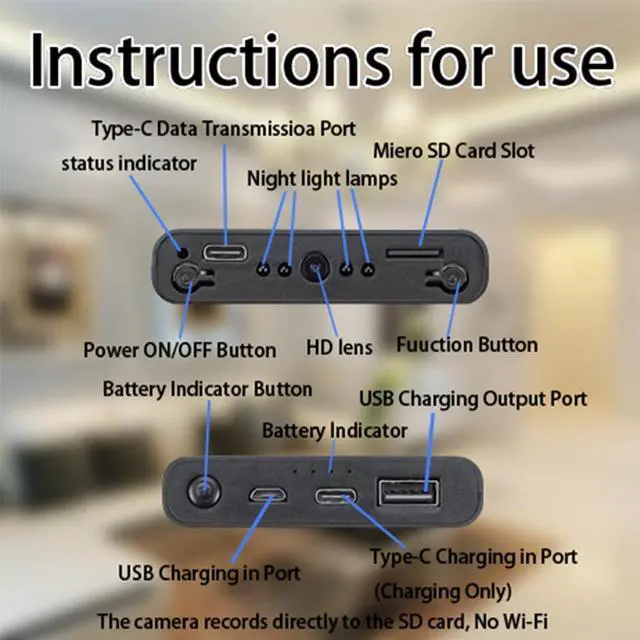
1: Power on button: Long press for 3 seconds to turn on the indicator light to start the machine, click again to start recording the video, and click again to stop recording the video.
2: Function indicator light.
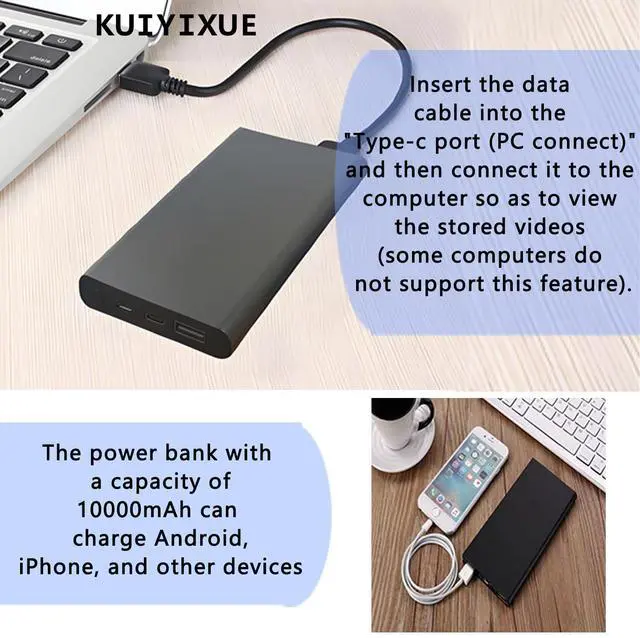
3: Type-C socket: After the camera is inserted with a memory card to record the video, the video can be viewed through this socket by connecting to the computer.
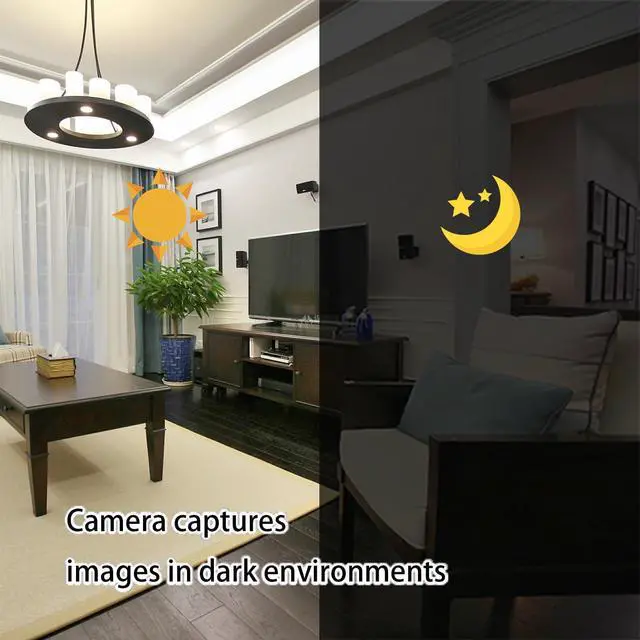
4: Night vision light and lens: Equipped with 4 (940nM) high-efficiency infrared night vision lights, the night vision will automatically turn on after the light is dim, and the lens uses a 1080P high-definition lens.
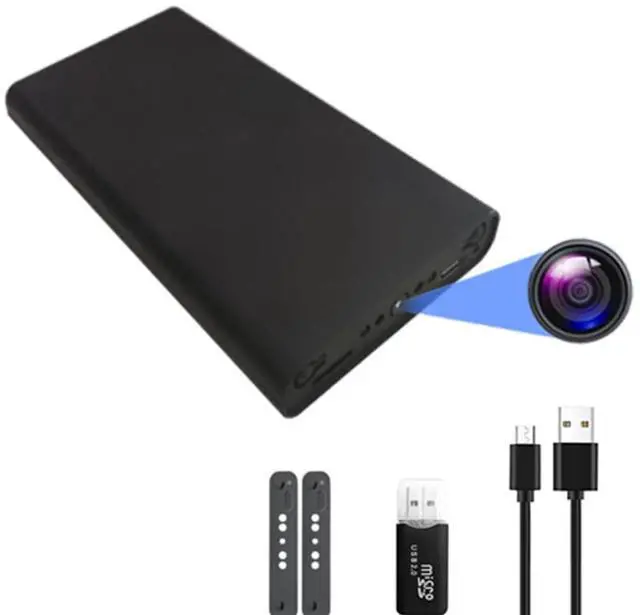
5: Memory card socket: It can support a maximum of 512G memory card, and the accessories include a card reader, which can be inserted into the computer to view the recorded video.
6: Function key: After starting up, click this button to take a picture, long press this button for 3 seconds to turn on the motion detection, and long press for 3 seconds again to turn off.

Introduction to the charging function
1: Power on button: Single click to turn on the machine, and then the indicator light will turn on. Double click to turn off the indicator light.
2: Power indicator light: Four indicator lights, from left to right, represent 25%-50%-75%-100% of the power. After the power is consumed to below 25%, the indicator light of 25% will flash.
3: Charging socket: The Micro USB socket and Type-C socket can charge the mobile power supply.
4: USB socket: The USB socket can supply power to the mobile phone.
Introduction to the video recording function
1: Power on button: Long press for 3 seconds to turn on the indicator light to start the machine, click again to start recording the video, and click again to stop recording the video.
2: Function indicator light.
3: Type-C socket: After the camera is inserted with a memory card to record the video, the video can be viewed through this socket by connecting to the computer.
4: Night vision light and lens: Equipped with 4 (940nM) high-efficiency infrared night vision lights, the night vision will automatically turn on after the light is dim, and the lens uses a 1080P high-definition lens.
5: Memory card socket: It can support a maximum of 512G memory card, and the accessories include a card reader, which can be inserted into the computer to view the recorded video.
6: Function key: After starting up, click this button to take a picture, long press this button for 3 seconds to turn on the motion detection, and long press for 3 seconds again to turn off.
Introduction to the charging function
1: Power on button: Single click to turn on the machine, and then the indicator light will turn on. Double click to turn off the indicator light.
2: Power indicator light: Four indicator lights, from left to right, represent 25%-50%-75%-100% of the power. After the power is consumed to below 25%, the indicator light of 25% will flash.
3: Charging socket: The Micro USB socket and Type-C socket can charge the mobile power supply.
4: USB socket: The USB socket can supply power to the mobile phone.
| Battery Capacity | 10000mAh |
| Video Resolution | 1920*1080 |
| Video Format | AVI |
| Image Format | JPG |
| Working Time | 55 Hours |
| Infrared Night Vision | Support |
| Motion Detection | Support |
| WiFi | No Need |
| Remote Live Viewing | Not Support |
| memory card | Maximum Support 512GB (purchase is not included) |
| Video Frame Rate | 30fps |
| Loop Recording | Support |