

Your Browsing History
- Free 30-day Returns
$48.99
Ships from China.

Meet Your Seller

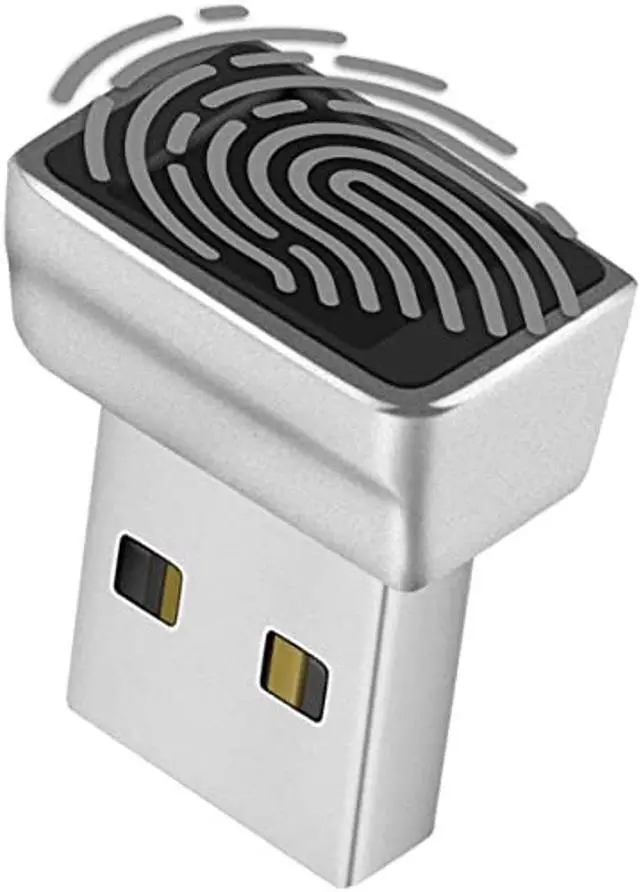
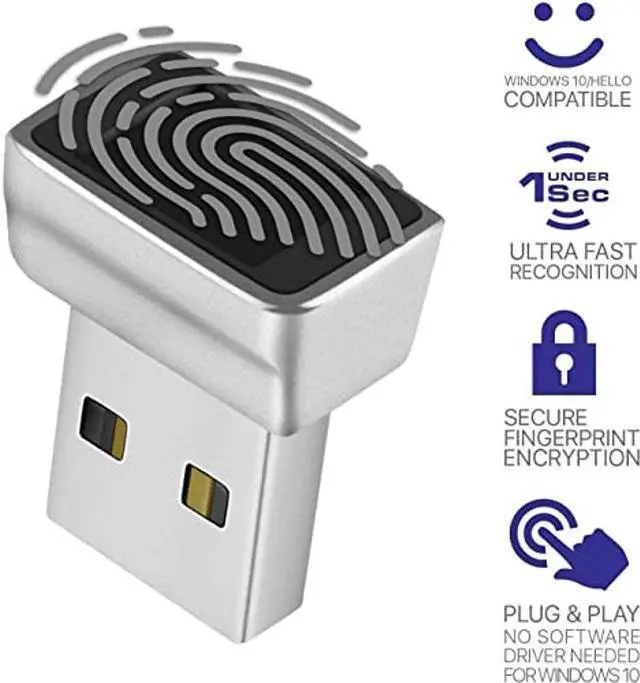
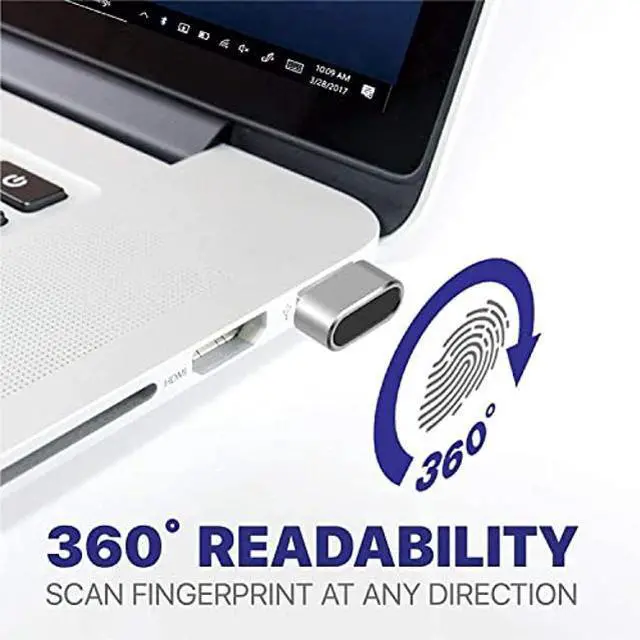


TNP Nano USB Fingerprint Reader for Windows 10/11 Hello - Security Key Biometric Scanner Sensor Dongle Module for Instant Acess, Password-Free Login, Sign-in, Lock, Unlock PC & Laptops
- Support Windows 10 / 11 Hello Biometric Authentication: Plug and play with updated Windows OS, provides instant access for Windows computers. Tasks such as login, sign in or unlock can be accomplished with a touch of a finger, no need to remember usernames and passwords
- Up to 5 Fingerprint Registration: Allow family members, close friends, or colleagues to gain access to a single computer. 360deg all direction fingerprint registering for better accuracy and faster response.
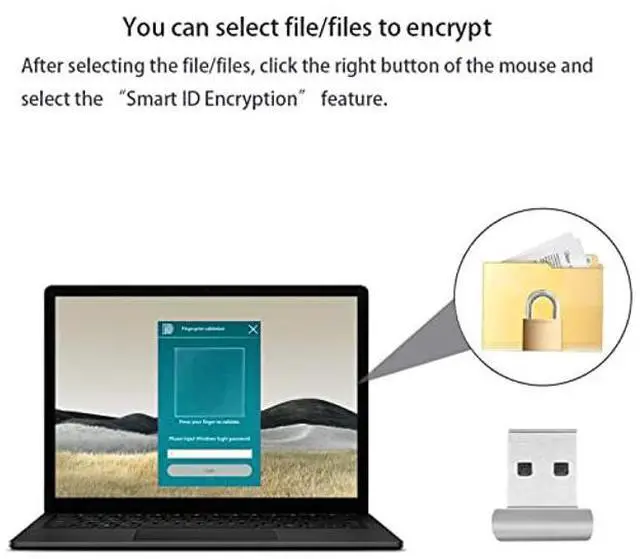
- Paralleled Software Support: With Smart ID Encryption, encrypting your files has never been so easy. You can specify a folder as an encrypted zone, once a file is copied into the folder, itaEURll automatically be encrypted.
- Gets Smarter Over Time: With each fingerprint registry, the scanned data is added to the profile of the enrolled finger. So, the more you use it, the more accurate it gets. Allowing faster access.
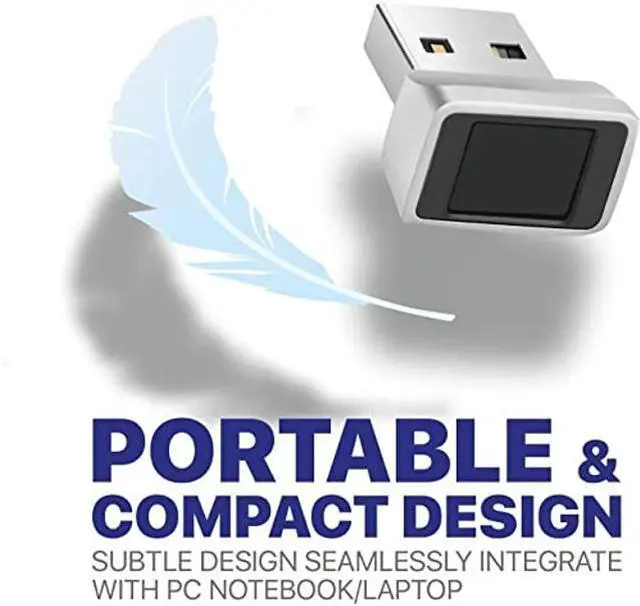
- All You Need in a Nano Formfactor: Small and lightweight, takes up no space. Drop
+
+
Overview
Specs
Reviews

Any questions? Our AI beta will help you find out quickly.
Try me now
Windows OS incorporates multi-factor authentication technology based upon standards developed by the FIDO Alliance. The operating system includes improved support for biometric authentication through the Windows Hello and Passport platforms. This USB Fingerprint Reader device enables the software support of fingerprint-recognition login. Credentials are stored locally and protected using asymmetric encryption. The Passport platform allows networks, software and websites to authenticate users using either a PIN or biometric login to verify their identity, without sending a password.
Specification:
Dimension: 20.6 *17*12 mm (L*W*H)
Weight: 5.1 g Store Up to 5 individual fingerprints
Note: - If encountering problems identifying fingerprints, make sure windows is updated (driver will be updated automatically) - If unable to install driver automatically, refer to user manual for manual install instructions - If your version of Windows OS is non official version (i. e. being installed by yourself or any 3rd party instead of updated from "Windows Update") you need to create a new standard Administrator user to access Windows Hello features - Not compatible with Mac OS or
Chrome OS Manual Driver update:
1. Plug in Fingerprint Reader USB port
2.
Open Device Manager/Other Devices/ELAN: Fingerprint, Right click, Update Driver
3. Clcik "Search automatically for drivers", then "Search for updated drivers on Windows Update"
4. Clcik "Check for updates" and ensure windows is updated, then click "view optional updates"
5. Open "Driver Updates" pull down and check "ELAN Finger Print - Biometric" box and update
6. Once updated the device should show up in Device Manager under Biometric Devices "Elan Smart-id Fingerprint"
Package Content: 1x Nano USB Fingerprint Reader
Specification:
Dimension: 20.6 *17*12 mm (L*W*H)
Weight: 5.1 g Store Up to 5 individual fingerprints
Note: - If encountering problems identifying fingerprints, make sure windows is updated (driver will be updated automatically) - If unable to install driver automatically, refer to user manual for manual install instructions - If your version of Windows OS is non official version (i. e. being installed by yourself or any 3rd party instead of updated from "Windows Update") you need to create a new standard Administrator user to access Windows Hello features - Not compatible with Mac OS or
Chrome OS Manual Driver update:
1. Plug in Fingerprint Reader USB port
2.
Open Device Manager/Other Devices/ELAN: Fingerprint, Right click, Update Driver
3. Clcik "Search automatically for drivers", then "Search for updated drivers on Windows Update"
4. Clcik "Check for updates" and ensure windows is updated, then click "view optional updates"
5. Open "Driver Updates" pull down and check "ELAN Finger Print - Biometric" box and update
6. Once updated the device should show up in Device Manager under Biometric Devices "Elan Smart-id Fingerprint"
Package Content: 1x Nano USB Fingerprint Reader
Warranty & Returns
Warranty, Returns, And Additional Information
Warranty
- Please contact the Seller directly for warranty information. Warranty information may also be found on the Manufacturer's website.
- CONTACT
Return Policies
- Return for refund within: 30 days
- Return for replacement within: non-replaceable
- This item is covered by Nexus3C Return Policy
Manufacturer Contact Info
- For a directory of all our manufacturers, please click below.
- Manufacturers Directory
LOADING...