


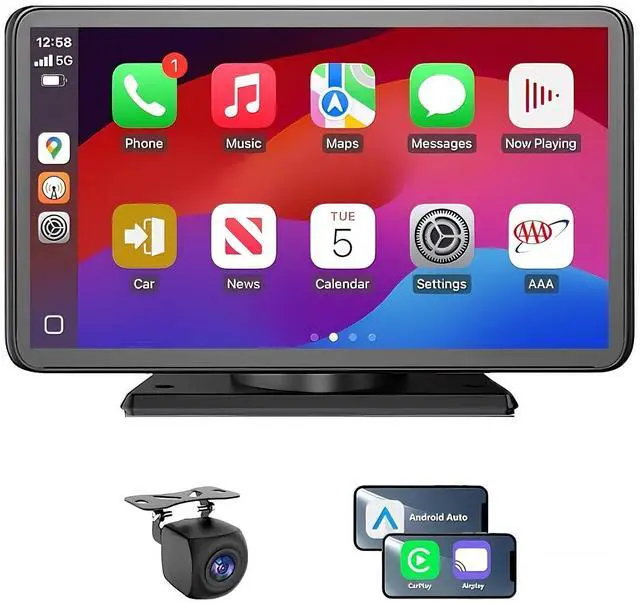
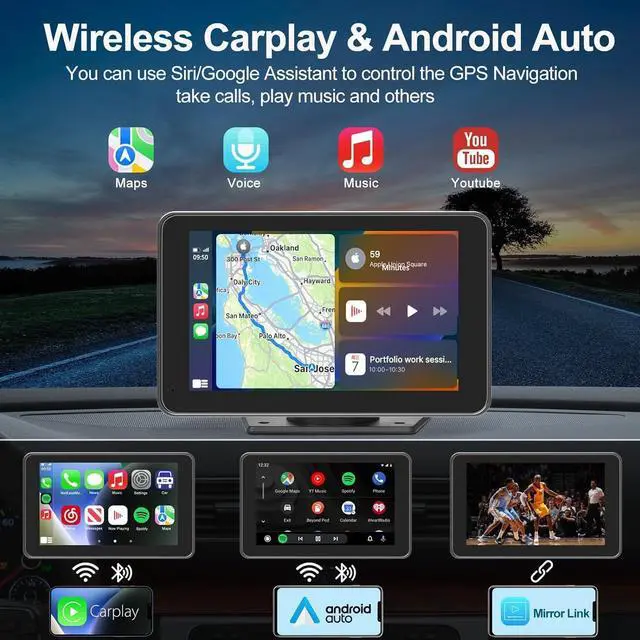
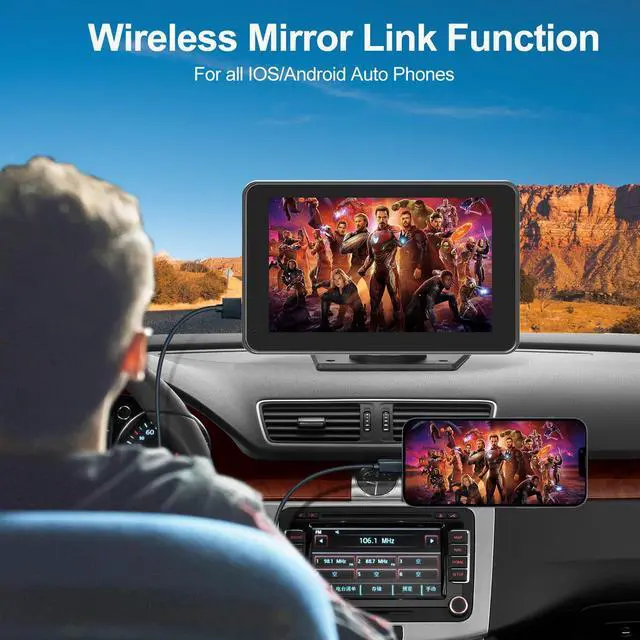


Car stereo doesn’t have sound ?
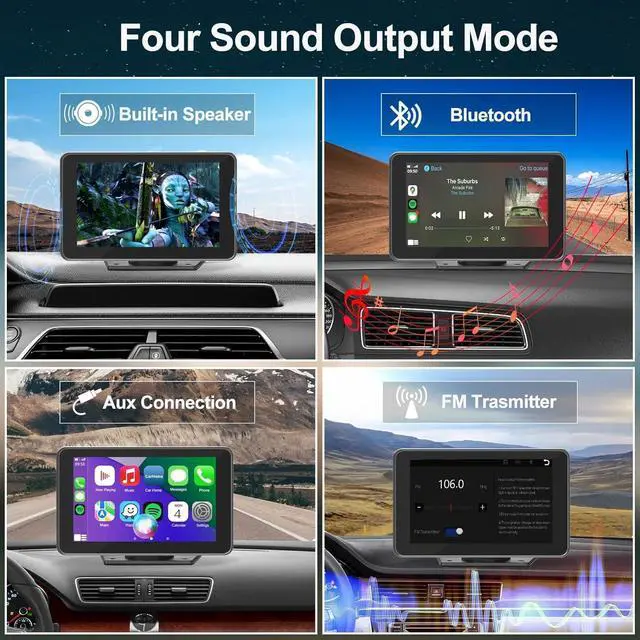
1. Please make sure you have chosen the audio output channel on the fourth icon on the main menu; if not, the sound will still be coming through your phone.
2. Please check if you set the volume to zero, or mute the radio.
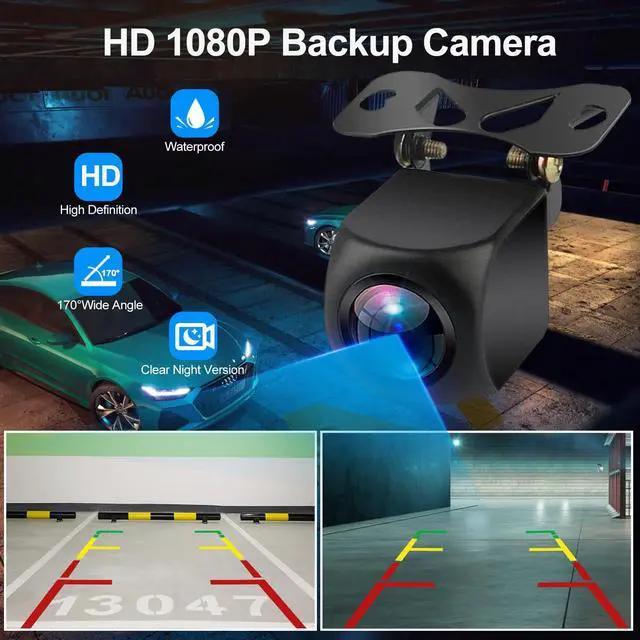
Backup camera shows no signal ?
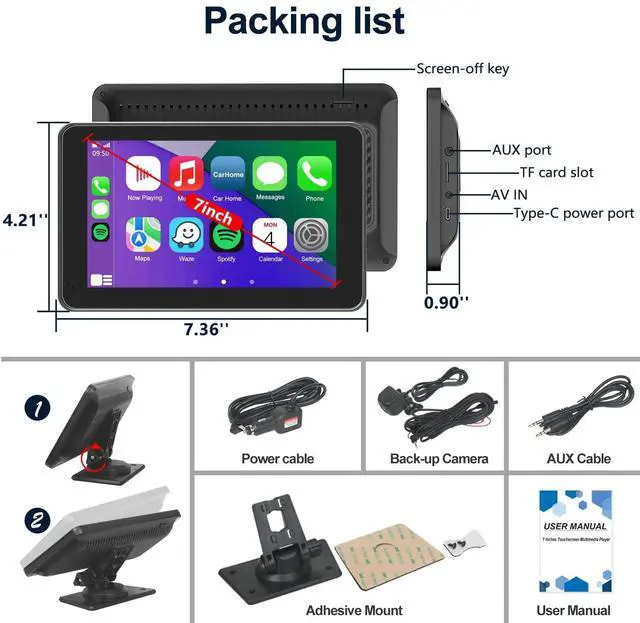
1. Please check all the wires are connected tightly and correctly. The reversing trigger wire (red thin wire) needs to be connected to the positive pole of the reversing light.
2. Please make sure the AV IN interface is inserted to the bottom.
Disconnection sometimes or cannot connect to Bluetooth ?
1. Please reset the unit to factory mode.
2. Please delete all the other non-related Bluetooth connection records on your phone.
Music auto-play after connect to this android auto screen ?
Please kindly note , it has nothing to do with the unit, it is the music app in your phone that matters, you can try to do some settings that don't allow it to auto-play after connect to any other speakers or Bluetooth device.
The carplay screen cannot turn off by itself even if I turn off my car ?
Sorry , this is not the issue of the CarPlay screen. It is related to your car. Some cars still provide power to the cigarette lighter after turning off the key. You may need to turn off the carplay screen manually or buy a 12V battery saver.


About US:
Founded in 2020, FUNAURORE quickly established itself as an innovator in intelligent car stereo solutions.As an emerging and developing enterprise , we focus on innovation and progress.
In this ever-changing world, We are working on the application of wireless technology. Our wireless car stereo help you enjoy the great convenience of wireless tech in driving, even if your vehicle is not equipped with the technology.




Car stereo doesn’t have sound ?
1. Please make sure you have chosen the audio output channel on the fourth icon on the main menu; if not, the sound will still be coming through your phone.
2. Please check if you set the volume to zero, or mute the radio.
Backup camera shows no signal ?
1. Please check all the wires are connected tightly and correctly. The reversing trigger wire (red thin wire) needs to be connected to the positive pole of the reversing light.
2. Please make sure the AV IN interface is inserted to the bottom.
Disconnection sometimes or cannot connect to Bluetooth ?
1. Please reset the unit to factory mode.
2. Please delete all the other non-related Bluetooth connection records on your phone.
Music auto-play after connect to this android auto screen ?
Please kindly note , it has nothing to do with the unit, it is the music app in your phone that matters, you can try to do some settings that don't allow it to auto-play after connect to any other speakers or Bluetooth device.
The carplay screen cannot turn off by itself even if I turn off my car ?
Sorry , this is not the issue of the CarPlay screen. It is related to your car. Some cars still provide power to the cigarette lighter after turning off the key. You may need to turn off the carplay screen manually or buy a 12V battery saver.
About US:
Founded in 2020, FUNAURORE quickly established itself as an innovator in intelligent car stereo solutions.As an emerging and developing enterprise , we focus on innovation and progress.
In this ever-changing world, We are working on the application of wireless technology. Our wireless car stereo help you enjoy the great convenience of wireless tech in driving, even if your vehicle is not equipped with the technology.