


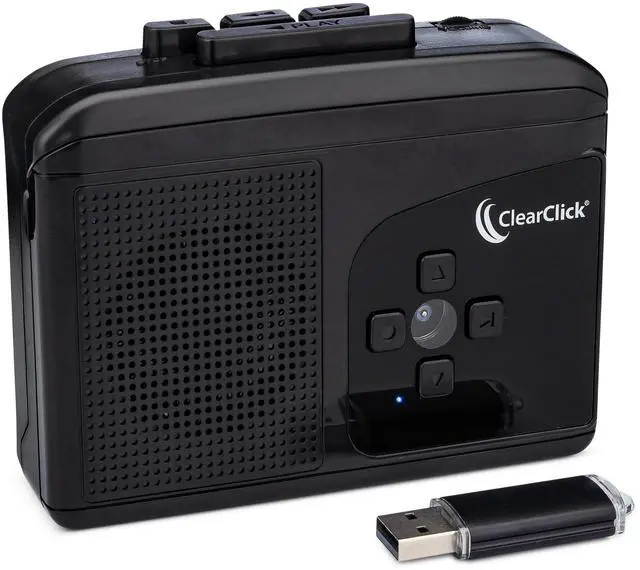



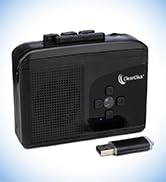


Introducing the Cassette2USB Converter 2.0.
If you've got a lot of cassette tapes sitting in your house, why not turn them into digital format? Restore memories and save money by not having to re-purchase your music collection!
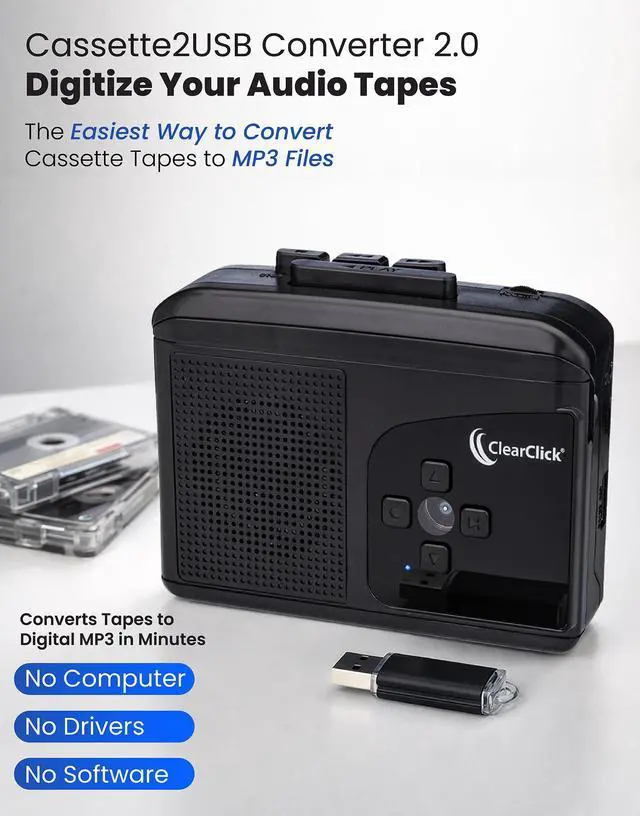
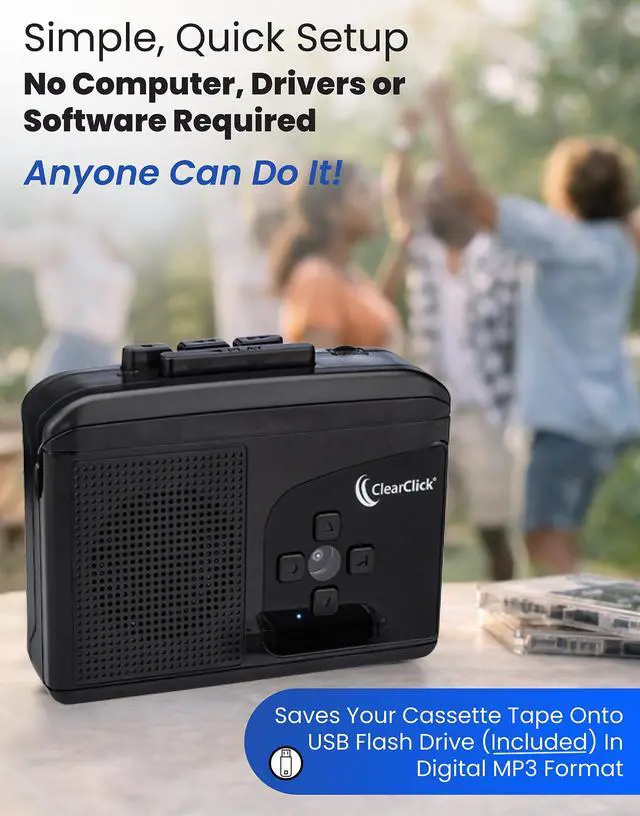
With the Cassette To USB Converter 2.0, it's simple and easy to turn your cassette tapes into digital MP3 format.
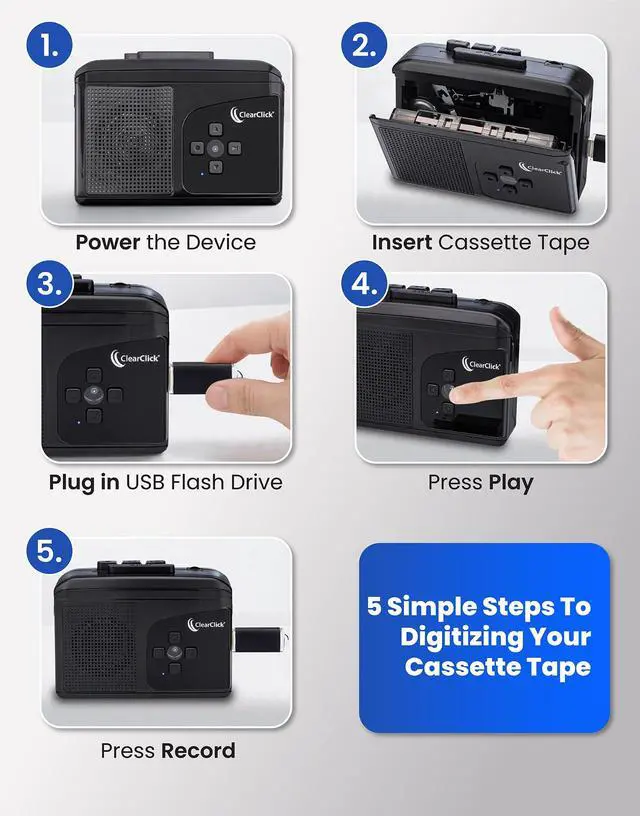
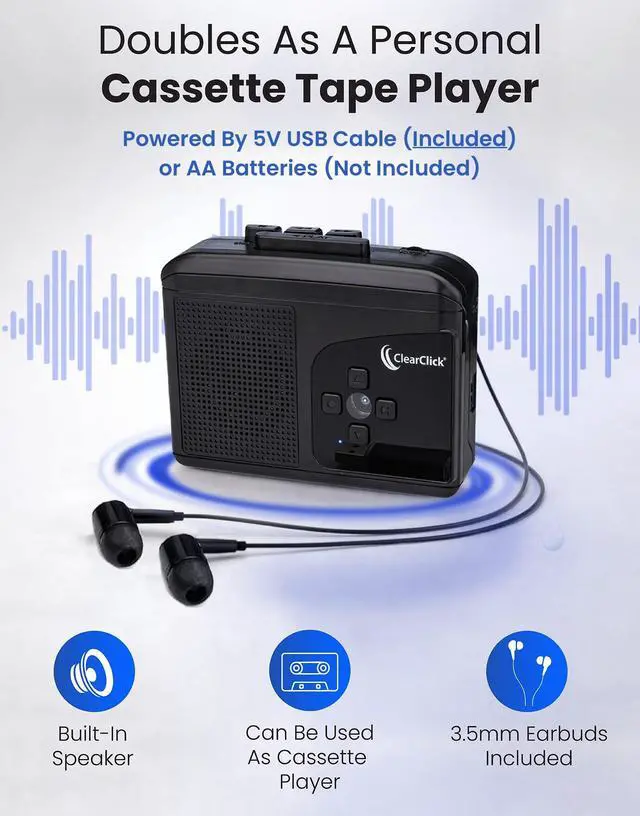
First, simply power the device using the USB cable (included) or two AA batteries (not included).
Next, just load a cassette tape into the converter and press "Play."
Plug in the 8 GB USB flash drive (included), and then press "Record" on the device.
Your cassette tape will begin to be recorded into digital MP3 format!
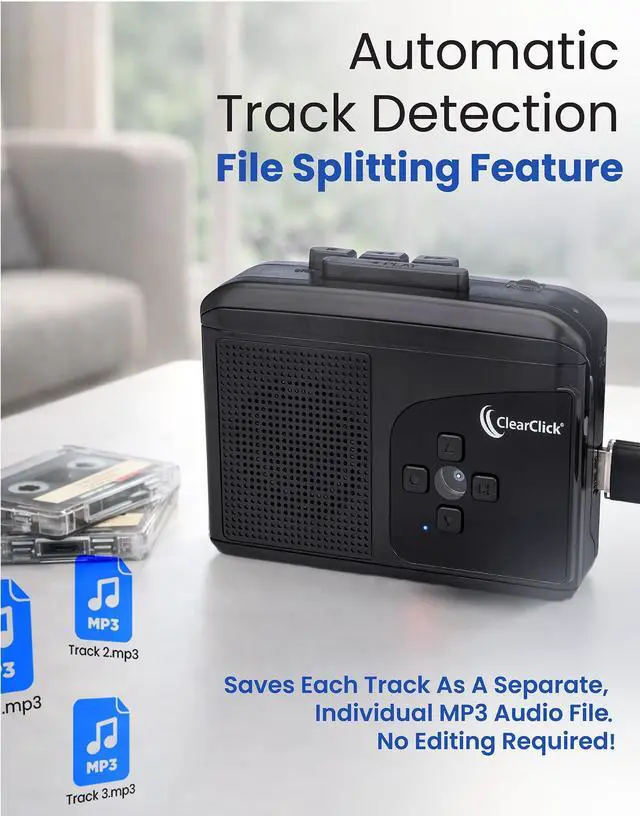
If you'd like, you can enable "Auto Mode" on the converter, which will automatically detect where track begins and ends and save each track as a separate MP3 file.
Once you finish recording, simply plug the USB flash drive into your PC or Mac to transfer the MP3 files to your computer, or plug the USB drive straight into your TV or music speaker's USB port.
Introducing the Cassette2USB Converter 2.0.
If you've got a lot of cassette tapes sitting in your house, why not turn them into digital format? Restore memories and save money by not having to re-purchase your music collection!
With the Cassette To USB Converter 2.0, it's simple and easy to turn your cassette tapes into digital MP3 format.
First, simply power the device using the USB cable (included) or two AA batteries (not included).
Next, just load a cassette tape into the converter and press "Play."
Plug in the 8 GB USB flash drive (included), and then press "Record" on the device.
Your cassette tape will begin to be recorded into digital MP3 format!
If you'd like, you can enable "Auto Mode" on the converter, which will automatically detect where track begins and ends and save each track as a separate MP3 file.
Once you finish recording, simply plug the USB flash drive into your PC or Mac to transfer the MP3 files to your computer, or plug the USB drive straight into your TV or music speaker's USB port.
Video2Digital Converter
HD & Analog Video Capture
Audio/Video Capture
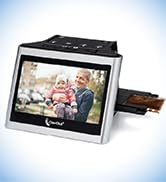
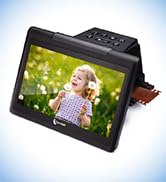
Photo/Slide/Negative Scanners
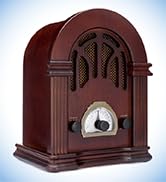
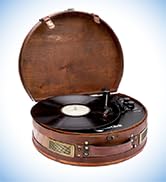
Retro Radios & Turntables