Your Browsing History
Best Sellers
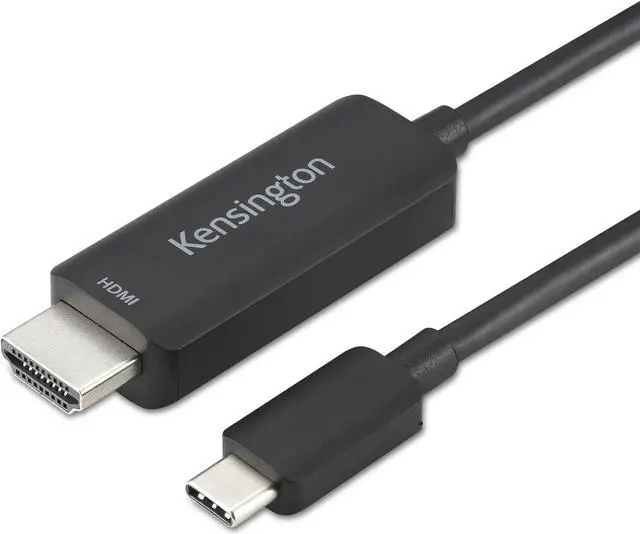
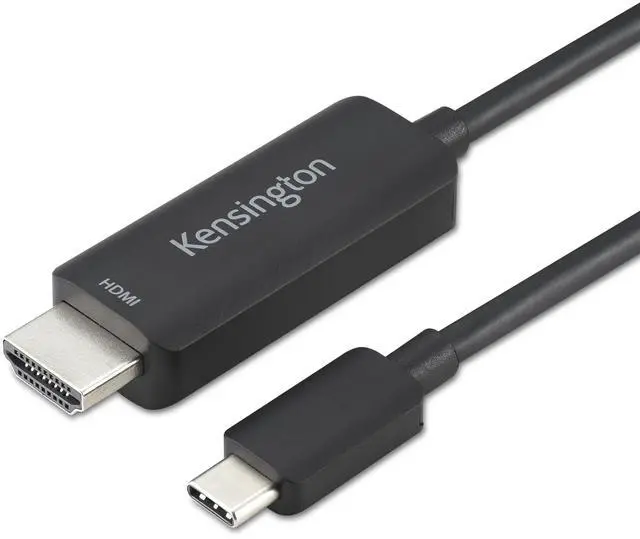
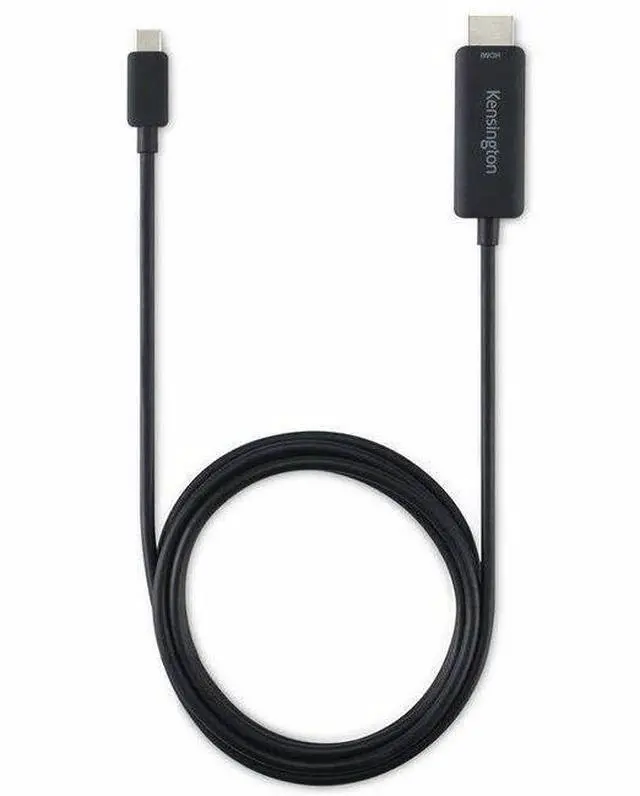
Kensington USB-C to HDMI M/M Unidirectional 8K Cable K38343WW
- Support for up to 8K @ 60Hz or 4K @ 120Hz on Windows and up to 4K @ 60Hz on macOS.
- Simple plug-and-play solution with no drivers or downloads required.
- Ideal for the latest USB-C® laptops and Thunderbolt™ 4 docks.
- Compatible with Windows, macOS, and ChromeOS.
- Connects USB-C® devices to HDMI® displays without the need for adapters.
- Validated to perform with projectors, monitors, and Kensington docks.
- 2-year limited warranty.
- SD5780T
- SD5760T
- SD5700T
- SD2600T
- SD5560T
+
+
Overview
Specs
Reviews
See all Q & A
Any questions? Ask CelesteSM will help you find out quickly.
Try me now
USB-C TO HDMI (M/M) UNIDIRECTIONAL 8K CA
Warranty & Returns
Warranty, Returns, And Additional Information
Warranty
- Limited Warranty period (parts): Lifetime
- Limited Warranty period (labor): Lifetime
- Read full details
Return Policies
- Return for refund within: 30 days
- Return for replacement within: 30 days
- This item is covered by Newegg.com's 30-Day Return Policy.
- Read full return policy for details.
Manufacturer Contact Info
- Manufacturer Website
- Support Phone: 1-800-535-4242
- Support Website
- View other products from Kensington
LOADING...
LOADING...
The Kensington K38343WW is a unidirectional USB-C-to-HDMI cable for connecting a compatible laptop or Thunderbolt 4 dock directly to a monitor, projector, or other HDMI display; it supports up to 8K at 60Hz or 4K at 120Hz on Windows, and up to 4K at 60Hz on macOS.
Recommended For
- Windows laptop users connecting to an HDMI monitor or TV who need a direct cable and a setup capable of up to 4K at 120Hz or 8K at 60Hz, provided the laptop and display support the chosen mode.
- Presenters and hybrid workers who connect a USB-C laptop to an HDMI projector, monitor, or TV and want a plug-and-play cable without a separate adapter.
- Mac users who need to connect a USB-C video-output device to an HDMI display for resolutions up to 4K at 60Hz.
- Owners of a compatible Kensington Thunderbolt dock who need a direct cable connection from the dock to an HDMI display.
Real-World Use Scenarios
- At a desk, connect a USB-C laptop with video output to an HDMI monitor for a larger workspace; the direct cable connection avoids a separate adapter.
- For a presentation, connect a compatible USB-C laptop to an HDMI projector; the cable provides a straightforward wired display connection without installing drivers.
- At a workstation, connect a Kensington Thunderbolt dock’s USB-C video output to an HDMI monitor, keeping the display hookup simple when setting up a dock-based workspace.
- For a meeting-room or classroom display, connect a compatible laptop to an HDMI screen using one cable; check that the laptop’s USB-C port supports video output before relying on it.
- For high-resolution viewing on a compatible Windows setup, connect the laptop to an HDMI display and use the resolution and refresh rate supported by both devices; macOS is listed with a lower maximum than Windows.
Spec Summary
| Attribute | Value |
|---|---|
| Best For | Connecting a USB-C laptop or tablet to an HDMI display in a home or office setup |
| Connection And Cable Design | Male-to-male USB Type-C to HDMI cable with a round shape and 43 pins |
| Length And Finish | 6 ft (1.8 m) cable with a black plastic outer material and copper material |
| Signal And Performance | Listed with a 60 Hz frequency, 1 Gbps data transfer rate, and High Speed feature |
| Included Items | One USB-C-to-HDMI cable and a warranty card |
| Model And Brand | Kensington USB-C to HDMI 8K, model K38343WW |
| Product Classification | Adapters and splitters |
| Usage And Power | Intended for indoor use; batteries are not required or included |