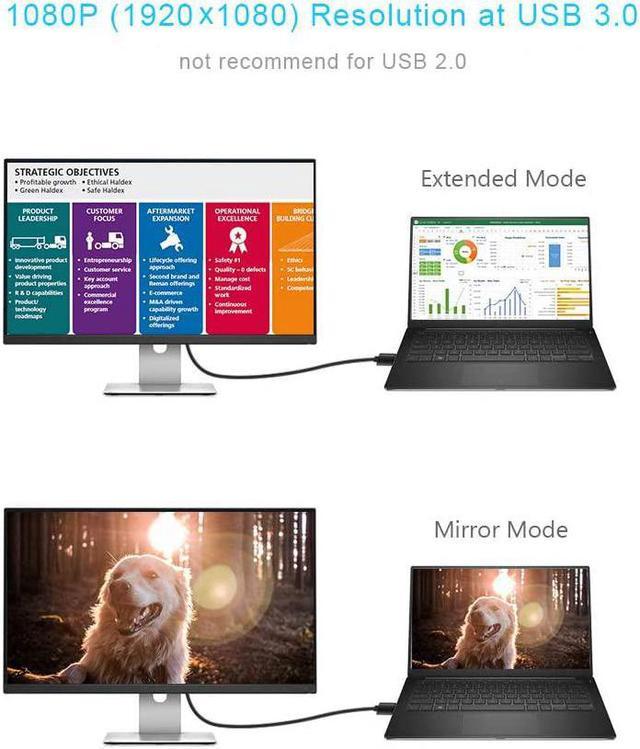
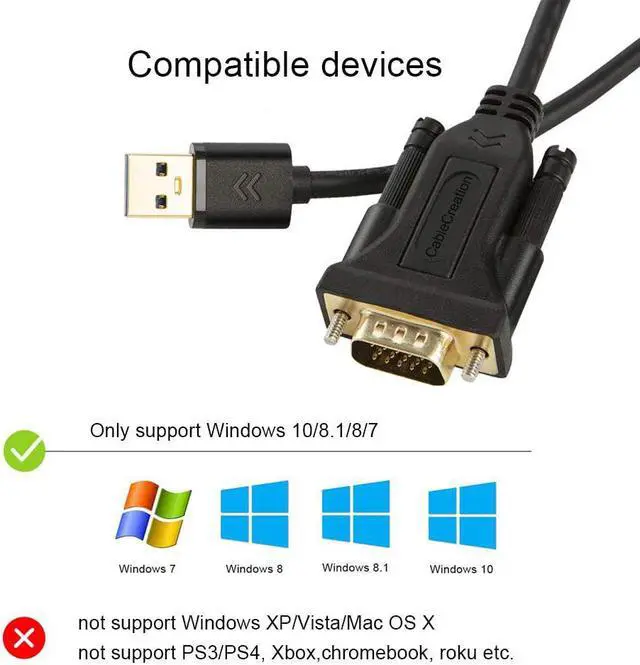
?COMPATIBILITYDisplay the image or video at Extended, Mirror and Clone mode; ONLY SUPPORT operating system as Windows 10 (32bit & 64bit), Windows 8.1 / 8 (32bit & 64bit), Windows 7; NOT support macOS / Mac OS X, Linux, Windows Vista /XP, Android, PS3, PS4, Xbox, Chromebook, Roku etc.
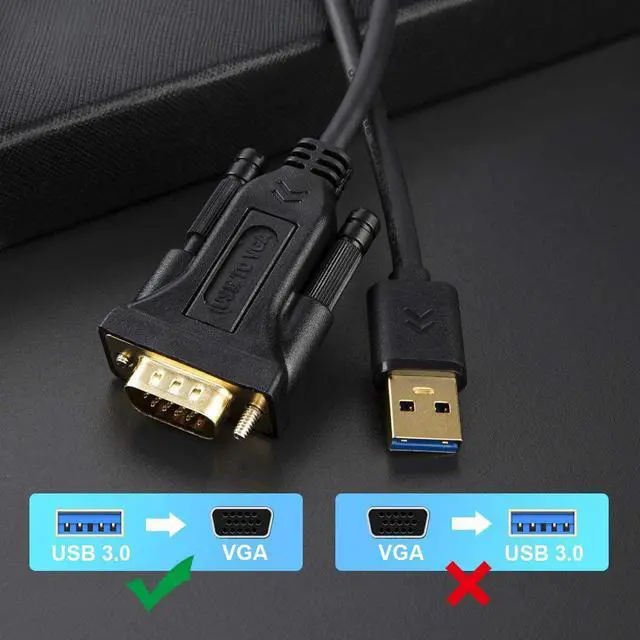
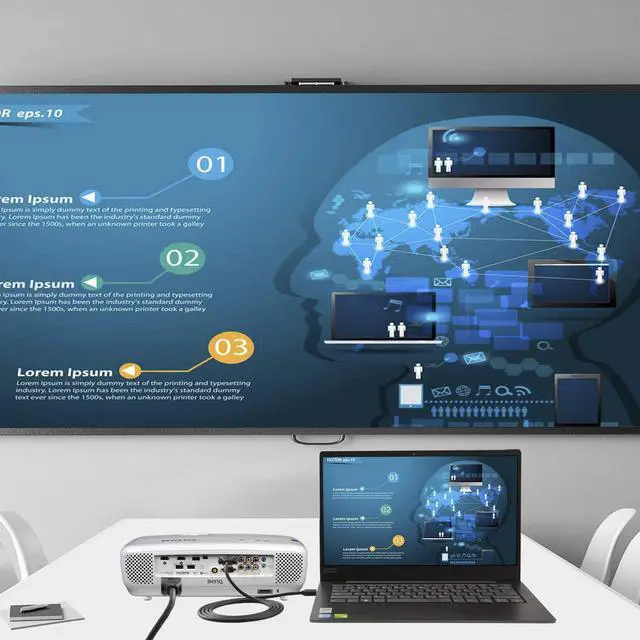
?CONNECTIVITYONLY Connect to USB 3.0 port to get best performance. Gold-plated USB3.0 to VGA adapter cable supports USB 3.0 input and VGA output, provides a solution to connect your USB computer to a large-screen monitor, projector and HDTV; completely external device saves you the cost and hassle of upgrading the internal graphics card.
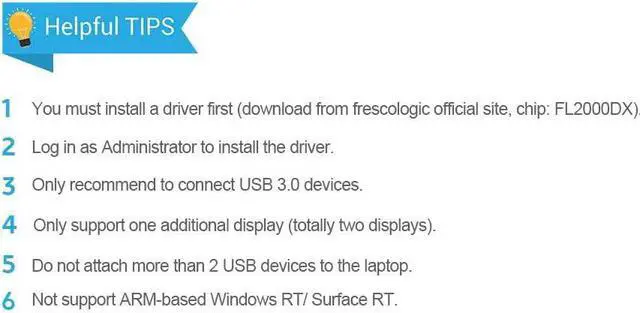
?KINDLY NOTES1. Install a driver first (download from frescologic official site, chip: FL2000DX or at cablecreation website), user your Administrator's permission to install the driver.; 2. You can download the Users Guide on the technical specification of this page.
? HIGH PERFORMANCEBuilt-in with FL2000DX chip for stable performance and long life; supports high resolution up to 1920x1080@60Hz (1080P) over USB 3.0 (not recommend for USB 2.0), max working current: 300MA, transmission speed: 5.0Gbps.
? How to solve the problem if there is a lag of image on the screen ? 1. Connect a USB mouse and reboot the computer; 2. Remember to plug into the USB 3.0 port; 3. Do not attach too many USB peripheral to the laptop. Please feel free to contact us if any issue during the usage.



 Top Rated


