



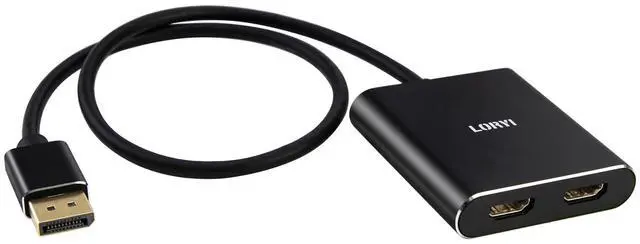


Product Name: DisplayPort to Dual HDMI Adapter
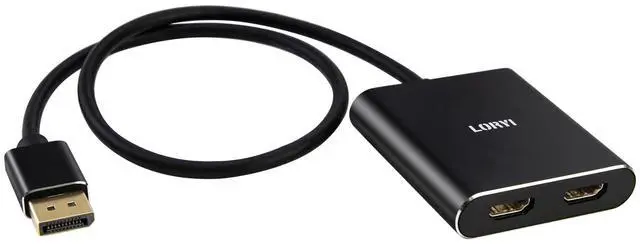
Length: Approximately 45cm/1.5ft
Color: Black
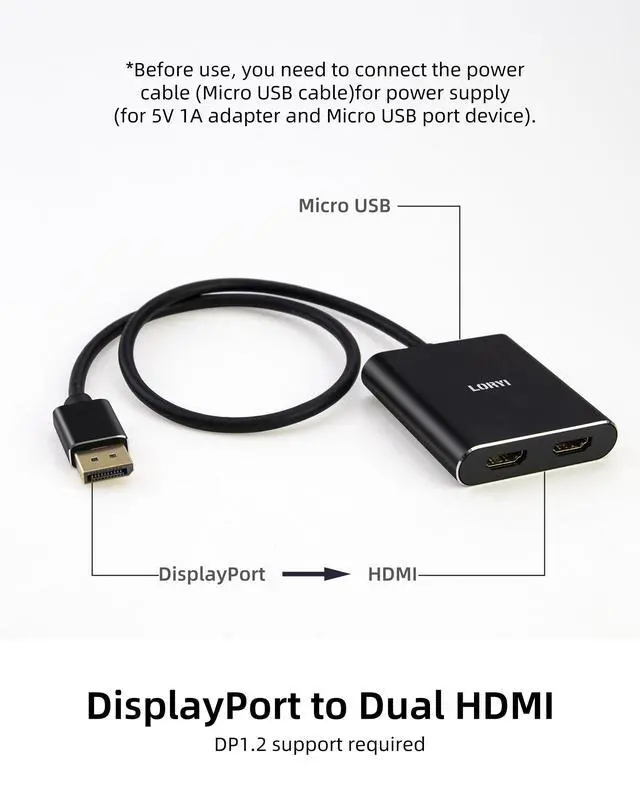
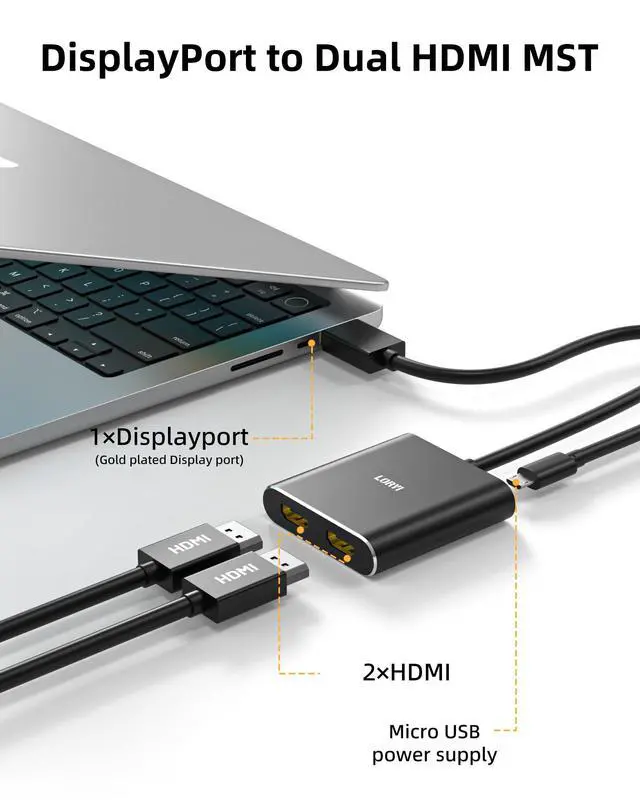
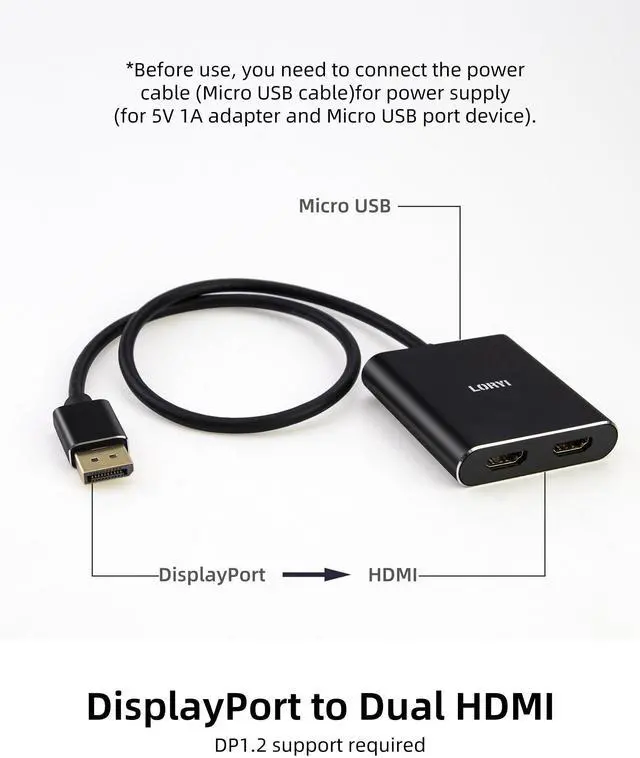
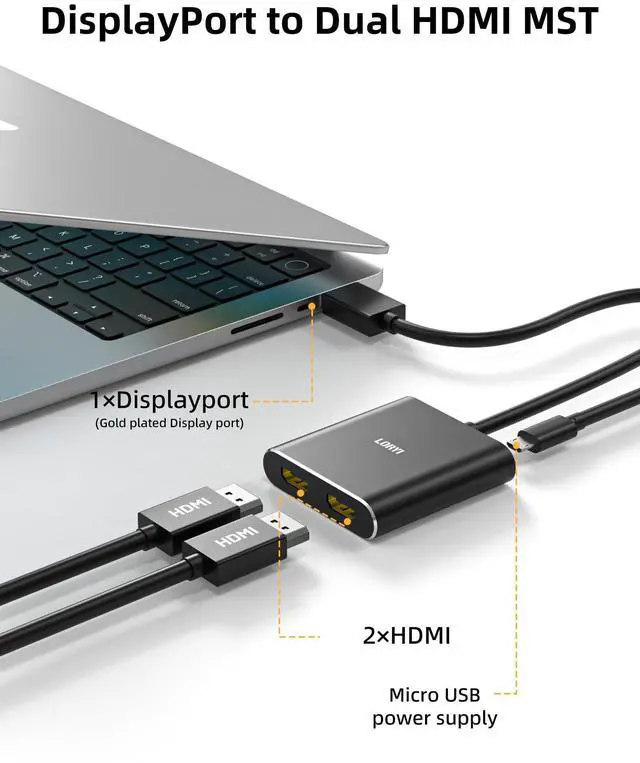
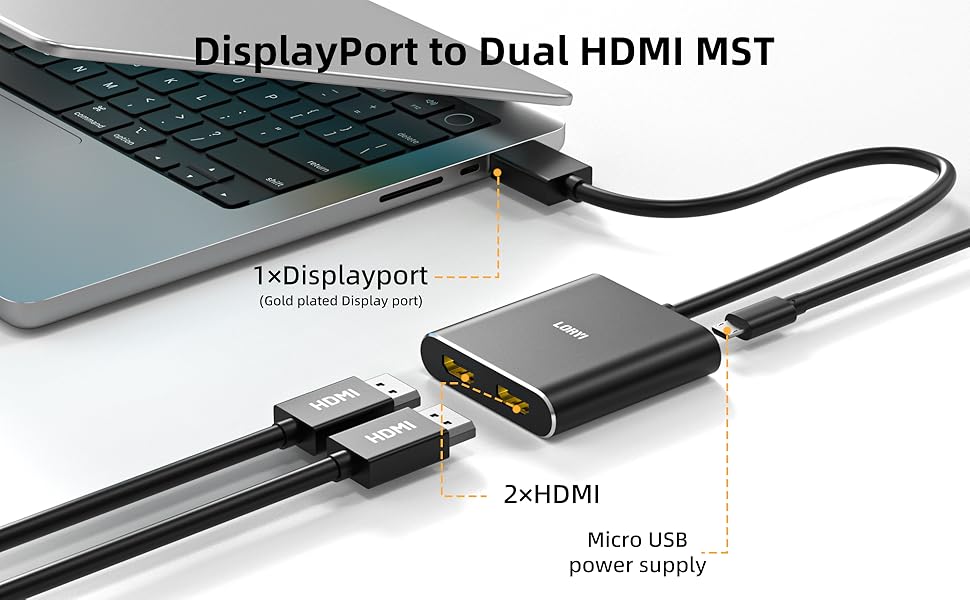
Plug: DisplayPort to HDMI
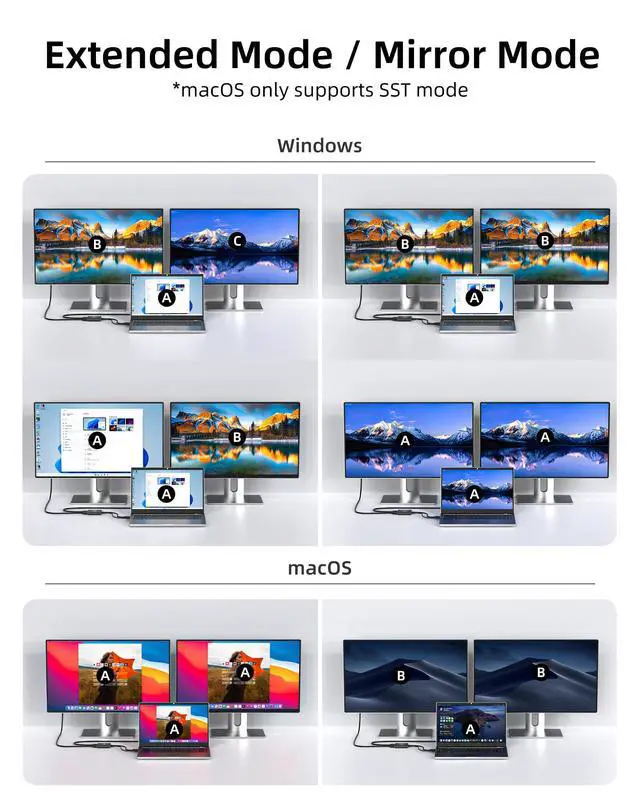
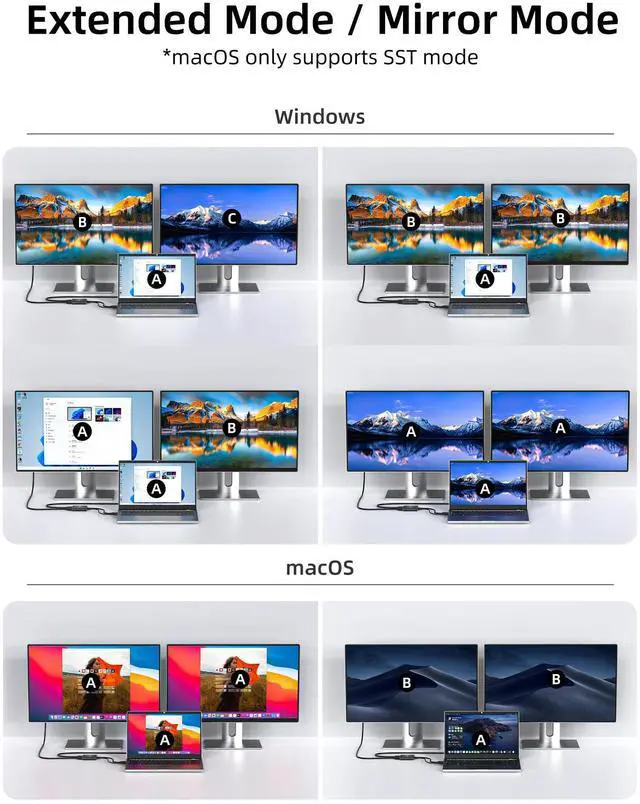
Supported Modes: Mirror Mode and Extended Mode
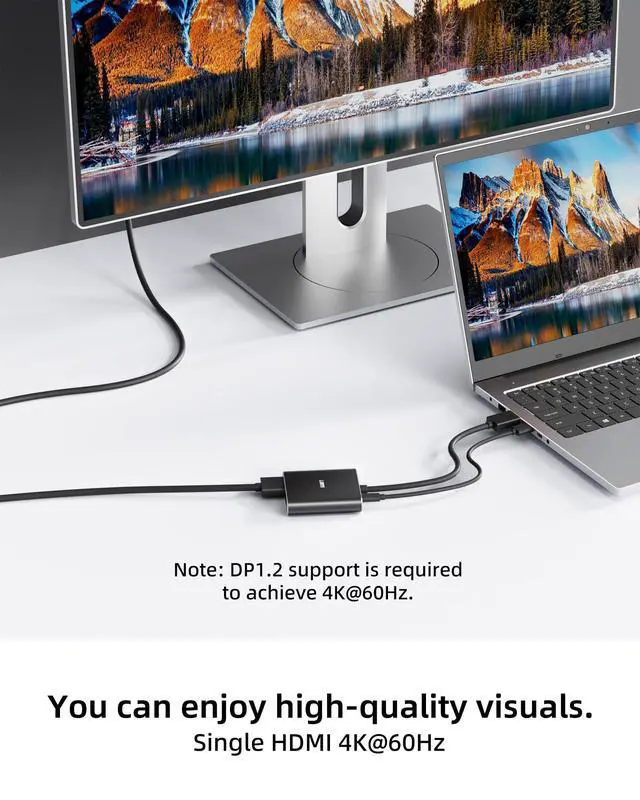
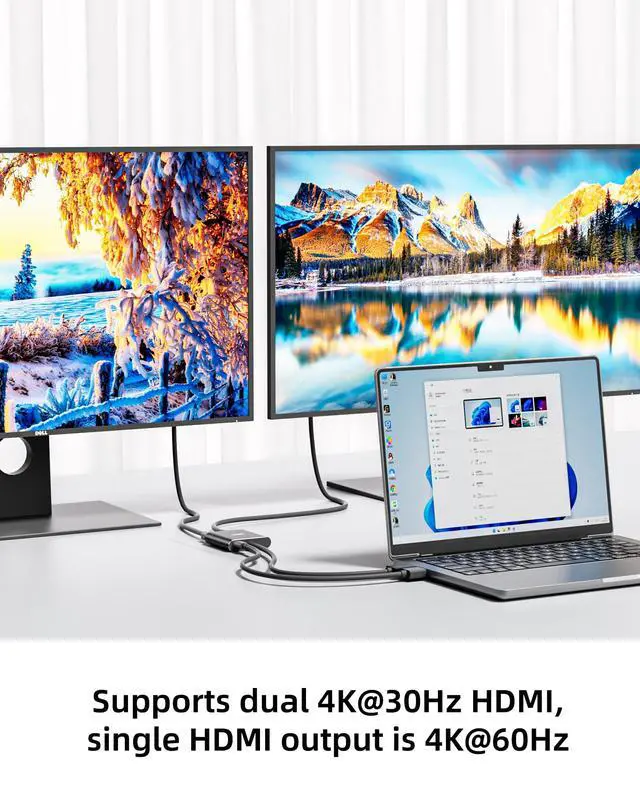
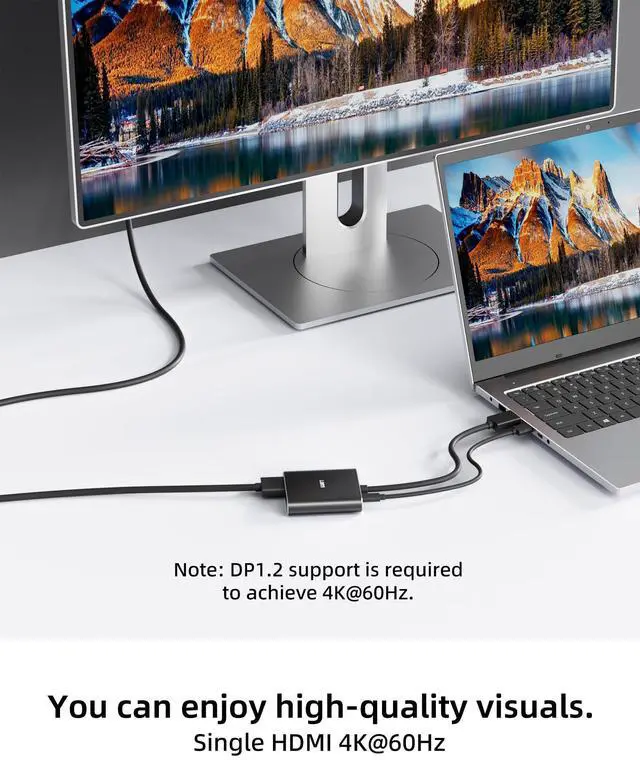
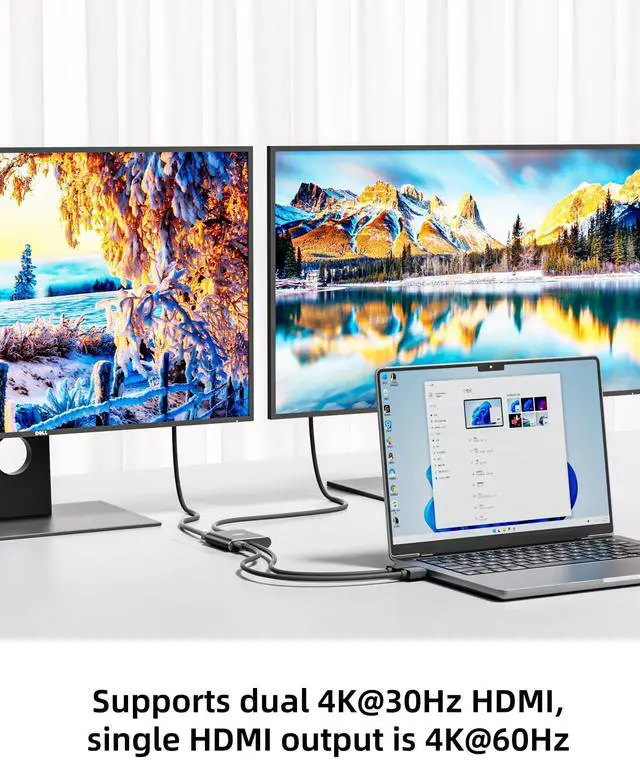
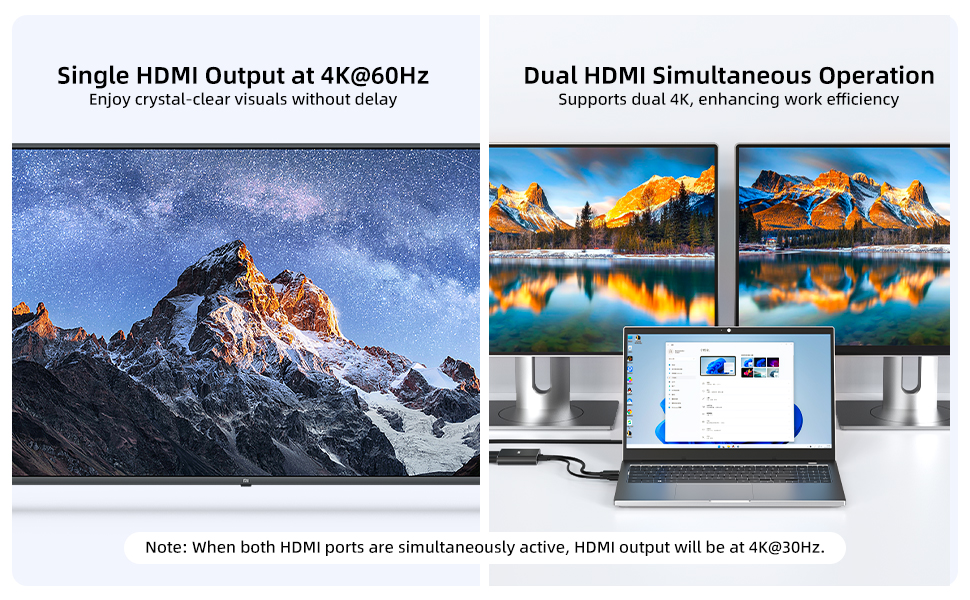
Resolution: Single HDMI output supports 4K@60Hz. Dual monitors can display simultaneously at 4K@30Hz. The final specific resolution may vary depending on your device.
Important Notes:
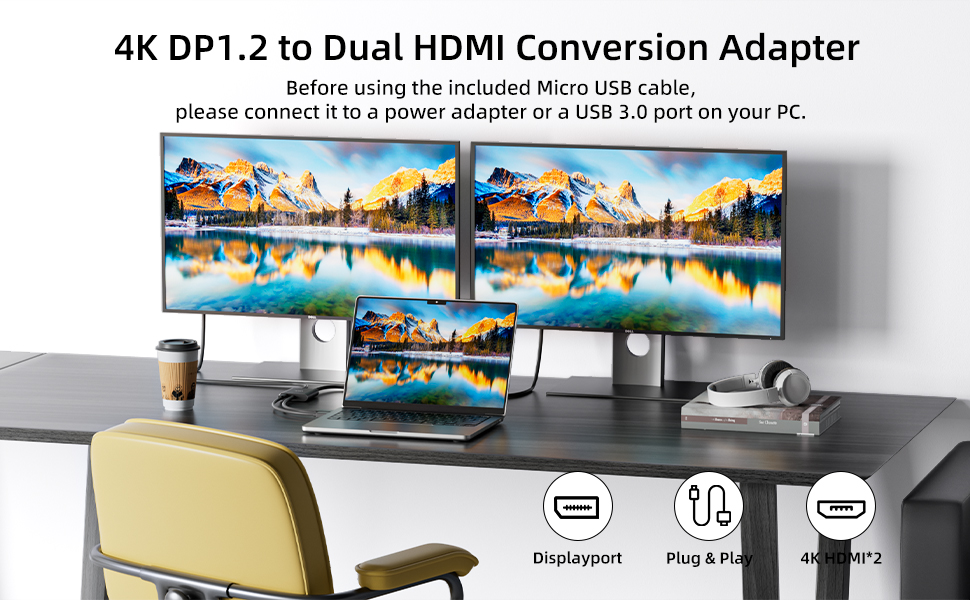
- A MicroUSB cable must be connected before use.
- macOS only supports SST mode.
- To ensure stable signal transmission, please use an HDMI cable with a version of HDMI 2.0 or higher (including HDMI 2.0), and keep the length within 3 meters.
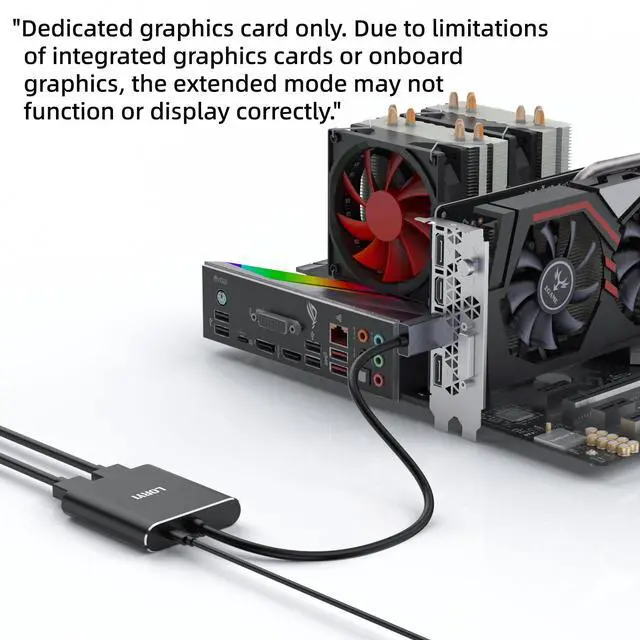
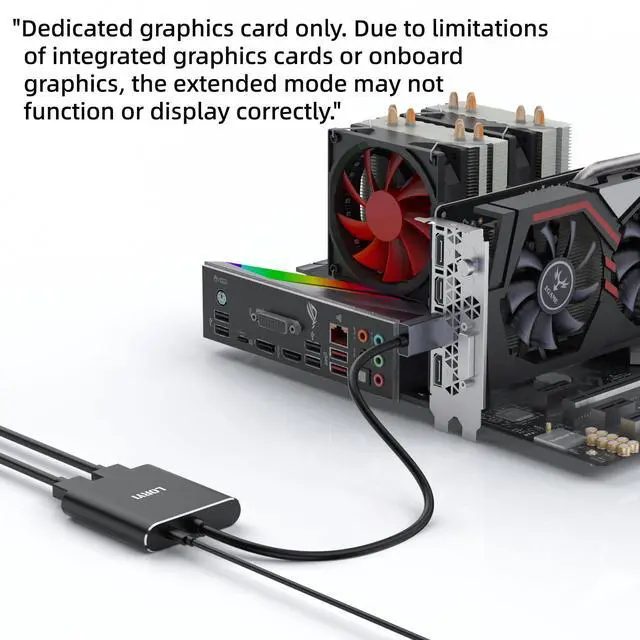
- This product supports transmission from DisplayPort to HDMI and is only compatible with computers that have a DisplayPort. It is not compatible with computers that have an HDMI port.
If the video is not displayed correctly:
- Check the resolution of your display and PC. This product supports 4K resolution. If the resolution exceeds 4K, it may not display correctly. Try lowering the resolution and try again.
- Verify the specifications of your HDMI cable. To display in 4K, the HDMI cable, display, and PC must all support 4K resolution.
- Try turning the display on and off or unplugging and reconnecting the connectors.
Product Name: DisplayPort to Dual HDMI Adapter
Length: Approximately 45cm/1.5ft
Color: Black
Plug: DisplayPort to HDMI
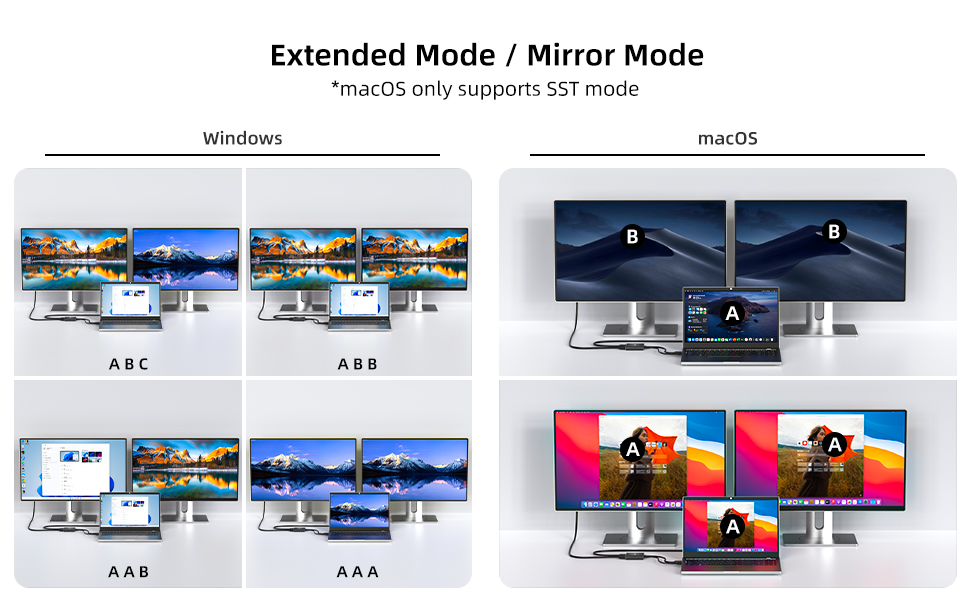
Supported Modes: Mirror Mode and Extended Mode
Resolution: Single HDMI output supports 4K@60Hz. Dual monitors can display simultaneously at 4K@30Hz. The final specific resolution may vary depending on your device.
Important Notes:
- A MicroUSB cable must be connected before use.
- macOS only supports SST mode.
- To ensure stable signal transmission, please use an HDMI cable with a version of HDMI 2.0 or higher (including HDMI 2.0), and keep the length within 3 meters.
- This product supports transmission from DisplayPort to HDMI and is only compatible with computers that have a DisplayPort. It is not compatible with computers that have an HDMI port.
If the video is not displayed correctly:
- Check the resolution of your display and PC. This product supports 4K resolution. If the resolution exceeds 4K, it may not display correctly. Try lowering the resolution and try again.
- Verify the specifications of your HDMI cable. To display in 4K, the HDMI cable, display, and PC must all support 4K resolution.
- Try turning the display on and off or unplugging and reconnecting the connectors.