




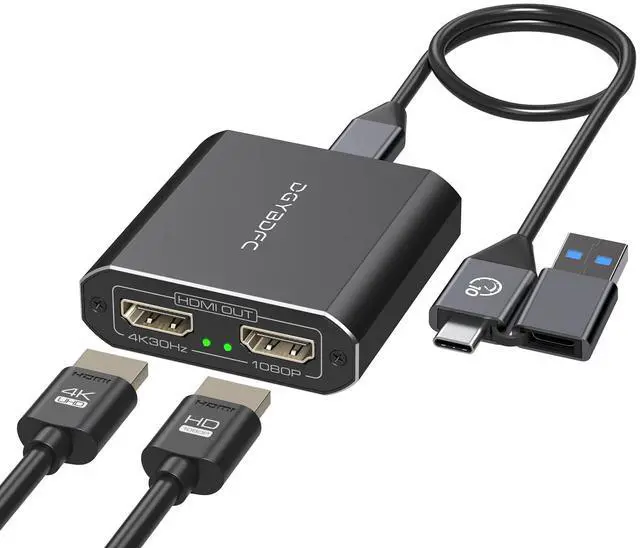


USB A/C to Dual HDMI Adapter
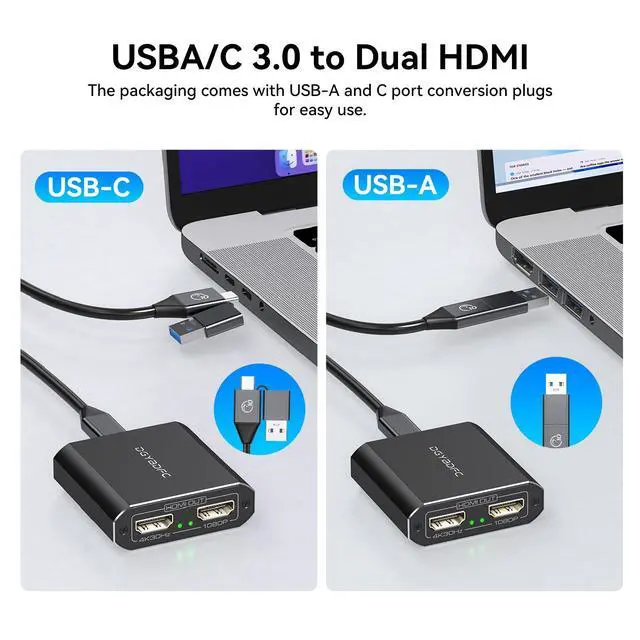
- Support USB Port Input.
- Supports HDMI 1.4 port outputs.
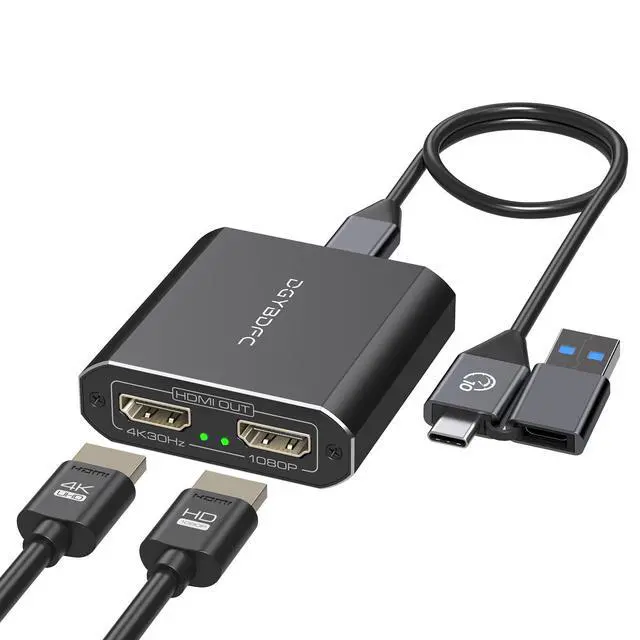
- Support resolution up to 3840*2160@30Hz+1080P60Hz(USB 3.0 port).
- Support Windows and Mac OS
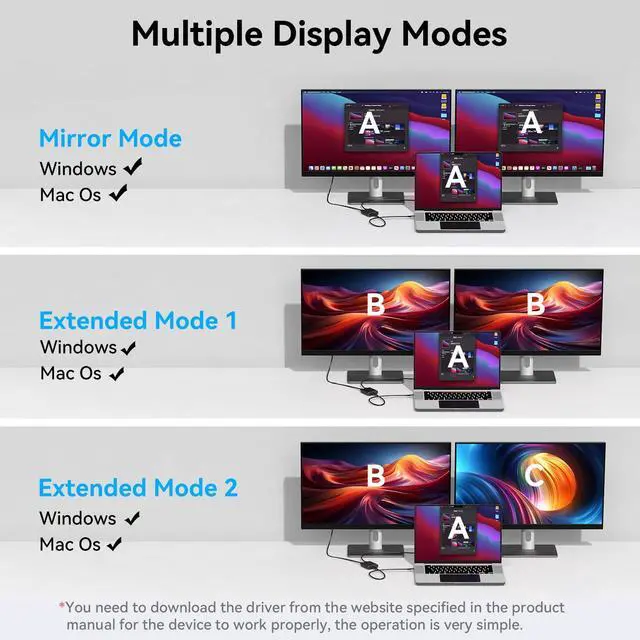
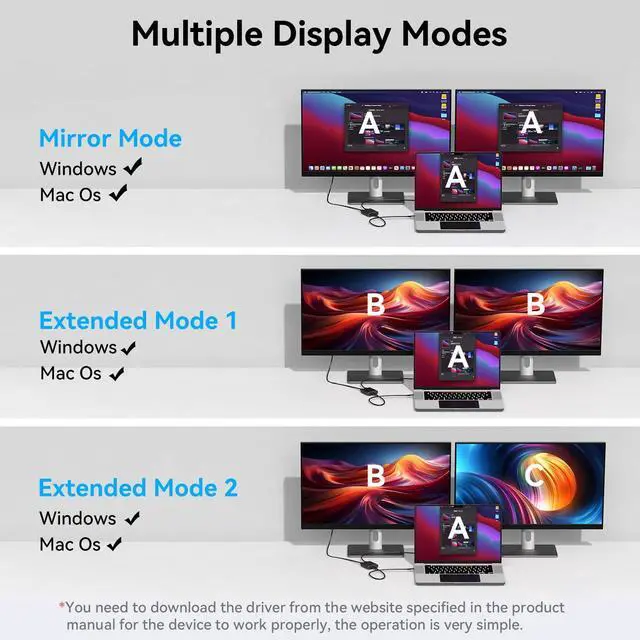
- Both Windows and Mac systems support dual-screen extension mode and dual-screen mirroring mode.
- No additional power supply required.
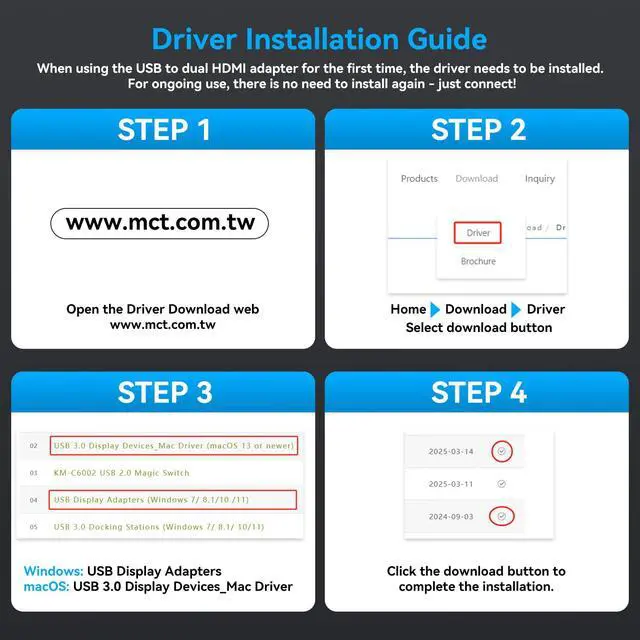
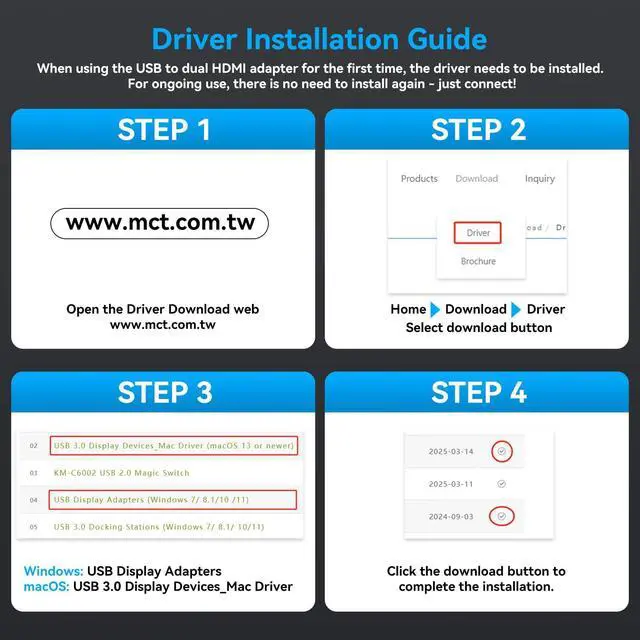
Note: You need to download the installer driver from the website specified in the manual.If using USB 2.0 port,The output is 1080P60Hz+1080P60Hz).


Both Windows and Mac systems support mirror mode and extended mode
- Mirror mode: AAA and ABB display modes, two monitors display the same picture.
- Extended mode: AAA, ABB and ABC display modes, two monitors display different pictures.
Please note:
- The driver must be downloaded from the website specified in the product manual for the device to work properly, and the operation is very simple.
- It is not recommended to connect any other intermediate devices between the computer and the adapter, as there may be compatibility issues that prevent the video signal from being transmitted correctly.

Inputs for Choose
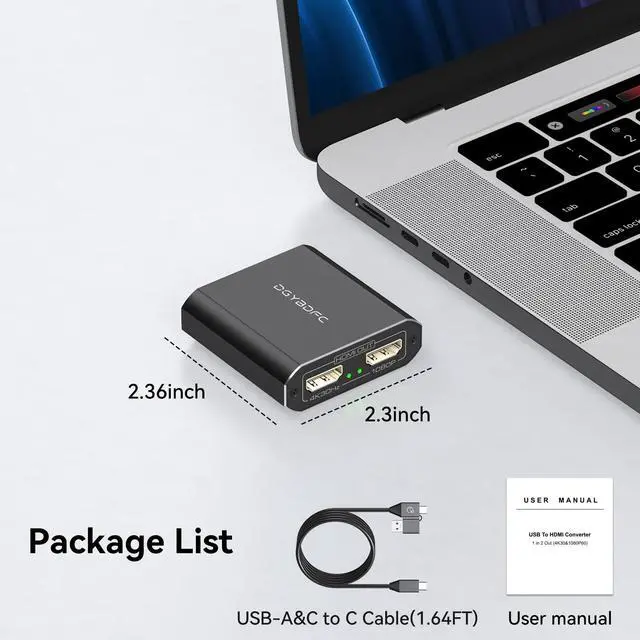
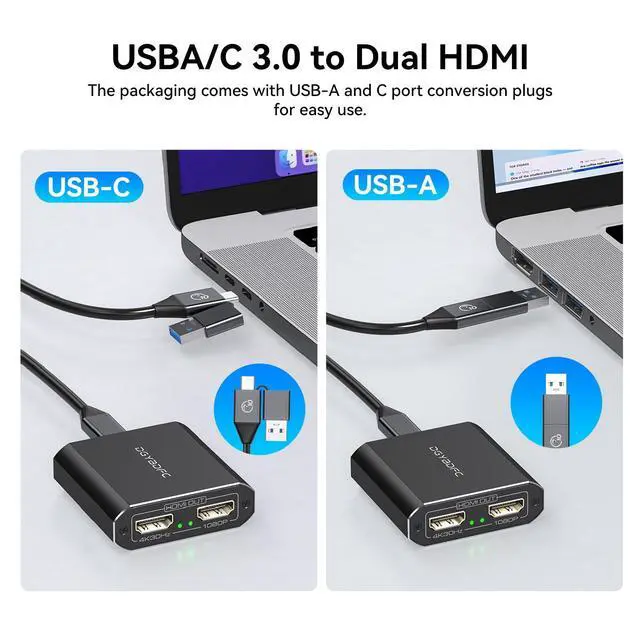
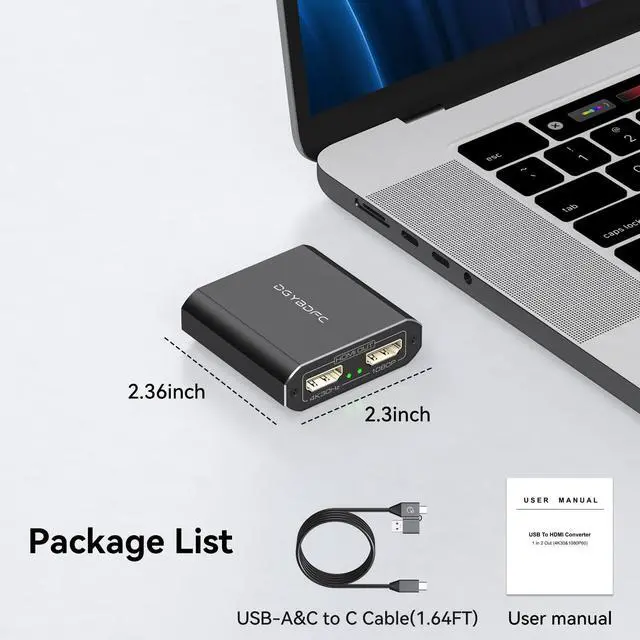
The adapter can use your computer's USB 2.0, USB 3.0, Thunderbolt 3 and Thunderbolt 4 ports as input, and comes with a USB-A&C to C hybrid 2-in-1 cable, allowing you to connect to a variety of USB interfaces.

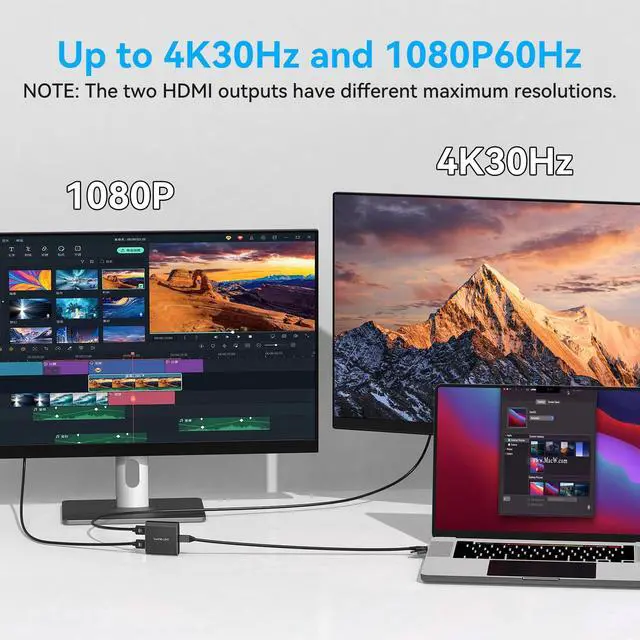
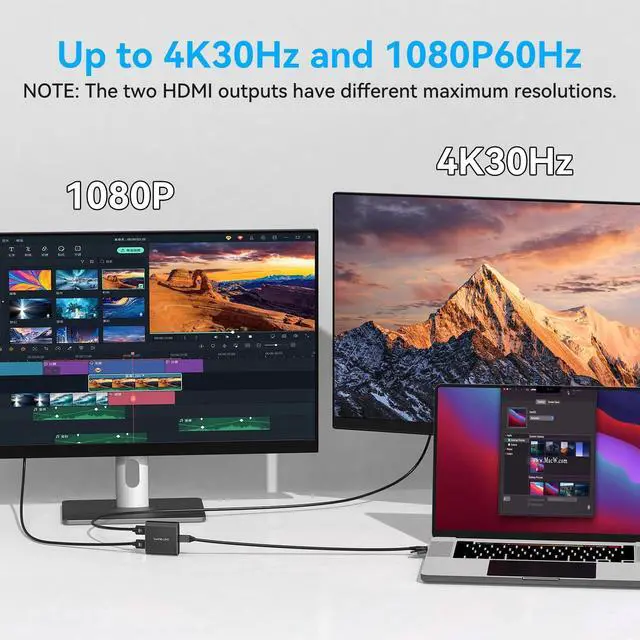
Resolution up to 4K30Hz+1080P60Hz
- USB 3.0 and above versions of USB ports can be used as input, and can output up to one 4K30Hz display and one 1080P display respectively.
- USB 2.0 version of USB ports can be used as input, and can output up to 2 1080P60Hz images.
NOTE: The two HDMI outputs have different maximum resolutions. USB ports of versions below USB 2.0 are not supported as input.

No power connection required, reducing wiring
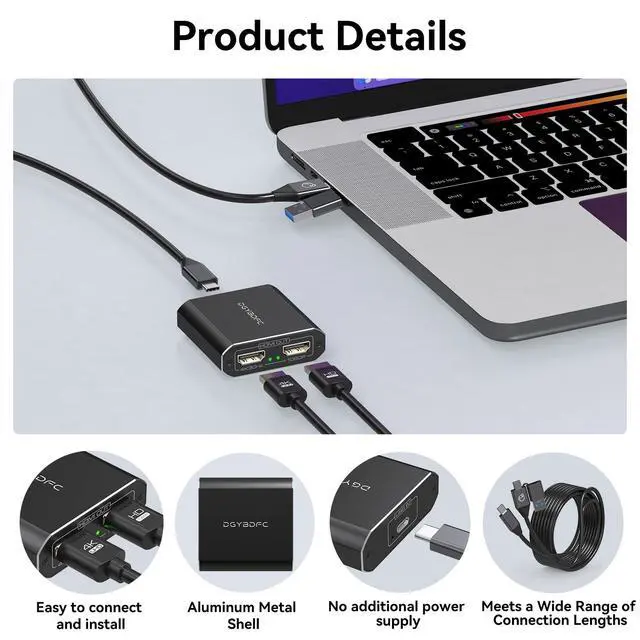
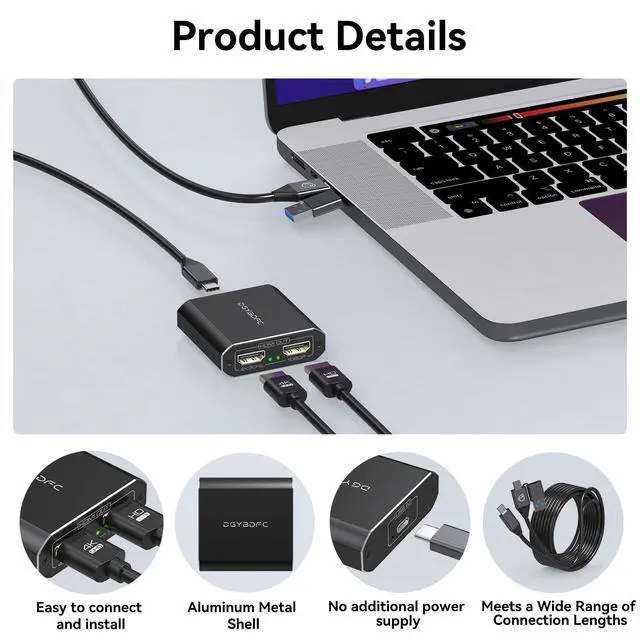
The adapter does not need a separate power supply, and only the USB input cable is needed to make the adapter work stably, which can reduce your wiring and make your desktop tidier and cleaner.

Meet Various Connection Lengths
There is no fixed length cable at the input end of the adapter. The package comes with a 0.5-meter USB A/C to USB C cable, which can be used to connect the computer and the adapter. You can also connect a USB cable of corresponding length at the input end as needed (the length of the input end cable must not exceed 1.5 meters)

Sturdy Aluminum Housing, Compact and Lightweight
The dual HDMI adapter is small and can be easily carried. The aluminum shell ensures good heat dissipation and durability, allowing the adapter to maintain a stable working condition even in long-term operation.
 USB A/C to Dual HDMI |  Thunderbolt 3 to Dual HDMI |  DP to Dual DP |  DP to Dual HDMI | |
|---|---|---|---|---|
| Customer Reviews | — | — | — | — |
| Price | — | — | — | — |
| Input Port | USB A or C | Thunderbolt 3 | DP 1.4 | DP 1.4 |
| Output port | HDMI*2 | HDMI*2 | Displayport*2 | HDMI*2 |
| Maximum Resolution | 4K30Hz+1080P60Hz | 4K60Hz*2 | 4K120Hz*2 | 4K60Hz*2 |
| Power Supply | ? | ? | ? | ? |
| Installation of Drivers | ? | ? | ? | ? |
| Windows System Display Mode | AAA/ABB/ABC | AAA/ABB/ABC | AAA/ABB/ABC | AAA/ABB/ABC |
| Mac System Display Mode | AAA/ABB/ABC | AAA/ABB | AAA/ABB | AAA/ABB |
| Video Dandwidth | 12Gbps | 18Gbps | 32.4Gbps | 18Gbps |


DGYBDFC is a high-tech company integrating innovation, R&D and production. Since its inception, it has been committed to designing and manufacturing high quality, customer-centered, premium products. Our main products include video/audio transmission equipment. DGYBDFC delivers best-in-class, quality and affordable products backed by an exceptional customer experience.
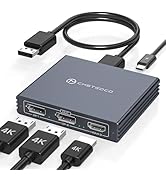
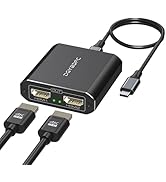
DP Splitter (NO Data Cable)
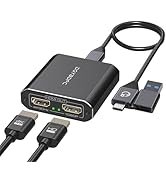
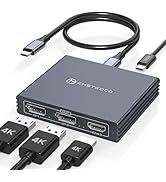
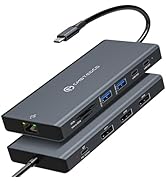
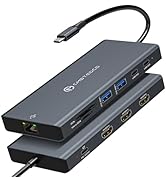
USB-C/A Laptop Docking Station
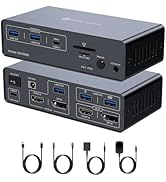
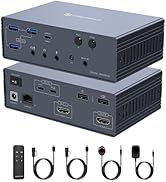
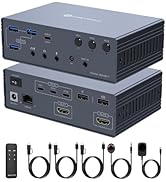
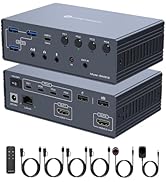
KVM Docking Station (2PC-4PC)
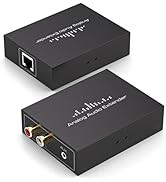
Analog Audio Extender
USB A/C to Dual HDMI Adapter
- Support USB Port Input.
- Supports HDMI 1.4 port outputs.
- Support resolution up to 3840*2160@30Hz+1080P60Hz(USB 3.0 port).
- Support Windows and Mac OS
- Both Windows and Mac systems support dual-screen extension mode and dual-screen mirroring mode.
- No additional power supply required.
Note: You need to download the installer driver from the website specified in the manual.If using USB 2.0 port,The output is 1080P60Hz+1080P60Hz).
Both Windows and Mac systems support mirror mode and extended mode
- Mirror mode: AAA and ABB display modes, two monitors display the same picture.
- Extended mode: AAA, ABB and ABC display modes, two monitors display different pictures.
Please note:
- The driver must be downloaded from the website specified in the product manual for the device to work properly, and the operation is very simple.
- It is not recommended to connect any other intermediate devices between the computer and the adapter, as there may be compatibility issues that prevent the video signal from being transmitted correctly.
Inputs for Choose
The adapter can use your computer's USB 2.0, USB 3.0, Thunderbolt 3 and Thunderbolt 4 ports as input, and comes with a USB-A&C to C hybrid 2-in-1 cable, allowing you to connect to a variety of USB interfaces.
Resolution up to 4K30Hz+1080P60Hz
- USB 3.0 and above versions of USB ports can be used as input, and can output up to one 4K30Hz display and one 1080P display respectively.
- USB 2.0 version of USB ports can be used as input, and can output up to 2 1080P60Hz images.
NOTE: The two HDMI outputs have different maximum resolutions. USB ports of versions below USB 2.0 are not supported as input.
No power connection required, reducing wiring
The adapter does not need a separate power supply, and only the USB input cable is needed to make the adapter work stably, which can reduce your wiring and make your desktop tidier and cleaner.
Meet Various Connection Lengths
There is no fixed length cable at the input end of the adapter. The package comes with a 0.5-meter USB A/C to USB C cable, which can be used to connect the computer and the adapter. You can also connect a USB cable of corresponding length at the input end as needed (the length of the input end cable must not exceed 1.5 meters)
Sturdy Aluminum Housing, Compact and Lightweight
The dual HDMI adapter is small and can be easily carried. The aluminum shell ensures good heat dissipation and durability, allowing the adapter to maintain a stable working condition even in long-term operation.
USB A/C to Dual HDMI | Thunderbolt 3 to Dual HDMI | DP to Dual DP | DP to Dual HDMI | |
|---|---|---|---|---|
| Customer Reviews | — | — | — | — |
| Price | — | — | — | — |
| Input Port | USB A or C | Thunderbolt 3 | DP 1.4 | DP 1.4 |
| Output port | HDMI*2 | HDMI*2 | Displayport*2 | HDMI*2 |
| Maximum Resolution | 4K30Hz+1080P60Hz | 4K60Hz*2 | 4K120Hz*2 | 4K60Hz*2 |
| Power Supply | ? | ? | ? | ? |
| Installation of Drivers | ? | ? | ? | ? |
| Windows System Display Mode | AAA/ABB/ABC | AAA/ABB/ABC | AAA/ABB/ABC | AAA/ABB/ABC |
| Mac System Display Mode | AAA/ABB/ABC | AAA/ABB | AAA/ABB | AAA/ABB |
| Video Dandwidth | 12Gbps | 18Gbps | 32.4Gbps | 18Gbps |
DGYBDFC is a high-tech company integrating innovation, R&D and production. Since its inception, it has been committed to designing and manufacturing high quality, customer-centered, premium products. Our main products include video/audio transmission equipment. DGYBDFC delivers best-in-class, quality and affordable products backed by an exceptional customer experience.
DP Splitter (NO Data Cable)
USB-C/A Laptop Docking Station
KVM Docking Station (2PC-4PC)
Analog Audio Extender