




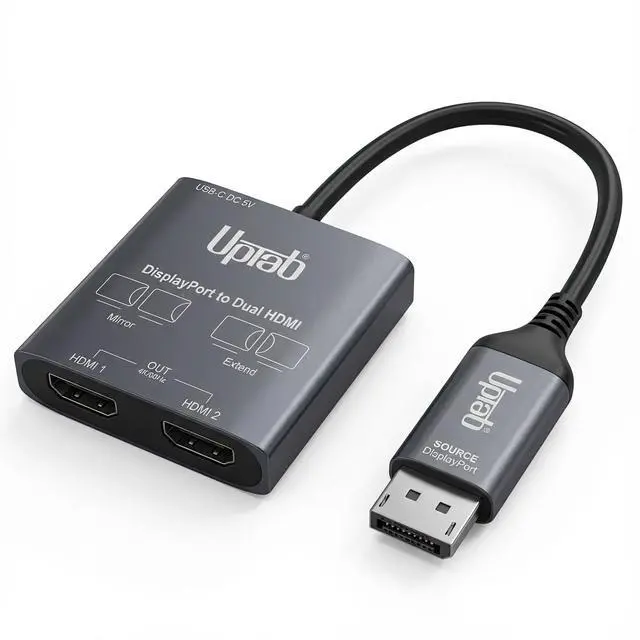
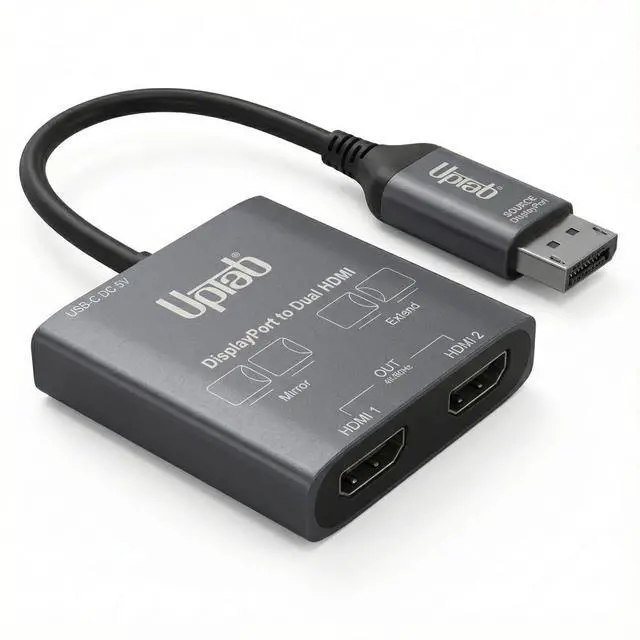
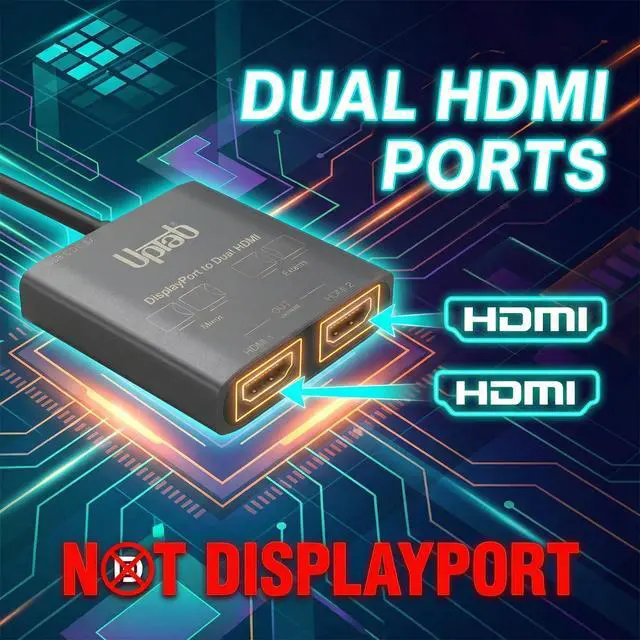
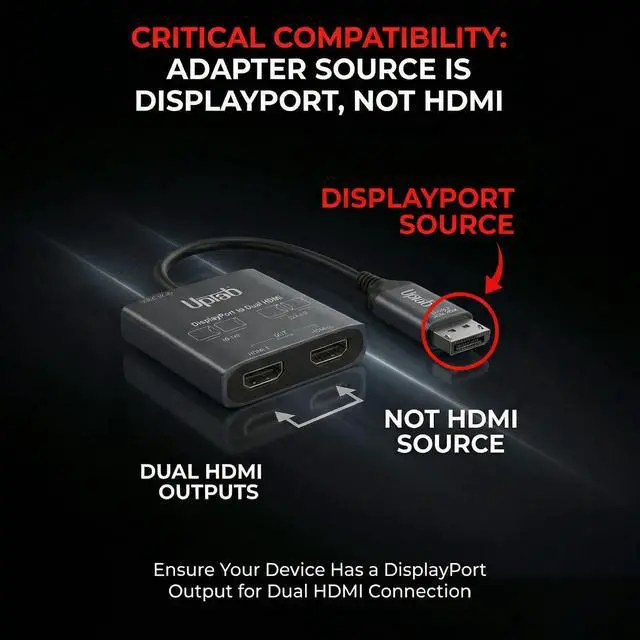
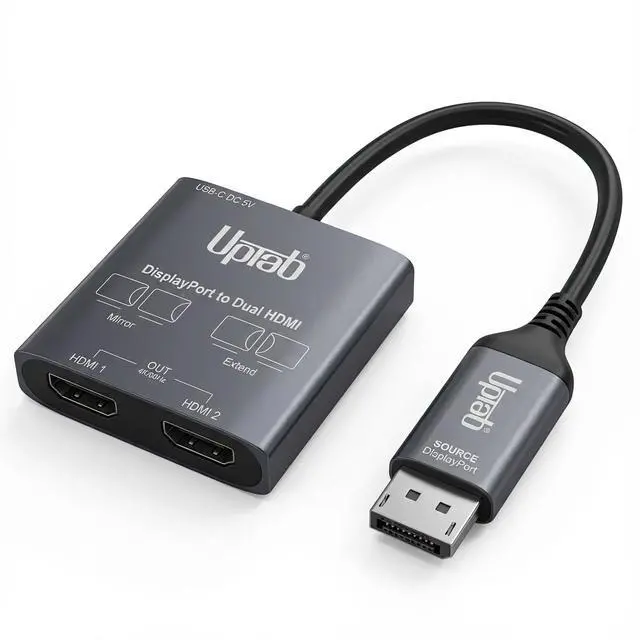
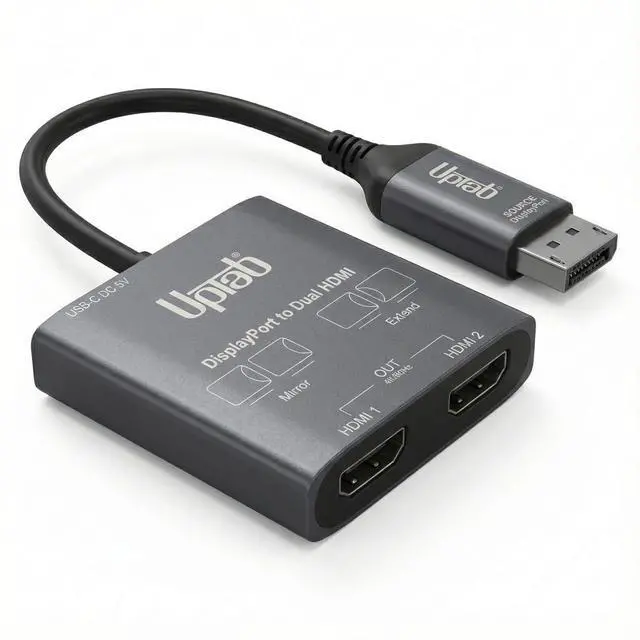
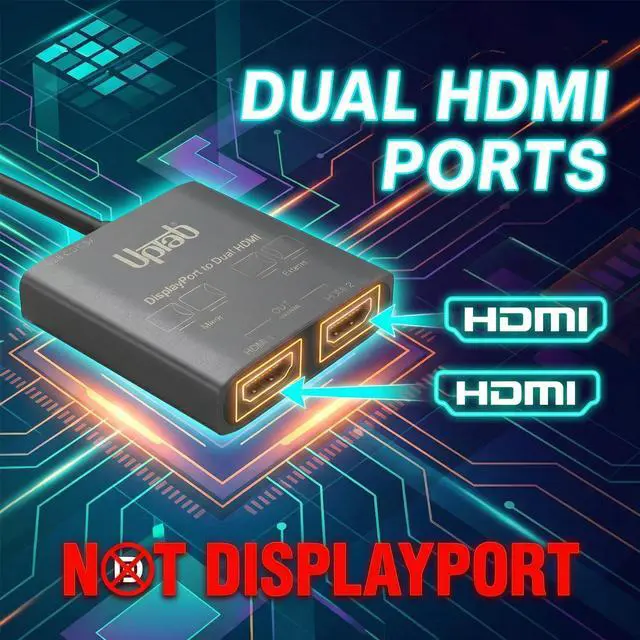
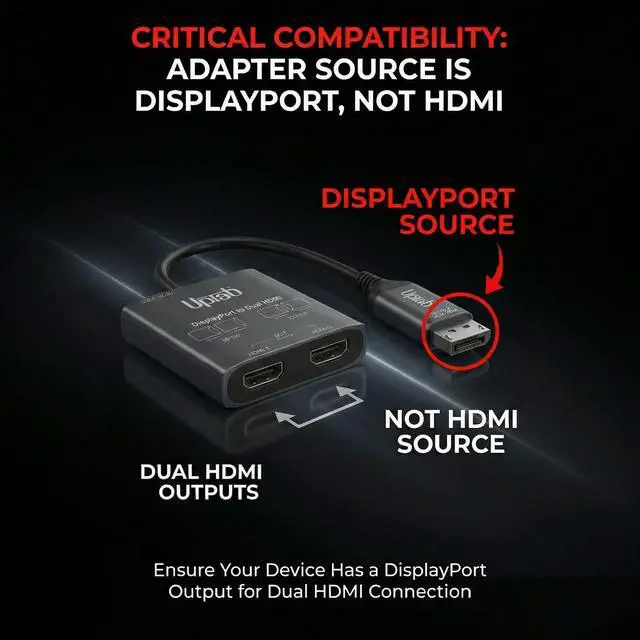


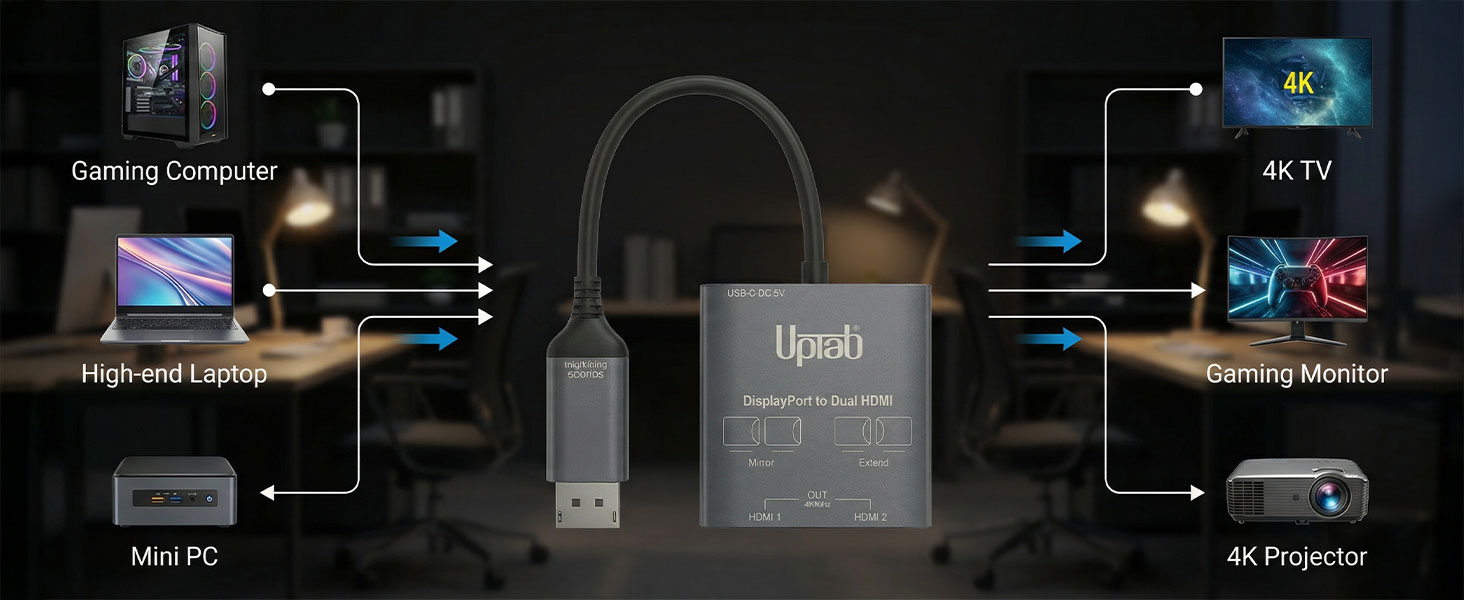
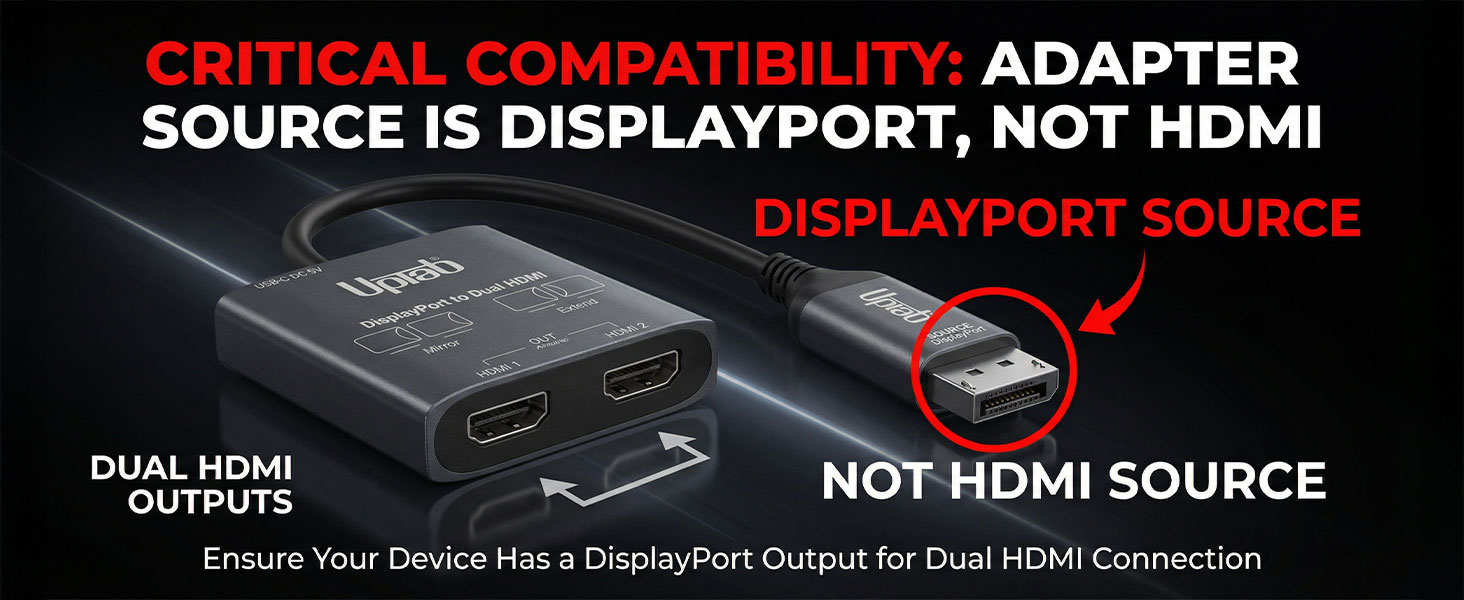
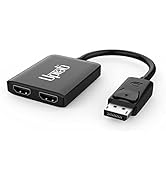
- Input: DisplayPort (DP)
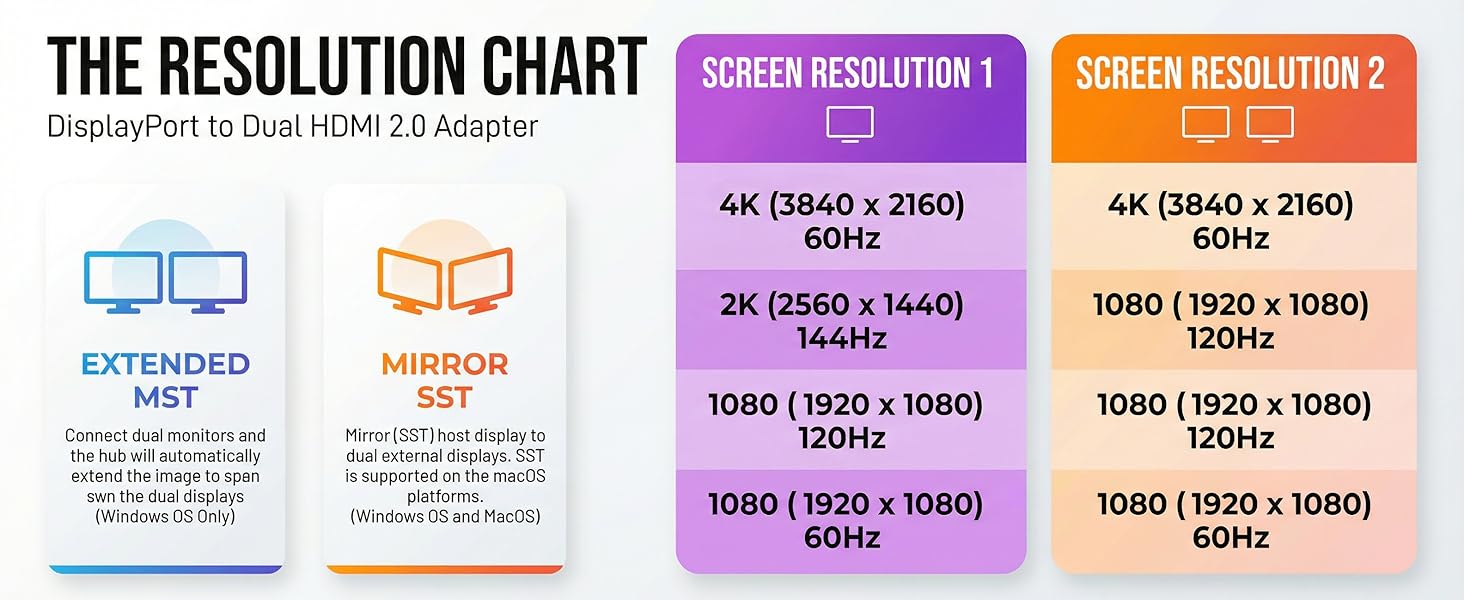
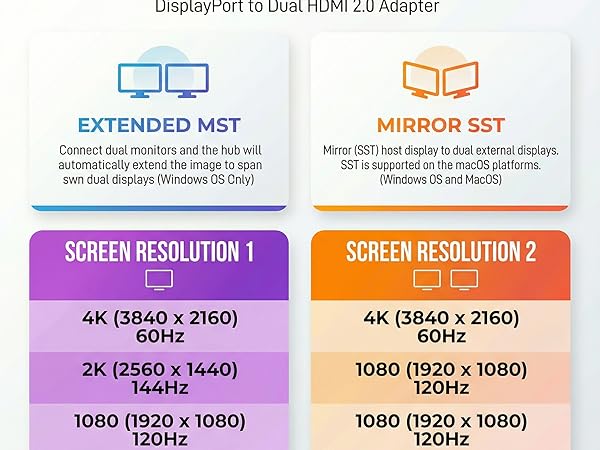
- Output 1 - HDMI1: Supports Resolution up to 4K@60Hz, 1080P@120Hz, and 720@240Hz
- Output 2 - HDMI2: Supports Resolution up to 4K@60Hz, 1080P@120Hz, and 720@240Hz
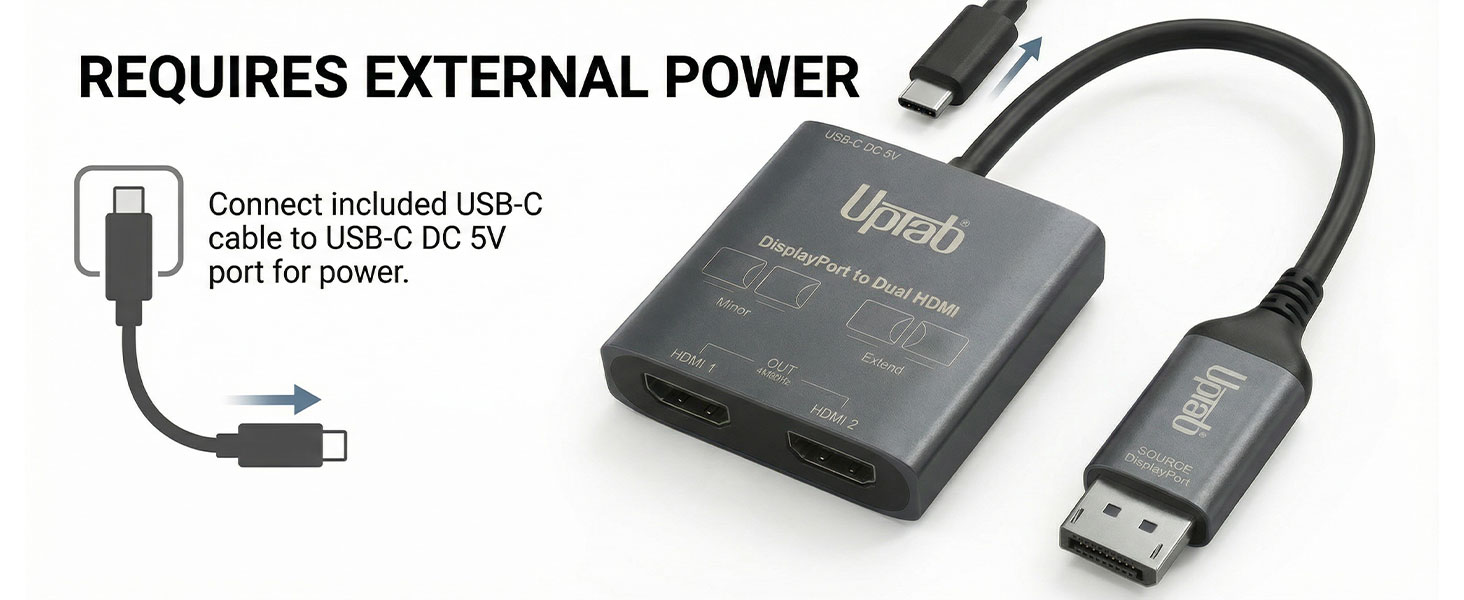
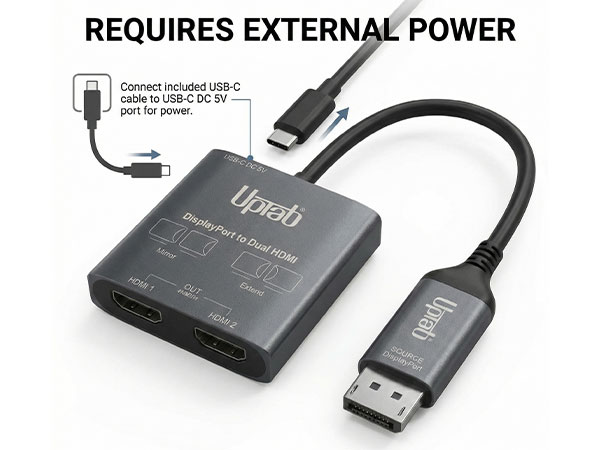
- Power: This adapter requires additional external power for proper functionality. Connect the included USB-C cable
What does the UPTab DisplayPort to Dual HDMI adapter do?
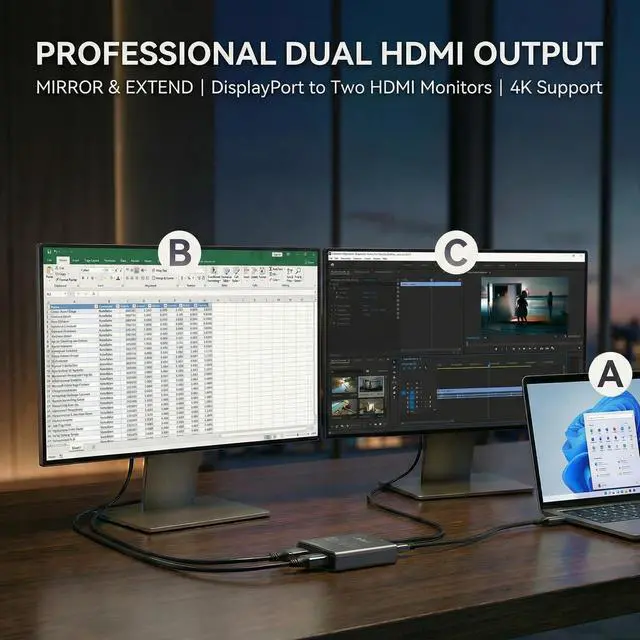
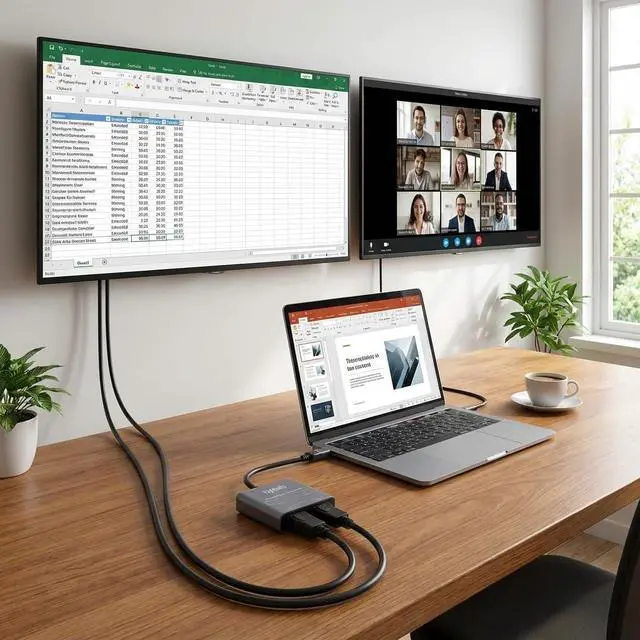
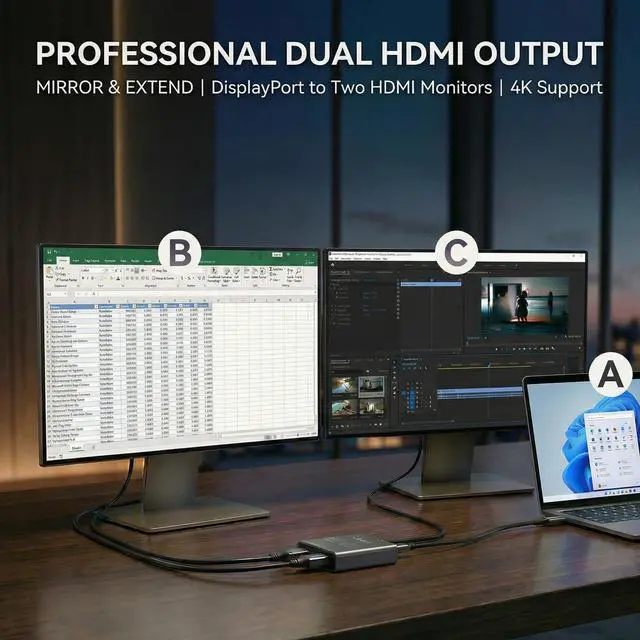
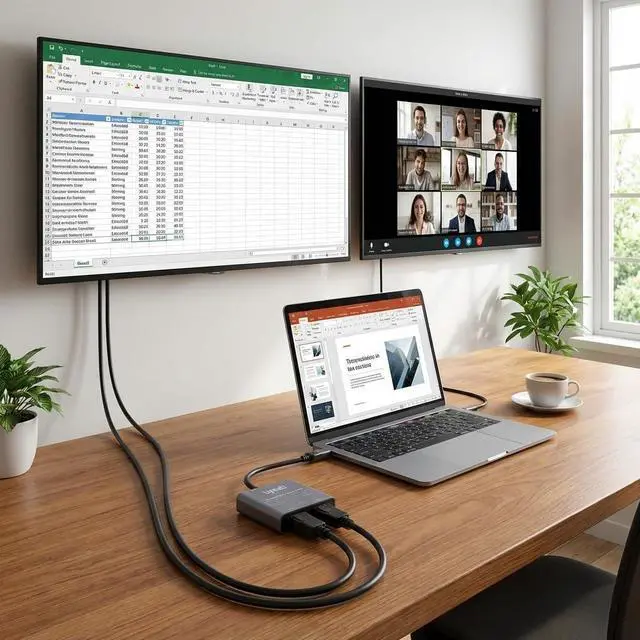
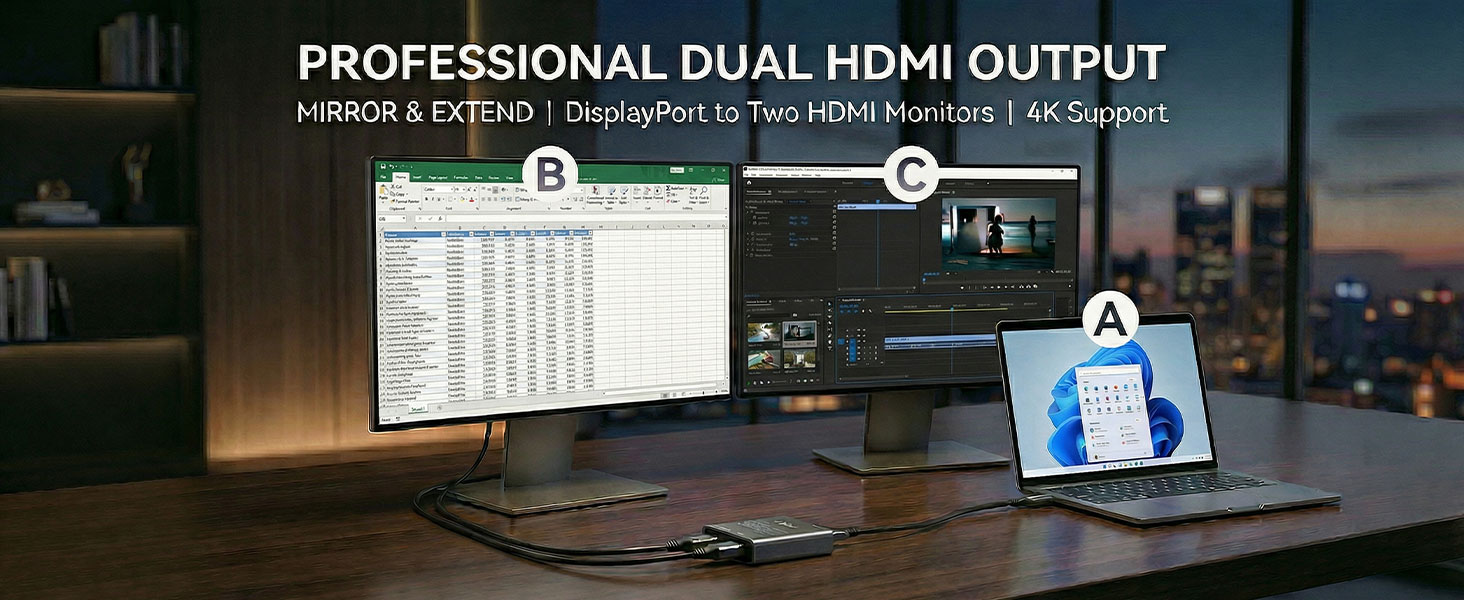
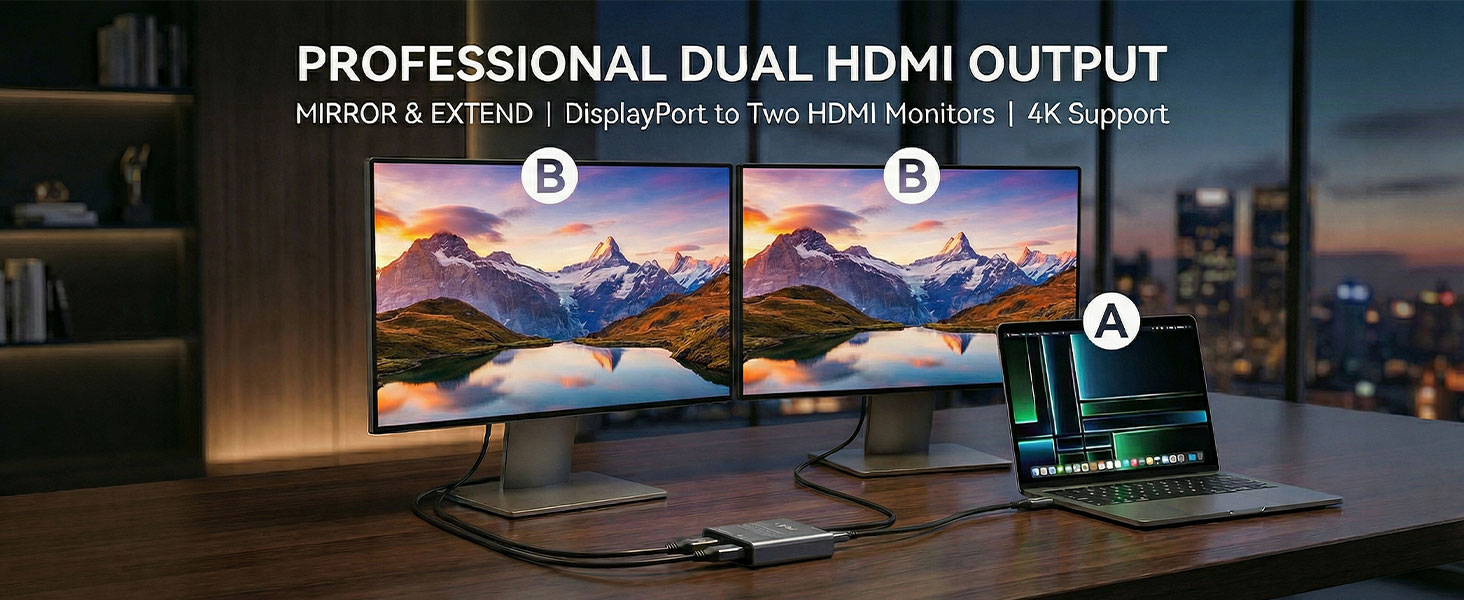
Allows a computer with a DisplayPort output to connect to two HDMI monitors simultaneously. It supports mirror mode, extended mode, and multi-display workspace, making it ideal for productivity, office work, trading, and multi-monitor environments.
What resolution does it support?
Supports up to dual 4K @ 60Hz, depending on GPU capability and system configuration.
Do I need to connect the USB power cable?
Yes. Without the USB power cable, only one monitor may work or displays may flicker.
What happens if the USB power cable is not connected?
The adapter may detect only one monitor or show unstable display output.
Why is only one monitor detected?
Graphics Card must support MST or SST. Make sure you are using the latest Graphics Drivers drom GPU manufacturer. Make sure Second Monitor is enabled in Windows Settings.
Comparison Products
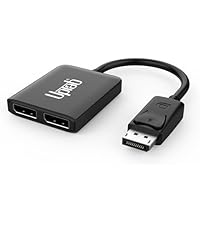 DisplayPort to Dual DP | 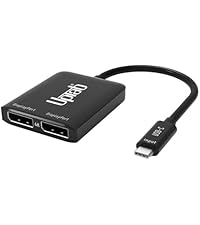 USB C to Dual DisplayPort | 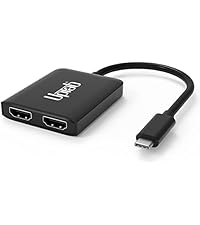 USB C to Dual HDMI | 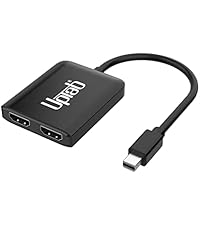 Mini DP to Dual HDMI | |
|---|---|---|---|---|
Customer Reviews | — | — | — | — |
Price | — | — | — | — |
Input Port | DisplayPort 1.4 | USB-C | USB-C | Mini DisplayPort |
Output Port | 2x DisplayPort | 2x DisplayPort | 2x HDMI 2.0 | 2x HDMI 2.0 |
Maximum Resolution | 8K | 8K | 4K | 4K |
MST Supoport | Yes | Yes | Yes | Yes |
OS Compatibility | Windows 7,10,11 | MacOS, Windows 7,10,11 | MacOS, Windows 7,10,11 | MacOS, Windows 7,10,11 |

Empower Your Devices - UPTab
Discover UPTab: High-speed adapters, hubs, and accessories for 4K displays, data transfer, and multi-monitor setups. Empower your tech!

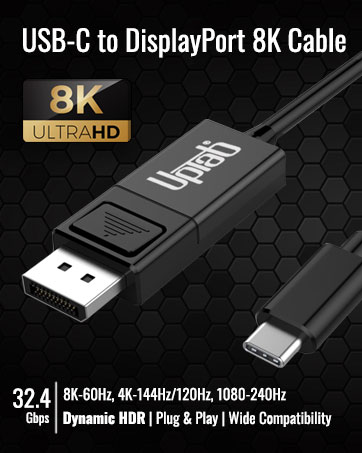
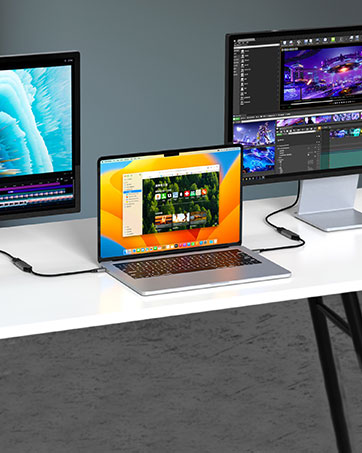
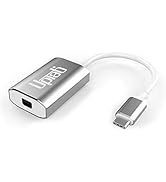
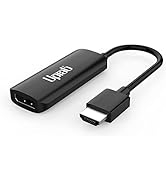
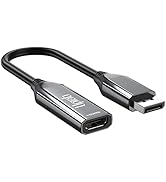
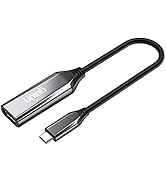
This 8K USB C to HDMI Adapter allows you to connect your USB Type-C (Thunderbolt 3/4 compatible) laptops/smartphones/tablets.
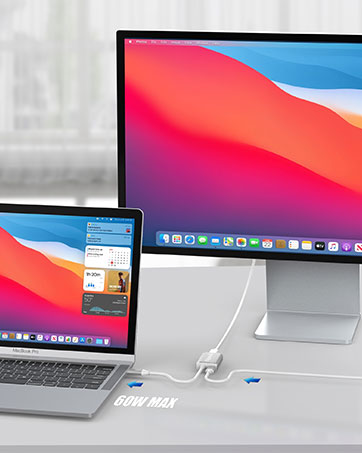
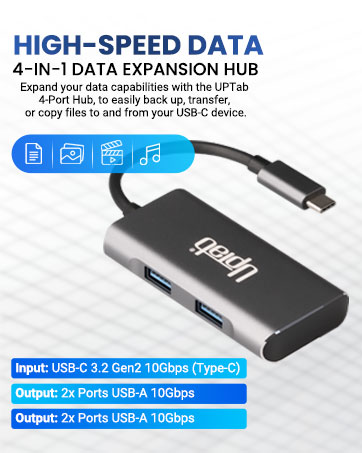
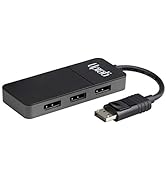
Display Port Splitter
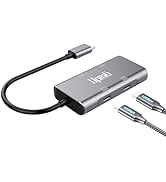
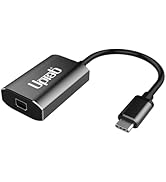
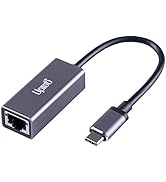
UPTab Adapters
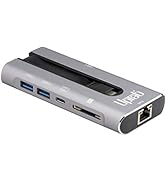
Milti-Monitor and Data Hub
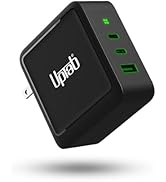
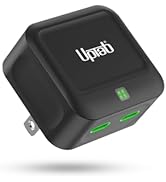
Power Adapters and HDMI 2.1
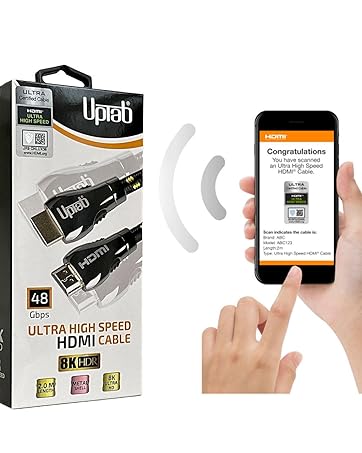
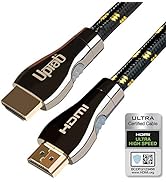
Certified HDMI 2.1 Cables
Ultra High Speed HDMI HDR 48Gbps eARC VRR Dolby Atmos Vision for PS5 Xbox Series X RTX 4090 Apple TV 4K Roku Fire Sony LG

- UPTab empowers your digital experience with innovative adapters, hubs, and accessories, delivering seamless connectivity, high-speed performance, and exceptional quality for professionals, gamers, and tech enthusiasts alike.
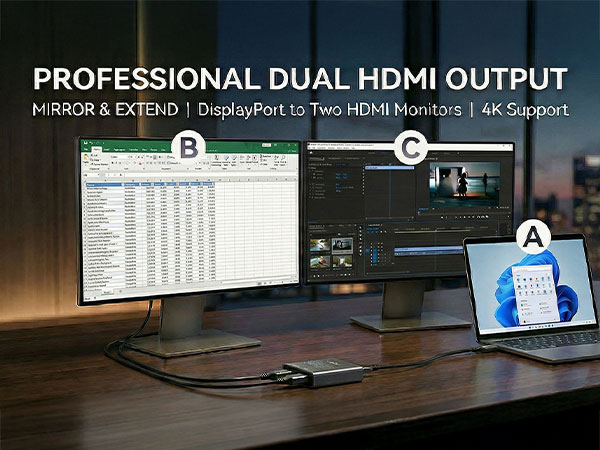
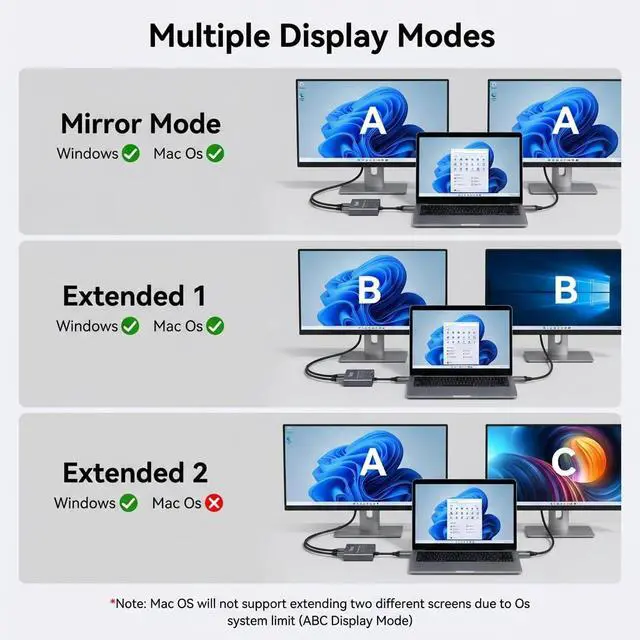
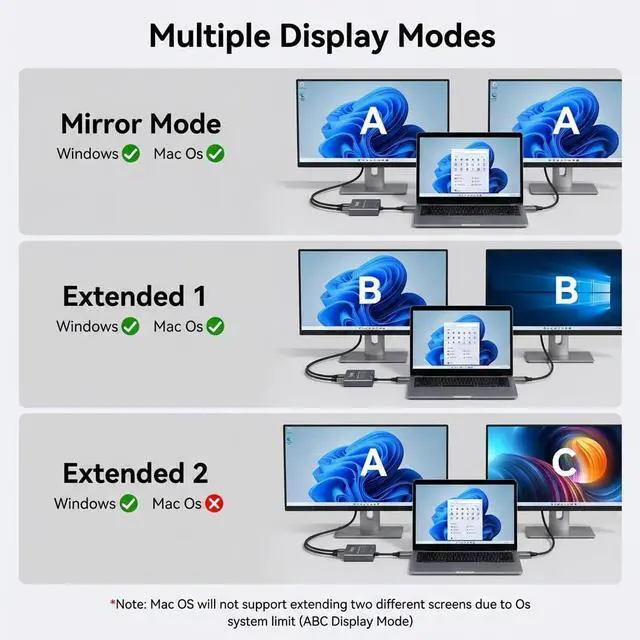
Extended (MST) Mode
Expands your desktop across multiple monitors, and uses each screen as an additional workspace.
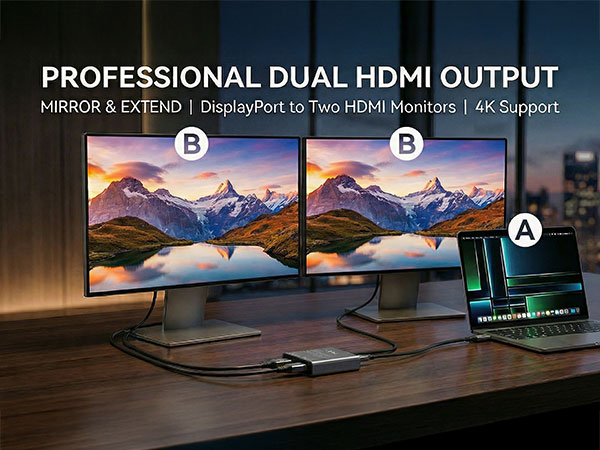
Single-Stream (SST)
(Single-Stream Transport) displays the same video to connected monitors, mirroring the main screen.
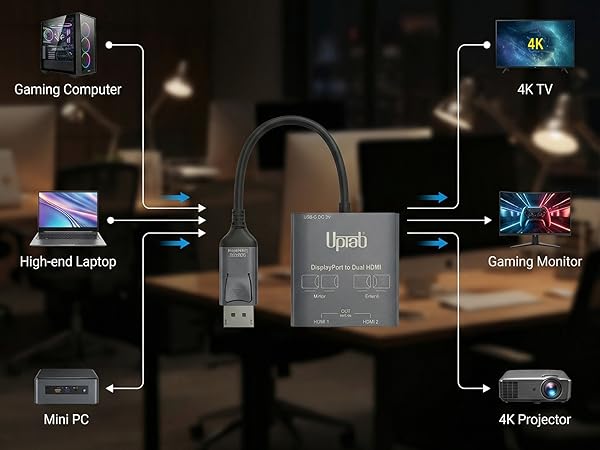
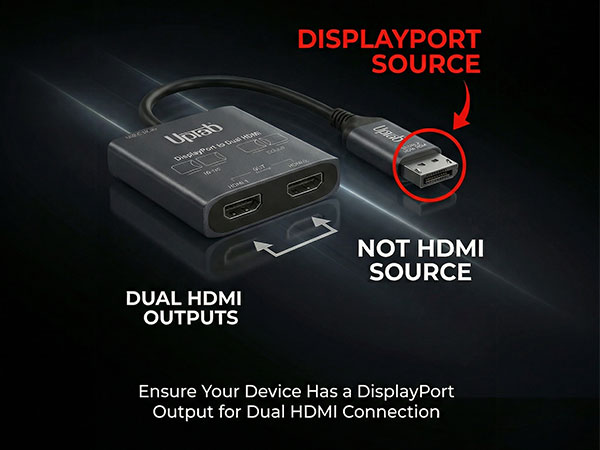
- Input: DisplayPort (DP)
- Output 1 - HDMI1: Supports Resolution up to 4K@60Hz, 1080P@120Hz, and 720@240Hz
- Output 2 - HDMI2: Supports Resolution up to 4K@60Hz, 1080P@120Hz, and 720@240Hz
- Power: This adapter requires additional external power for proper functionality. Connect the included USB-C cable
What does the UPTab DisplayPort to Dual HDMI adapter do?
Allows a computer with a DisplayPort output to connect to two HDMI monitors simultaneously. It supports mirror mode, extended mode, and multi-display workspace, making it ideal for productivity, office work, trading, and multi-monitor environments.
What resolution does it support?
Supports up to dual 4K @ 60Hz, depending on GPU capability and system configuration.
Do I need to connect the USB power cable?
Yes. Without the USB power cable, only one monitor may work or displays may flicker.
What happens if the USB power cable is not connected?
The adapter may detect only one monitor or show unstable display output.
Why is only one monitor detected?
Graphics Card must support MST or SST. Make sure you are using the latest Graphics Drivers drom GPU manufacturer. Make sure Second Monitor is enabled in Windows Settings.
Comparison Products
DisplayPort to Dual DP | USB C to Dual DisplayPort | USB C to Dual HDMI | Mini DP to Dual HDMI |
|---|---|---|---|
| Customer Reviews | |||
| — | — | — | — |
| Price | |||
| — | — | — | — |
| Input Port | |||
| DisplayPort 1.4 | USB-C | USB-C | Mini DisplayPort |
| Output Port | |||
| 2x DisplayPort | 2x DisplayPort | 2x HDMI 2.0 | 2x HDMI 2.0 |
| Maximum Resolution | |||
| 8K | 8K | 4K | 4K |
| MST Supoport | |||
| Yes | Yes | Yes | Yes |
| OS Compatibility | |||
| Windows 7,10,11 | MacOS, Windows 7,10,11 | MacOS, Windows 7,10,11 | MacOS, Windows 7,10,11 |
Empower Your Devices - UPTab
Discover UPTab: High-speed adapters, hubs, and accessories for 4K displays, data transfer, and multi-monitor setups. Empower your tech!

This 8K USB C to HDMI Adapter allows you to connect your USB Type-C (Thunderbolt 3/4 compatible) laptops/smartphones/tablets.
Display Port Splitter
UPTab Adapters
Milti-Monitor and Data Hub
Power Adapters and HDMI 2.1
Certified HDMI 2.1 Cables
Ultra High Speed HDMI HDR 48Gbps eARC VRR Dolby Atmos Vision for PS5 Xbox Series X RTX 4090 Apple TV 4K Roku Fire Sony LG
- UPTab empowers your digital experience with innovative adapters, hubs, and accessories, delivering seamless connectivity, high-speed performance, and exceptional quality for professionals, gamers, and tech enthusiasts alike.
