
Your Browsing History




Any questions? Our AI beta will help you find out quickly.
Product Description
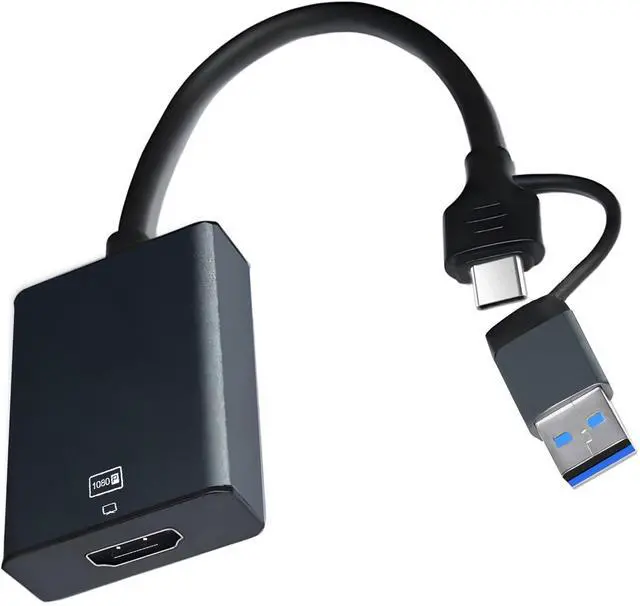
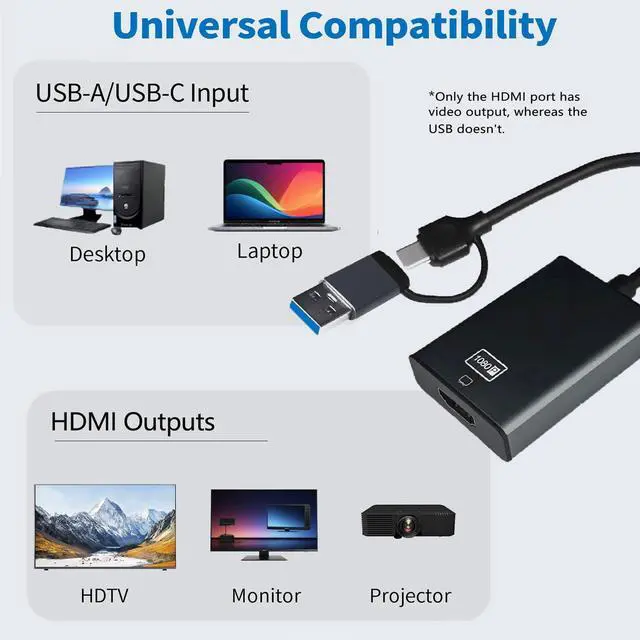
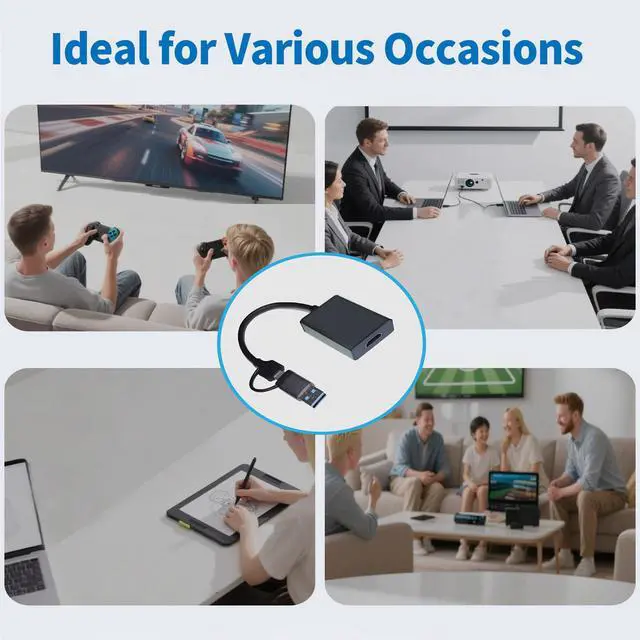
The USB to HDMI adapter enables you to output HDMI signals through your computer's USB port. By installing the built-in driver, this adapter connects laptop or desktop PC to HDMI display devices.
Specifications
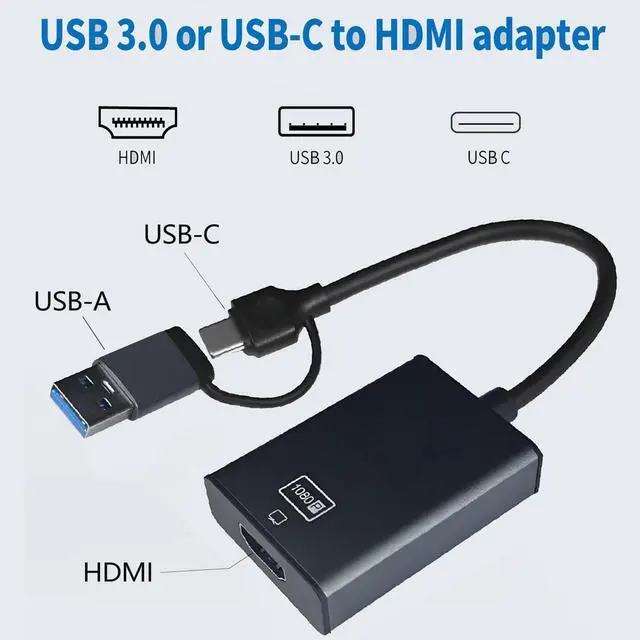
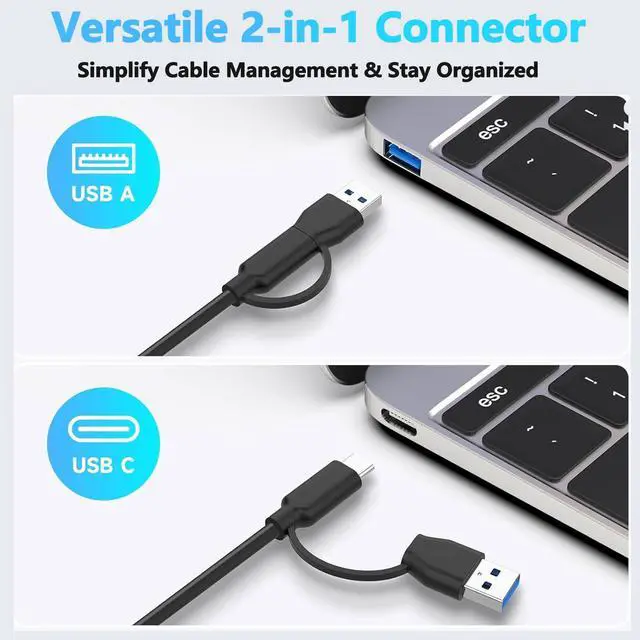
- Input: 2-IN-1 USB Type-C /USB-A Male
- Output: HDMI Female
- Audio Support: Yes
Features
1.Supports 1920×1080@60Hz (1080P) resolution display
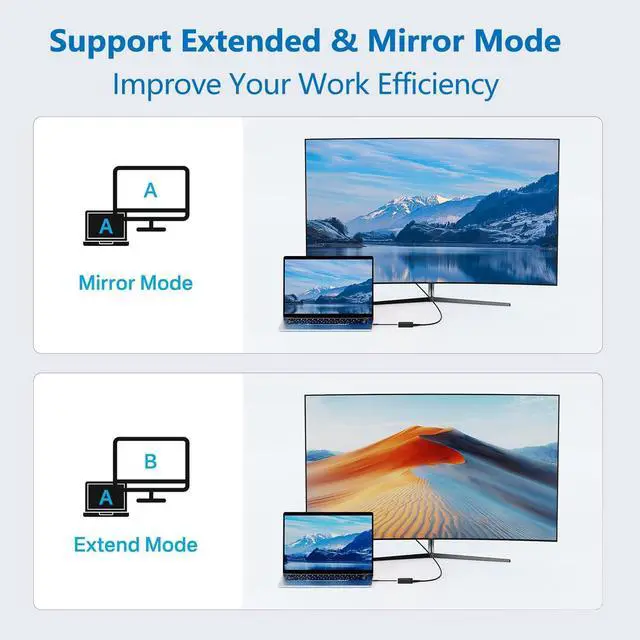
2.Supports multi-screen mirroring display and multi-screen extended display
3. Supported operating systems: Windows XP/7/8/10/11, Mac OS
Instructions for Use
Windows System Installation:
1). Insert the adapter into the computer and wait for the computer to recognize the driver.
2). Click This Computer > Disk: USBDISPLAY > Click to install WinUSBDisplay_Windows_V4.1.8.15 Win USB Display -installation complete. Restart your computer.
To enable Extended Mode or Split Screen Mode, click the Window icon > Settings > Display to configure the settings.
Mac System Installation:
Insert the adapter into the Mac PC and wait for the computer to recognize the "USBDISPLAY" driver and install it.
Privacy & Security-Screen Recording-Add USB Display, then return to the Settings page - Displays to configure either split-screen mode or extended mode.
Important Notes:
Ensure the video signal is transmitted from the computer's USB port to the display device's HDMI port, not the reverse.