






Displayport to dual diplayport splitter
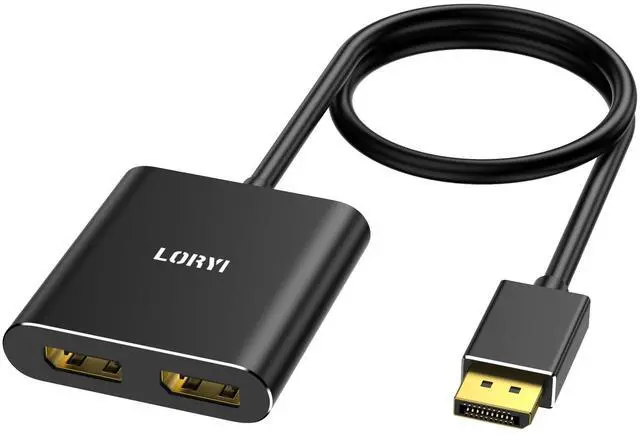
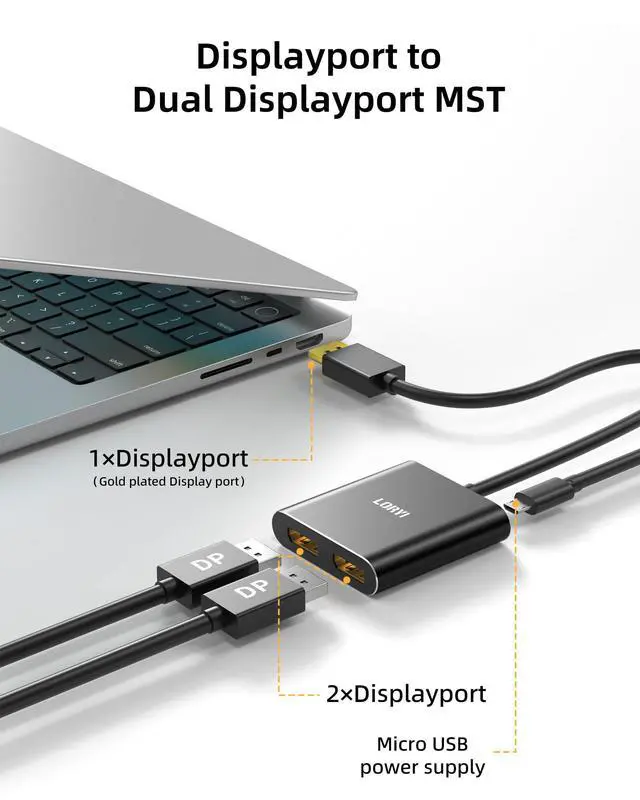
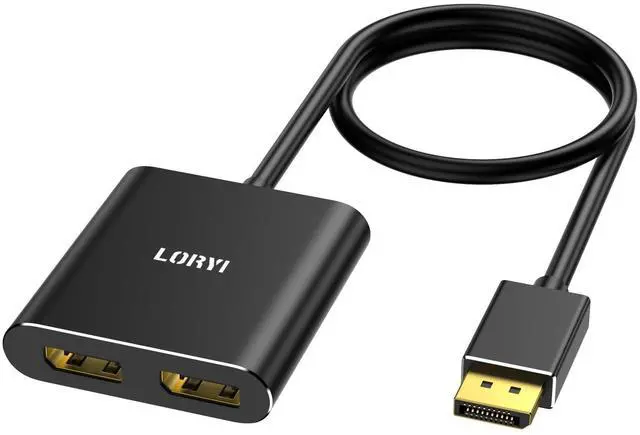
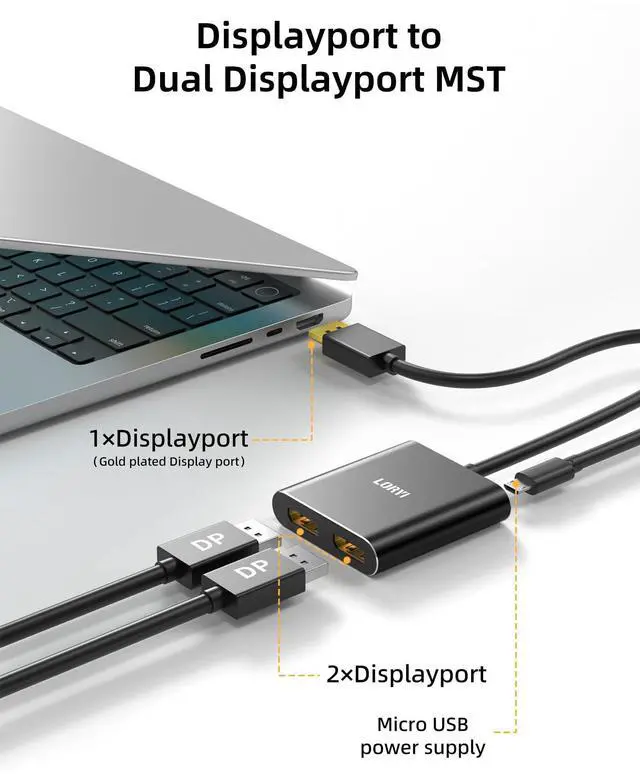
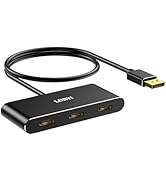
Product Name: DisplayPort to Dual DisplayPort Adapter
Length: Approximately 45cm(1.5ft)
Color: Black Plug: DisplayPort to DisplayPort
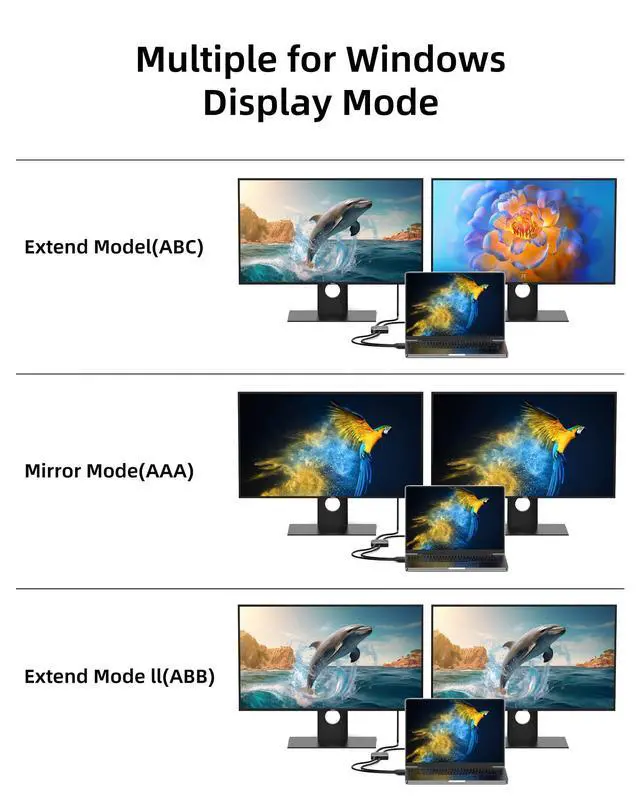
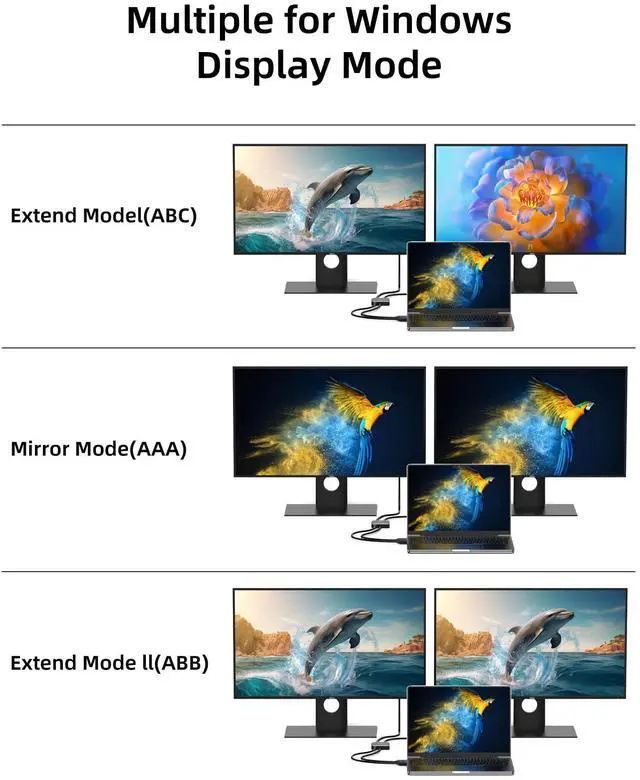
Supported Modes: Mirror Mode and Extended Mode
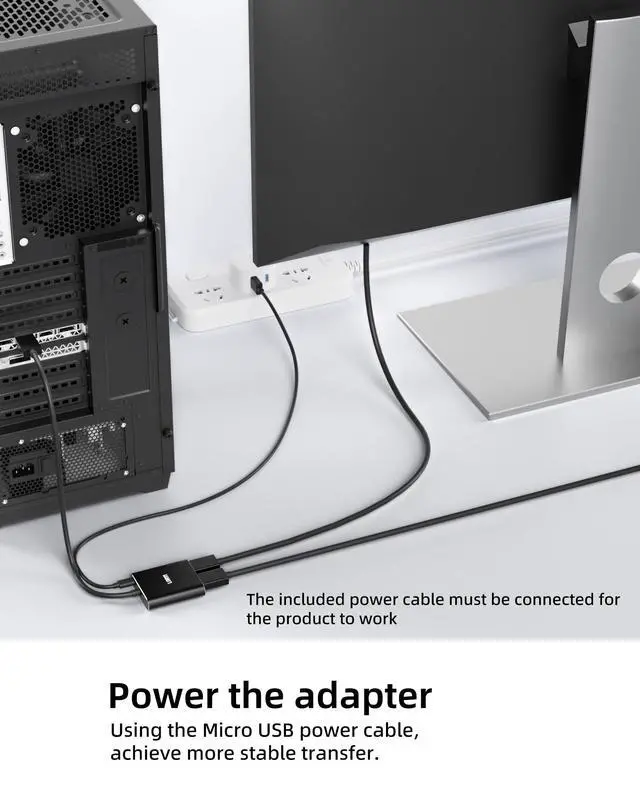
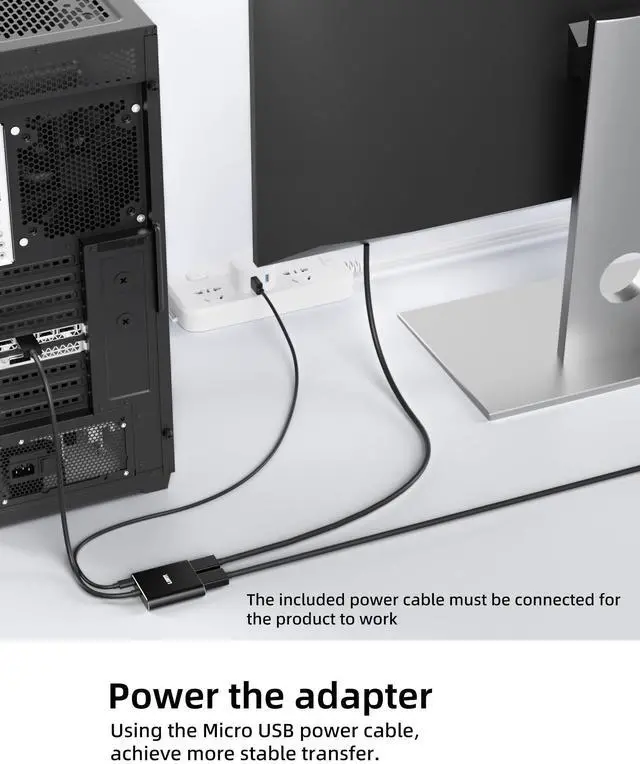
Micro USB Port: Provides power only to the adapter's chip; does not supply power to devices.
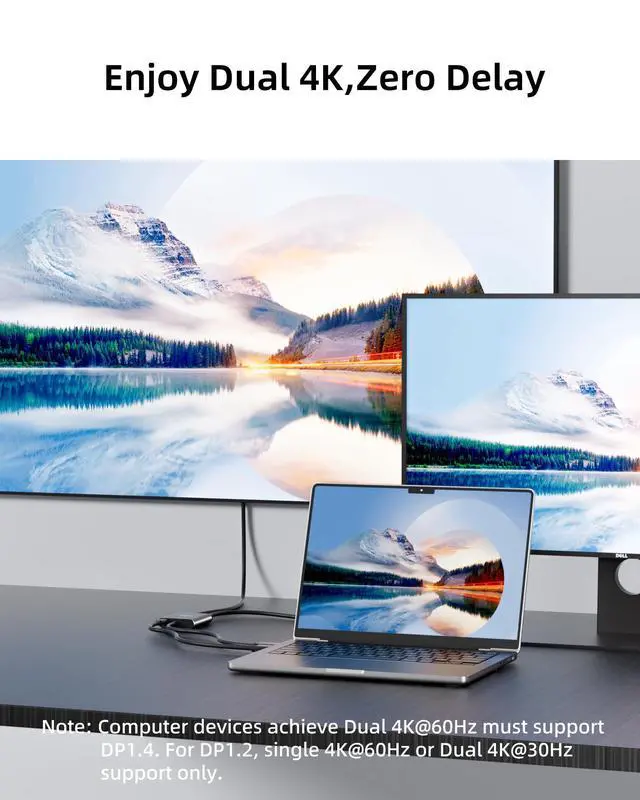
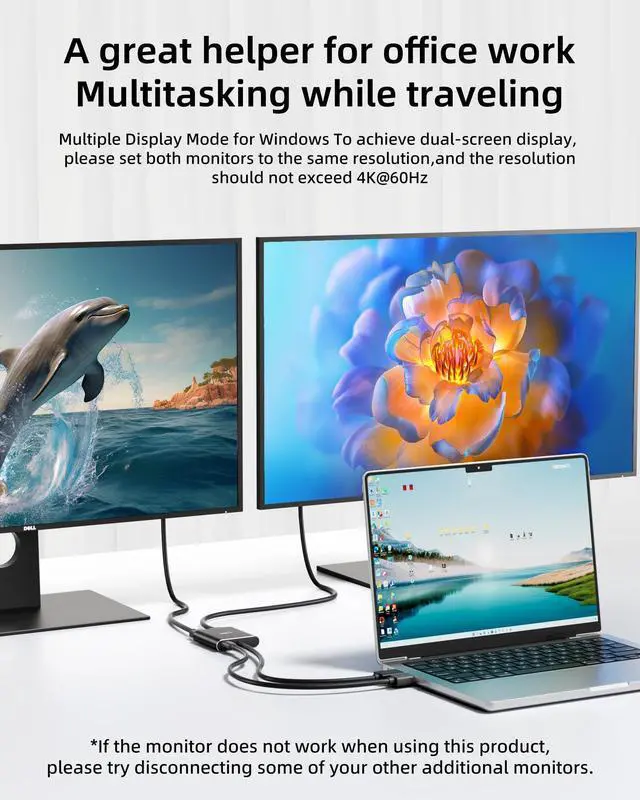
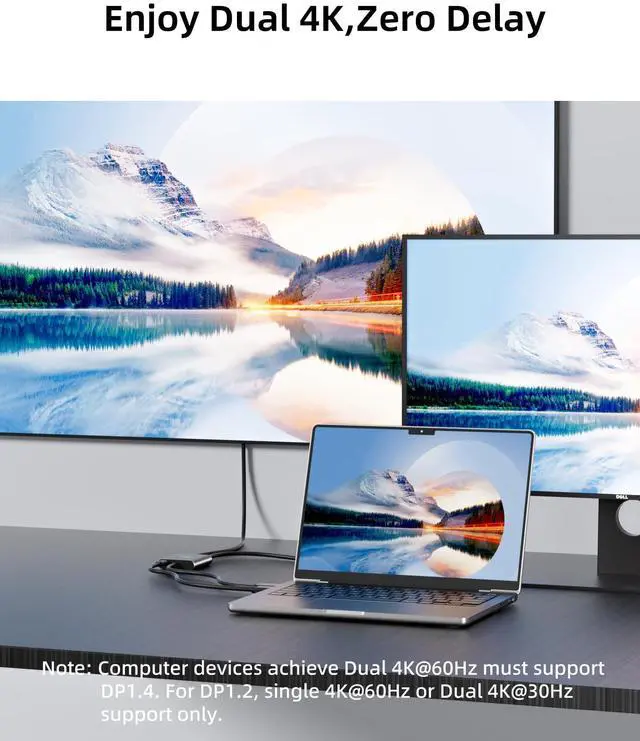
- This product allows you to add two additional DisplayPort monitors to a DisplayPort-compatible laptop, PC, or graphics card. It supports dual 4K60Hz resolution, with backward compatibility for 2K and 1080p resolutions. Both the device and the DisplayPort cables must support the corresponding resolutions. It is a powerful support tool for multitasking and working from home.
- This DisplayPort 1.4 cable is a 1 in 2 out DisplayPort splitter. Three screens can be displayed simultaneously, which can display different images to meet your needs for work and entertainment at the same time.Note:macOS only supports SST (Mirror Mode AAA/ABB).
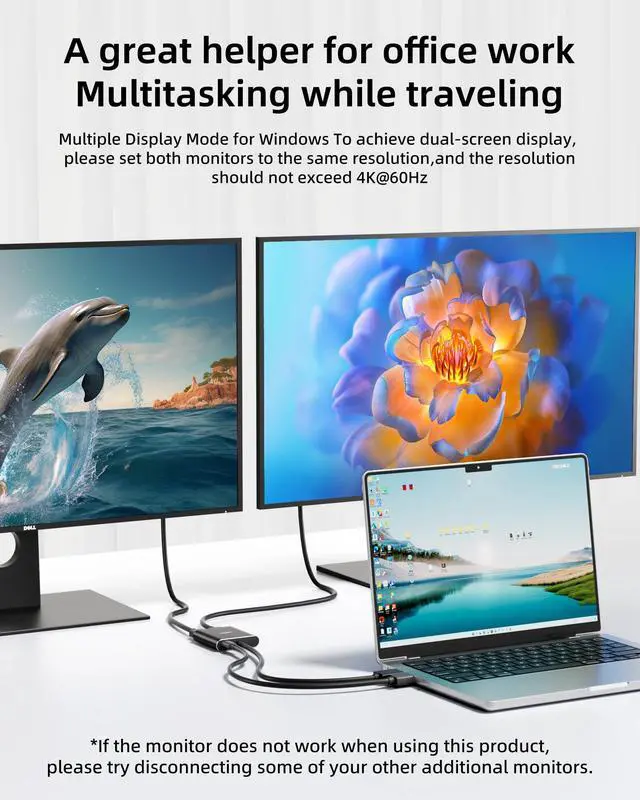
- Please set both monitors to the same resolution, and the resolution must not exceed 4K@60Hz.

4K clear display provides you with visual enjoyment.
This dp to dp cable is 4K&60Hz standard, clear and fast. This displayport adapter runs stably, and there will be no screen flickering or screen freezes when the interface is stable.
The 1.5ft(45cm) cord length of this displayport splitter also means you don’t have to be limited to small places. This displayport hub is the first choice for cost-effective display port splitter for dual monitors products that want clear and stable operation.
- To achieve dual-screen display, please set both monitors to the same resolution, and the resolution should not exceed 4K@60Hz
- If the display does not work properly, please make sure that your DisplayPort cable is not faulty

You can use this displayport to dual diplayport splitter anywhere you can think of.
You can use this displayport to dual diplayport splitter when you want to split the screen to work and entertain at the same time. You can use this display port splitter for dual monitors when your work is busy and one display screen cannot meet the work content you need to display.
When the size of your computer display cannot meet your needs, you can use this display port splitter to connect the screen to a larger display. However, it should be noted that only under Windows system, three monitors can display different images.
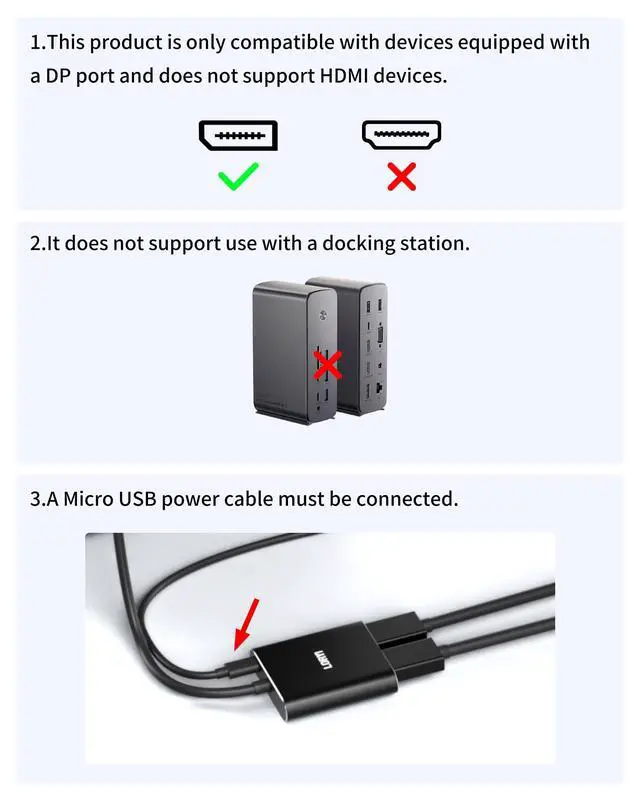
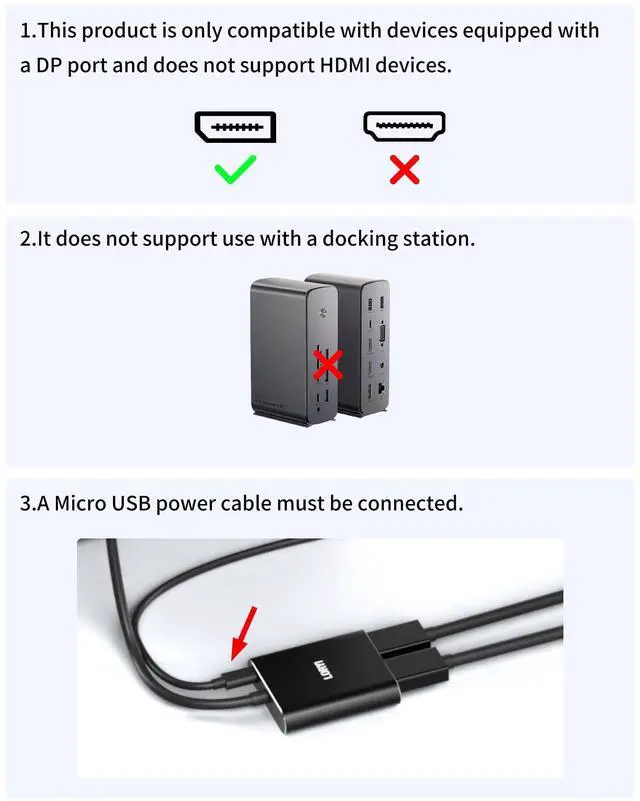
Note: HDMI devices are not supported.

Frequently Asked Questions & Answers
Q: Why can't I achieve screen extension?
A:
- Please ensure that the DP port on your host device is from a dedicated graphics card rather than an integrated graphics card. Due to hardware limitations, integrated graphics may not support display output or only support mirror mode.
- Please ensure that your system is not macOS, as this product only supports mirror mode on macOS and does not support extended displays.
Q: Why is my monitor showing no signal or flickering?
A: Please set both of your monitors to the same resolution, and ensure the resolution does not exceed 4K@60Hz.
Q: What should I do if there is no display or the product doesn’t work?
A: Please try updating your drivers and operating system, and make sure the included power cable is properly connected.
Q: Does this product support HDMI ports?
A: No, this product only supports DP (DisplayPort) output devices. It cannot be used with HDMI-only devices.
Q: Can I use it with a hub or docking station?
A: No, this product cannot be used with any hubs, docking stations, or adapters. Doing so may result in no display output.
Q: How can I set my monitors to mirror or extend mode on my computer?
A:After connecting your computer to external displays, go to your Display Settings. You can choose whether you want the second screen to duplicate (mirror)our main screen or to extend your desktop for more workspace. To adjust this, click Start > Settings > System > Display > Multiple displays, then select the option you prefer.

 Displayport to Dual HDMI Splitter,4K 60Hz Multi-Monitor Splitter,Dual Monitor... |  Loryi 3-Port Displayport Splitter,DP1.4 to 3×DP Multi-Monitor Splitter,Single... |  Loryi USB 3.0 to Dual HDMI Adapter Compatible with Windows/Mac OS, 4K@30Hz/10... |  Loryi USB C to Dual HDMI Adapter 4K@60Hz PD100W, 4 in 1 USB Type C to 2 HDMI,... |  Loryi USB C to Dual HDMI Adapter 4K@60Hz, Dual HDMI Splitter Extended Display... | |
|---|---|---|---|---|---|
| Customer Reviews | — | — | — | — | — |
| Price | — | — | — | — | — |
| Source Side | DisplayPort | DisplayPort | USB3.0 | USB-C | USB-C |
| Max resolution | 4K@60Hz | 4K@60Hz | 4K | 4K@60Hz | 4K@60Hz |
| Display Ports | 2x HDMI | 3x DisplayPort | 2x HDMI | 2x HDMI | 2x HDMI |

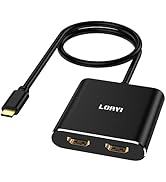
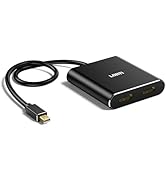
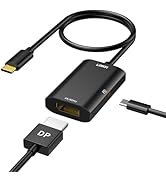
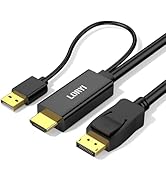
Displayport to dual diplayport splitter
Product Name: DisplayPort to Dual DisplayPort Adapter
Length: Approximately 45cm(1.5ft)
Color: Black Plug: DisplayPort to DisplayPort
Supported Modes: Mirror Mode and Extended Mode
Micro USB Port: Provides power only to the adapter's chip; does not supply power to devices.
- This product allows you to add two additional DisplayPort monitors to a DisplayPort-compatible laptop, PC, or graphics card. It supports dual 4K60Hz resolution, with backward compatibility for 2K and 1080p resolutions. Both the device and the DisplayPort cables must support the corresponding resolutions. It is a powerful support tool for multitasking and working from home.
- This DisplayPort 1.4 cable is a 1 in 2 out DisplayPort splitter. Three screens can be displayed simultaneously, which can display different images to meet your needs for work and entertainment at the same time.Note:macOS only supports SST (Mirror Mode AAA/ABB).
- Please set both monitors to the same resolution, and the resolution must not exceed 4K@60Hz.
4K clear display provides you with visual enjoyment.
This dp to dp cable is 4K&60Hz standard, clear and fast. This displayport adapter runs stably, and there will be no screen flickering or screen freezes when the interface is stable.
The 1.5ft(45cm) cord length of this displayport splitter also means you don’t have to be limited to small places. This displayport hub is the first choice for cost-effective display port splitter for dual monitors products that want clear and stable operation.
- To achieve dual-screen display, please set both monitors to the same resolution, and the resolution should not exceed 4K@60Hz
- If the display does not work properly, please make sure that your DisplayPort cable is not faulty
You can use this displayport to dual diplayport splitter anywhere you can think of.
You can use this displayport to dual diplayport splitter when you want to split the screen to work and entertain at the same time. You can use this display port splitter for dual monitors when your work is busy and one display screen cannot meet the work content you need to display.
When the size of your computer display cannot meet your needs, you can use this display port splitter to connect the screen to a larger display. However, it should be noted that only under Windows system, three monitors can display different images.
Note: HDMI devices are not supported.
Frequently Asked Questions & Answers
Q: Why can't I achieve screen extension?
A:
- Please ensure that the DP port on your host device is from a dedicated graphics card rather than an integrated graphics card. Due to hardware limitations, integrated graphics may not support display output or only support mirror mode.
- Please ensure that your system is not macOS, as this product only supports mirror mode on macOS and does not support extended displays.
Q: Why is my monitor showing no signal or flickering?
A: Please set both of your monitors to the same resolution, and ensure the resolution does not exceed 4K@60Hz.
Q: What should I do if there is no display or the product doesn’t work?
A: Please try updating your drivers and operating system, and make sure the included power cable is properly connected.
Q: Does this product support HDMI ports?
A: No, this product only supports DP (DisplayPort) output devices. It cannot be used with HDMI-only devices.
Q: Can I use it with a hub or docking station?
A: No, this product cannot be used with any hubs, docking stations, or adapters. Doing so may result in no display output.
Q: How can I set my monitors to mirror or extend mode on my computer?
A:After connecting your computer to external displays, go to your Display Settings. You can choose whether you want the second screen to duplicate (mirror)our main screen or to extend your desktop for more workspace. To adjust this, click Start > Settings > System > Display > Multiple displays, then select the option you prefer.
Displayport to Dual HDMI Splitter,4K 60Hz Multi-Monitor Splitter,Dual Monitor... | Loryi 3-Port Displayport Splitter,DP1.4 to 3×DP Multi-Monitor Splitter,Single... | Loryi USB 3.0 to Dual HDMI Adapter Compatible with Windows/Mac OS, 4K@30Hz/10... | Loryi USB C to Dual HDMI Adapter 4K@60Hz PD100W, 4 in 1 USB Type C to 2 HDMI,... | Loryi USB C to Dual HDMI Adapter 4K@60Hz, Dual HDMI Splitter Extended Display... | |
|---|---|---|---|---|---|
| Customer Reviews | — | — | — | — | — |
| Price | — | — | — | — | — |
| Source Side | DisplayPort | DisplayPort | USB3.0 | USB-C | USB-C |
| Max resolution | 4K@60Hz | 4K@60Hz | 4K | 4K@60Hz | 4K@60Hz |
| Display Ports | 2x HDMI | 3x DisplayPort | 2x HDMI | 2x HDMI | 2x HDMI |
Splitter
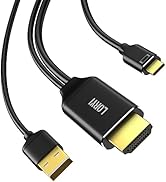
USB C Monitor
Adapter
