




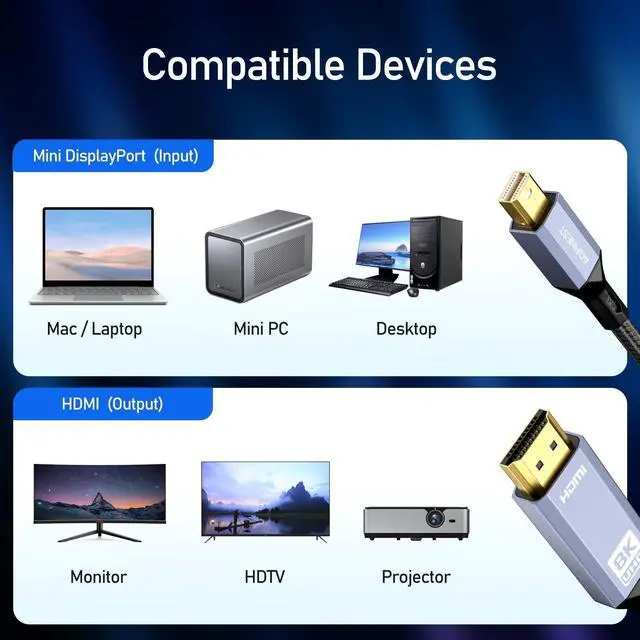


Plug and Play
- DisplayPort to HDMI cable is completely plug -and-play. No drivers and power supply required.

Thunderbolt 2 Compatible
- Supports Thunderbolt 2 source only (Not Thunderbolt 3)
- Thunderbolt 3 with a Thunderbolt 2 adapter is not supported

Advanced Chip
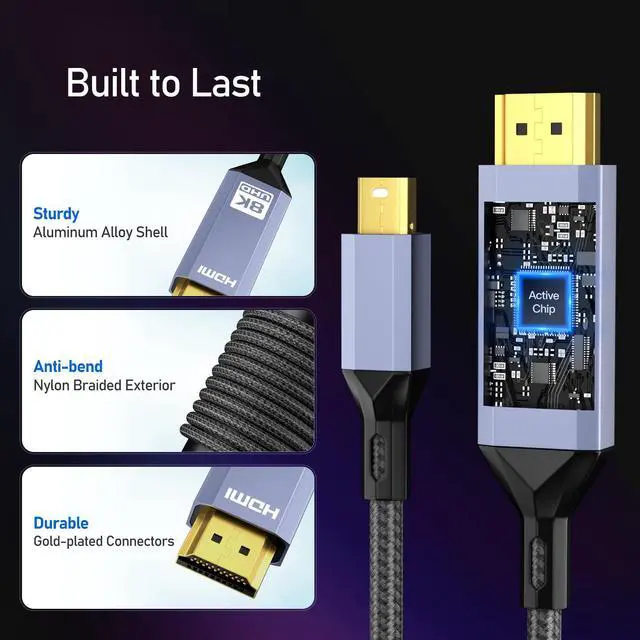
The VMM7100 chipset delivers top-notch performance, stability and security.

Why there is only 4K@60Hz option and how to get 4K@120Hz
The DisplayPort 1.4 protocol offers only 32.4Gbps total bandwidth. So in order to reach 4K@120Hz or 8K@60Hz, you need to:
1. Make sure all your devices (laptop, PC, TV) support DSC and DSC is turned on.
2. Make sure the adapter is connected to your TV’s HDMI 2.1 port. (Some TVs only have one HDMI port that supports 4K@120Hz)
3. Try lowering the graphics quality (by turning off VRR or setting color depth to 8-bit).
Specifications
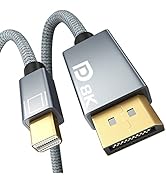
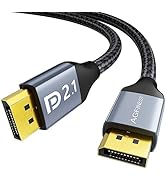
 6.6 FT Mini DP to DP Soft Cable |  3.3 FT Mini DP to DP cable | 6.6 FT Mini DP to DP cable |  3.3 FT DisplayPort to HDMI cable | 6.6 FT DisplayPort to HDMI cable | 10 FT DisplayPort to HDMI cable | |
|---|---|---|---|---|---|---|
| Customer Reviews | — | — | — | — | — | — |
| Price | — no data | — | — | — | — | — |
| Source Input | Mini DP 1.4 | Mini DP 2.1 | Mini DP 2.1 | DisplayPort 1.4 | DisplayPort 1.4 | DisplayPort 1.4 |
| Display Output | DisplayPort 1.4 | DisplayPort 2.1 | DisplayPort 2.1 | HDMI 2.1 | HDMI 2.1 | HDMI 2.1 |
| Max Display Support | 8K@60HZ | 16K@60HZ | 16K@60HZ | 8K@60HZ | 8K@60HZ | 8K@60HZ |
| Bidirectional | ? | ? | ? | no data | no data | no data |
| Length | 6.6 FT | 3.3 FT | 6.6 FT | 3.3 FT | 6.6 FT | 10 FT |

AGFINEST CABLES
technological innovation and extraordinary craftsmanship



Plug and Play
- DisplayPort to HDMI cable is completely plug -and-play. No drivers and power supply required.
Thunderbolt 2 Compatible
- Supports Thunderbolt 2 source only (Not Thunderbolt 3)
- Thunderbolt 3 with a Thunderbolt 2 adapter is not supported
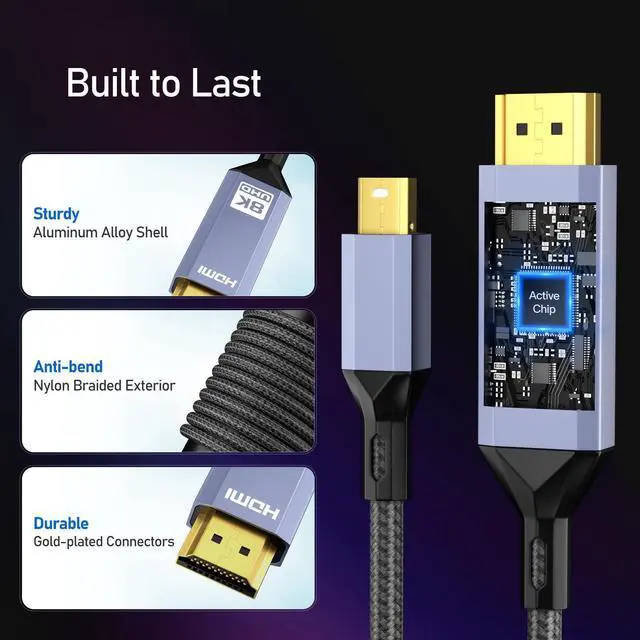
Advanced Chip
The VMM7100 chipset delivers top-notch performance, stability and security.
Why there is only 4K@60Hz option and how to get 4K@120Hz
The DisplayPort 1.4 protocol offers only 32.4Gbps total bandwidth. So in order to reach 4K@120Hz or 8K@60Hz, you need to:
1. Make sure all your devices (laptop, PC, TV) support DSC and DSC is turned on.
2. Make sure the adapter is connected to your TV’s HDMI 2.1 port. (Some TVs only have one HDMI port that supports 4K@120Hz)
3. Try lowering the graphics quality (by turning off VRR or setting color depth to 8-bit).
Specifications
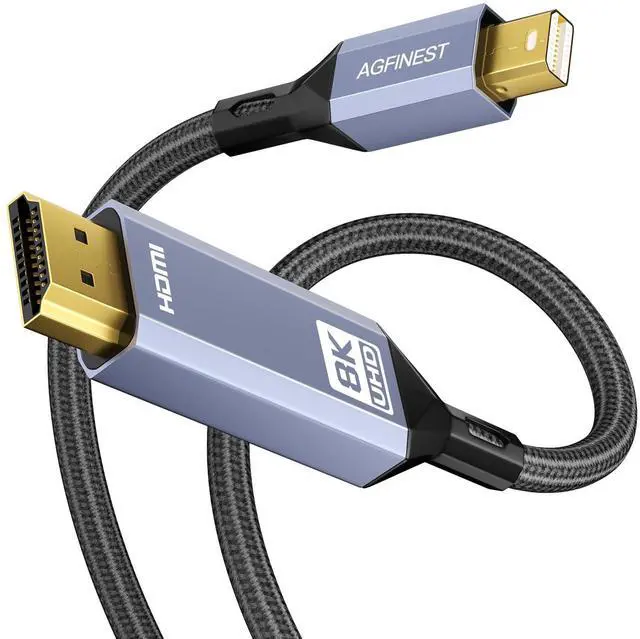
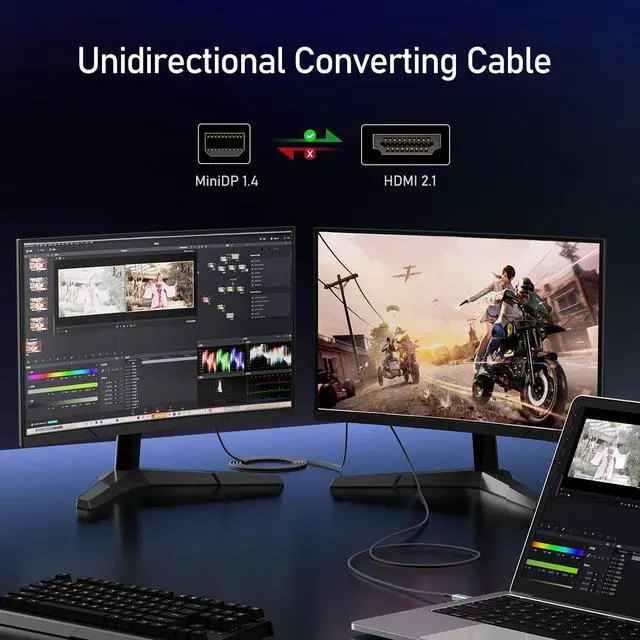
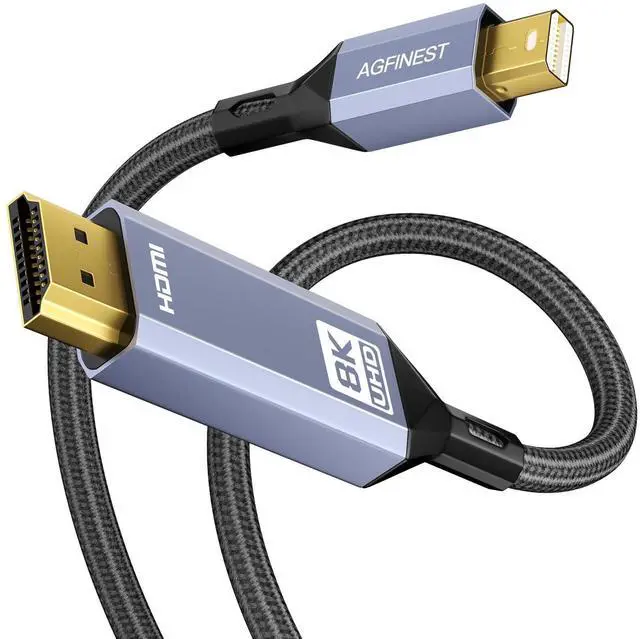
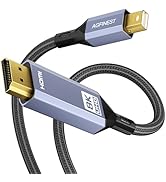
| Name: | Mini DisplayPort 1.4 to HDMI 2.1 Cable |
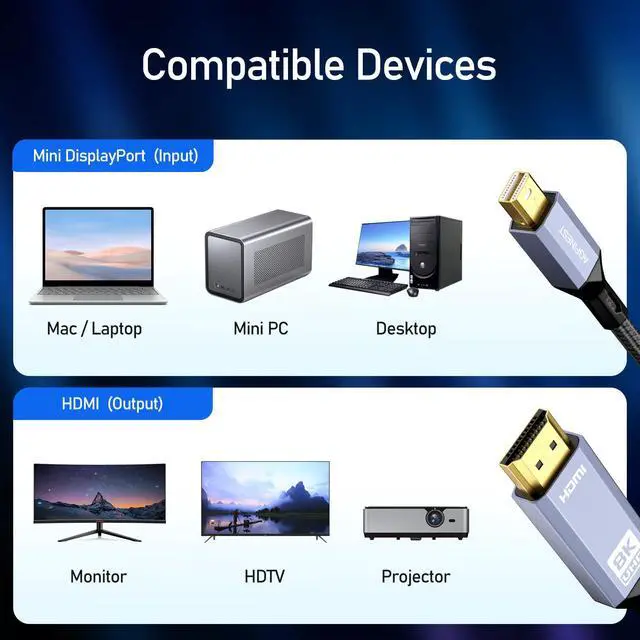
| Transmission: | Unidirectional, only from Mini DP to HDMI |
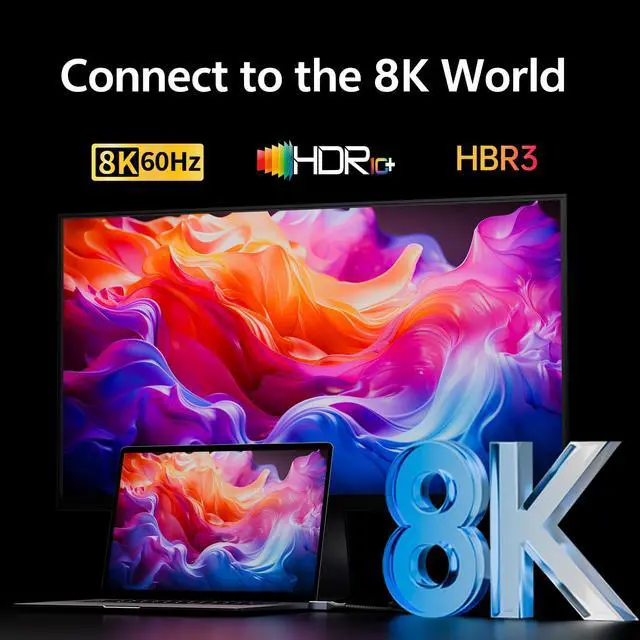
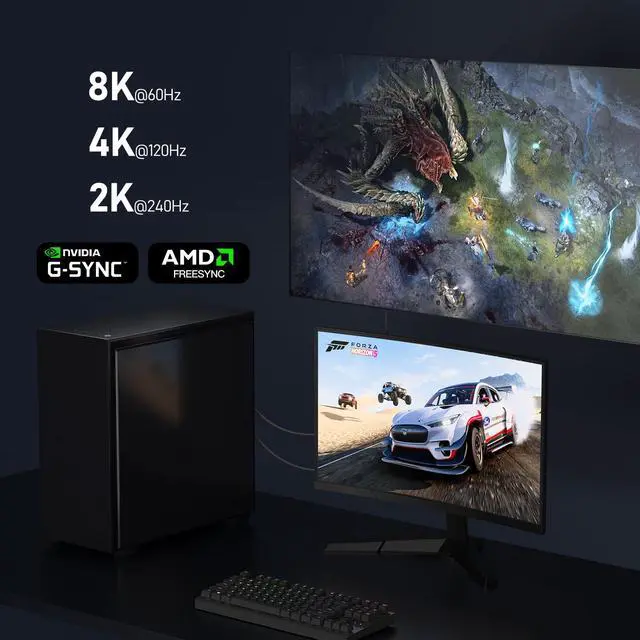
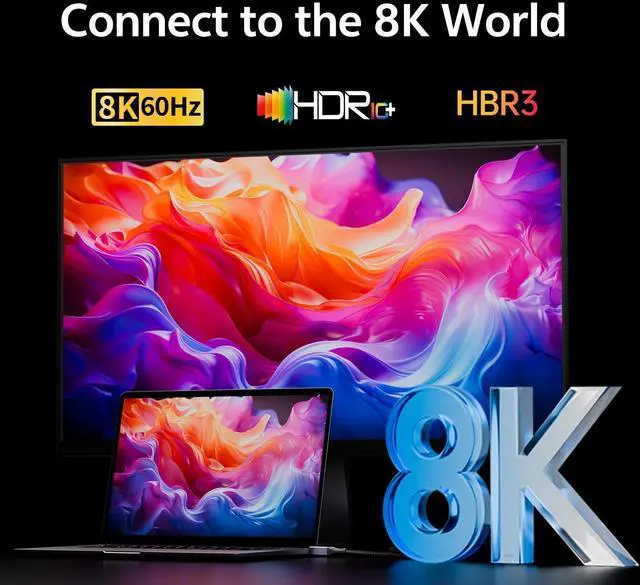
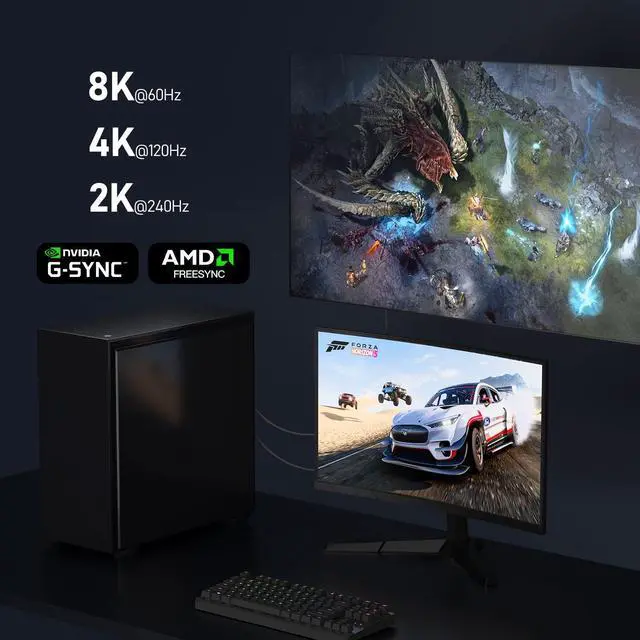
| Resolutions: | 8K@60Hz*, 4K@120Hz*, 2K@240Hz, 1080P@240Hz |
| Color Depth: | 8, 10, 12 bpc |
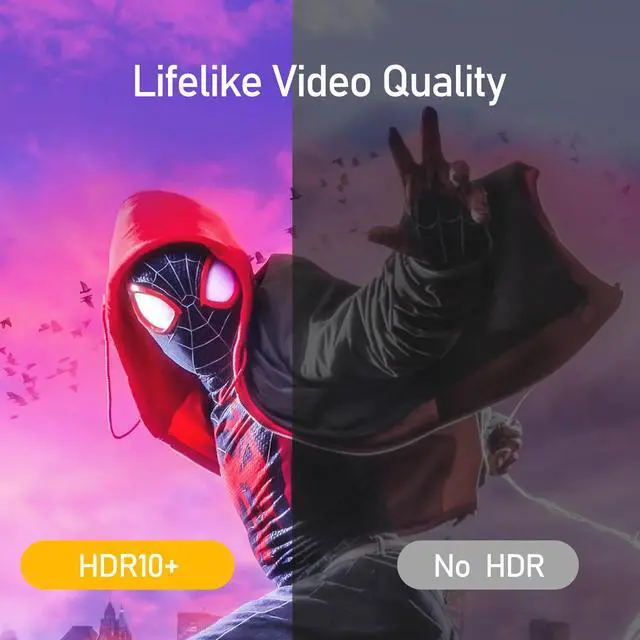
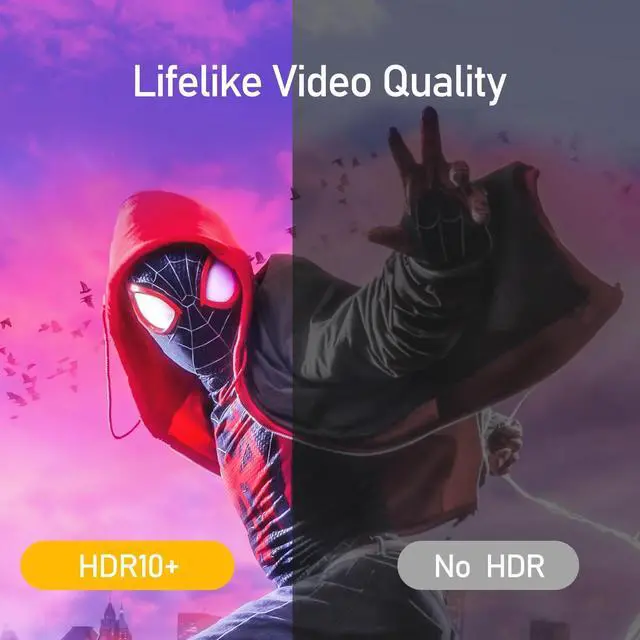
| HDR: | HDR10+, Dolby Vision |
| Audio: | Dolby ATMOS, DTS:X |
| VRR: | FreeSync, G-Sync |
| Other Features: | ALLM, DSC, HDCP |
| Chipset: | VMM7100 |
| Bandwidth: | 32.4Gbps (HBR3) |
| Important: | *DSC is required to achieve 4K@120Hz (HDR) and 8K@60Hz. |
6.6 FT Mini DP to DP Soft Cable | 3.3 FT Mini DP to DP cable | 6.6 FT Mini DP to DP cable | 3.3 FT DisplayPort to HDMI cable | 6.6 FT DisplayPort to HDMI cable | 10 FT DisplayPort to HDMI cable | |
|---|---|---|---|---|---|---|
| Customer Reviews | — | — | — | — | — | — |
| Price | — no data | — | — | — | — | — |
| Source Input | Mini DP 1.4 | Mini DP 2.1 | Mini DP 2.1 | DisplayPort 1.4 | DisplayPort 1.4 | DisplayPort 1.4 |
| Display Output | DisplayPort 1.4 | DisplayPort 2.1 | DisplayPort 2.1 | HDMI 2.1 | HDMI 2.1 | HDMI 2.1 |
| Max Display Support | 8K@60HZ | 16K@60HZ | 16K@60HZ | 8K@60HZ | 8K@60HZ | 8K@60HZ |
| Bidirectional | ? | ? | ? | no data | no data | no data |
| Length | 6.6 FT | 3.3 FT | 6.6 FT | 3.3 FT | 6.6 FT | 10 FT |
AGFINEST CABLES
technological innovation and extraordinary craftsmanship
About Us
As members of HDMI and USB-IF, we are a factory-based company with 10+ years of designing & manufacturing experience, dedicated to providing safe, reliable, high-performance cables and adapters to customers worldwide.
AGFINEST CABLES
AGFINEST CABLES