



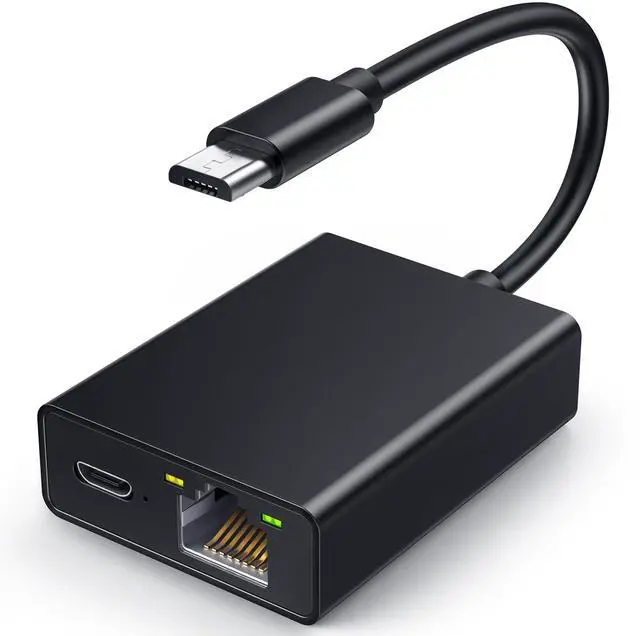


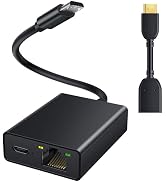
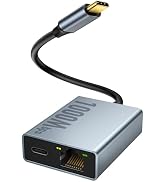
Fire Stick & HDMI Extend Cable

Enjoy Smooth TV Shows Now!
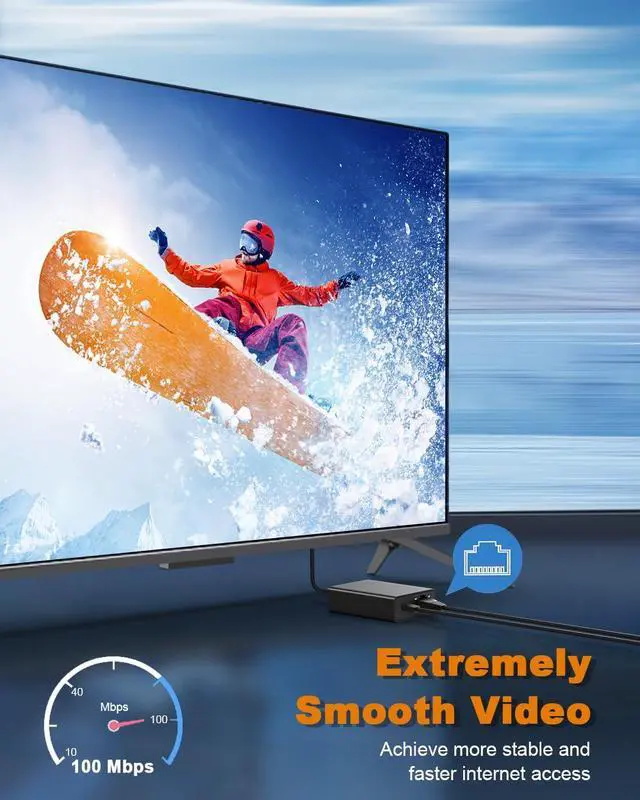
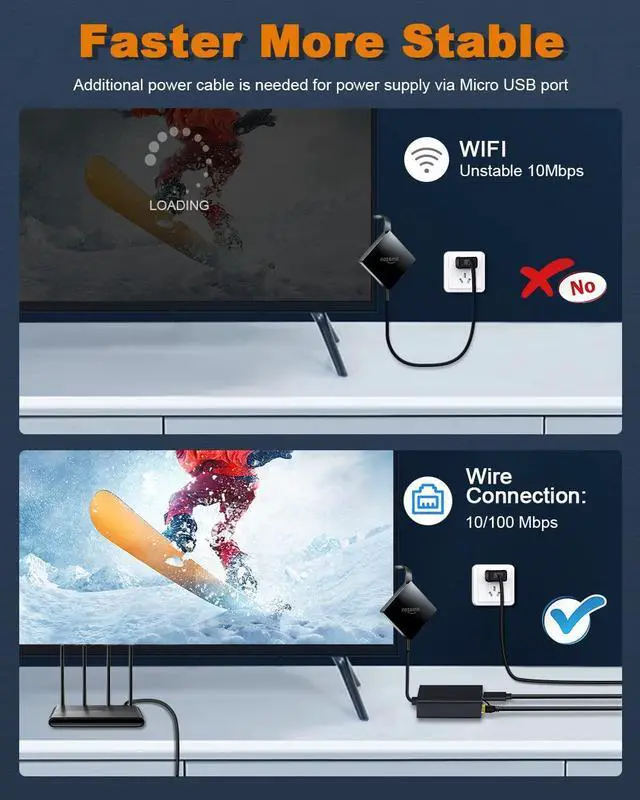
Our Ethernet Adapter can effectively enable you with more stable and faster internet access, solving the problem of weak WiFi signal
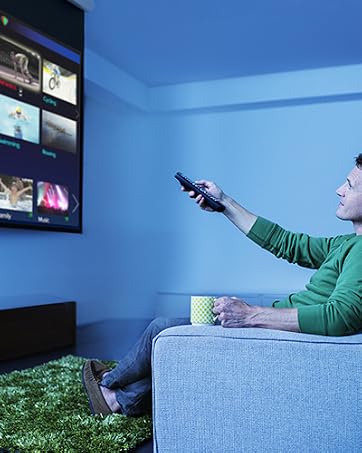
Perfect TV Stick Solutions
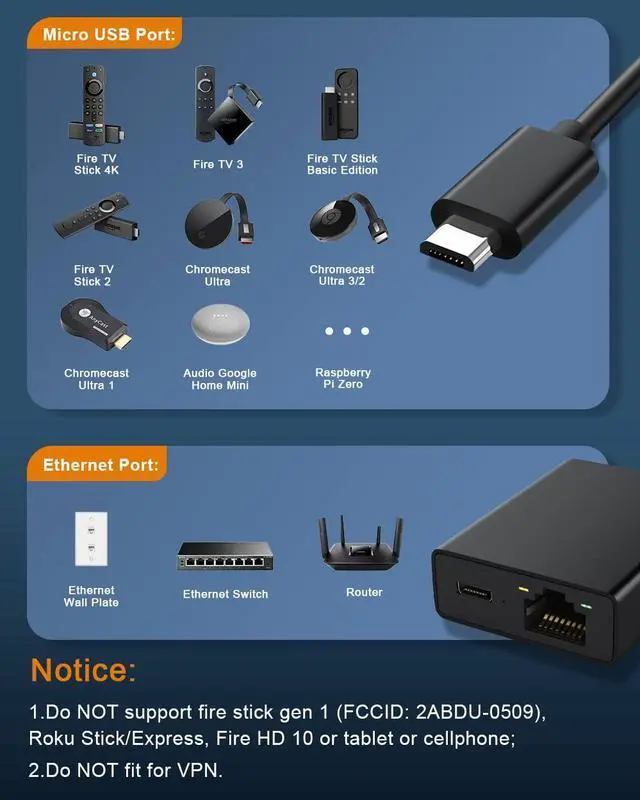
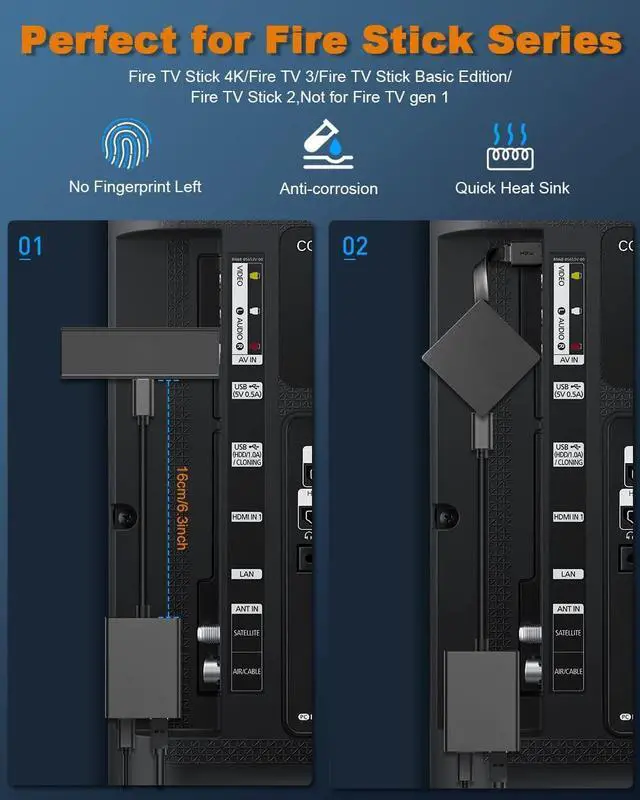
Widely Compatible with Fire TV Stick 4K, Google Home Mini, Chromecast Ultra / 3 / 2 / 1 / Audio, Raspberry Pi Zero
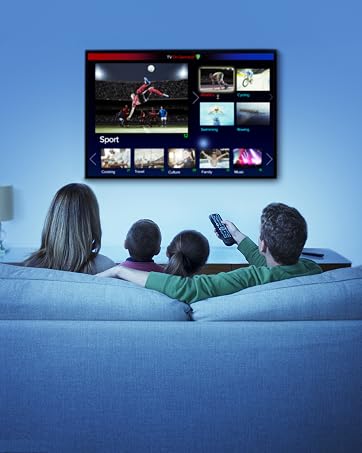
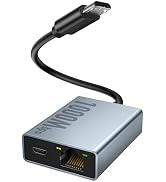
10/100 Mbps Ethernet
Rely on the speed and reliability of wired internet to achieve Full 10/100Mbps ethernet speed

Always be there for you
Hassle-free Replace/Return
18-Month Reachable Service
Professional Customer Support Team
What makes our products unique?
YES, Unique is what we pursue during the production of our products. Especial Safety Protection, Quality Targets,Long time Reachable Service and Reliable Product make all the aspects that unique goods need in our store.
The Goals of Our Brand?
We strive to offer our customers the best shopping experience by providing top-notch hassle-free support and best quality products with competitive choice.
Store Orientation
Electop store,Serves as a professional online retail company for large scope of high-quality products of different types.

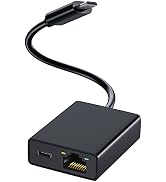
Fire Stick Ethernet Adapter
- This ethernet adapter is designed for use only with Chromecast devices and the TV Sticks supporting Ethernet through Micro USB port;
- Please be sure that the other end of your Ethernet cable is connected to a functioning router that has internet connectivity;
- NOT compatible with fire stick gen 1, Roku Express, Fire HD 10 or any other tablet or cellphone;
- The USB port of this adapter is only for charging not for date transfer;
- DO NOT support network with VPN (VPN will make the network speed much slower).


LED Indicator Lights

Good Company for Your TV Stick

Stable and Fast Connection
Specifications

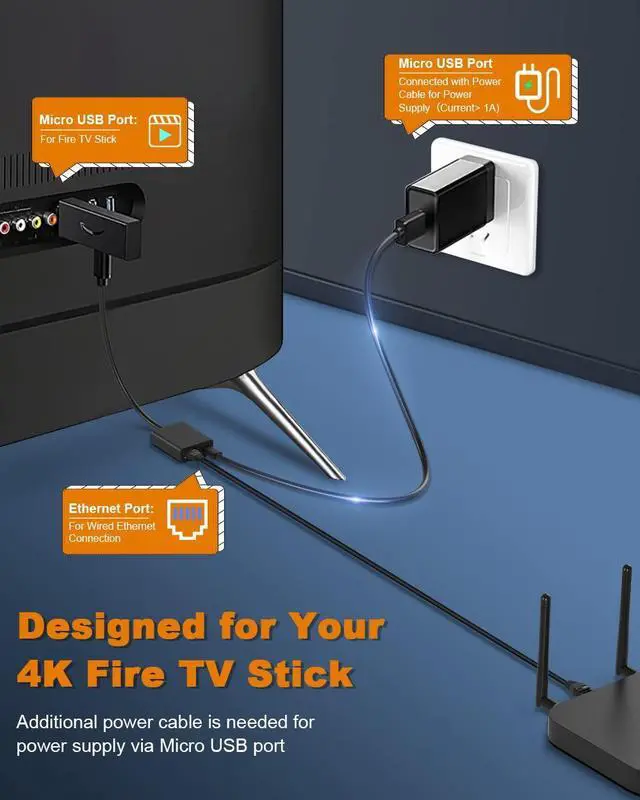
Steps to apply this ethernet adapter for your Chromecast/Fire TV Stick
Simply to set up and start streaming in minutes, just plug and play.
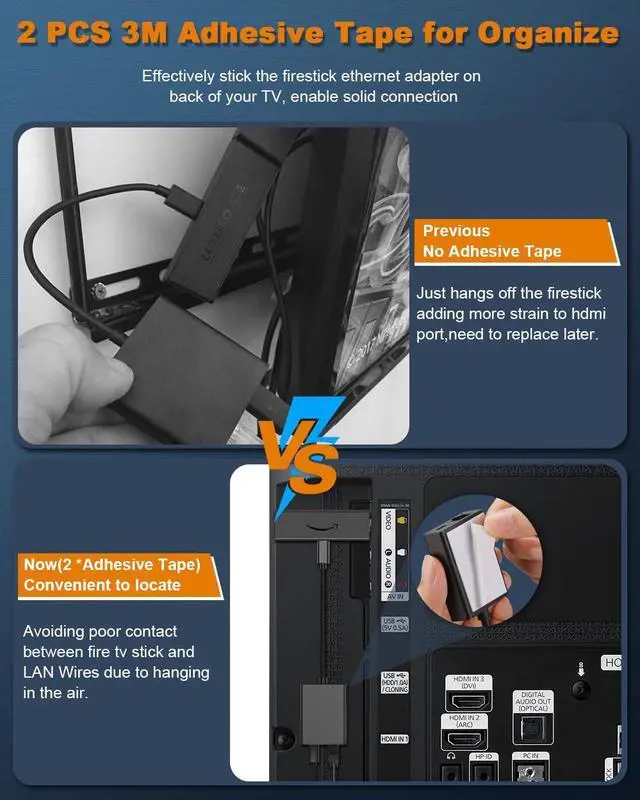
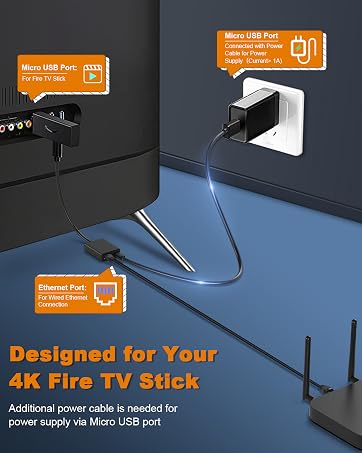
- Step 1: Plug TV Stick into HDMI port in your TV.
- Step 2: Connect the Micro USB connector into Chromecast/TV Stick,make sure the Micro USB connector is tightly connected with the Chromecast/TV Stick.
- Step 3: Connect Ethernet cable to RJ45 port.
- Step 4: Plug the USB cable into AC power adapter.
- Step 5: Enjoy your TV Shows.
Compatible with Fire TV Sticks Series: Fire TV Stick, Fire TV Stick Lite, Fire TV Stick 4K, Fire TV Stick 4K Max.
Compatible with Chromecast Series: Chromecast 1/2/3, Chromecast Ultra, Chromecast Audio, Google Home Mini.
Compatible with Roku TV Sticks Series: Roku Express 4K.
Notes:Not Compatible with Fire Stick 1, Roku Stick/Express, Fire HD 10, Cellphones, Tablets, and Laptops.
Fire Stick Ethernet Adapter
- This ethernet adapter is designed for use only with Chromecast devices and the TV Sticks supporting Ethernet through Micro USB port;
- Please be sure that the other end of your Ethernet cable is connected to a functioning router that has internet connectivity;
- NOT compatible with fire stick gen 1, Roku Express, Fire HD 10 or any other tablet or cellphone;
- The USB port of this adapter is only for charging not for date transfer;
- DO NOT support network with VPN (VPN will make the network speed much slower).
LED Indicator Lights
Good Company for Your TV Stick
Stable and Fast Connection
Specifications
| Micro USB Port | 480 Mbps(Data transfer speed), Not for Type C |
| RJ45 Ethernet Port | 10/100 Mbps( RJ45 Connection) |
| Power Supply | 5V/1A ~ 5V/2A(Additional Adapter and Cable suggested) |
| Micro USB Port | Power supply only (No data transfer ) |
| Cable Length | 18cm(7inch) |
| Ethernet Connection | Faster and stable internet connection compared to WIFI |
| Smooth Video Streaming | No more signal interfernce when using WIFI against other wireless signal such as Bluetooth |
| Quick Set -up | Easy to set up, no drive progarm and application required, plug and play |
Steps to apply this ethernet adapter for your Chromecast/Fire TV Stick
Simply to set up and start streaming in minutes, just plug and play.
- Step 1: Plug TV Stick into HDMI port in your TV.
- Step 2: Connect the Micro USB connector into Chromecast/TV Stick,make sure the Micro USB connector is tightly connected with the Chromecast/TV Stick.
- Step 3: Connect Ethernet cable to RJ45 port.
- Step 4: Plug the USB cable into AC power adapter.
- Step 5: Enjoy your TV Shows.
Compatible with Fire TV Sticks Series: Fire TV Stick, Fire TV Stick Lite, Fire TV Stick 4K, Fire TV Stick 4K Max.
Compatible with Chromecast Series: Chromecast 1/2/3, Chromecast Ultra, Chromecast Audio, Google Home Mini.
Compatible with Roku TV Sticks Series: Roku Express 4K.
Notes:Not Compatible with Fire Stick 1, Roku Stick/Express, Fire HD 10, Cellphones, Tablets, and Laptops.
Fire Stick & HDMI Extend Cable
Enjoy Smooth TV Shows Now!
Our Ethernet Adapter can effectively enable you with more stable and faster internet access, solving the problem of weak WiFi signal
Perfect TV Stick Solutions
Widely Compatible with Fire TV Stick 4K, Google Home Mini, Chromecast Ultra / 3 / 2 / 1 / Audio, Raspberry Pi Zero
10/100 Mbps Ethernet
Rely on the speed and reliability of wired internet to achieve Full 10/100Mbps ethernet speed
Always be there for you
Hassle-free Replace/Return
18-Month Reachable Service
Professional Customer Support Team
What makes our products unique?
YES, Unique is what we pursue during the production of our products. Especial Safety Protection, Quality Targets,Long time Reachable Service and Reliable Product make all the aspects that unique goods need in our store.
The Goals of Our Brand?
We strive to offer our customers the best shopping experience by providing top-notch hassle-free support and best quality products with competitive choice.
Store Orientation
Electop store,Serves as a professional online retail company for large scope of high-quality products of different types.