Your Browsing History
Meet Your Seller
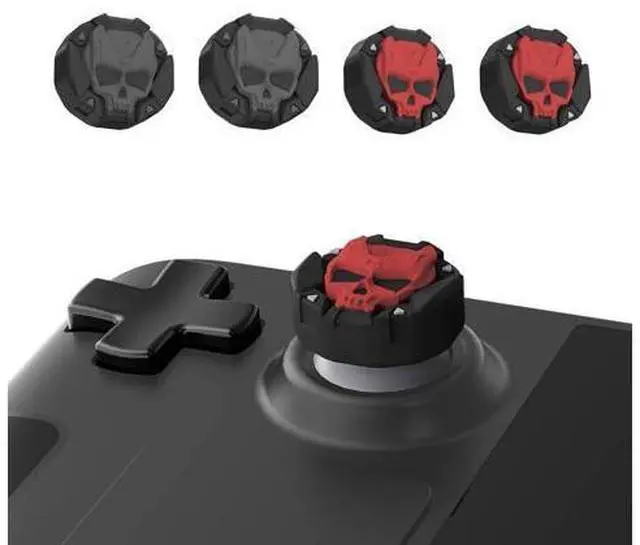
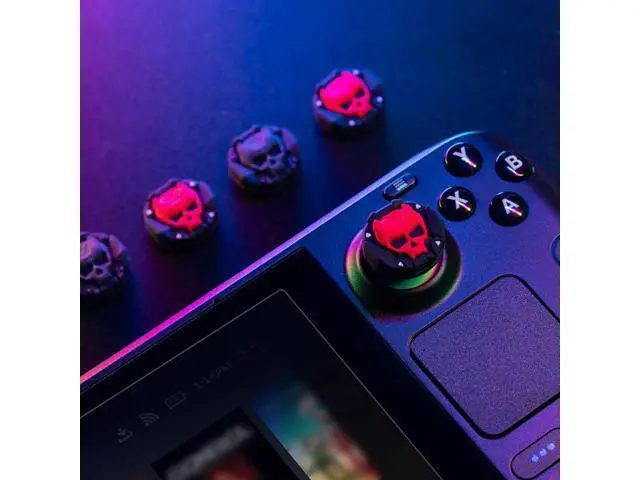
GeekShare Thumb Grip Caps for Steam Deck Joystick,Soft Silicone Anti-Slip Thumbsticks Cover Set Compatible with Steam Deck Only - 2 Pairs/4 PCS (Black & Red)
Limited time offer, ends 07/15 By NaisTechnology
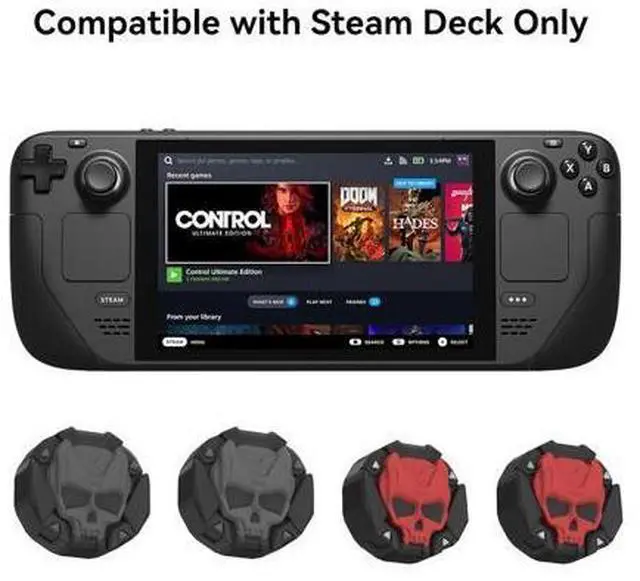
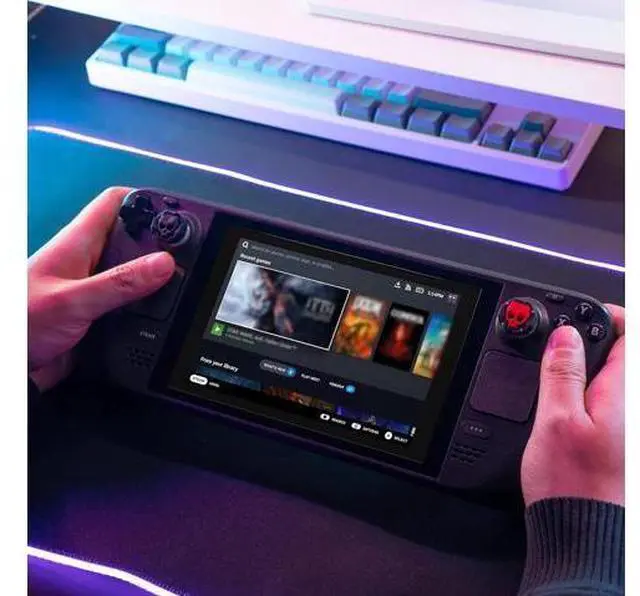
- Compatible WithThe cool skull thumb grip caps are designed for Steam Deck only, NOT for Switch / Switch Lite / Switch OLED /PS4,PS5,Switch Pro or Xbox One Controller.
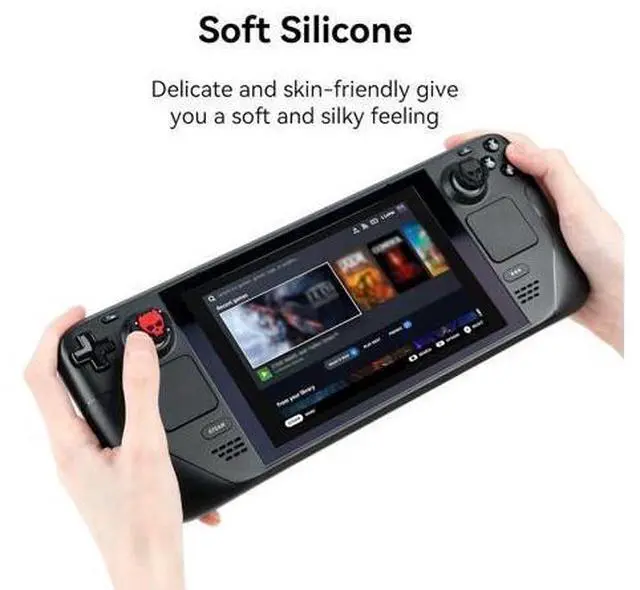
- Premium MaterialThe thumb grip caps are made of high-quality silicone, soft and odorless, delicate and skin friendly, providing you with a more comfortable gaming experience.
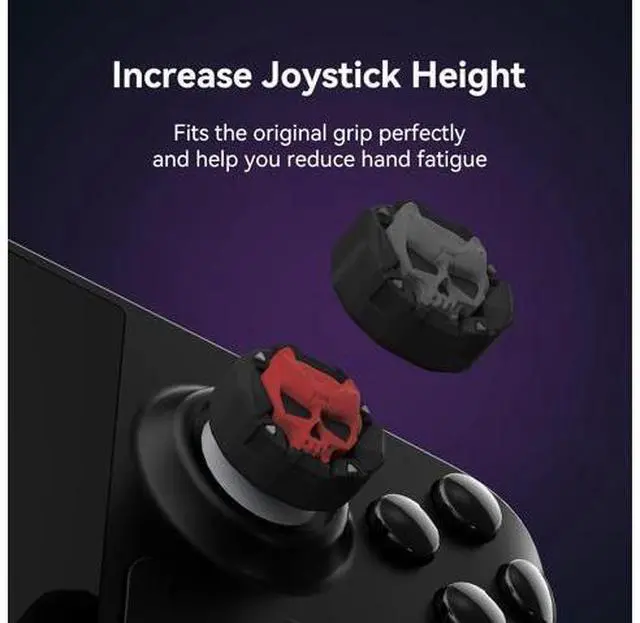
- Original DesignGeekShare thumb grip cap adopts an original design, with unique skull shape that add vitality to your Steam Deck.And make your joystick more eye-catching.
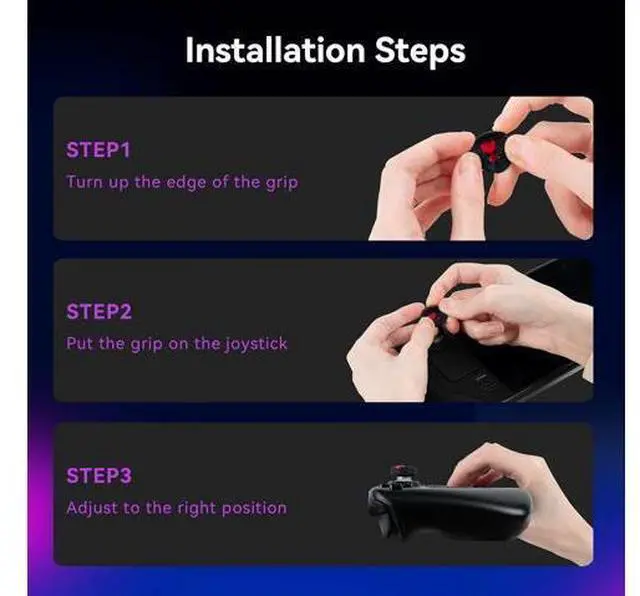
- 3-step AssemblyAssembly only takes 3 steps, which is simple and easy to operate. Turn up the edge of the grip. Put the grip on the joystick and fall the edge of the grip. Adjust the thumb grip to the right position.Please check if the caps wrap the joystick completely to prevent them from pop off when you playing.
- Quality/WarrantyIf you find any problems (damage, scratches, dirt, etc.), please feel free to contact us. Our shop always strives for customer satisfaction and always does our best to meet customer needs with better quality.

+
+
Overview
Specs
Reviews
Any questions? Our AI beta will help you find out quickly.
Try me now
Compatible WithThe cool skull thumb grip caps are designed for Steam Deck only, NOT for Switch / Switch Lite / Switch OLED /PS4, PS5, Switch Pro or Xbox One Controller.. Premium MaterialThe thumb grip caps are made of high-quality silicone, soft and odorless, delicate and skin friendly, providing you with a more comfortable gaming experience.. Original DesignGeekShare thumb grip cap adopts an original design, with unique skull shape that add vitality to your Steam Deck. And make your joystick more eye-catching.. 3-step AssemblyAssembly only takes 3 steps, which is simple and easy to operate.
Turn up the edge of the grip. Put the grip on the joystick and fall the edge of the grip. Adjust the thumb grip to the right position. Please check if the caps wrap the joystick completely to prevent them from pop off when you playing.. Quality/WarrantyIf you find any problems (damage, scratches, dirt, etc. ), please feel free to contact us. Our shop always strives for customer satisfaction and always does our best to meet customer needs with better quality.
Warranty & Returns
Warranty, Returns, And Additional Information
Warranty
- Please contact the Seller directly for warranty information. Warranty information may also be found on the Manufacturer's website.
- CONTACT
Return Policies
- Return for refund within: 30 days
- Return for replacement within: 30 days
- This item is covered by NaisTechnology Return Policy
Manufacturer Contact Info
- For a directory of all our manufacturers, please click below.
- Manufacturers Directory
LOADING...