




 here!
here!
I’m your shopping assistant for PC builds, upgrades, and everything tech.
Got questions? Ask away!
Start a conversation
here!
I’m your shopping assistant for PC builds, upgrades, and everything tech.
Got questions? Ask away!
Start a conversation



Any questions? Ask CelesteSM will help you find out quickly.


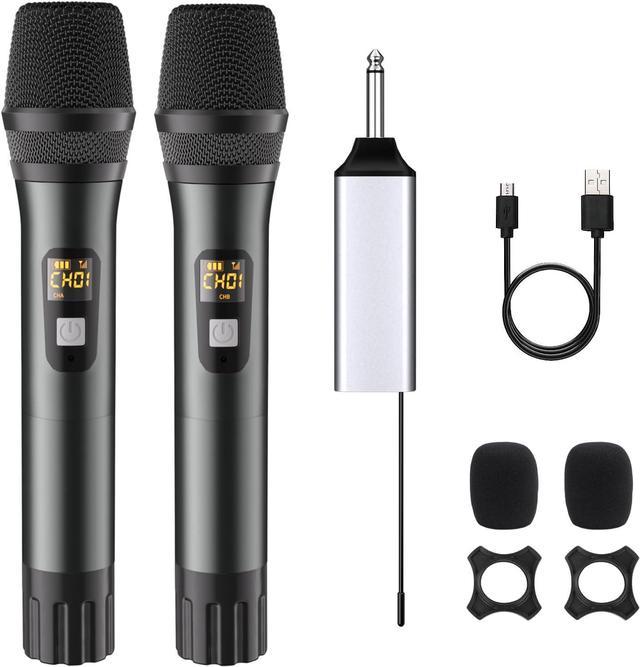
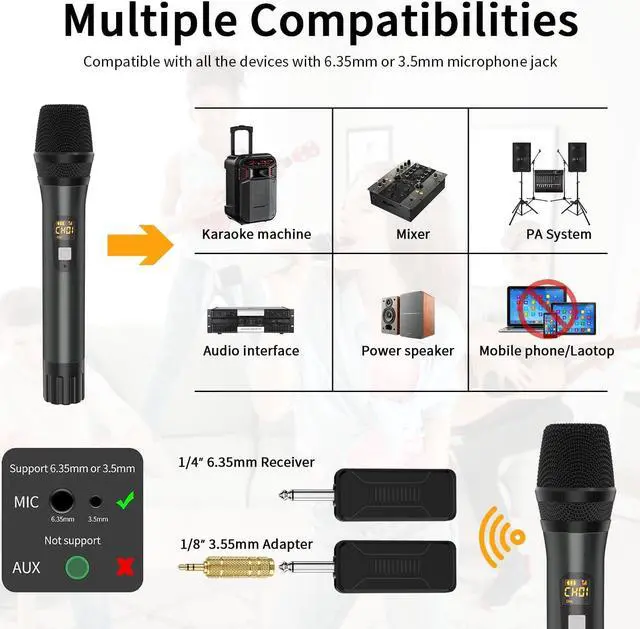
Compatible with Karaoke Machine, Audio Amplifier, Pa System, Mixer, Voice amplifier etc. But does not support Bluetooth, such as phones, computers, tablets.
A better experience springs from every detail

The wireless microphone utilizes the latest connection technology to ensure a stable, fast connection without worrying about delays and interruptions.

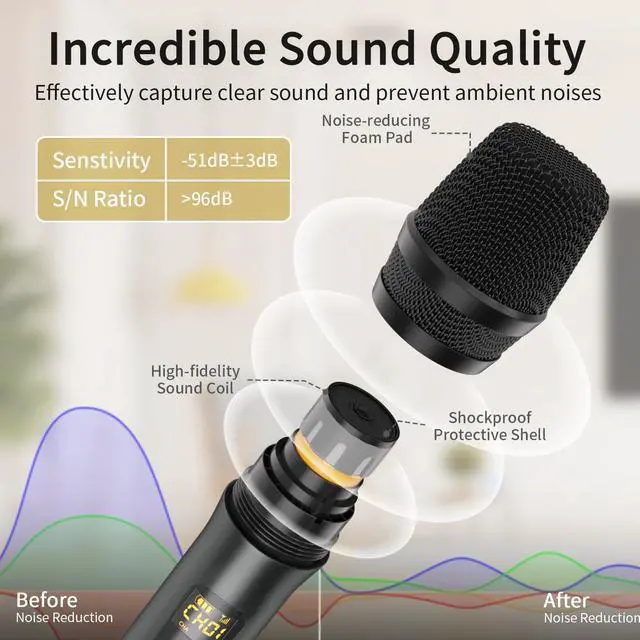
Built-in professional dynamic microphone and noise reduction technology, which picks up clear, pure and full sound, It also reduces annoying background noise and maximizes the sound quality of your voice.

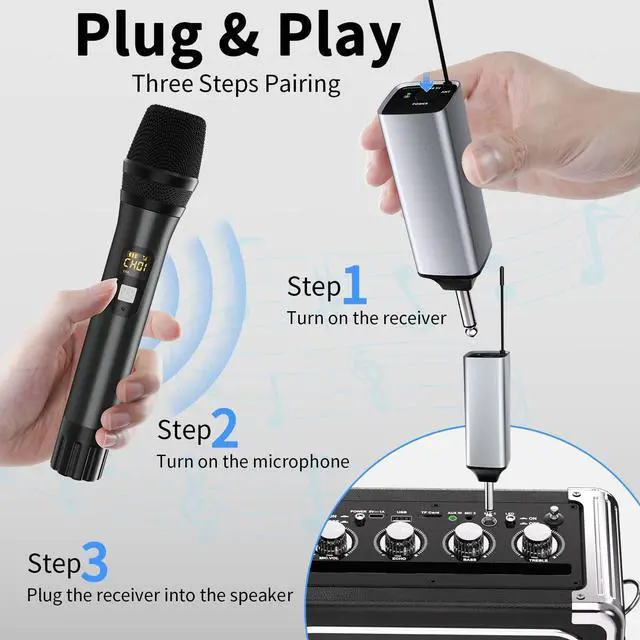
Press and hold the microphone and wireless receiver power buttons until the indicator lights turn on, then the microphone will pair automatically.. Very convenient to use.

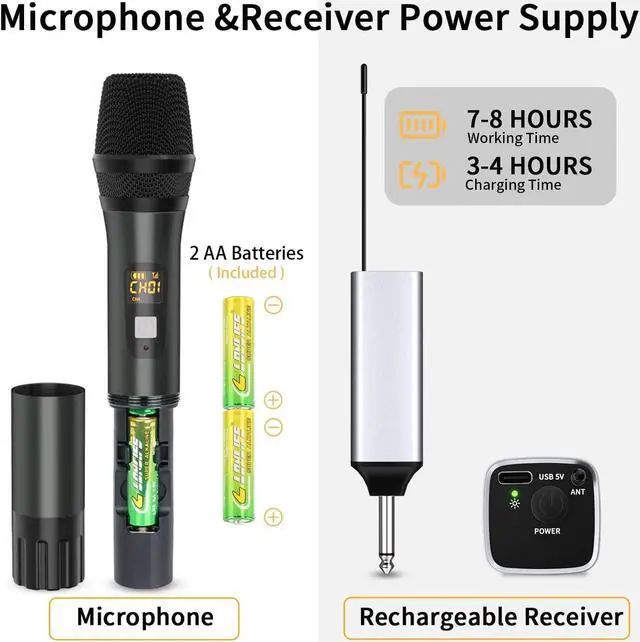
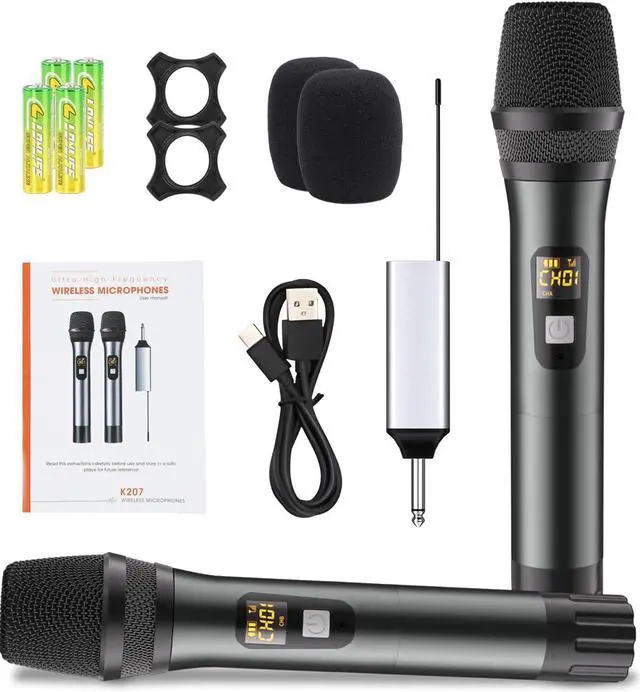
The rechargeable microphone receiver can work for 7-8 hours and takes 3-4 hours for a full charge. Single microphone requires 2 AA alkaline batteries (included).

You can view the connection, connected channels, and remaining power through the LED screen on the microphone.
'CHA' and 'CHB' indicate that the microphones are on different channels, 'CH01' to 'CH08' indicate different frequencies

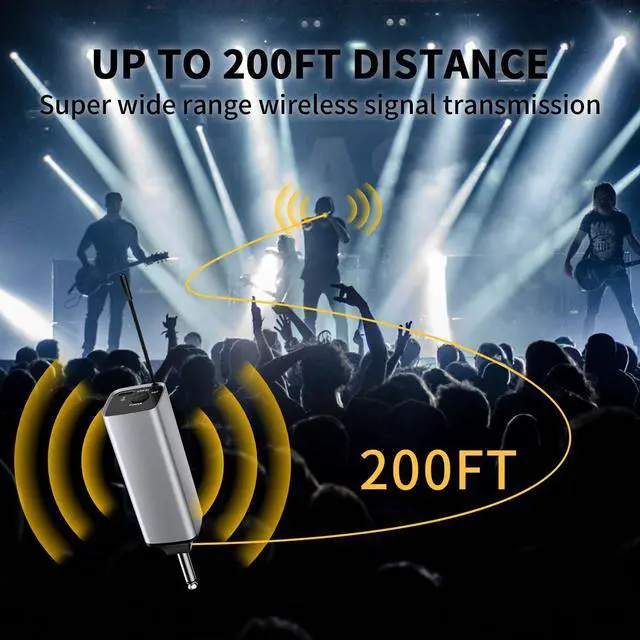
This microphone utilizes UHF connection technology, which provides a longer range, more stable signal, and lower latency than a Bluetooth connection. So the microphone does not support Bluetooth connection devices. Such as phones, computers and tablets.


First, make sure that the microphone battery is charged and the microphone LCD display can be turned on.
Secondly, to check the 2 microphone LCD screen, you need to have the 2 microphones on the 'CHA' and 'CHB' channels.
Adjusting the microphone 'CHA and CHB':
Turn off the microphone and receiver, unscrew the microphone battery cover
Turn on the receiver first then press and hold the microphone power button and channel adjustment button (HILO) until the microphone displays CHA and CHB
Press the power button to adjust the CHA and CHB channels.
Lastly, re-pair the microphone as follows:
Turn off the microphone and receiver and unscrew the microphone battery cover.
Then press and hold the power button and channel adjustment button at the same time until the antenna icon on the LCD screen flashes.Turn on the receiver microphone within 2 seconds. it will be re-paired successfully.


