



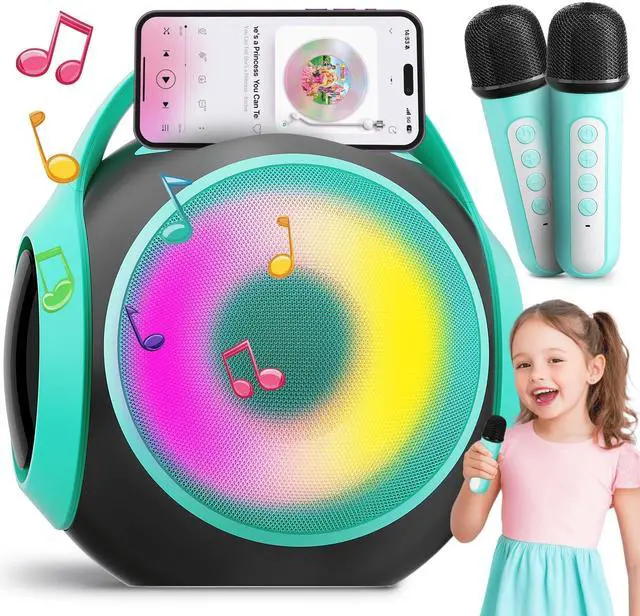
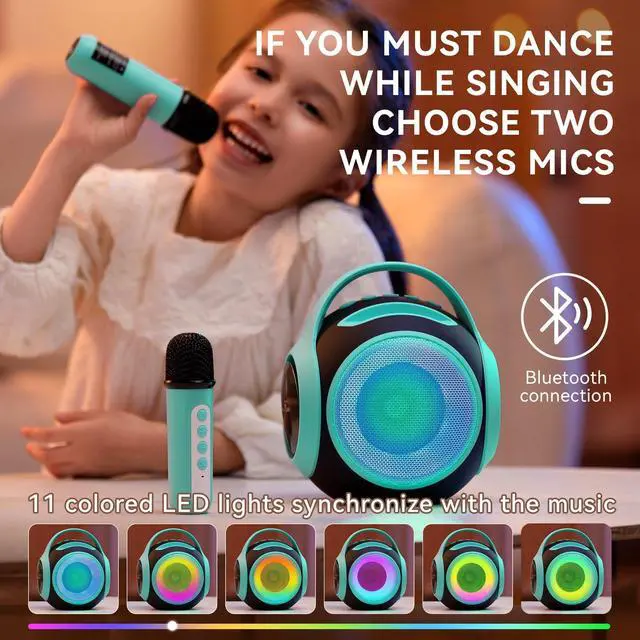


The Extremely Fun Gift, A bright and kids-friendly karaoke machine


After inserting the USB Disk, it cannot be played
First confirm whether the machine is in USB mode; Please confirm whether the music format is MP3/WAV/WM/A/FLAC/APE; Make sure the music files are stored in the root directory, not in a subfolder.
After inserting the Micro-SD Card, it cannot be played
First confirm whether the machine is in Micro SD card mode; Please confirm whether the music format is MP3/WAV/WM/A/FLAC/APE; You can format the SD card and try again. (SD card, inserted into other machines, will affect compatibility)
There is no sound when connecting to the computer
Make sure you have selected the correct computer audio output port
The microphone has no sound
Check for low battery, try to charge the microphone and use it; The speaker and microphone are not connected successfuIly, you can restart them and turn up microphone volume to try again.
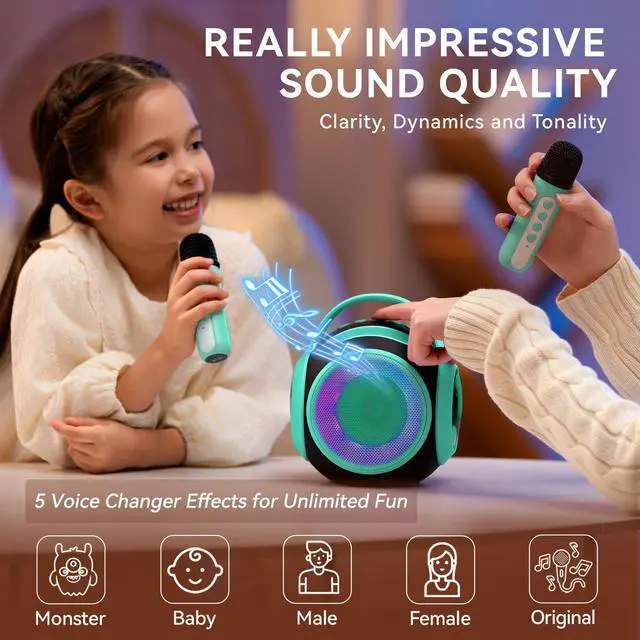
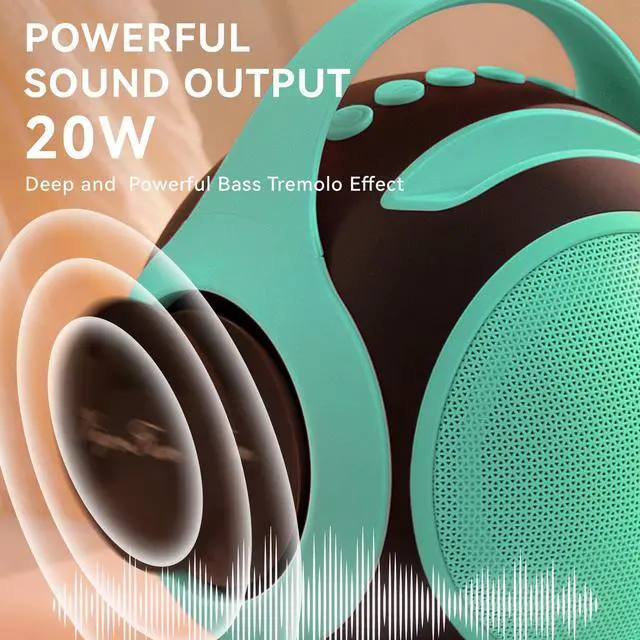
Sound quality is key, it's truly impressive


The Extremely Fun Gift, A bright and kids-friendly karaoke machine
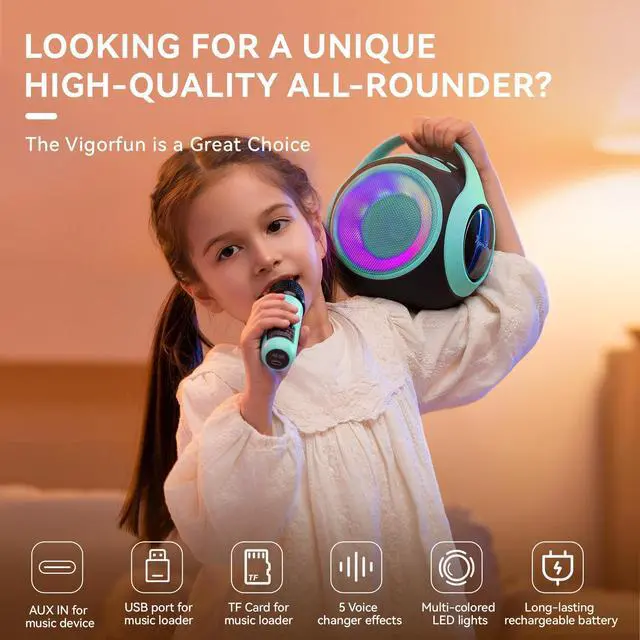
Portable karaoke machine with a unique design


Pleasant, fun, and easy to organize, enjoy with your family


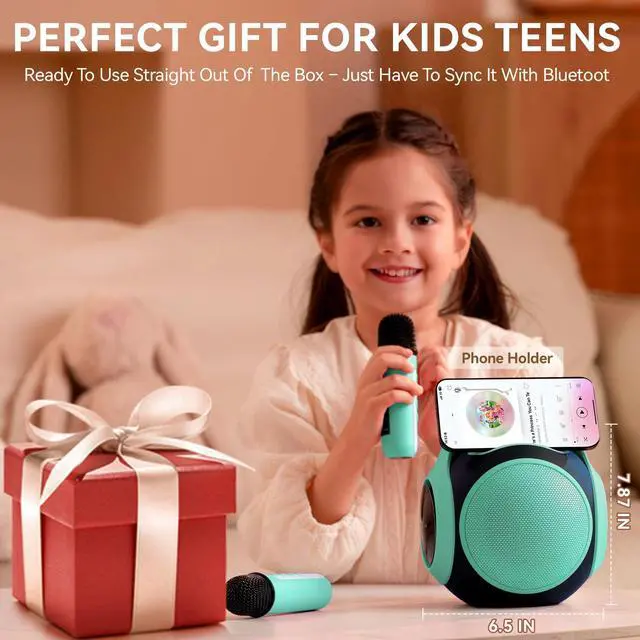
Setup is super quick—just connect your phone or tablet via Bluetooth


| Wireless Standard | 5.3 |
|---|---|
| Transmission Distance | 10 meters |
| Output Power | 20 w |
| Frequency Effect | 20Hz~20KHZ |
| Input Power | 5V=1A |
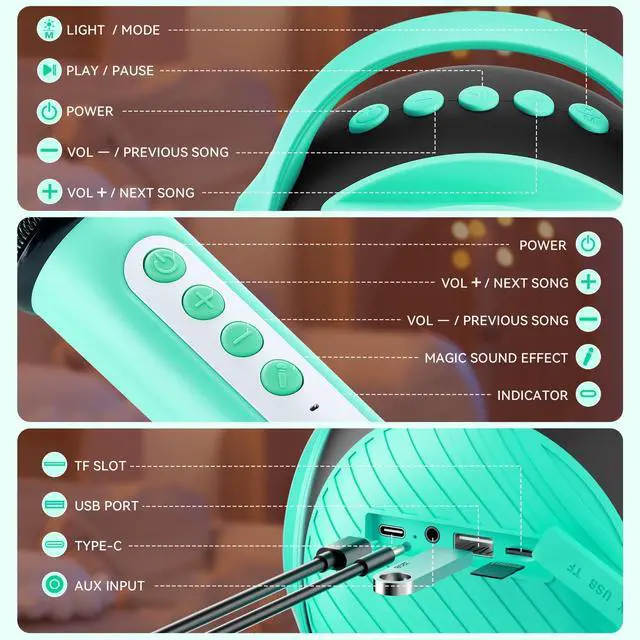
| Support | U disk/Micro-SD card/AUX playback mode |
| Music Format | MP3/WAV/WMA/FLAC/APE |
| Item Dimensions | 7.87 x 6.3 x 6.3 inches |
| Weight | 2.2 lb |
After inserting the USB Disk, it cannot be played
First confirm whether the machine is in USB mode; Please confirm whether the music format is MP3/WAV/WM/A/FLAC/APE; Make sure the music files are stored in the root directory, not in a subfolder.
After inserting the Micro-SD Card, it cannot be played
First confirm whether the machine is in Micro SD card mode; Please confirm whether the music format is MP3/WAV/WM/A/FLAC/APE; You can format the SD card and try again. (SD card, inserted into other machines, will affect compatibility)
There is no sound when connecting to the computer
Make sure you have selected the correct computer audio output port
The microphone has no sound
Check for low battery, try to charge the microphone and use it; The speaker and microphone are not connected successfuIly, you can restart them and turn up microphone volume to try again.