• $143.17
  • Free 30-day Returns
  • Price alert
    Shop it at NeweggBusiness.

    Meet Your Seller

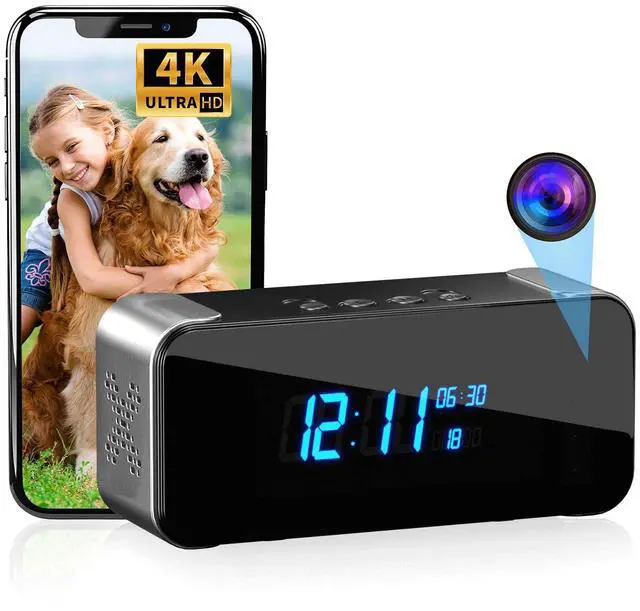
    MEBAO 4K Hidden Camera Alarm Clock, Wireless Nanny Cam with Night Vision | Indoor security camera featuring motion detection, remote live streaming, and WiFi connectivity for complete home monitoring

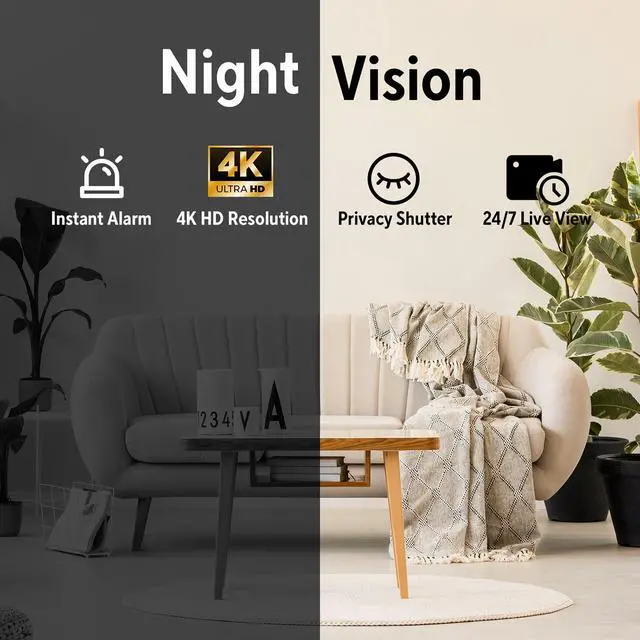
    • Clear 4K Ultra HD Picture Quality:Capture crystal-clear details and vibrant colors. See everything in sharp focus, from facial features to small objects, day or night. Never miss a critical detail ensuring the safety of your family
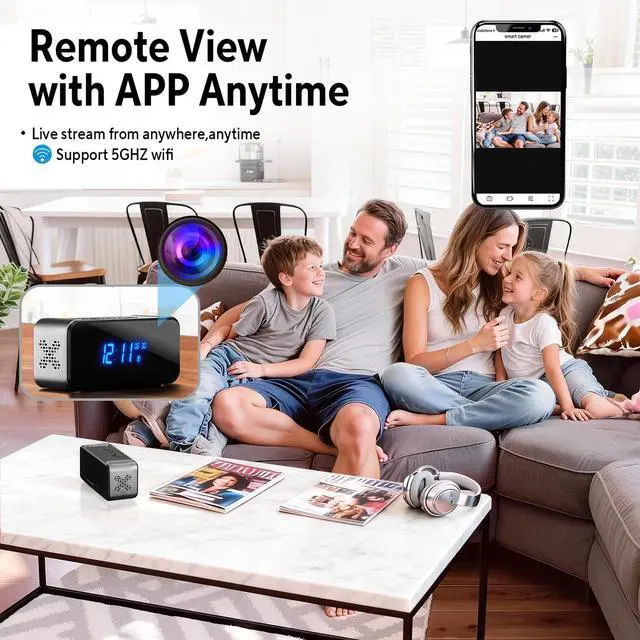
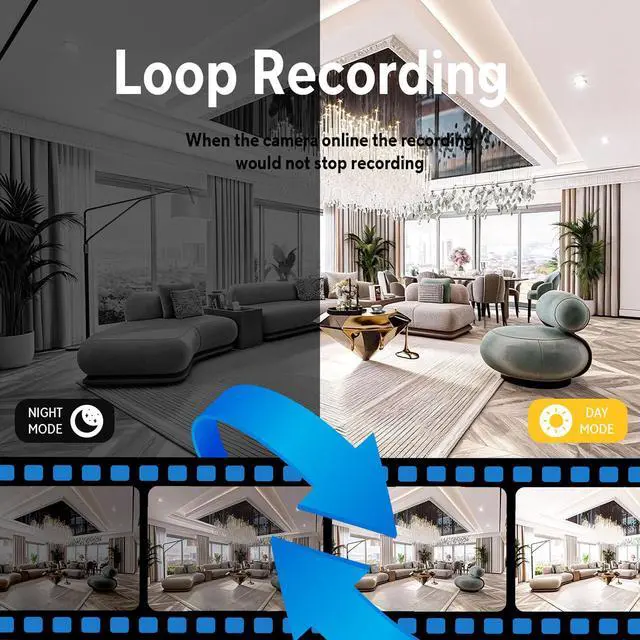
    • Wi-Fi Connected for Real-Time Monitoring & Remote Recording: Compatible with both 2.4G and 5G Wi-Fi for stable connectivity. Our camera devices intelligently selects the optimal signal to ensure smooth, real-time streaming on your mobile devicefree from lag or disconnectionsso you never miss a critical moment
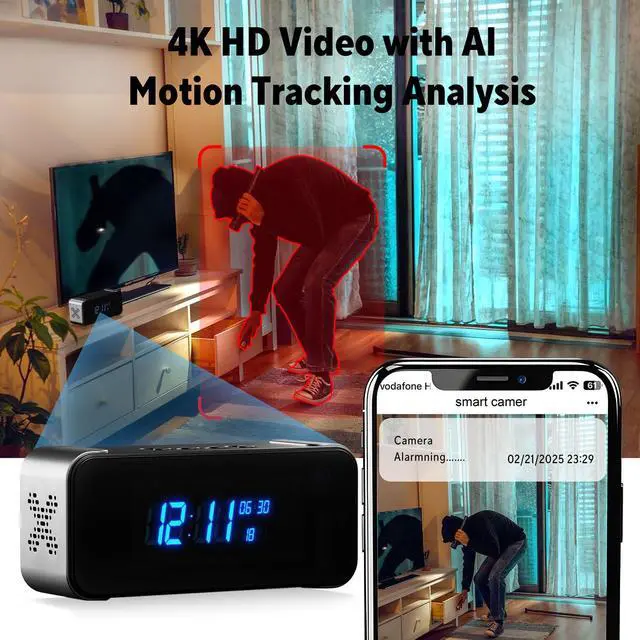
    • Compatible with Tuya APP and Intelligent Alerts, Intelligent Technology Provides Security Protection: just a few minutes! Our intuitive and clear application will guide you through the simple process. Then, intelligent motion detection is used to complete this work, sending instant alerts to your phone so that you can check in and take quick action - without the need for professional technical assistance
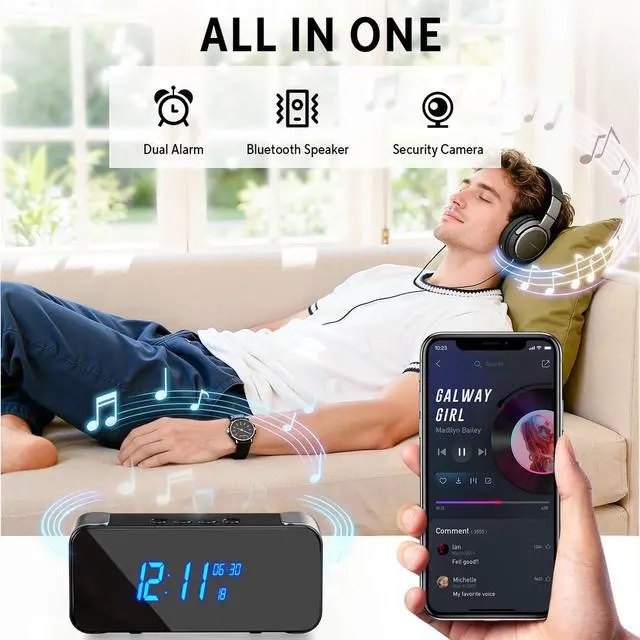
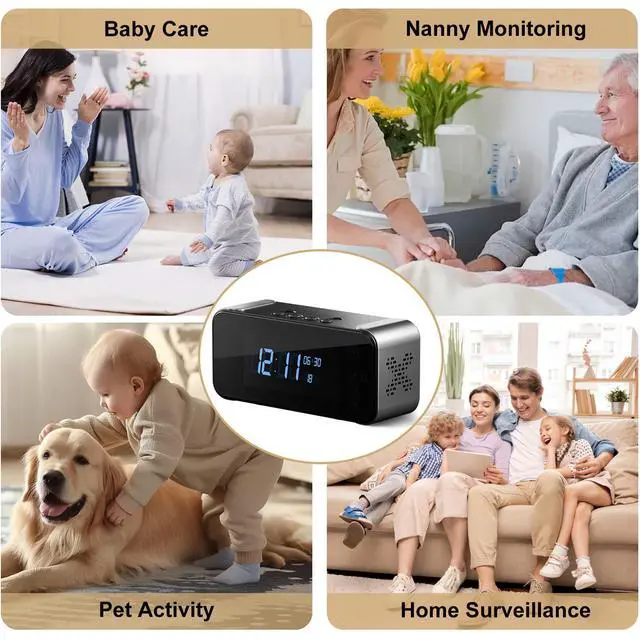
    • All-In-One Design Camera:It combines camera, alarm clock, and a bluetooth speaker into one versatile device. Perfectly adapted for multiple scenarios, delivering not only reliable security but also the home environment data you care about, all while ensuring quiet and seamless protection
    +
    +
    Overview
    Specs
    Reviews

    Any questions? Ask CelesteSM will help you find out quickly.

    Add Device to the APP 1. Turn on the camera and reset the device by pressing the "R" button for about 5 seconds. 2. Turn on the Bluetooth function of your phone. (No need to connect the Bluetooth of the device, just enable the phone's Bluetooth function.) 3. Go back to the APP, click the "+" icon and select "Add device", wait for the device to be found automatically on the page and click connect. 4. Select and confirm the Wi-Fi you want to connect and enter the correct password (5GHz Wi-Fi is supported). 5. Wait for the camera to connect to the router & network.

    Warranty & Returns

    Warranty, Returns, And Additional Information

    Warranty

    • Please contact the Seller directly for warranty information. Warranty information may also be found on the Manufacturer's website.
    • CONTACT

    Return Policies

    Manufacturer Contact Info

    LOADING...