



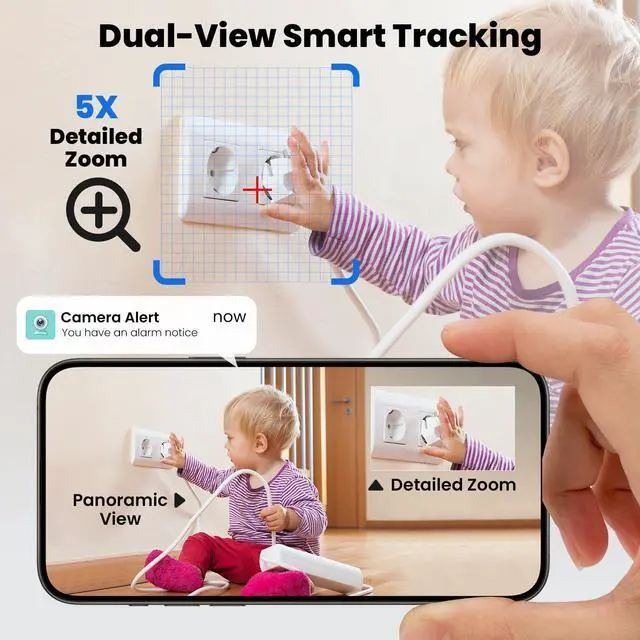
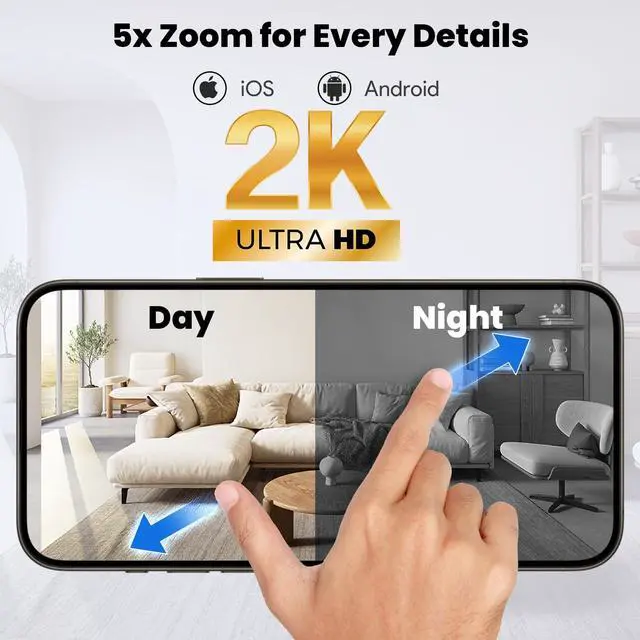


Dual View & 5x Zoom
Merchant Video


How to use offline recording?
Steps:
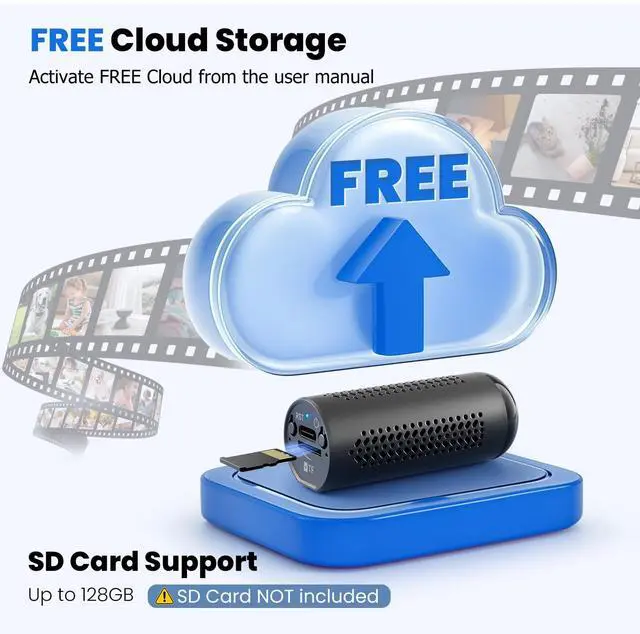
1. Insert the SD card (16-128GB)
2. Turn on the device
3. The blue light flashes quickly, means that it is recording
Note: Offline mode disables real-time viewing, motion detection, and cloud storage. All videos are saved to the SD card
Unable to read video files from SD card
Please use a specific player to read, first recommend VLC player. Please refer to the manual for details.
How do I activate free cloud storage?
Please refer to the instructions in the manual.

Dual View & 5x Zoom
Merchant Video


| APP | ix cam |
|---|---|
| Recording Mode | WiFi Recording/Offline Recording |
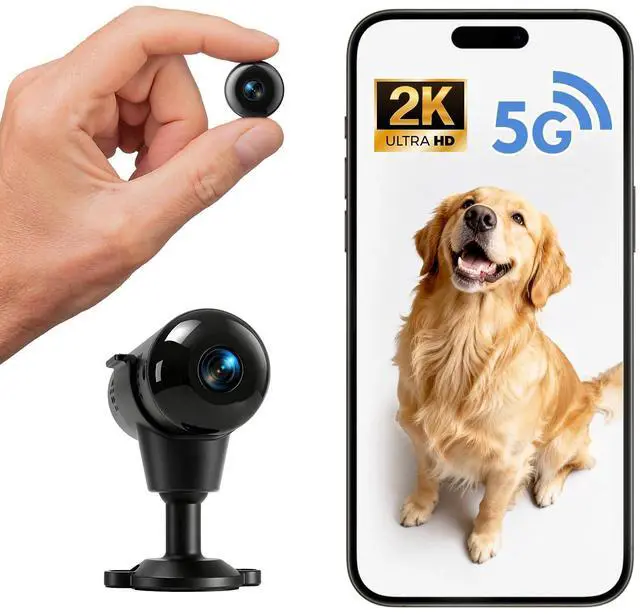
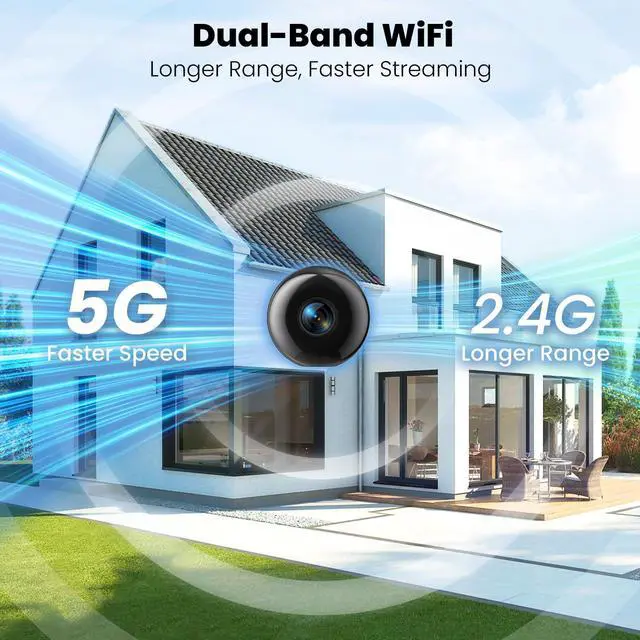
| Wireless Frequency | 2.4GHz / 5GHz Wi-Fi |
| Night Vision | Infrared up to 16 feet |
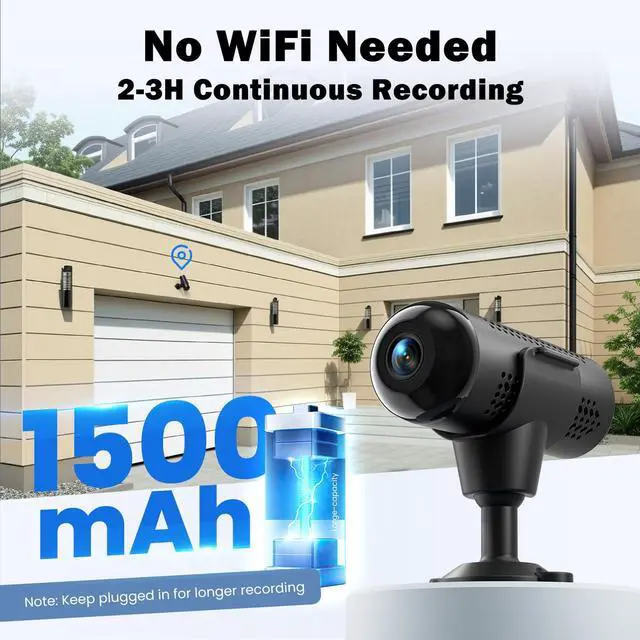
| Battery Life | 2-3 hrs Continuous Recording |
| Storage Type | Micro SD card & Cloud Storage |
| SD Card Support | 16GB – 128GB MicroSD (NOT included) |
| Cloud Storage | Free Cloud Storage (Activation required via manual) |
| Waterproof Rating | Not waterproof |
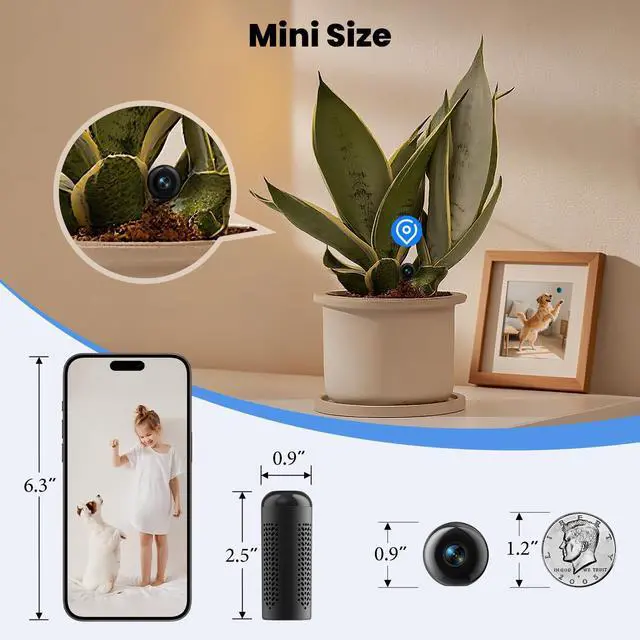
| Dimensions | 1×1×2.5 inch |
| Package Contents | Mini camera, Charging cable, Stand, Mounting kit, User manual |
How to use offline recording?
Steps:
1. Insert the SD card (16-128GB)
2. Turn on the device
3. The blue light flashes quickly, means that it is recording
Note: Offline mode disables real-time viewing, motion detection, and cloud storage. All videos are saved to the SD card
Unable to read video files from SD card
Please use a specific player to read, first recommend VLC player. Please refer to the manual for details.
How do I activate free cloud storage?
Please refer to the instructions in the manual.