




How the solar wall light camera S2 working
Merchant Video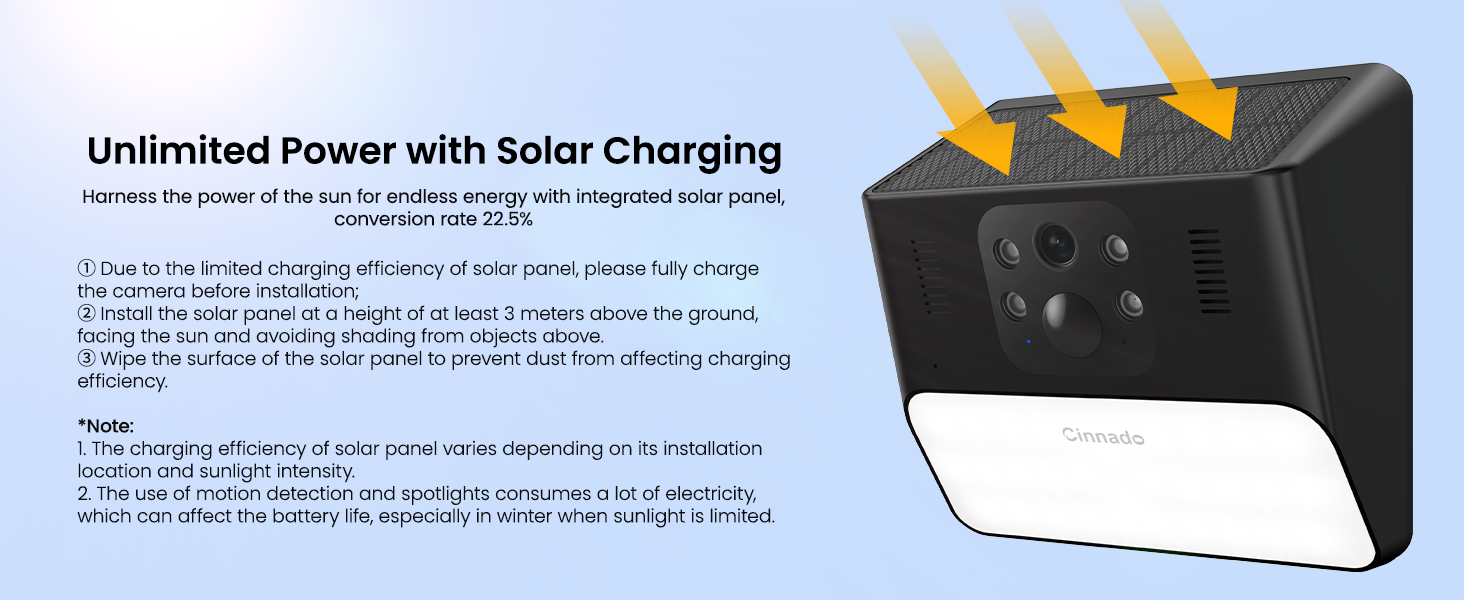
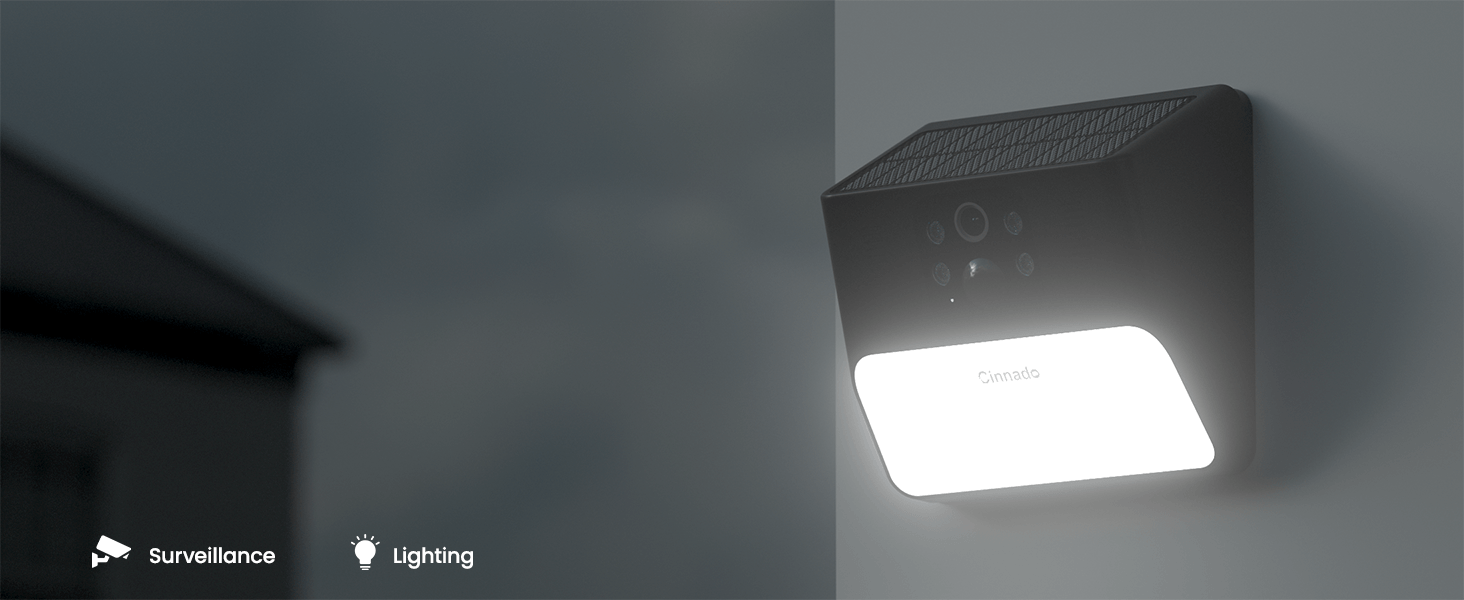
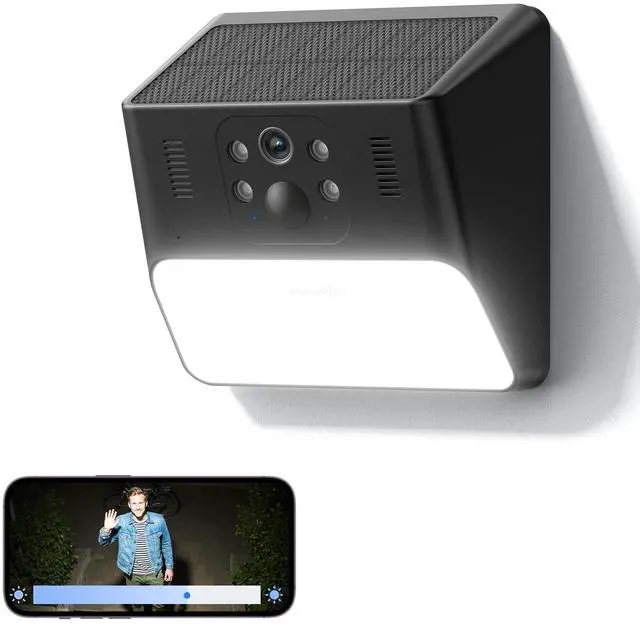
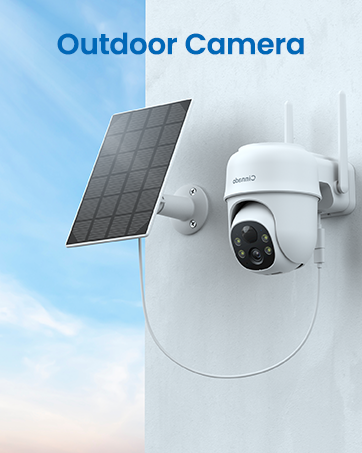
Illuminate and Secure with One Device
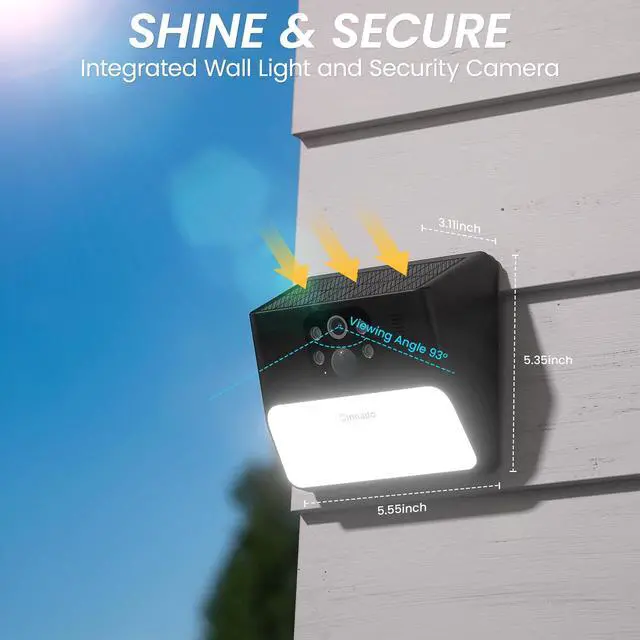
Combines bright wall light and high-definition surveillance for enhanced security and convenience.

See Everything in Stunning 2K Resolution
Capture every detail in ultra-clear 2K HD quality for a sharp and vivid viewing experience.
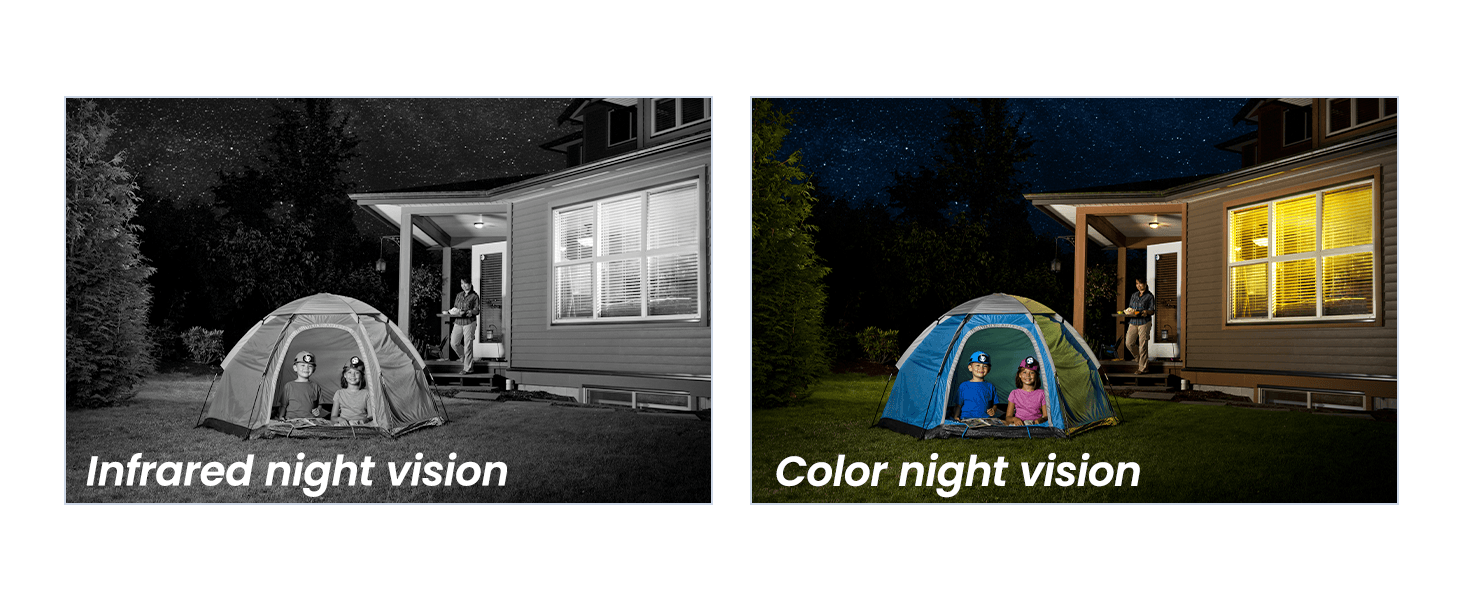
Color Night Vision for Enhanced Clarity
See in full color even in complete darkness, with a night vision range of 30 feet.
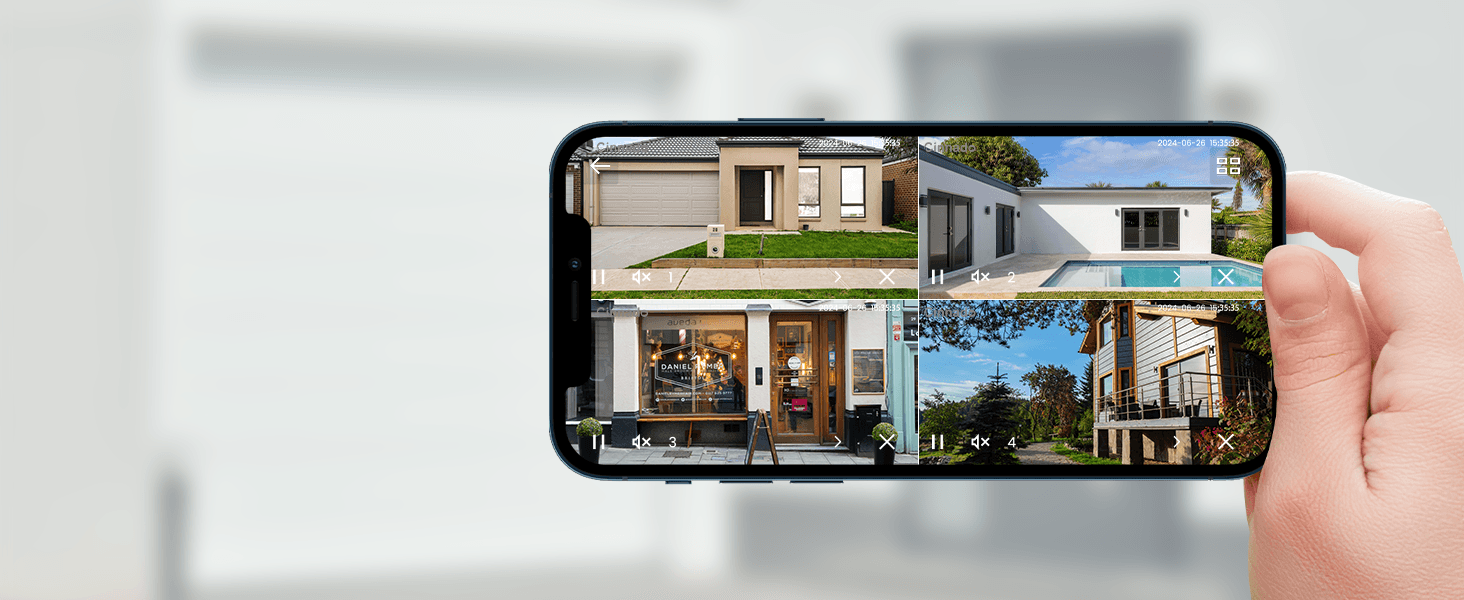
Quad View for Comprehensive Monitoring
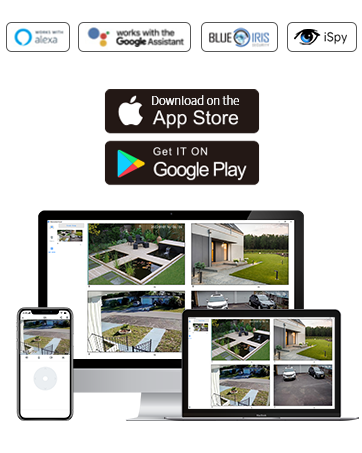
Monitor multiple areas with a four-screen view for complete coverage, supported both on App and PC.
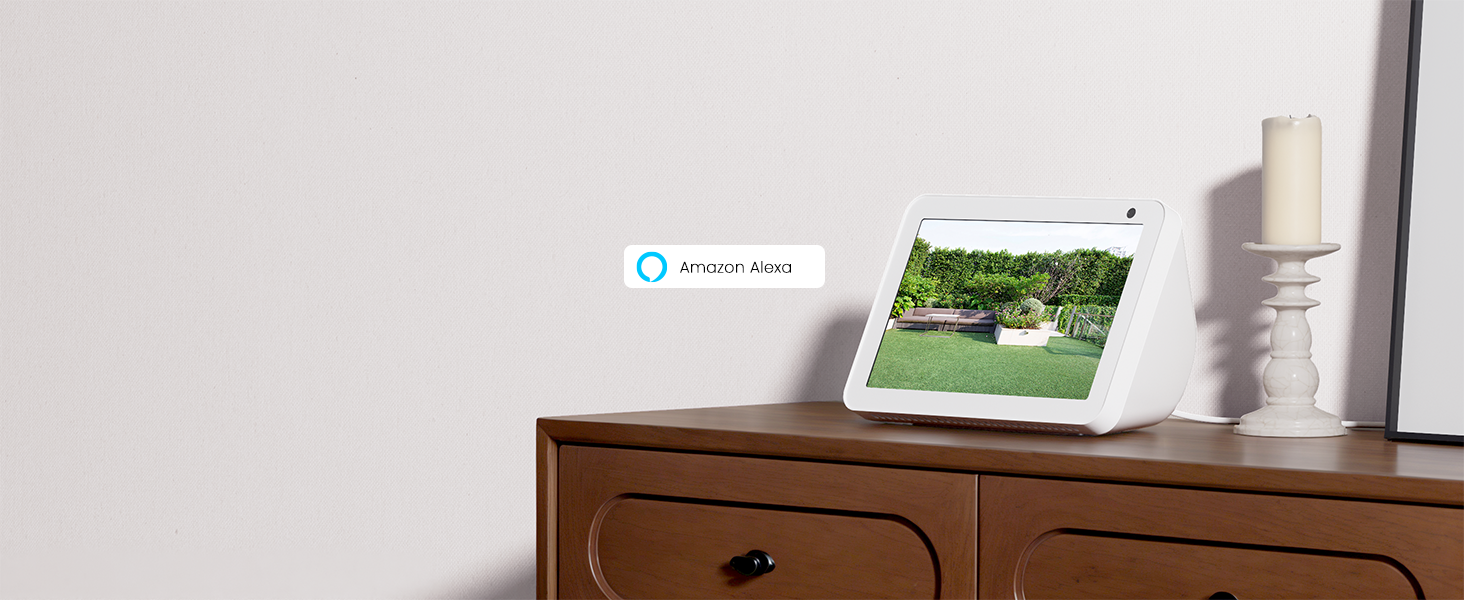
View on Alexa
Integrate with Alexa for voice-activated control.
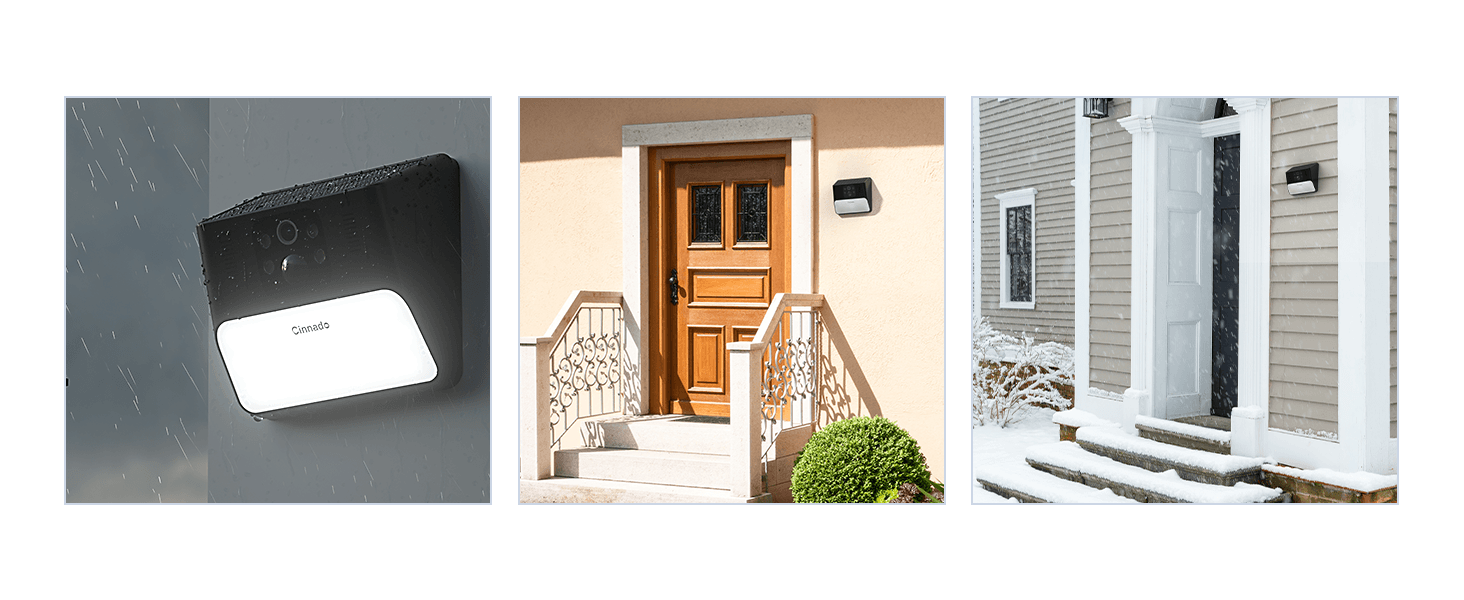
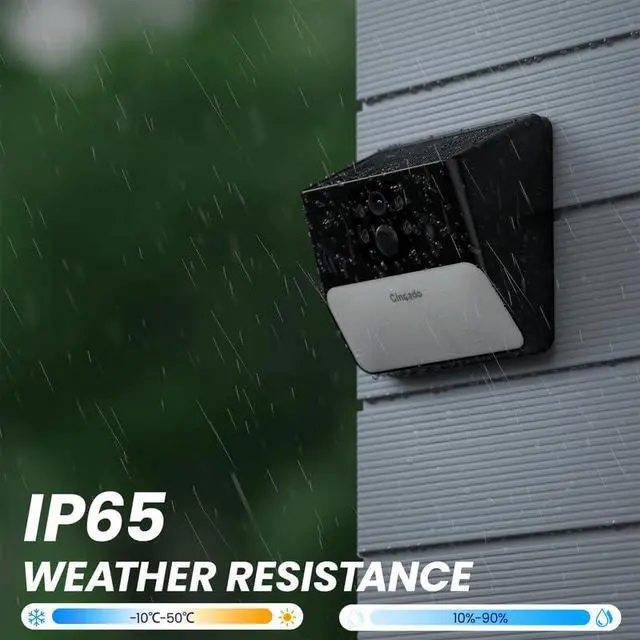
Rugged and Waterproof Design
Dependable in any weather, from heavy rain to snowstorms, thanks to its IP65 waterproof rating.
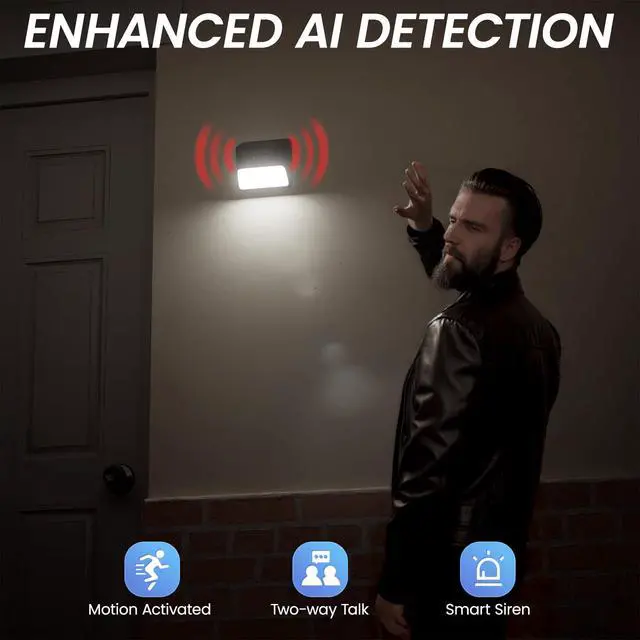
AI Detection and Instant Alert Notification
Stay ahead of security threats with Instant Alert Notifications powered by AI detection. Our cameras for home security send real-time alerts to your smartphone, ensuring you can act quickly. The AI technology in our security cameras wireless outdoor accurately identifies potential threats, reducing false alarms and only notifying you when it matters. Seamlessly integrated with our outdoor camera wireless models, this feature keeps you informed and in control, whether you’re home or away.


Replay and Save Recordings
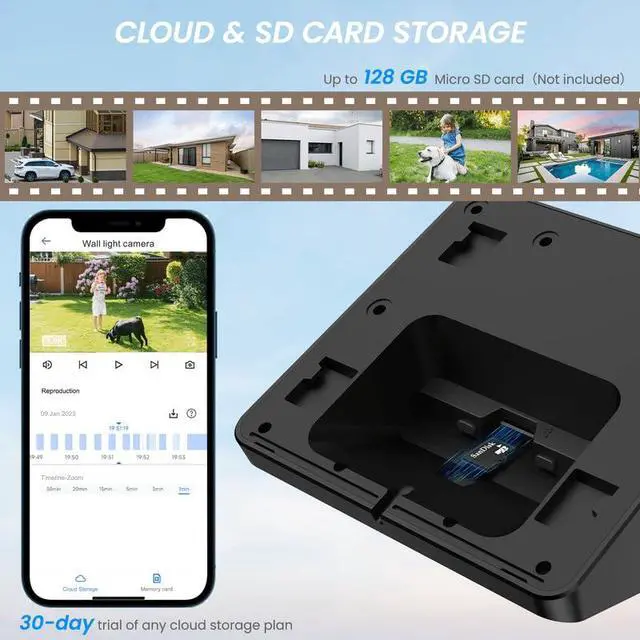
Replay and save recordings with SD card or cloud storage, ensuring easy access to important footage. Whether using our outdoor camera for property monitoring or our outdoor security camera for enhanced safety, replay and download with ease, keeping your recordings secure and accessible.

Camera Sharing and Replay Recordings
Share your solar camera outdoor wireless with family or friends, allowing them to monitor your property and replay important recordings. With this wifi camera feature, they can access live feeds and past footage from anywhere.
What should I do if I don't know if my WiFi is 5G or 2.4G?
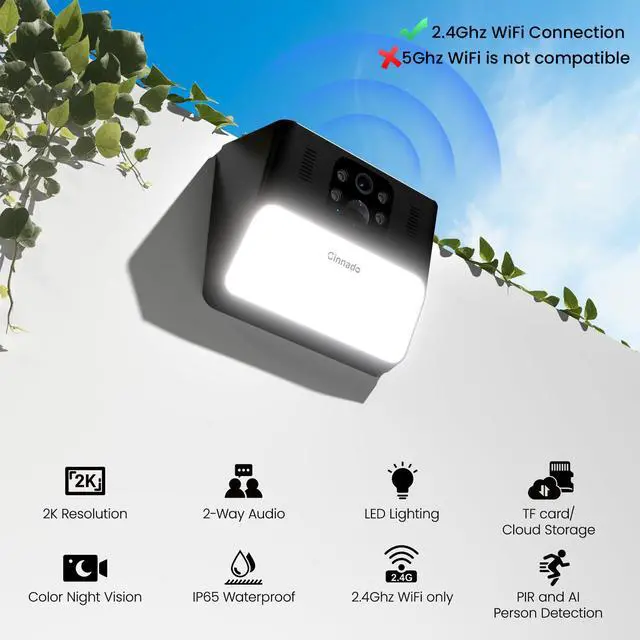
The camera only works with 2.4Ghz WiFi Frequency, different from 5G LTE network. Please check in router settings. Setup: 1)Press the POW button for 10S; 2) Press the Reset button for 10s to enter setup mode; 3) Follow app instructions and connect.
Do you have to subscribe to the cloud to use the app and wireless camera?
No, cloud storage is an optional feature for those who prefer it. If you don’t want to pay extra, we recommend using an SD card for longer recording times. The cameras for home security supports up to a 128GB micro SD card.
What should I notice during connecting?
1. 2.4GHz WiFi only; 5GHz is not supported.
2. Put the camera in an area with a strong WiFi signal.
3. Ensure the light flashes red and blue before scanning the code.
4. Check that the password is correct and contains no spaces.
Why does my camera's light not turn on when it detects motion?
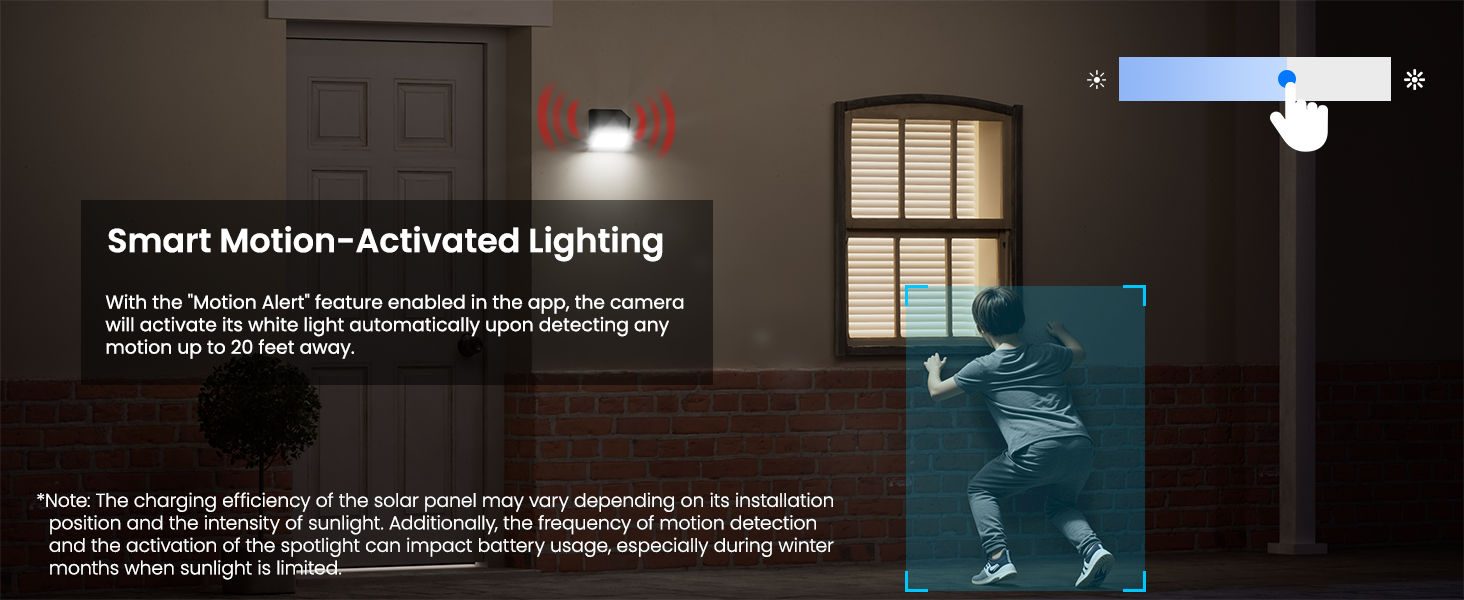
Intelligent Light: Default mode-switches to color when motion is detected at night (if battery>20%).
All Off Mode-Recommended for well-lit areas where night vision is not needed.
What can I do if my camera won’t hold a charge or the battery drains quickly?
To improve battery life, adjust the sensitivity to reduce false alarms and enable power-saving mode. Place the camera in ample sunlight and keep the solar panel clean and unobstructed for consistent charging.
Cinnado Indoor & Outdoor Cameras
 Solar Wall Light camera |  Solar 360 camera 2 pack |  Solar 360 camera 4 pack |  3K Indoor camera 1pack |  2K Indoor camera 1pack |  2K Indoor camera 2pack |  2K Indoor camera 4pack | |
|---|---|---|---|---|---|---|---|
Customer Reviews | — | — | — | — | — | — | — |
Price | — | — | — | — | — | — | — |
WiFi Connection | 2.4Ghz WiFi | 2.4Ghz WiFi | 2.4Ghz WiFi | 2.4Ghz & 5Ghz WiFi | 2.4Ghz WiFi | 2.4Ghz WiFi | 2.4Ghz WiFi |
Video Quality | 2K 3MP | 2K 3MP | 2K 3MP | 3K 5MP | 2K 3MP | 2K 3MP | 2K 3MP |
Power Source | Solar Powered, Battery powered | Solar Powered, Battery powered | Solar Powered, Battery powered | Corded Electric | Corded Electric | Corded Electric | Corded Electric |
Indoor outdoor usage | Outdoor | Outdoor | Outdoor | Indoor | Indoor | Indoor | Indoor |
Connectivity Protocol | WiFi | WiFi | WiFi | WiFi | WiFi | WiFi | WiFi |
Viewing Angle | 93 Degree | 345 Degrees | 345 Degrees | 320 Degrees | 320 Degrees | 320 Degrees | 320 Degrees |
Compatible with Alexa | ? | ? | ? | ? | ? | ? | ? |
2 Way Audio | ? | ? | ? | ? | ? | ? | ? |
Intelligent tracking | ? | ? | ? | ? | ? | ? | ? |

Cinnado
Smart Surveillance, Reliable Defense

Cinnado provides high-value security surveillance products. Our core mission is to ensure your safety and security.
We are committed to delivering top-notch products and services that protect your home and loved ones. Our team of experts is always ready to provide professional guidance and support to help you choose the right security system for your specific requirements.
With Cinnado, you can trust that your safety is our top priority.
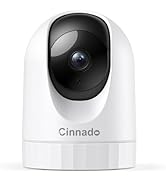
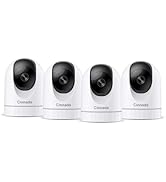
Cinnado 2K Security Cameras
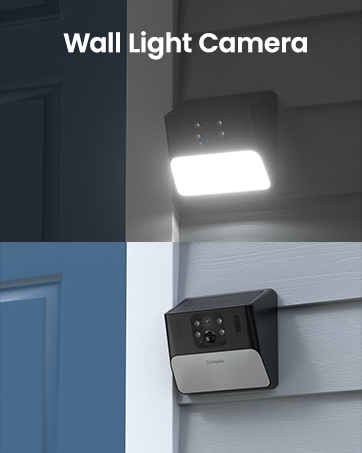
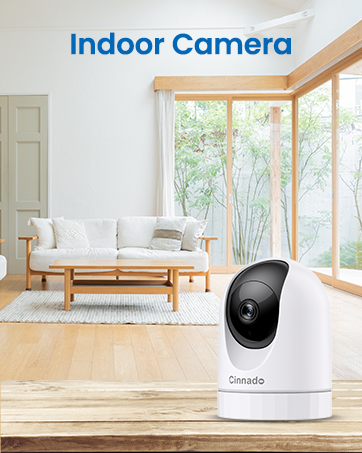

How the solar wall light camera S2 working
Merchant VideoIlluminate and Secure with One Device
Combines bright wall light and high-definition surveillance for enhanced security and convenience.
See Everything in Stunning 2K Resolution
Capture every detail in ultra-clear 2K HD quality for a sharp and vivid viewing experience.
Color Night Vision for Enhanced Clarity
See in full color even in complete darkness, with a night vision range of 30 feet.


Quad View for Comprehensive Monitoring
Monitor multiple areas with a four-screen view for complete coverage, supported both on App and PC.
View on Alexa
Integrate with Alexa for voice-activated control.
Rugged and Waterproof Design
Dependable in any weather, from heavy rain to snowstorms, thanks to its IP65 waterproof rating.


AI Detection and Instant Alert Notification
Stay ahead of security threats with Instant Alert Notifications powered by AI detection. Our cameras for home security send real-time alerts to your smartphone, ensuring you can act quickly. The AI technology in our security cameras wireless outdoor accurately identifies potential threats, reducing false alarms and only notifying you when it matters. Seamlessly integrated with our outdoor camera wireless models, this feature keeps you informed and in control, whether you’re home or away.
Replay and Save Recordings
Replay and save recordings with SD card or cloud storage, ensuring easy access to important footage. Whether using our outdoor camera for property monitoring or our outdoor security camera for enhanced safety, replay and download with ease, keeping your recordings secure and accessible.
Camera Sharing and Replay Recordings
Share your solar camera outdoor wireless with family or friends, allowing them to monitor your property and replay important recordings. With this wifi camera feature, they can access live feeds and past footage from anywhere.
What should I do if I don't know if my WiFi is 5G or 2.4G?
The camera only works with 2.4Ghz WiFi Frequency, different from 5G LTE network. Please check in router settings. Setup: 1)Press the POW button for 10S; 2) Press the Reset button for 10s to enter setup mode; 3) Follow app instructions and connect.
Do you have to subscribe to the cloud to use the app and wireless camera?
No, cloud storage is an optional feature for those who prefer it. If you don’t want to pay extra, we recommend using an SD card for longer recording times. The cameras for home security supports up to a 128GB micro SD card.
What should I notice during connecting?
1. 2.4GHz WiFi only; 5GHz is not supported.
2. Put the camera in an area with a strong WiFi signal.
3. Ensure the light flashes red and blue before scanning the code.
4. Check that the password is correct and contains no spaces.
Why does my camera's light not turn on when it detects motion?
Intelligent Light: Default mode-switches to color when motion is detected at night (if battery>20%).
All Off Mode-Recommended for well-lit areas where night vision is not needed.
What can I do if my camera won’t hold a charge or the battery drains quickly?
To improve battery life, adjust the sensitivity to reduce false alarms and enable power-saving mode. Place the camera in ample sunlight and keep the solar panel clean and unobstructed for consistent charging.
Cinnado Indoor & Outdoor Cameras
Solar Wall Light camera | Solar 360 camera 2 pack | Solar 360 camera 4 pack | 3K Indoor camera 1pack | 2K Indoor camera 1pack | 2K Indoor camera 2pack | 2K Indoor camera 4pack |
|---|---|---|---|---|---|---|
| Customer Reviews | ||||||
| — | — | — | — | — | — | — |
| Price | ||||||
| — | — | — | — | — | — | — |
| WiFi Connection | ||||||
| 2.4Ghz WiFi | 2.4Ghz WiFi | 2.4Ghz WiFi | 2.4Ghz & 5Ghz WiFi | 2.4Ghz WiFi | 2.4Ghz WiFi | 2.4Ghz WiFi |
| Video Quality | ||||||
| 2K 3MP | 2K 3MP | 2K 3MP | 3K 5MP | 2K 3MP | 2K 3MP | 2K 3MP |
| Power Source | ||||||
| Solar Powered, Battery powered | Solar Powered, Battery powered | Solar Powered, Battery powered | Corded Electric | Corded Electric | Corded Electric | Corded Electric |
| Indoor outdoor usage | ||||||
| Outdoor | Outdoor | Outdoor | Indoor | Indoor | Indoor | Indoor |
| Connectivity Protocol | ||||||
| WiFi | WiFi | WiFi | WiFi | WiFi | WiFi | WiFi |
| Viewing Angle | ||||||
| 93 Degree | 345 Degrees | 345 Degrees | 320 Degrees | 320 Degrees | 320 Degrees | 320 Degrees |
| Compatible with Alexa | ||||||
| ? | ? | ? | ? | ? | ? | ? |
| 2 Way Audio | ||||||
| ? | ? | ? | ? | ? | ? | ? |
| Intelligent tracking | ||||||
| ? | ? | ? | ? | ? | ? | ? |
Cinnado
Smart Surveillance, Reliable Defense
Cinnado provides high-value security surveillance products. Our core mission is to ensure your safety and security.
We are committed to delivering top-notch products and services that protect your home and loved ones. Our team of experts is always ready to provide professional guidance and support to help you choose the right security system for your specific requirements.
With Cinnado, you can trust that your safety is our top priority.
Cinnado 2K Security Cameras