








Easy to install
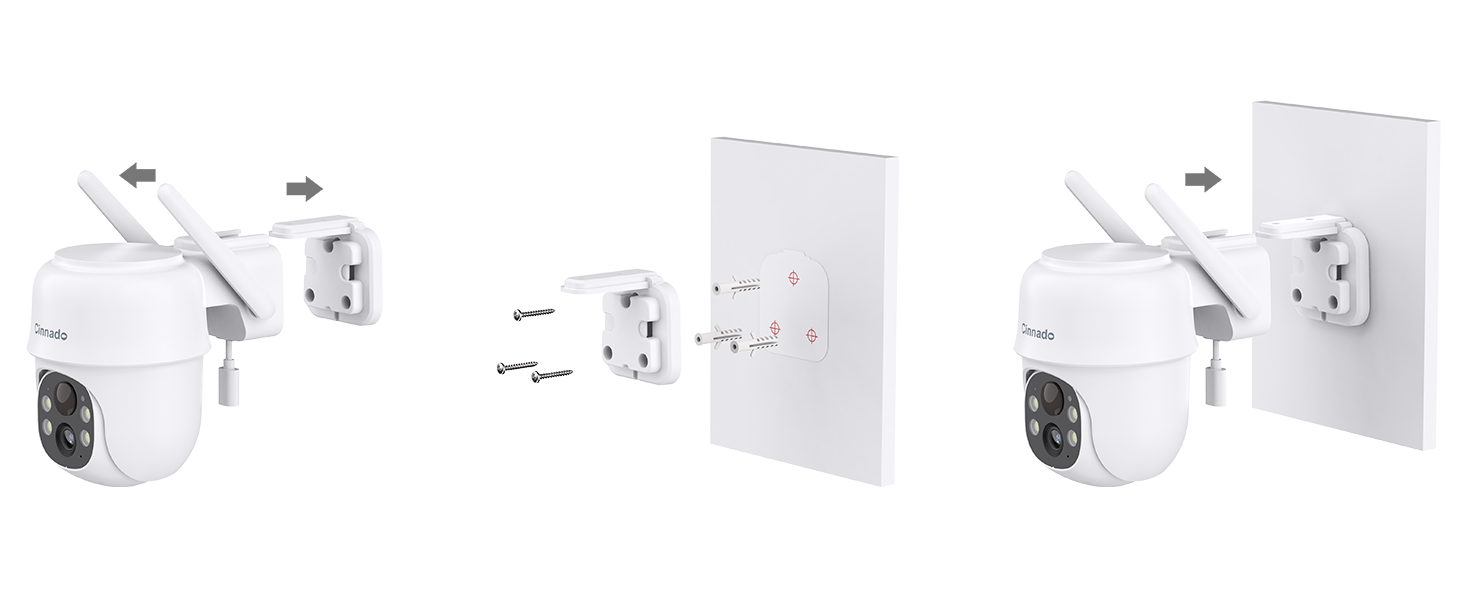
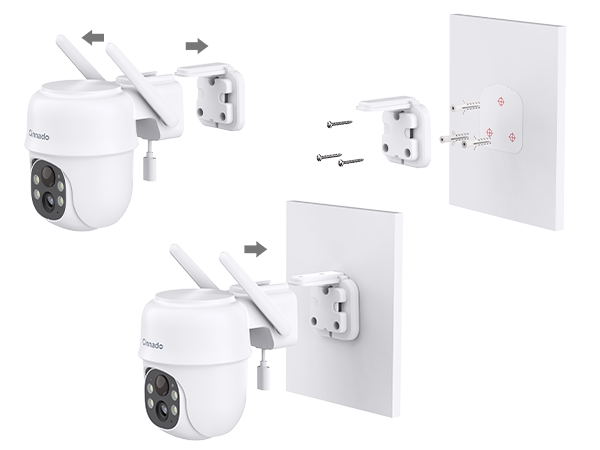
Remove the mounting bracket from the camera. Use the provided hole positioning stickers to mark and drill holes in the wall, secure the base with screws, and plug in the camera to complete the setup. Do not drill into the camera itself.
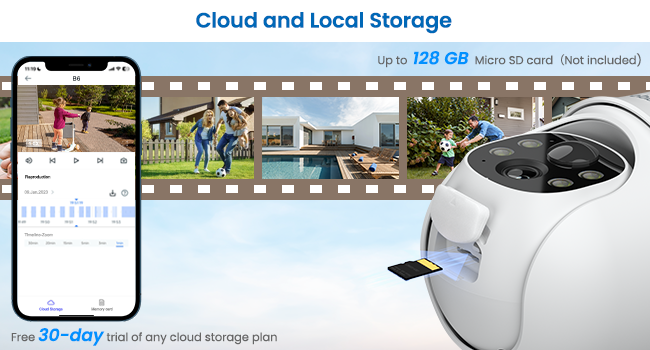
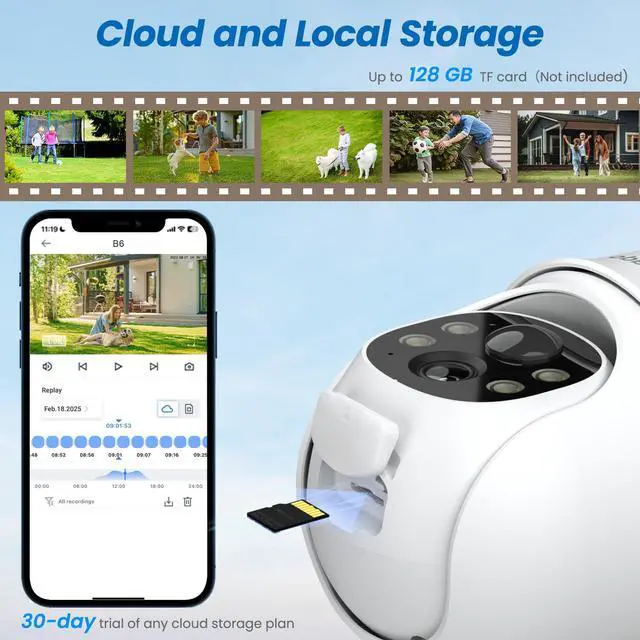
SD Card Storage and Cloud Storage
These security cameras wireless outdoor support both SD card and cloud storage for your video footage. New users enjoy 30-days cloud storage trial. You don't have to subscribe to the cloud service to use the camera. The wifi camera accommodates up to 128GB of storage in both FAT32 and exFAT formats.

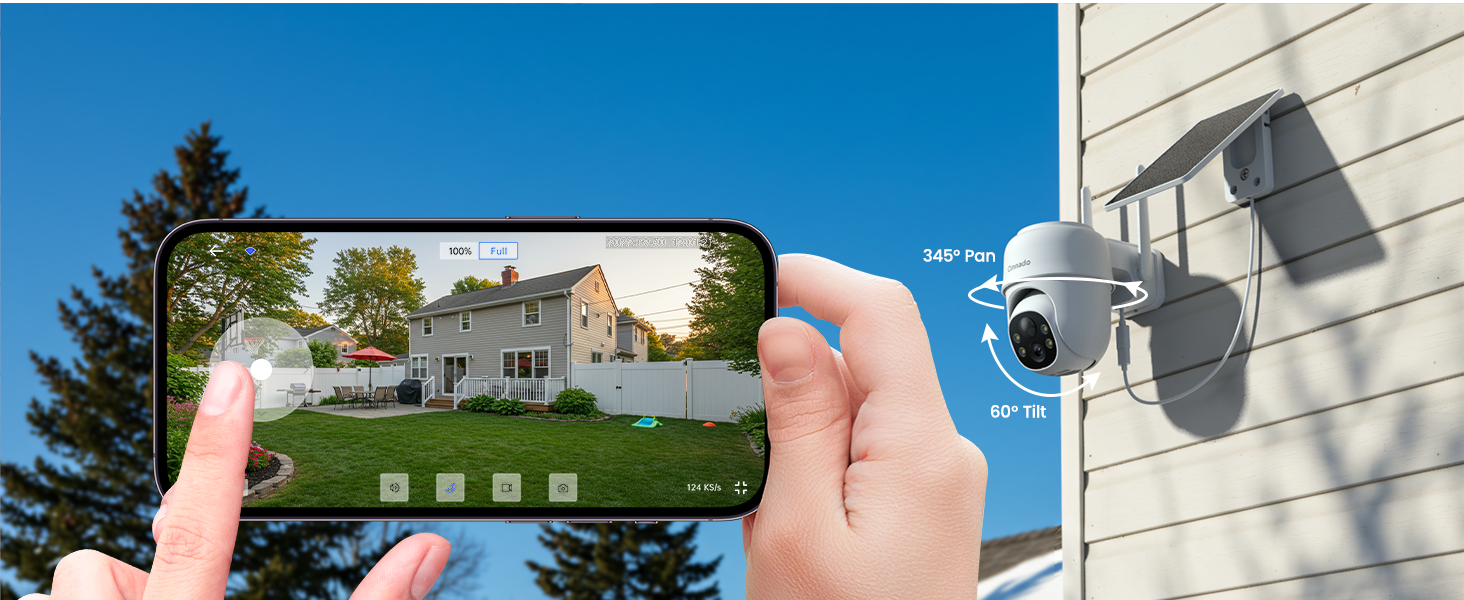
Share Your Camera with the Loved Ones
Our security camera lets you share access with family and friends, no matter where they are on the globe. Stay connected and grant instant access to loved ones, even if they're on the other side of the Earth.Share the security with ease!
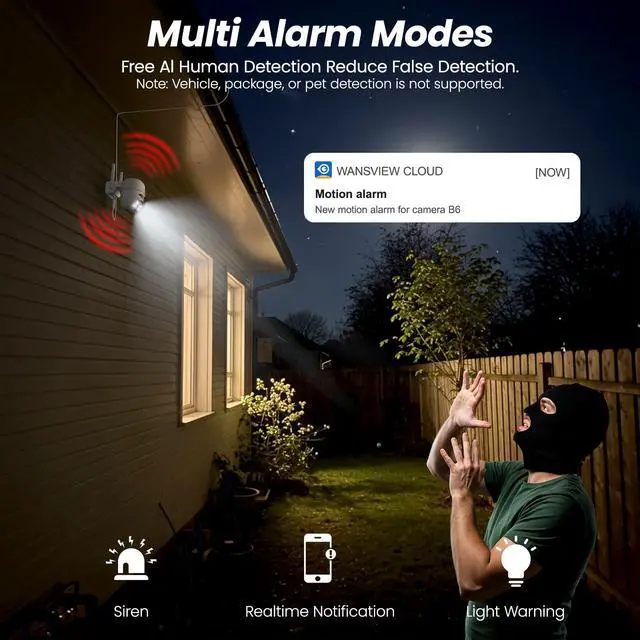
Multiple Alarms: scare away the unwanted guests
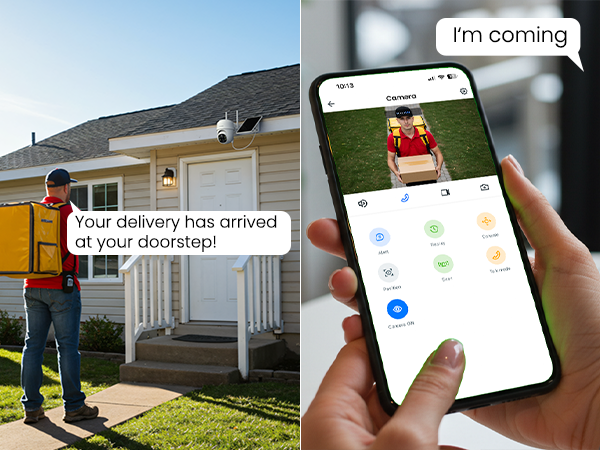
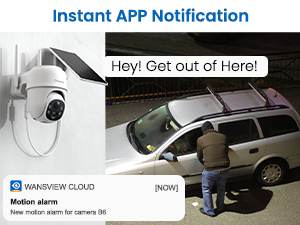 Instant APP Notification | 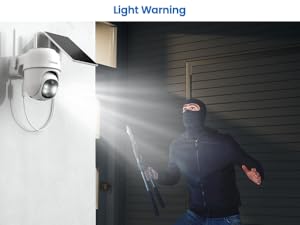 Light Warning | 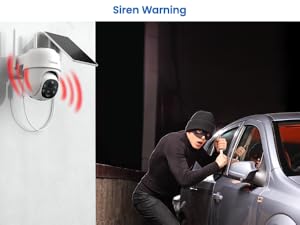 Siren Warning |
|---|---|---|
Instant App Notification You will receive instant app notification when there is a motion detected. | Light Warning The wifi camera will activate bright light warnings when it detects motion. | Siren Warning The outdor camera wireless will go off the siren when triggered by motion. |
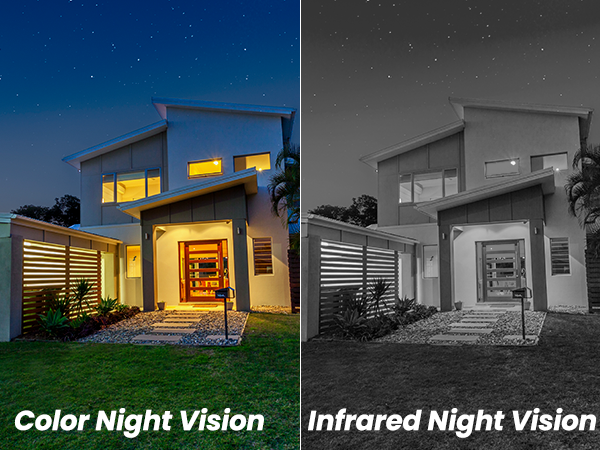
Motion Alert Please turn on the motion alert function first to get notification. | Diverse Night Vision Modes If you don't need the light turns on often, you can manually turn the light on. | Turn Siren Off You can turn off trigger by motion and manually go off the siren. |
What type of Wi-Fi network is required for setup?
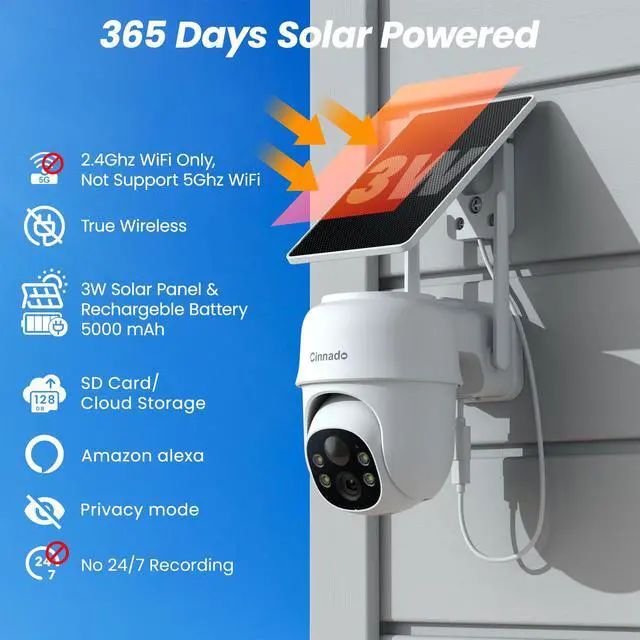
This camera requires a 2.4GHz Wi-Fi band to connect. It is not compatible with 5GHz-only networks. Please ensure your router broadcasts a 2.4GHz signal (often found in your router's wireless settings under a dual-band network name or a separate SSID)
Why won't the spotlight or white lights stay on all night?
To conserve battery, the spotlight is an intelligent motion-activated light. It automatically turns off when idle to save energy, and instantly activates when motion is detected or you use Live View in the app.
Can this camera record video 24/7 continuously?
No. As a solar/battery-powered camera, it is designed to record short, event-triggered video clips when motion is detected to maximize battery life. It does not support 24/7 continuous recording. It allows for months of operation between charges.
Is a monthly subscription required to use the camera?
All core features are free. You can playback recordings by enabling Motion Alert feature without needing an SD card or subscription. If the app prompts need subscription to replay longer video, inserting a micro SD card(not included) is applicable.
How can I troubleshoot if the camera won't connect to Wi-Fi?
Ensure your phone is on a 2.4GHz Wi-Fi band. Move the camera closer to the router and verify your password. For dual-band routers, temporarily disabling the 5GHz band in your router's settings can simplify the process.

Cinnado
Smart Surveillance, Reliable Defense

Cinnado provides high-value security surveillance products. Our core mission is to ensure your safety and security.
We are committed to delivering top-notch products and services that protect your home and loved ones. Our team of experts is always ready to provide professional guidance and support to help you choose the right security system for your specific requirements.
With Cinnado, you can trust that your safety is our top priority.
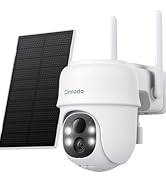
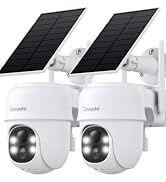
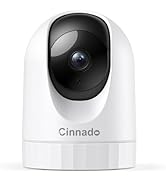
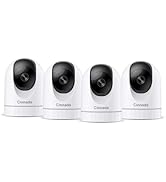
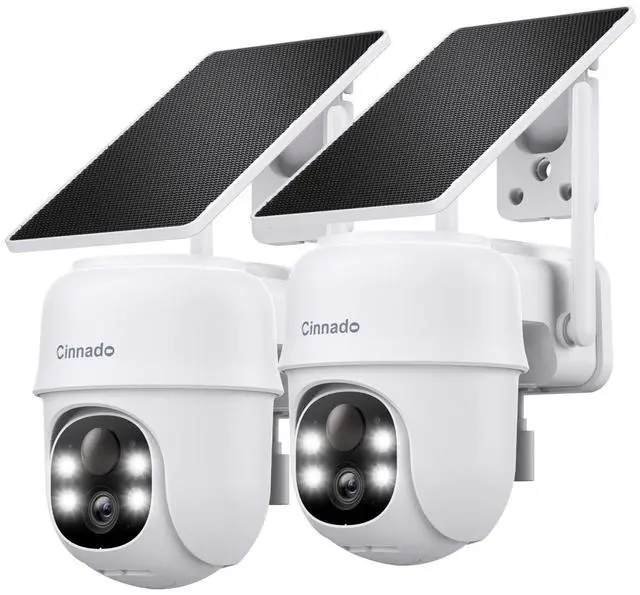
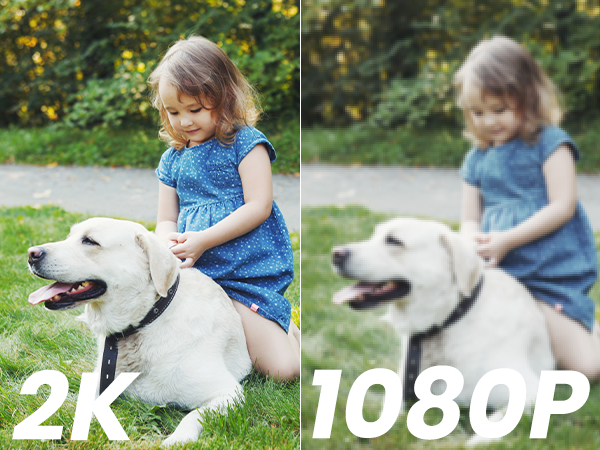
Cinnado 2K Security Cameras
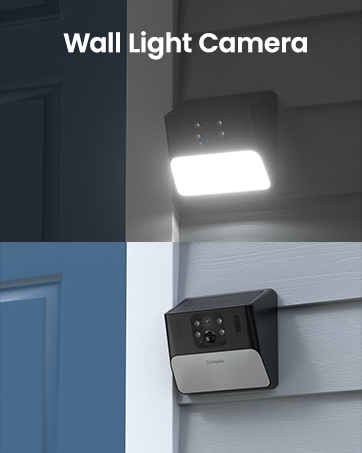
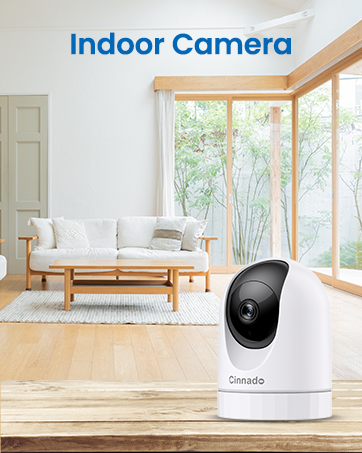
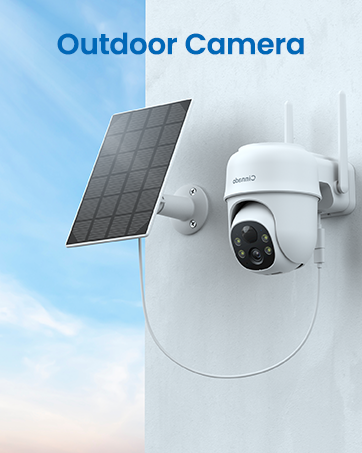

Easy to install
Remove the mounting bracket from the camera. Use the provided hole positioning stickers to mark and drill holes in the wall, secure the base with screws, and plug in the camera to complete the setup. Do not drill into the camera itself.
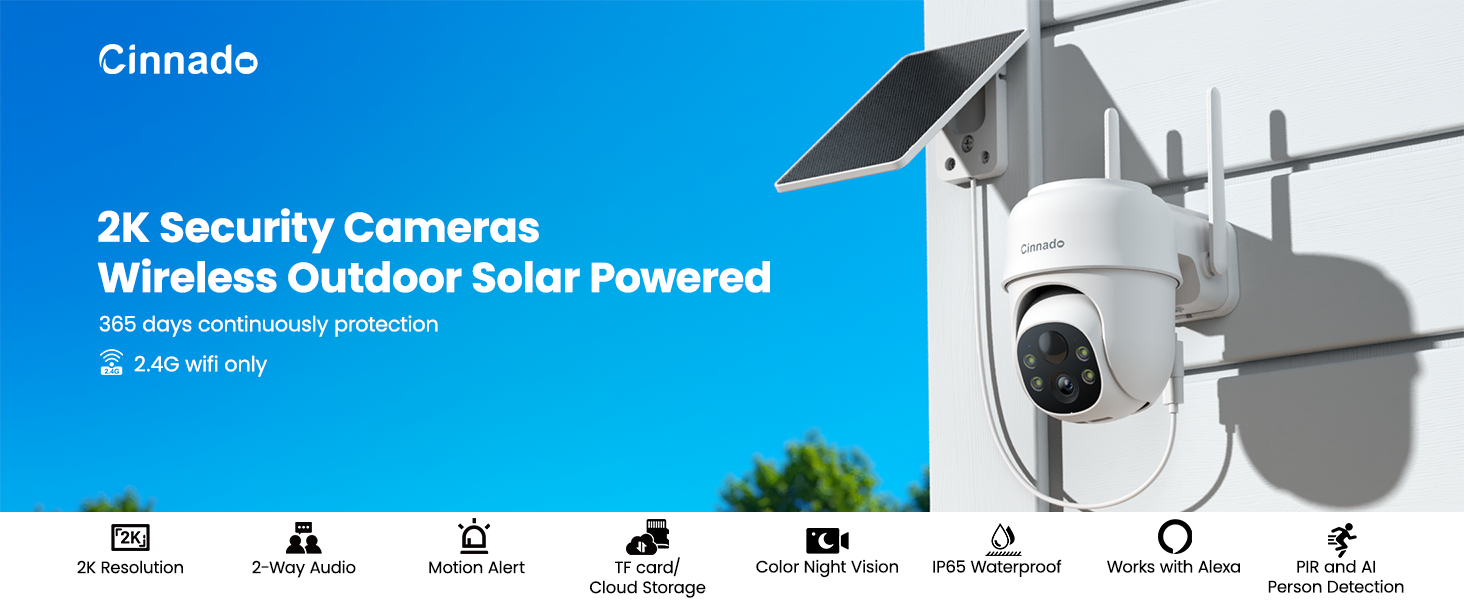
AI Person Detection
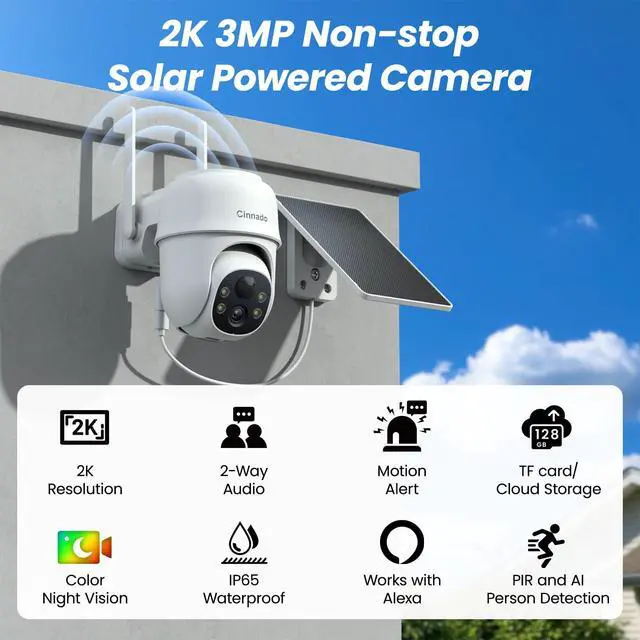
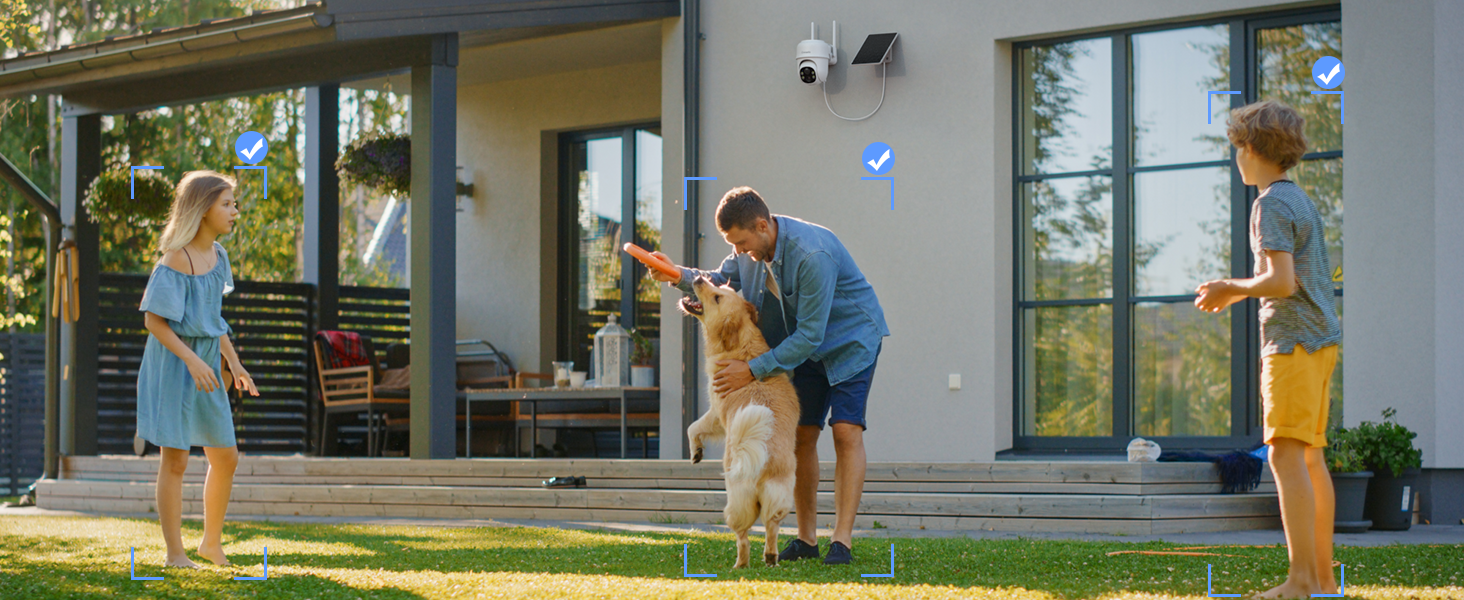
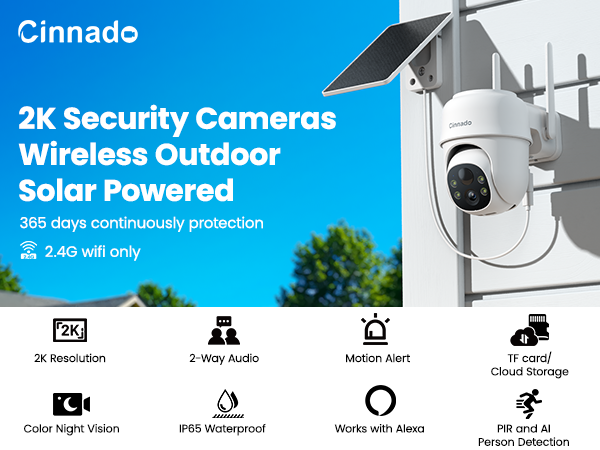
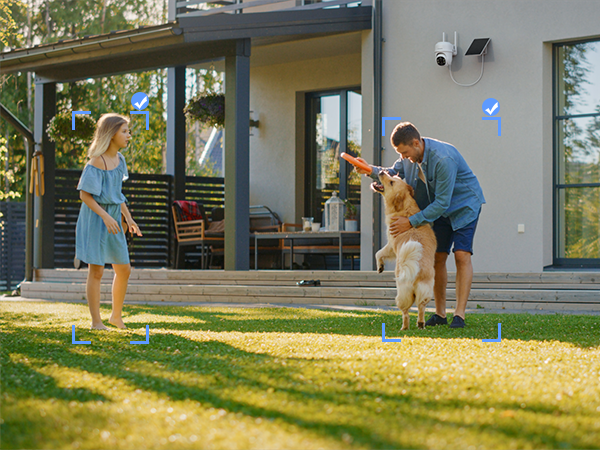
PIR and AI person detection reduces false alarms. No support for vehicle, package, or pet detection.
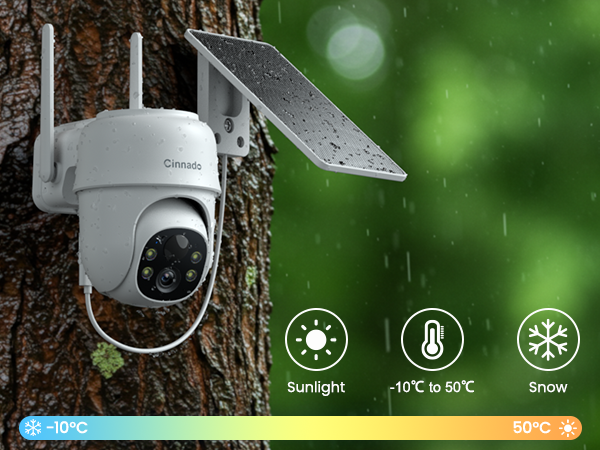
IP65 Waterproof
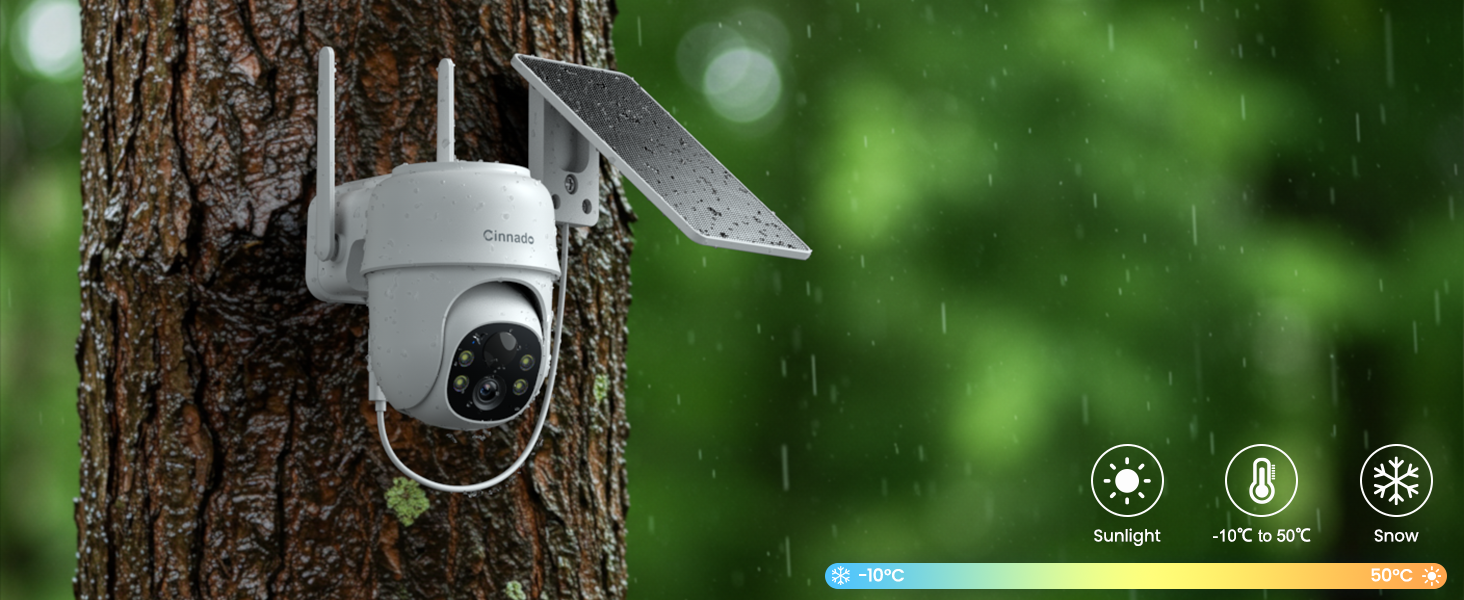
Operate in temperatures ranging from -10°C to 50°C, work reliably in diverse weather conditions.
SD Card Storage and Cloud Storage
These security cameras wireless outdoor support both SD card and cloud storage for your video footage. New users enjoy 30-days cloud storage trial. You don't have to subscribe to the cloud service to use the camera. The wifi camera accommodates up to 128GB of storage in both FAT32 and exFAT formats.
Share Your Camera with the Loved Ones
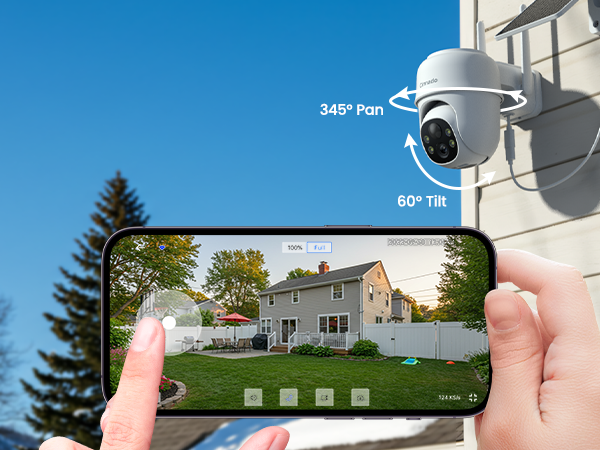
Our security camera lets you share access with family and friends, no matter where they are on the globe. Stay connected and grant instant access to loved ones, even if they're on the other side of the Earth.Share the security with ease!
Multiple Alarms: scare away the unwanted guests
What type of Wi-Fi network is required for setup?
This camera requires a 2.4GHz Wi-Fi band to connect. It is not compatible with 5GHz-only networks. Please ensure your router broadcasts a 2.4GHz signal (often found in your router's wireless settings under a dual-band network name or a separate SSID)
Why won't the spotlight or white lights stay on all night?
To conserve battery, the spotlight is an intelligent motion-activated light. It automatically turns off when idle to save energy, and instantly activates when motion is detected or you use Live View in the app.
Can this camera record video 24/7 continuously?
No. As a solar/battery-powered camera, it is designed to record short, event-triggered video clips when motion is detected to maximize battery life. It does not support 24/7 continuous recording. It allows for months of operation between charges.
Is a monthly subscription required to use the camera?
All core features are free. You can playback recordings by enabling Motion Alert feature without needing an SD card or subscription. If the app prompts need subscription to replay longer video, inserting a micro SD card(not included) is applicable.
How can I troubleshoot if the camera won't connect to Wi-Fi?
Ensure your phone is on a 2.4GHz Wi-Fi band. Move the camera closer to the router and verify your password. For dual-band routers, temporarily disabling the 5GHz band in your router's settings can simplify the process.
Cinnado
Smart Surveillance, Reliable Defense
Cinnado provides high-value security surveillance products. Our core mission is to ensure your safety and security.
We are committed to delivering top-notch products and services that protect your home and loved ones. Our team of experts is always ready to provide professional guidance and support to help you choose the right security system for your specific requirements.
With Cinnado, you can trust that your safety is our top priority.
Cinnado 2K Security Cameras